



Answered
No Roto Brush Panel After Double-Click
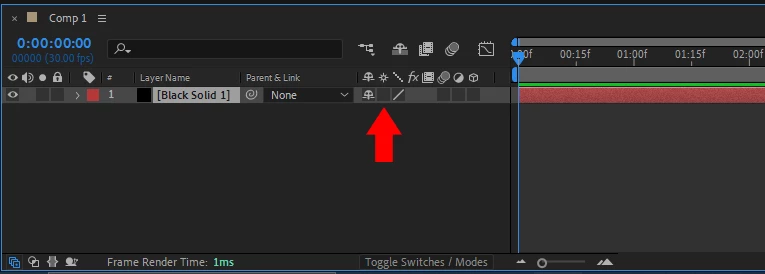
I am trying to use Roto Brush tool on a composition. Usually, after selecting the Roto Brush Tool (Alt+w), all you need to do is double click the layer you want to use the Roto Brush. But somehow after I double-click the layer, the Roto Brush Panel does not appear.
How to make the Roto Brush panel appear if double-clicking it is not working?
I don't know if this info is useful or not, but I use Windows 10 and I kept hearing 'bling' sound after double clicking the layer for Roto Brush.
If this is a bug after i update After Effects, do I have to uninstall the update?


 AdChoices