Known Participant
Oct 30, 2019 12:40 PM UTC
Answered

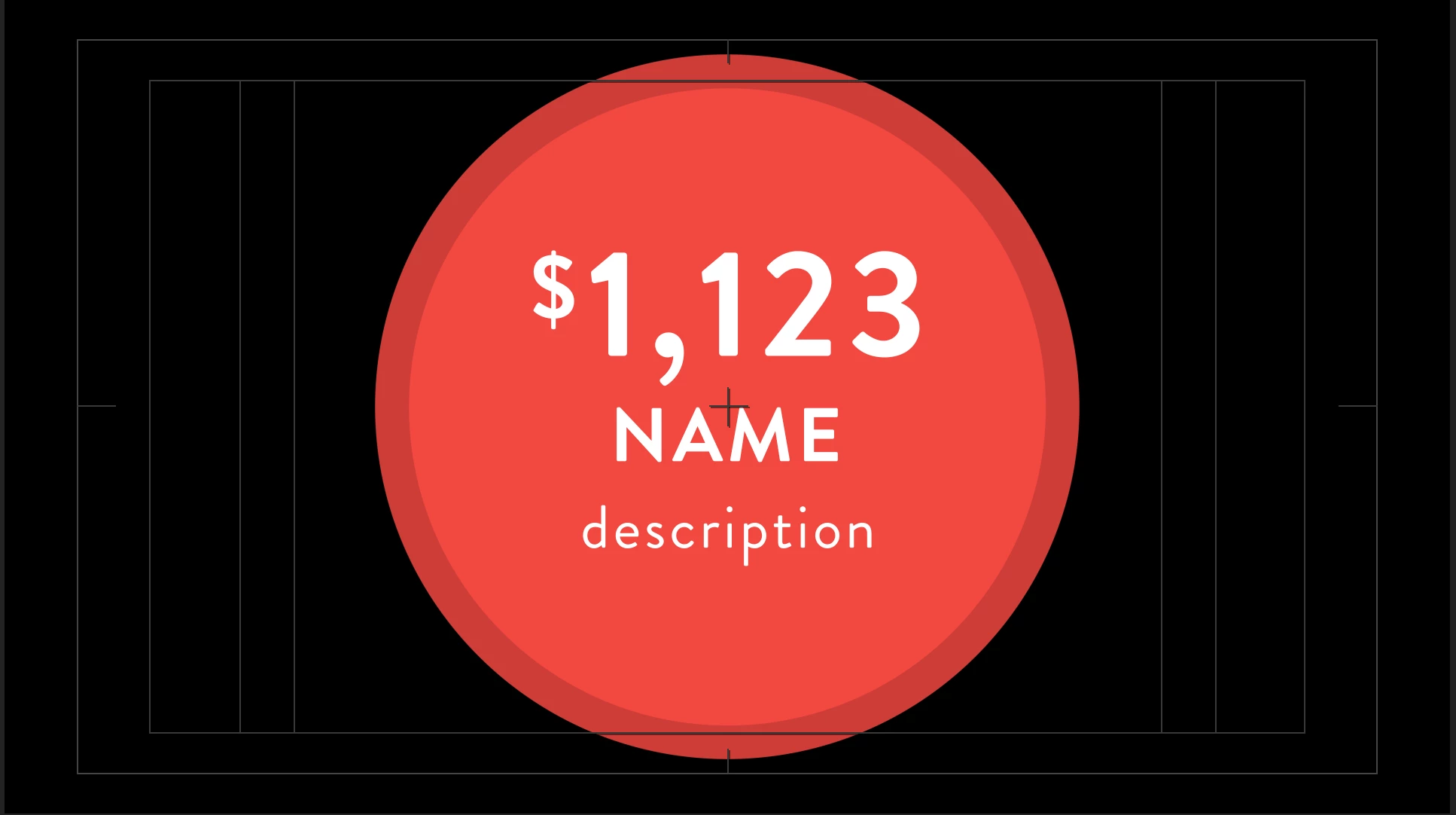
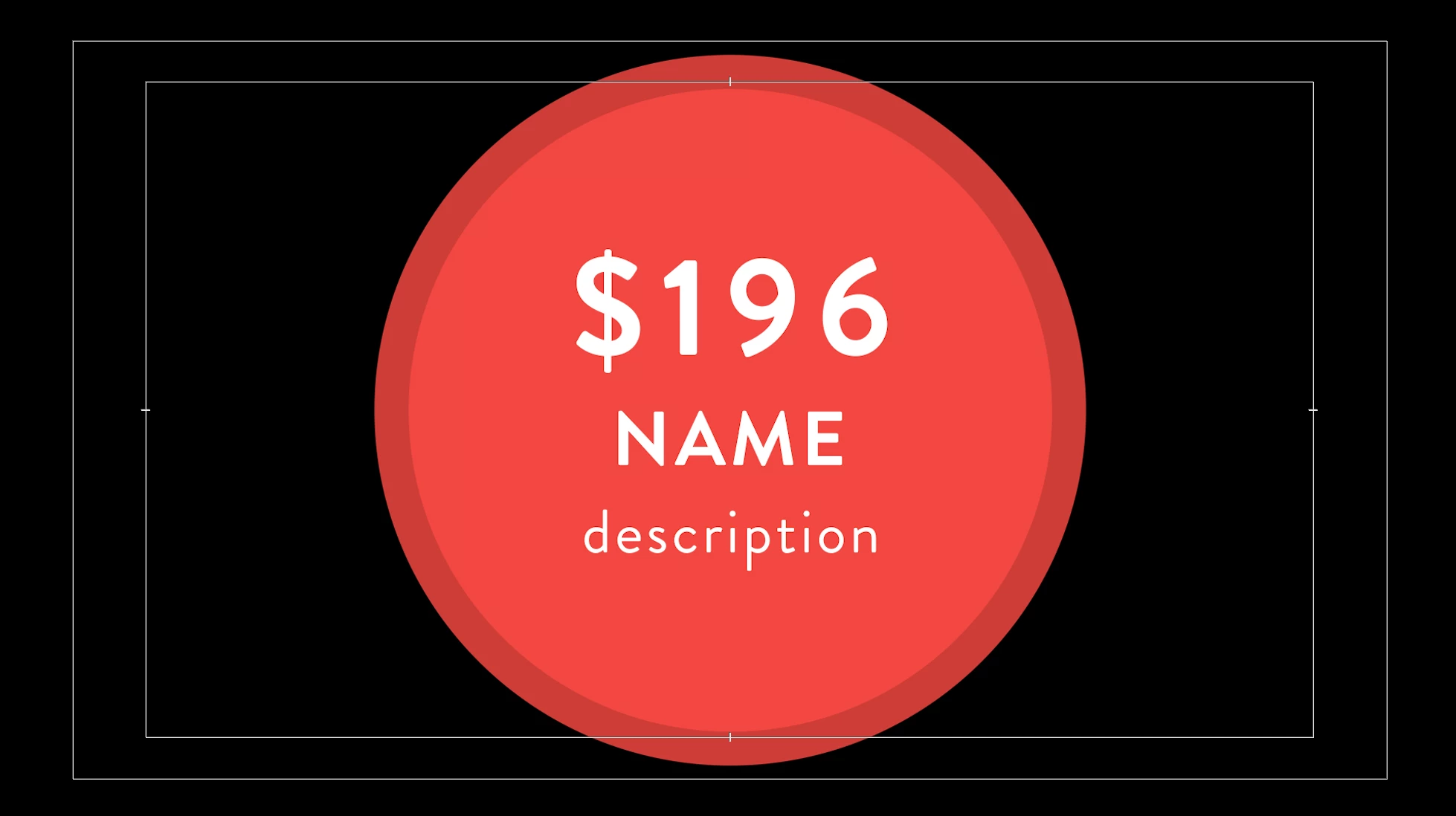
Not able to use superscript for essential graphics

I have a problem while using superscript to create an essential graphic. Premiere doesn't respect the faux styles. Any ideas or

suggestions (I need the $ symbol always with the same tracking. Thx

    Roland Kahlenberg
    Roland KahlenbergCorrect answer
    Legend
    Oct 31, 2019 2:02 PM UTC

    Thanks for the reply, it sounds like a part of the solution but I still have to keep the same distance between the $ symbol and the numbers. I'm looking for a script or something that helps me to keep them in place. Thanks again.


    The Expression method sourceRectAtTime should do the trick. Lutz's recommendation to use a Text Animator with a Scale and Position Text Animation Operators should also work.


    With the sourceRectAtTime solution you'll need to know how many pixels you want to offset the $ sign, from the first number AND you require two Text Layers in AE. For the Text Animator solution, you will only require one Text Layer with one Text Animator Group which is used to select the first character and scales and positions it to suit your needs in AE and this alignment and sizing will hold through in PPro. Let us know if you require specifics.

    Very Advanced After Effects Training | Adaptive & Responsive Toolkits | Intelligent Design Assets (IDAs) | MoGraph Design System DEV


    8 replies

    Participant
    Oct 20, 2023 3:07 PM UTC

    I had the same problem. My reply is for anyone who comes across this years later to find help. A simple workaround that worked for me when I needed to apply a trademark (™) and registered mark symbols, was to just put the ™ in the essential graphics text. That way it would be there if and when I needed it. I was able to copy and paste the superscript to move it wherever I needed it within Premiere. So, simply put all the symbols and superscripts you think you'll need in your essential graphic. No code, no expressions, etc. 

    Translate
    Participant
    Sep 19, 2024 4:10 PM UTC

    Can you upload your AE file you used to export your MOGRT? I can't get this to work

    Translate
    Mylenium
    Legend
    Oct 30, 2019 3:07 PM UTC

    Apply a text animator for Scale.


    Mylenium

    Translate
    Known Participant
    Oct 30, 2019 3:25 PM UTC

    Thanks for the reply, the problem is that the "Medallion" is a branding asset so it has to have always the same % position and scale between the $ symbol and the numbers.

    Translate
    Roland Kahlenberg
    Legend
    Oct 30, 2019 11:52 PM UTC

    It looks like you've used the same Text Layer for the $ and the Numbers. They have to be separated into two Text Layers because the EGP in PPro doesn't allow you to have different type settings within a single Text Layer. So, other than separating the $ and the Numbers into two separate Text Layers, you can use a Graphic for the $ and a Text Layer for the Numbers. HTH.

    Translate
    Very Advanced After Effects Training | Adaptive & Responsive Toolkits | Intelligent Design Assets (IDAs) | MoGraph Design System DEV