Question
Nothing in my playback is showing up - Also AE stops responding when I try to close out.
Hey Guys,
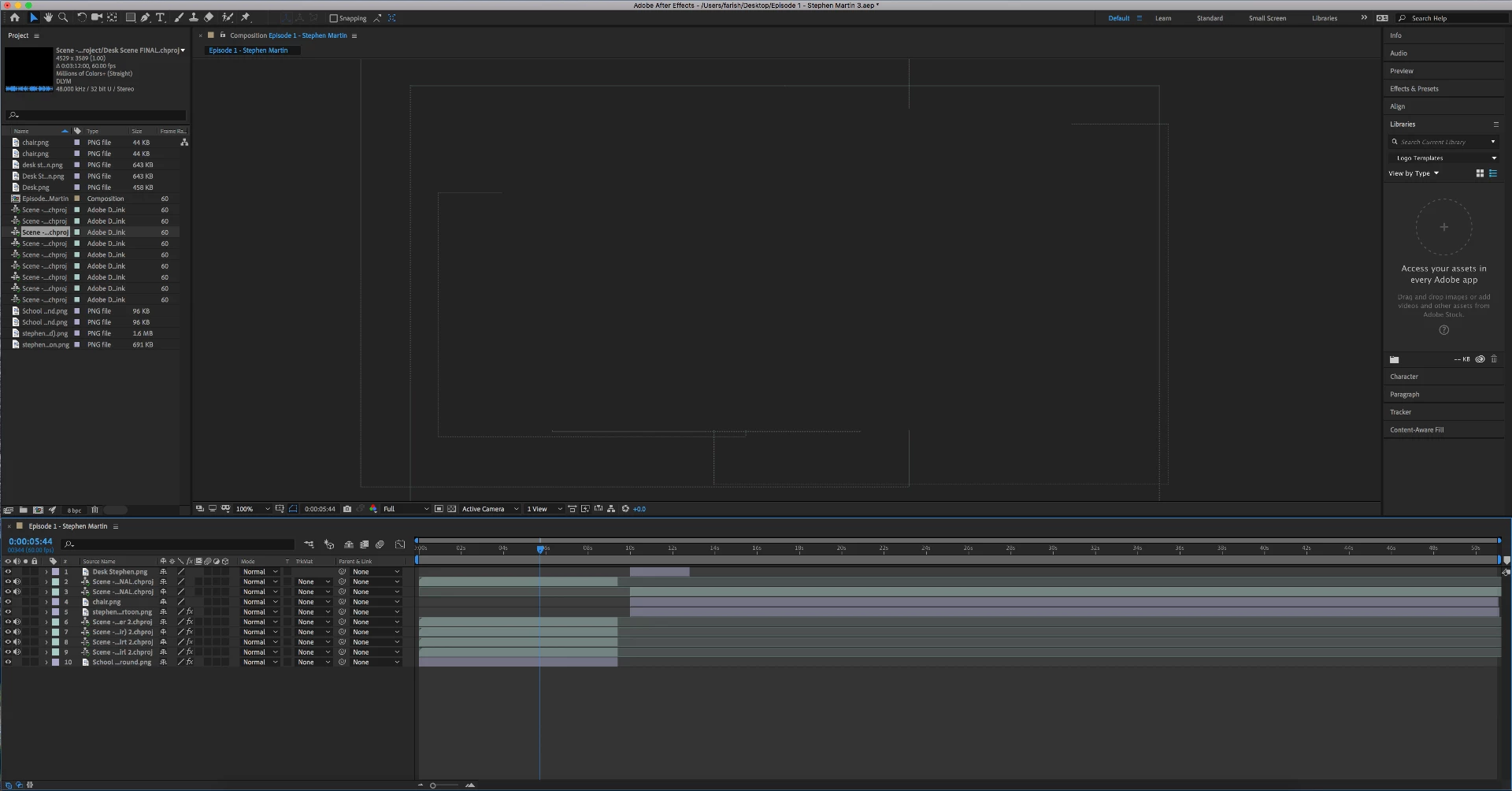
My project was working great all day today and then almost like clockwork, I went to add on additional layer and my entire playback images disappeared. I can still see the outlines of where they would be, and when I drag the timeline over, I see the outlines of some keyframes I put in, but NO actual images.
So far I've done the, "After Effects.old" I've uninstalled and reinstalled the app, I've restarted my computer, I've purged and removed my cache, I don't know what else I can do.
As you might expect, this is a project for a client, and I was hoping to have it done by tomorrow.
My Specs:
iMac (Retina 5k, 27 inch)
8 GB 1867 MHz DDR3
AMD Radeon R9 M395 2018 MB
Is there possibly something obvious that I'm missing here?
Thank you!
Nic
 AdChoices