

m1jackson
Inspiring
November 21, 2022
Answered

Nvidia Studio Driver 526.98

  • November 21, 2022
  • 4 replies
  • 1465 views

I work in AE2021 due to issues with Rendering DNxHD files, but the issue DOES occur in 2023.


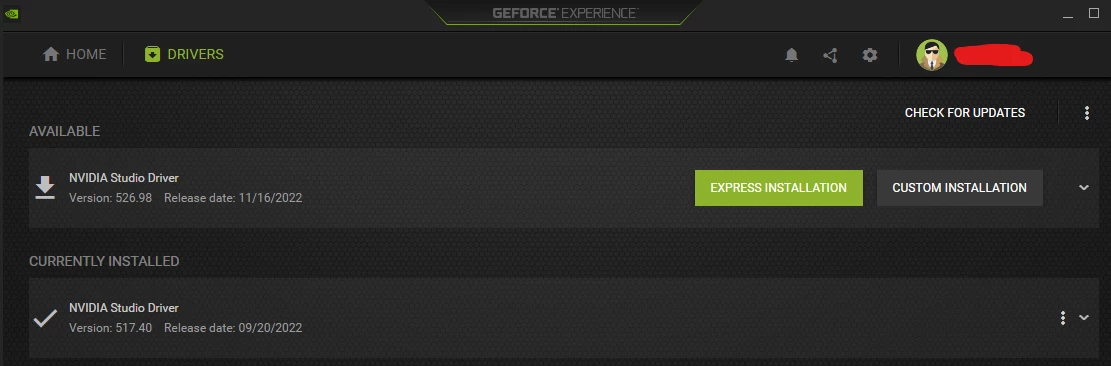
Tonight I attempted to update my Nvidia Studio Driver to 526.98. I've worked sucessfully to date without issue in 517.40
 

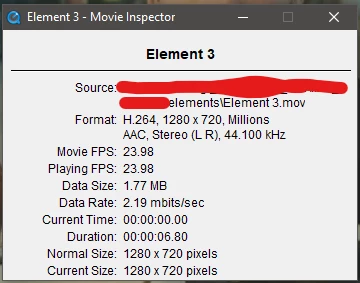
After installing 526.98, I used some mp4 ecoded Quicktimes from the client that have had NO issue to date in AE2021. They appear in Quicktime Player 7 just fine.
 

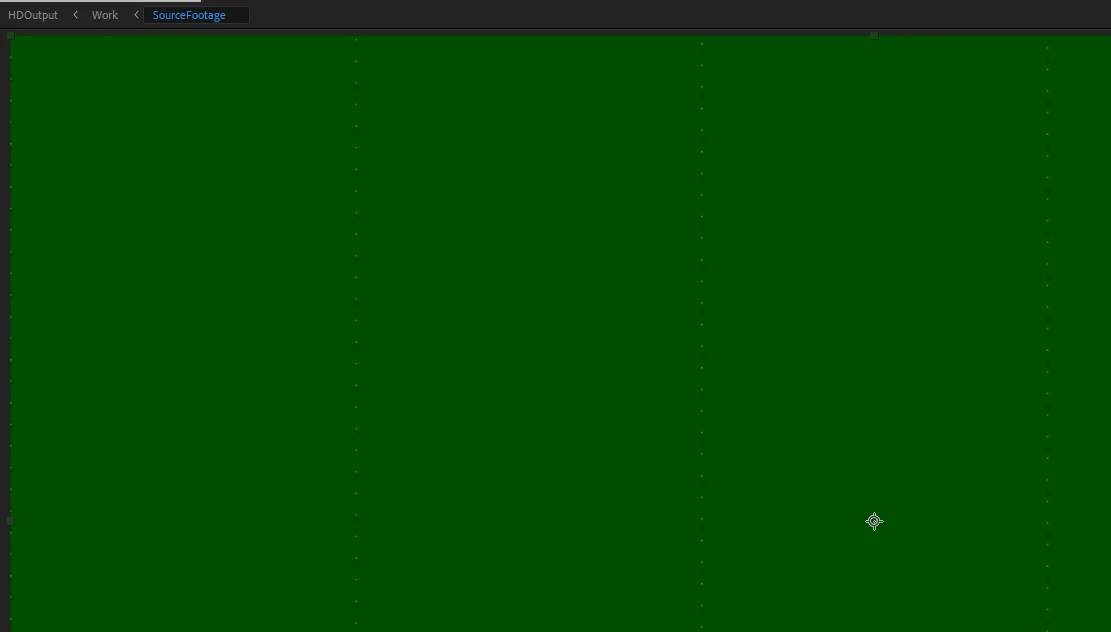
Opening an existing project that had no issues before the update, the screen was a giant green mess of green gobbledegook.
 

To reproduce

  1. Version of app: AE2021 18.4.6 - AE2023 23.0.0
  2. Platform: Intel PC i9, Windows 10 Pro 21H2
  3. To Reproduce: Install new studio driver 526.98
  4. Expected: Movies should appear correctly in AE. Actual: They appear green.


This topic has been closed for replies.
Correct answer JohnColombo17100380

Hi all,

Thank you for reporting this issue with the NVIDIA drivers. As noted in the thread linked below, the latest drivers from NVIDIA appear to correct this issue with H.264/H.265 decoding:

https://community.adobe.com/t5/after-effects-discussions/after-effects-2023-green-preview-with-h-264-files/td-p/13323345/redirect_from_archived_page/true 


Cheers,

- John, After Effects Engineering Team  

4 replies

JohnColombo17100380
Community Manager
JohnColombo17100380Community ManagerCorrect answer
Community Manager
December 20, 2022

Hi all,

Thank you for reporting this issue with the NVIDIA drivers. As noted in the thread linked below, the latest drivers from NVIDIA appear to correct this issue with H.264/H.265 decoding:

https://community.adobe.com/t5/after-effects-discussions/after-effects-2023-green-preview-with-h-264-files/td-p/13323345/redirect_from_archived_page/true 


Cheers,

- John, After Effects Engineering Team  

Petr Holusa
Inspiring
November 22, 2022

I solve it with cleaning nvidia drivers with guru3d ddu in safemode and installed nvidia studio like 479.xx or something problem solved.


More more it fills like I have to turn off all hardware acceleration so I am not sure why people buying puget system for insane money if AE will not use the whole advantage of it. And adobe helps in the way like: ' strip of your car from everything, just keep car frame and wheels, and it would go run fast. 😂🤦‍♂

Nick Chen
Participant
November 21, 2022


I just have the same issue last night too.


Petr Holusa
Inspiring
November 21, 2022

Having same issue. 


Not sure who to blame. Some people said nvidia. 


Also getting blue screens. 😞