
TrentSunderland
Participant
April 1, 2020
Question

Object text keeps jerking and won't rotate smoothly

  • April 1, 2020
  • 1 reply
  • 169 views

Hi there,

I am trying to simply rotate this text around a cylinder and I cannot get the text to rotate smoothly.

I think I'm doing something wrong can somone please advise.
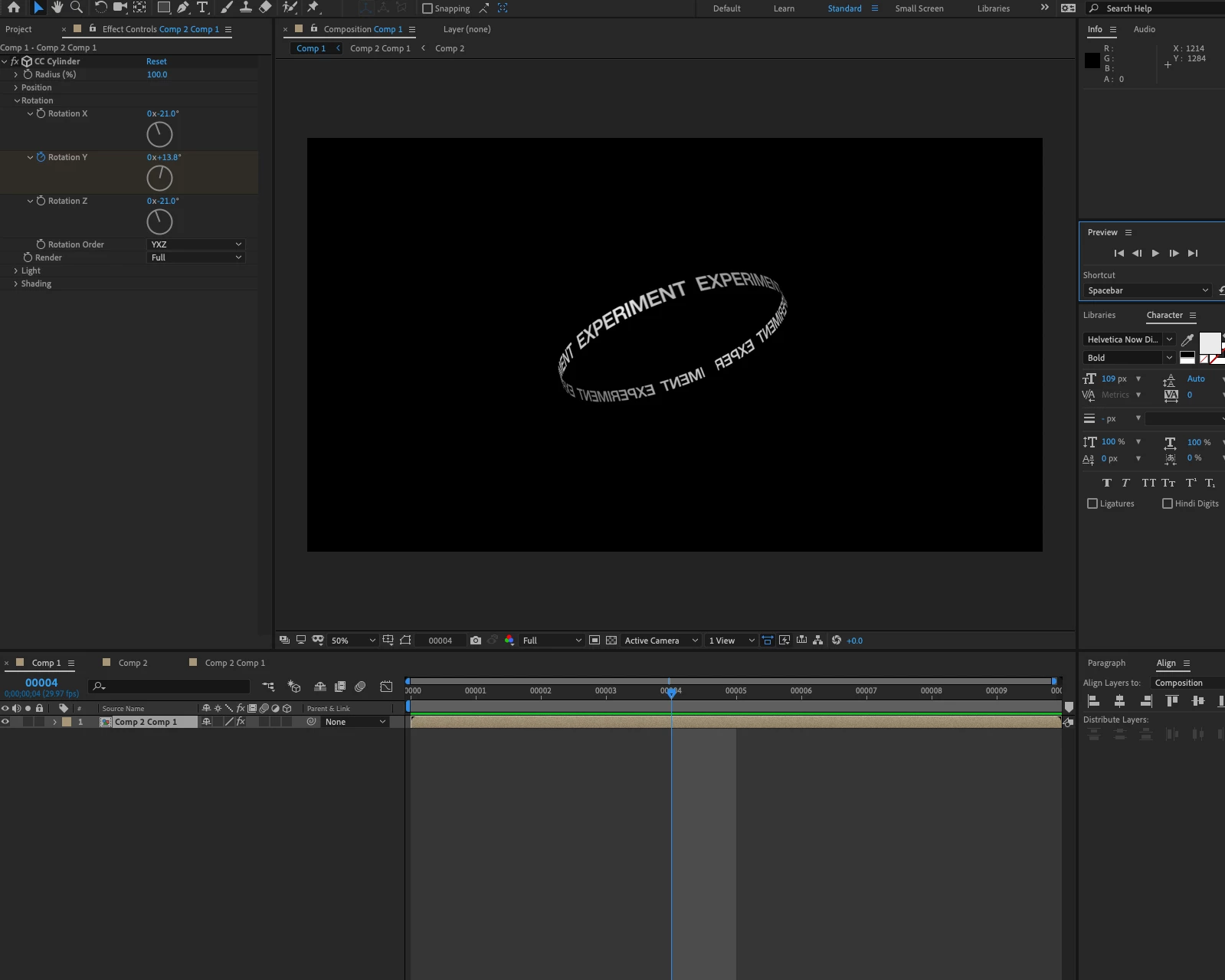


(attached file link for reference) https://www.dropbox.com/s/f06kel4om1w1j7z/Rotation.aep?dl=0

Thank you

Trent

This topic has been closed for replies.

1 reply

Community Expert
April 1, 2020

Looks like it's time to take a look at the User Guide


Your comp is only 9 frames long. If you have preview set to loop then it's going to look pretty crazy. 


Try changing the comp to 10 seconds and move the keyframes around a bit. You'll have to change the duration of all comps and extend the layers. 

TrentSunderland
Participant
April 1, 2020

Thank you Rick, 


I am very new and trying to get to grips with the environment.


This is very helpful.


Thanks

Community Expert
April 1, 2020

You'll also want to learn about critical speeds. If the rotation looks jerky or jittery when it is rendered then the speed is out of sync with the frame rate of the video so you end up with Judder. It's actually a stroboscopic effect. White type against a black background actually makes the problem worse. The lower the frame rate the more pronounced the problem is and the more accurate you have to be with your speed. 


You can hide small judders with motion blur, but if you want to use CC Cylinder, you'll have to use Pixel Motion Blur or CC Force Motion Blur to do that. 


Spend some time with the User Guide. You'll find links on this forum, on the AE Product Page, in the AE Home Screen and it will pop up when you use Search Help in the top right corner of AE.