Known Participant
January 24, 2024
Question

Opening After effects project in Premiere Pro

  • January 24, 2024
  • 1 reply
  • 254 views

Hello

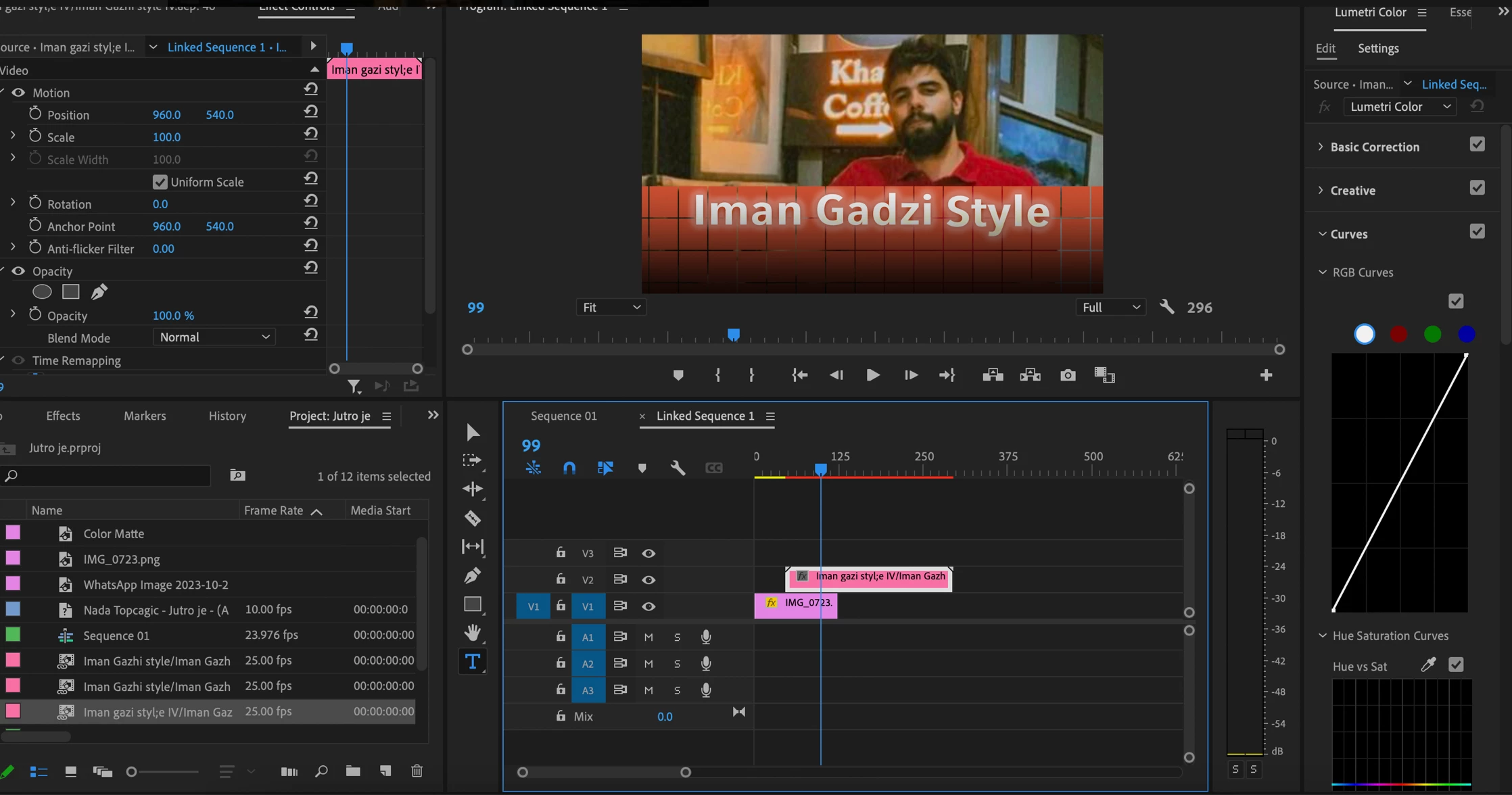
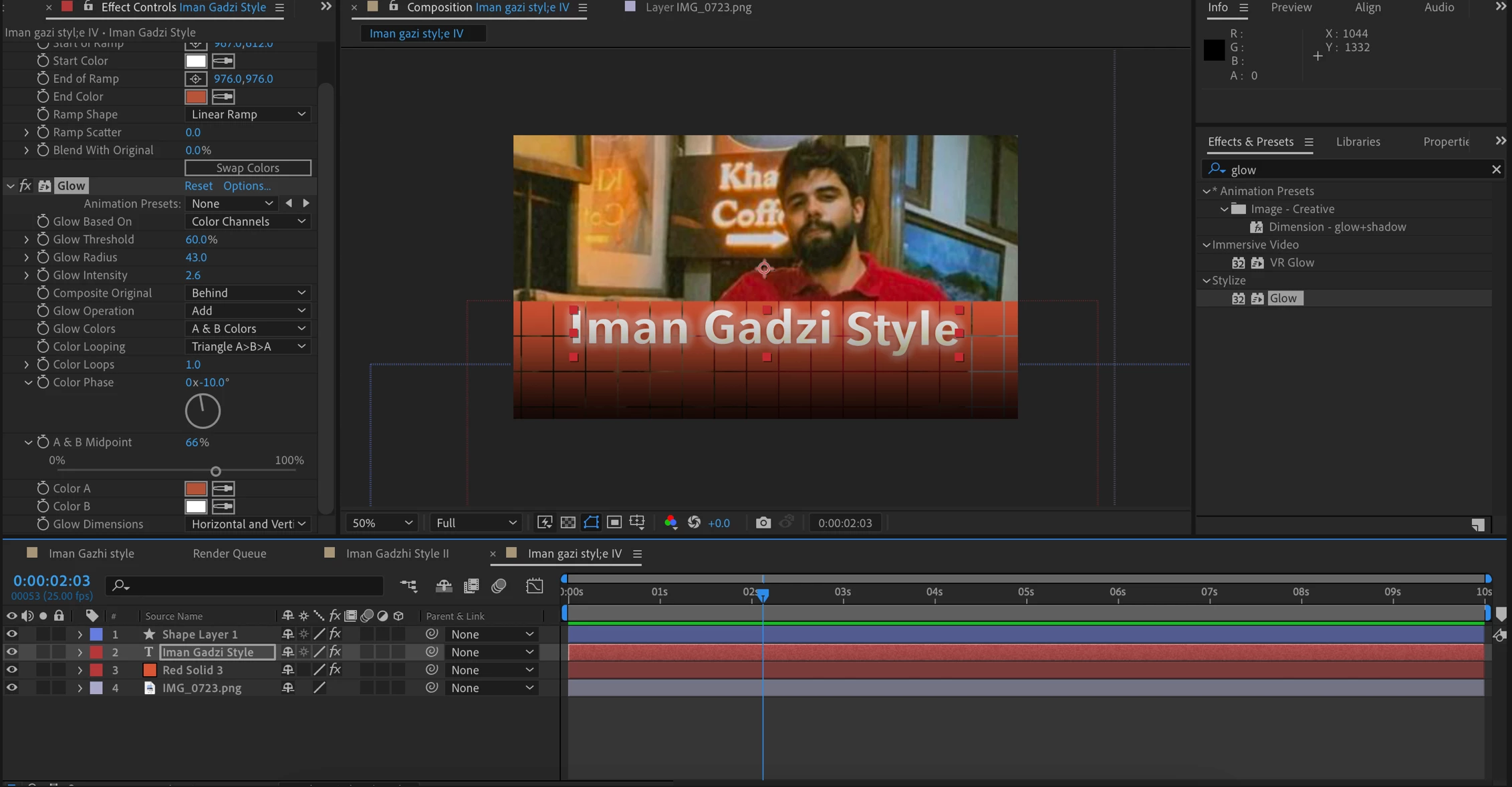
I've been trying to replicate a popular YouTuber's subtitle style. I made the project in After Effects and saved it as an aep file as a template and tried to open it in Pr as an editable layer. But I can't seem to change the font and the other layers in Ae project.

Is there any way wherein I could save the Ae project in different editable layer styles(like in Ps) so that I can edit them in Pr?

Attaching the screenshots of the Ae and Pr workspaces: 


Thank you!
  

This topic has been closed for replies.

1 reply

Legend
January 24, 2024

You need to use Essential Graphics panel in After Effects then you can export your MOGRT file to Premiere Pro.

There are many tutorials on YouTube.


Just don't forget to enable Font Properties for text layers.

Known Participant
January 25, 2024

Thanks so much for the MORGRT tip. 
Just one confusion. I see people on YouTube tutorials drag and drop certain properties in the Essential Graphics tab in Ae. Are these properties that can be modified in Pr? 
Suppose there's an effect that is not present in Pr, what then? For example, can the glow effect present in Ae be replicated in Pr upon exporting a MORGRT file?