



Out of memory error when applying content aware fill.
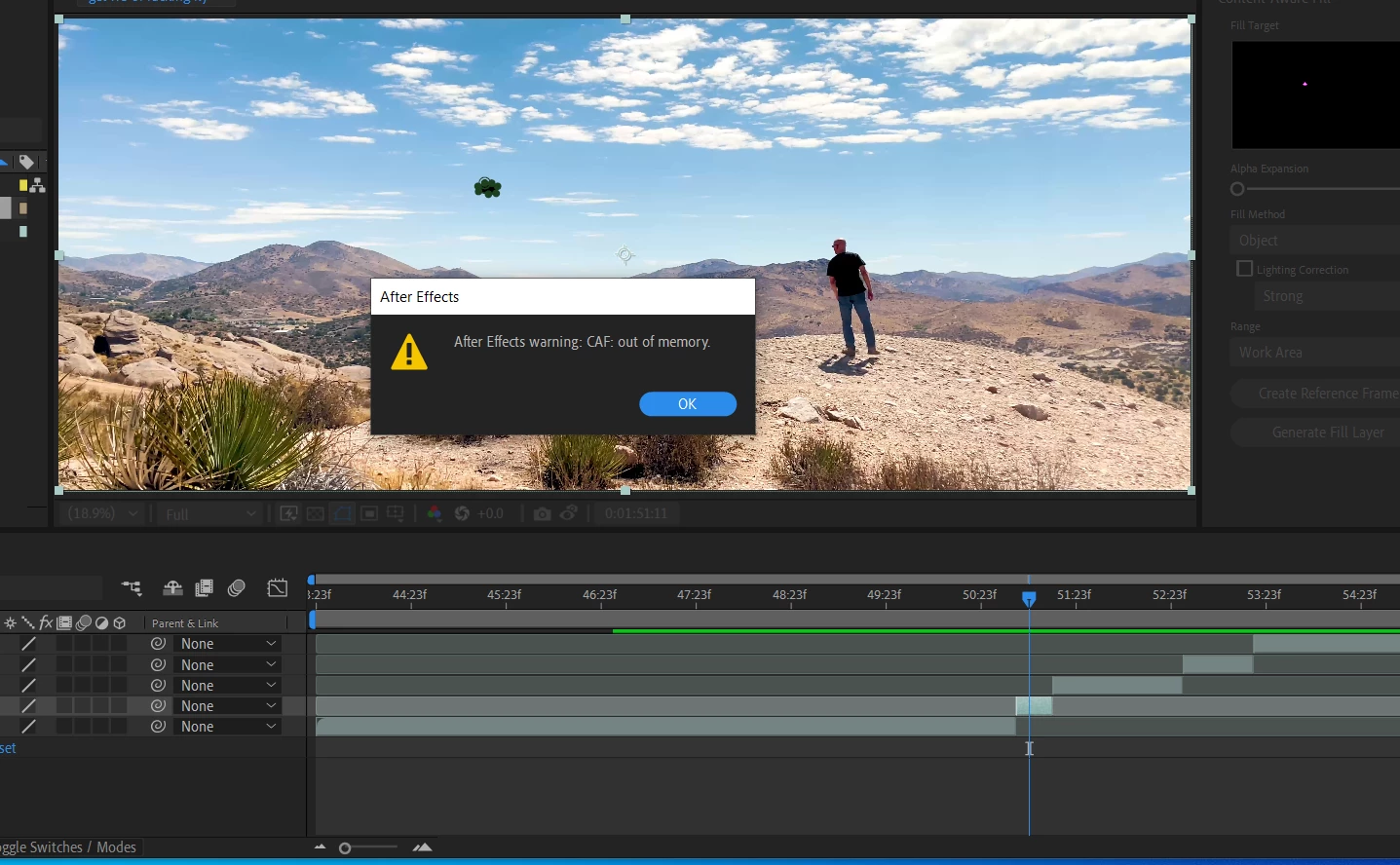
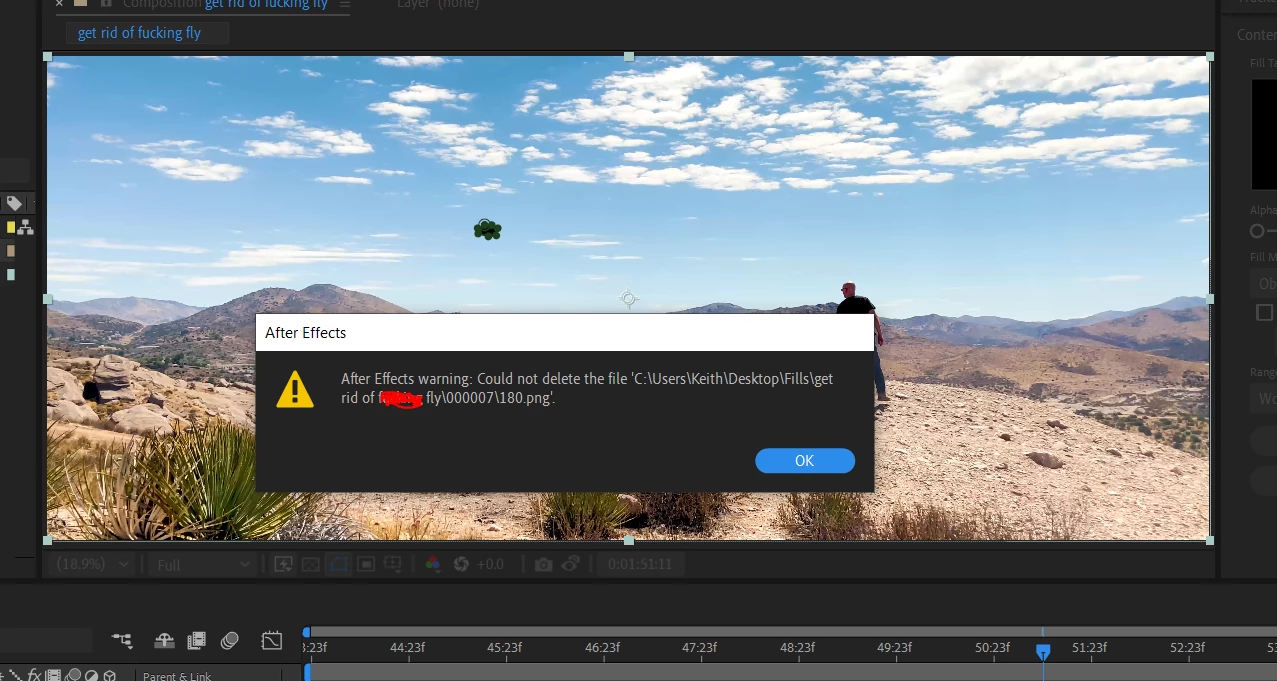
When I use content aware fill on a layer the system stops rendering the fill layer just as it finishes the analyzing section. I get the first "out of memory" error below, followed by the "file not found" error when I click OK on the first one.
My setup: HP laptop with Windows 10, 32 gigs ram, latest version of AE, Processor = Intel(R) Core(TM) i7-8550U CPU @ 1.80GHz, 1992 Mhz, 4 Core(s), 8 Logical Processor(s)
More backstory: I was working with this issue by chat with an Adobe support rep. He had me drag my Mediacore folder to my desktop, which contained (if I understand correctly) the Black Magic raw plugin I used to get my video footage into the project. Moving the folder to my desktop seemed to fix the memory issue, but then my AE session couldn't show any of my clips, as they all turned to those color bars. Returning the Mediacore folder to its previous home and reloading returned the project file to normal.
Not sure what to do next.


 AdChoices