
Inspiring
February 6, 2017
Answered

'Paint on Transparent' problem. Please Help!

  • February 6, 2017
  • 4 replies
  • 10597 views

Hi!

So I am currently trying to reveal an image layer in AE using the brush tool as a mask, so I am painting on a new solid layer (white background, black for the paint color), and using a silhouette luma to reveal my image. This part works fine.

In addition, I want to add a 'Roughen Edges' effect to the BRUSH STROKES ONLY, not the entire silhouette luma layer itself. From a different forum I found a post on how to do this:

"Create a solid, choose that solid - dobule ckick so it opens that layer. Paint something with brush tool. Then go this solid effects panel - click on "paint on transperent" then add Roughen Edges right after it."

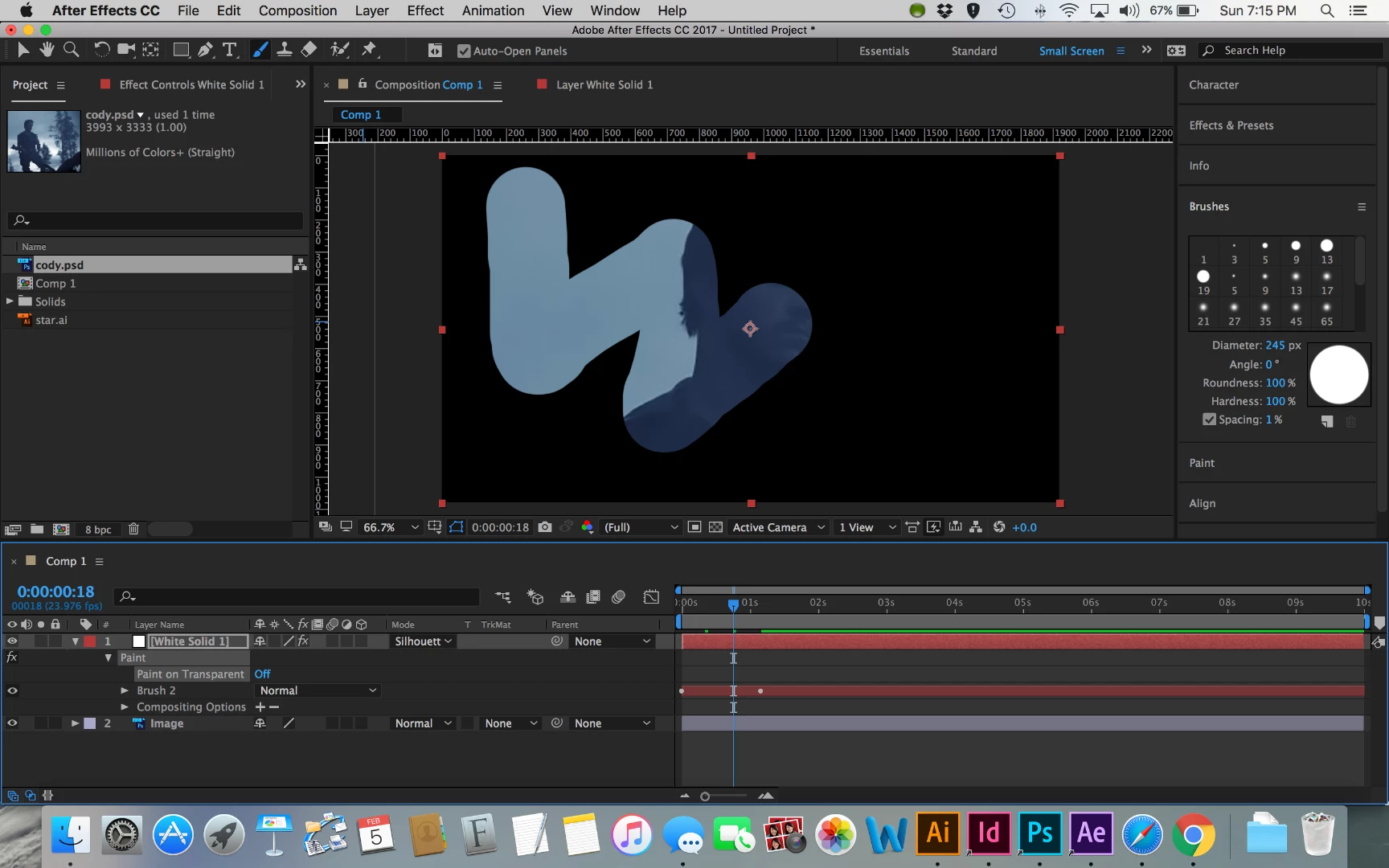
The problem I have is that whenever I click on the "Paint on Transparent' box, the entire layer disappears and I can no longer see ANY paint strokes or any other part of the layer. The whole thing just disappears. I added some screenshots as to what is happening.

with PAINT ON TRANSPARENT off:
with PAINT ON TRANSPARENT on:
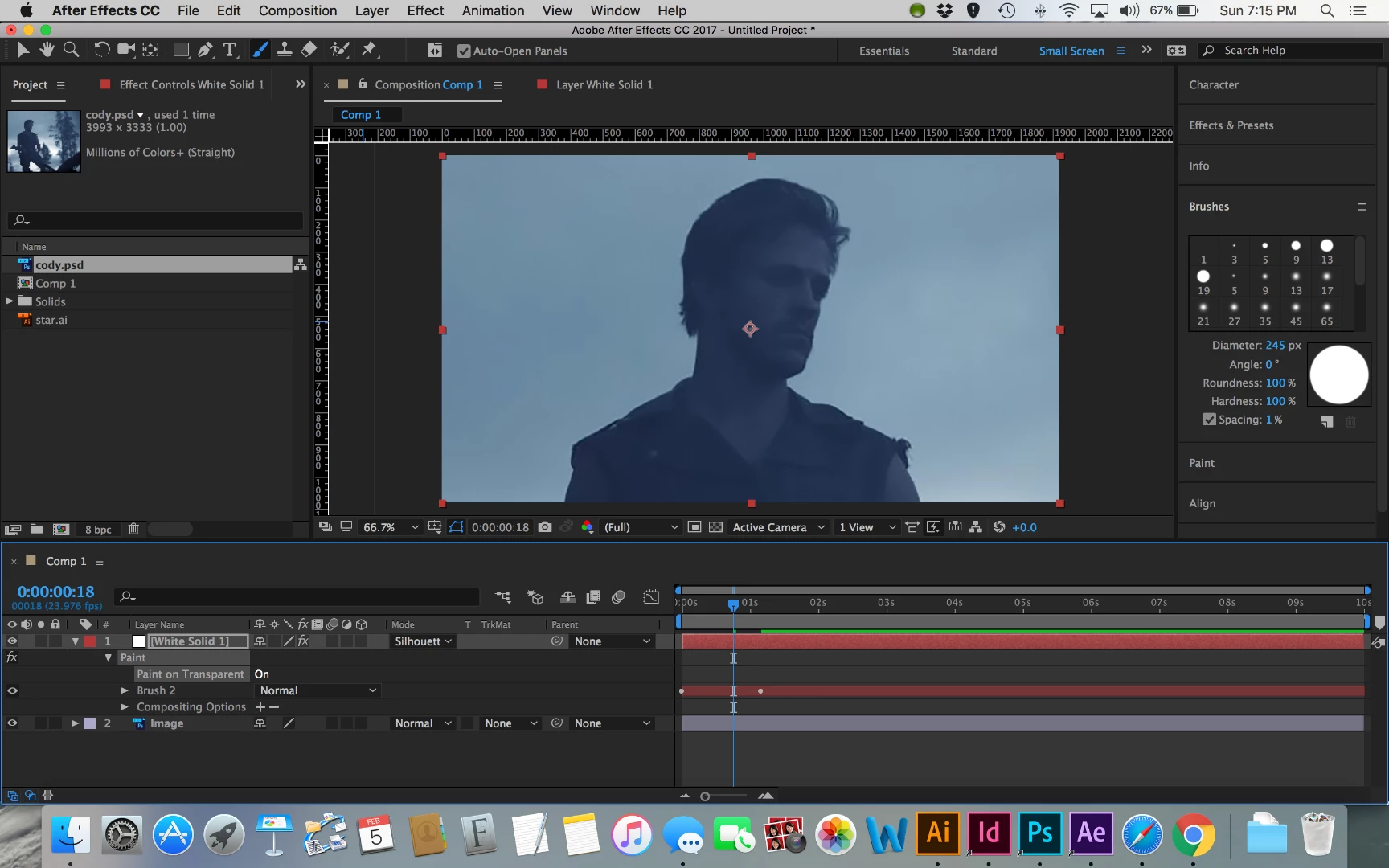
I've tried pre-comping layers and adding duplicates of the image below, but to no avail.

Any thoughts as to why this is? Am I missing something?

Any and all help is appreciated!

    This topic has been closed for replies.
    Correct answer B-Landisman

    Ah I figured it out. Paint settings need to be on RGBA!

    4 replies

    Participant
    May 20, 2021

    I am facing the same issue, but I have already created 600+ paint strokes. How can I change the existing paint strokes to RGBA?

    Participant
    March 24, 2020

    thanks a lot .I had the same problem and was searching the answer since yesterday.

    This works PAINT settings need to be on RGBA..

    Inspiring
    February 6, 2017

    Thanks Roel, but it doesn't help the main problem with the "Paint on Transparent' button. In either stencil alpha or silhouette luma, the entire layer along with the brush strokes on it completely vanish.

    Any other thoughts?

    B-LandismanAuthorCorrect answer
    Inspiring
    February 6, 2017

    Ah I figured it out. Paint settings need to be on RGBA!

    Roei Tzoref
    Legend
    February 6, 2017

    this too apparently. the software probably should give you, as you click "paint on transparent", a warning message: no transparent channels but maybe that's asking too much. but you could probably know something is wrong if you clicked the checkbox before you set the matte options.

    Roei Tzoref
    Legend
    February 6, 2017

    luma mattes won't work if you only have back. use stencil alpha instead of silhouette luma