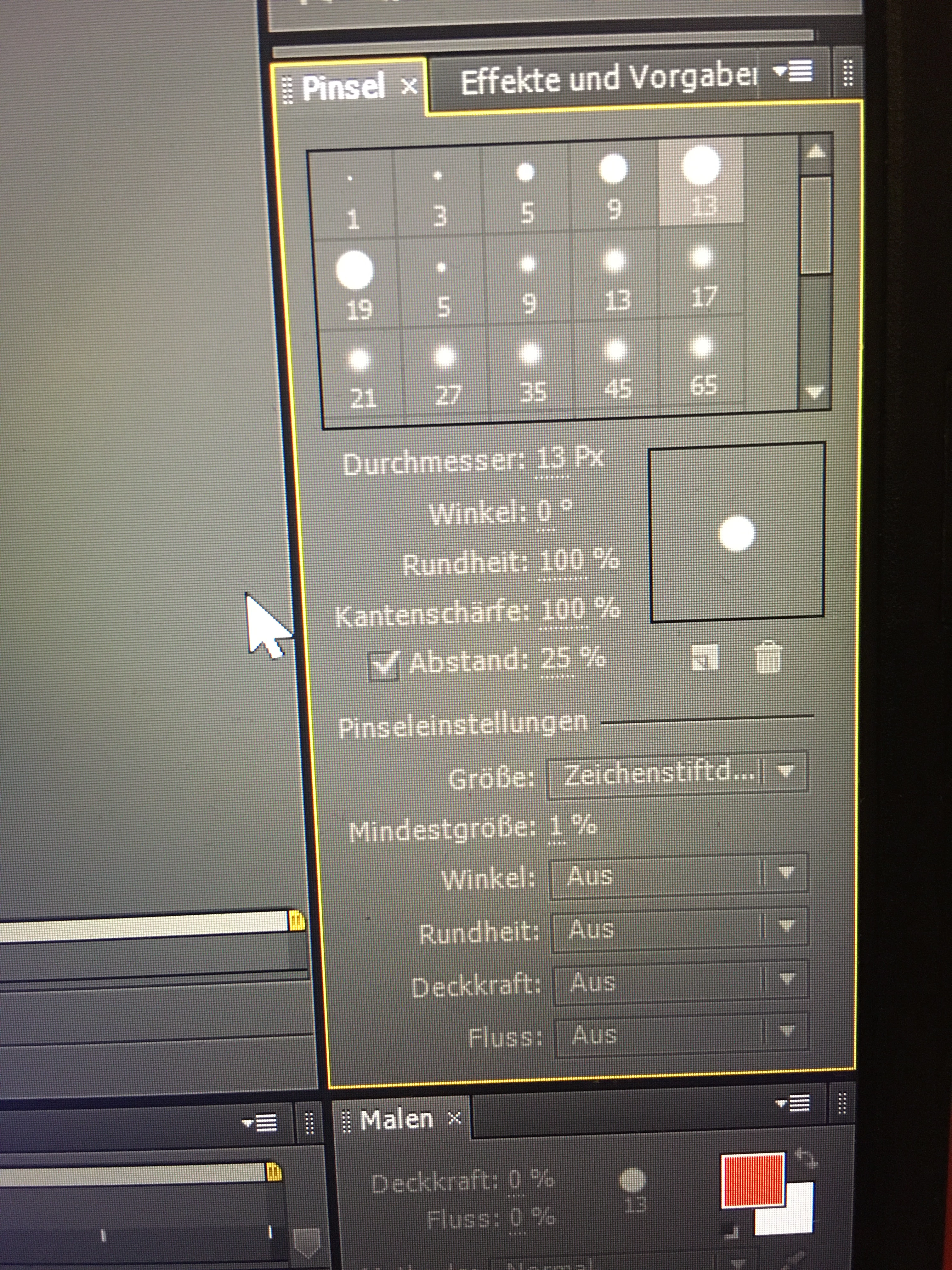
Paint Tab doesn‘t work

I can't choose brushes. They are gray instead of black. I created a new project, but nothing has changed. Google didn't help either. I can't click anything in the box. Does anyone have an idea or know why it doesn't work?

I can't choose brushes. They are gray instead of black. I created a new project, but nothing has changed. Google didn't help either. I can't click anything in the box. Does anyone have an idea or know why it doesn't work?
It does not look like you have the paint tool selected. Select the tool in the toolbar or press Ctrl/Cmnd + b to bring up the paint tool, make sure the layer you want to paint on is visible in the Layer Panel, and try again.
Already have an account? Login
Enter your E-mail address. We'll send you an e-mail with instructions to reset your password.