Known Participant
November 10, 2019
Answered

Particle World Custom Adjustment

  • November 10, 2019
  • 2 replies
  • 5797 views

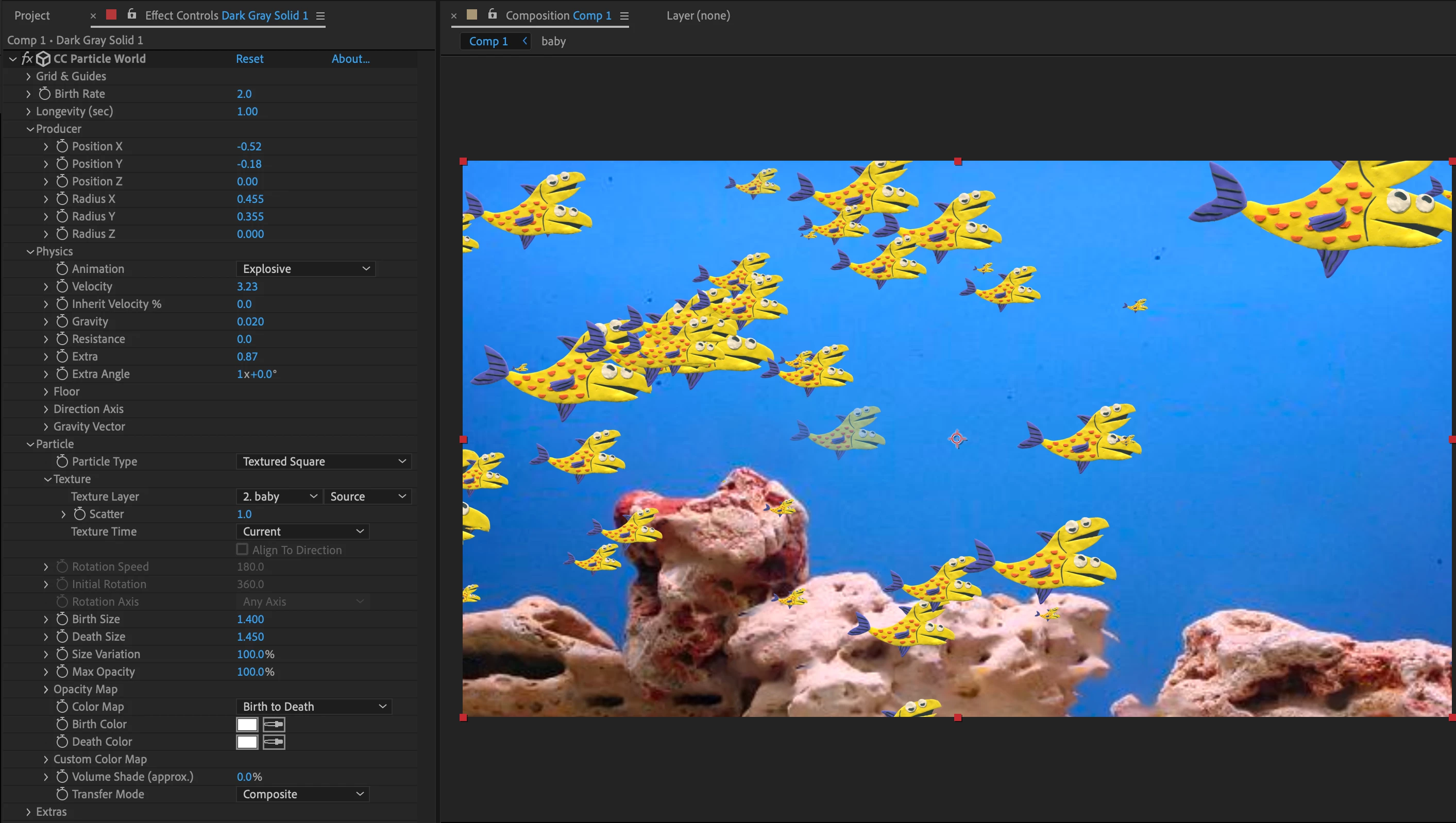
I am working on a Particle World shot with a bunch of fish in it. What can I do to ensure that all of the particles have 100% Opacity (no fading), and to make the ones in the foreground larger than the ones in the background?


(Or, if I have to, I could just make all of them the exact same size, birth to death.)
Correct answer Rick Gerard

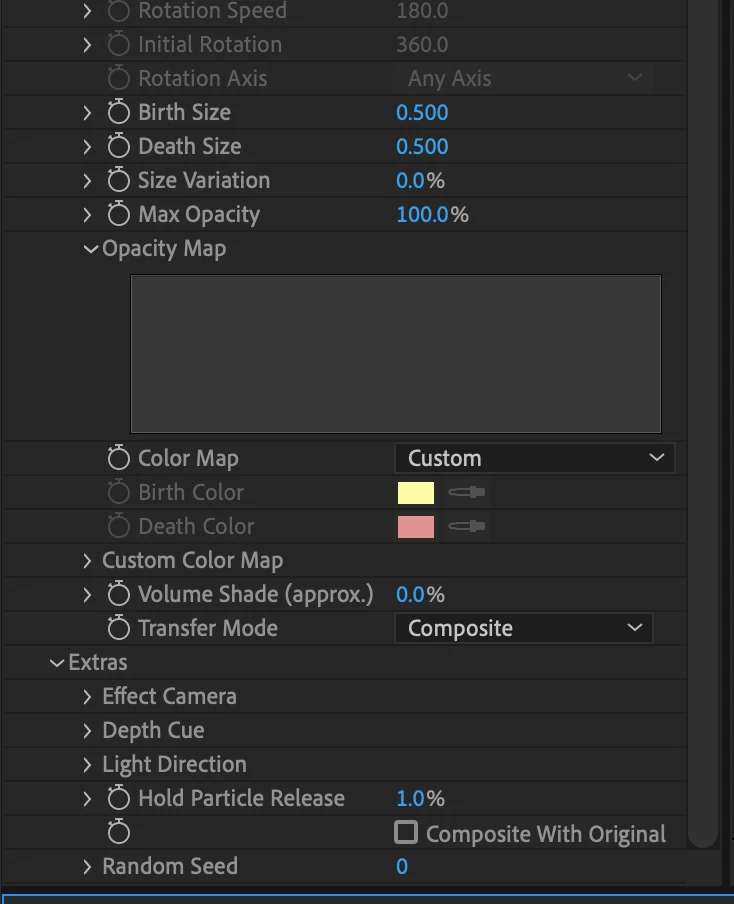
You just need a couple of tweaks. In the Particle Section spin down the Opacity map. When you hover over the graph you can draw a new one. Just scrub back and forth at the top until the opacity is always at 100%. Then, to keep the particles from fading in at birth set the Hole Particle release to 1%. Your particle section should look something like this:

2 replies

vikasc76444864
Participant
February 9, 2023

You need to do what is said by Rick as well as go to Extra>Depth Cue>Distance : Increase the value until you dont get desired result...

Rick GerardCommunity ExpertCorrect answer
Community Expert
November 10, 2019

You just need a couple of tweaks. In the Particle Section spin down the Opacity map. When you hover over the graph you can draw a new one. Just scrub back and forth at the top until the opacity is always at 100%. Then, to keep the particles from fading in at birth set the Hole Particle release to 1%. Your particle section should look something like this:

Participating Frequently
May 17, 2021

mine doesn't seem to let me change the opacity map. tried every mouse button and modifyer key but nothing seems to affect it.