Participant
May 10, 2018
Question

Path position move after I copy it onto a path.

  • May 10, 2018
  • 2 replies
  • 1695 views

Hi, all

I am doing a animation project, now I bump into a problem.

Basically, what I want to do here is create a shadow as the tree grows.
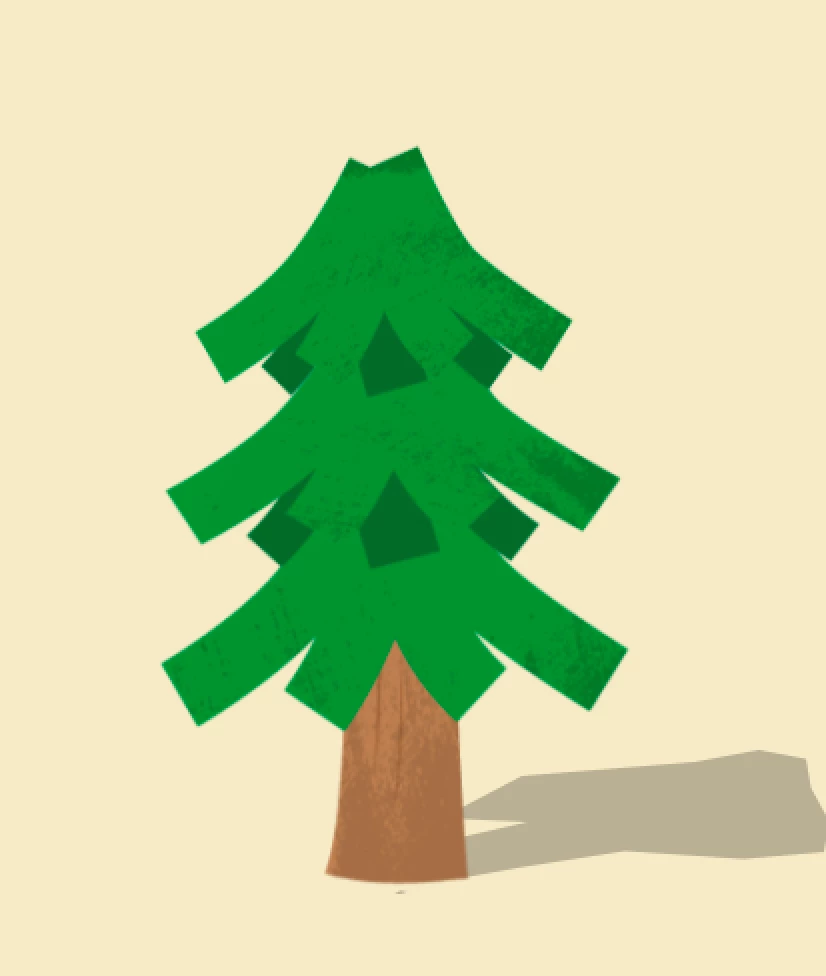
So, i drew a shape using pen tool like above.

Then, I drew this tiny shape to match the beginning of the animation.
Both of their anchor points are in the center of the screen.

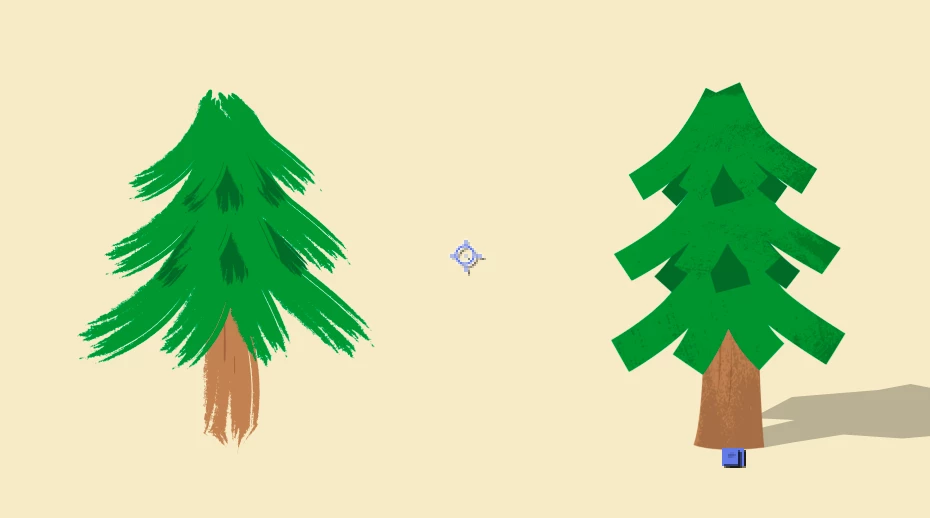
Now, I paste the second path I drew onto the the first at an early frame. It turns out to be like this.
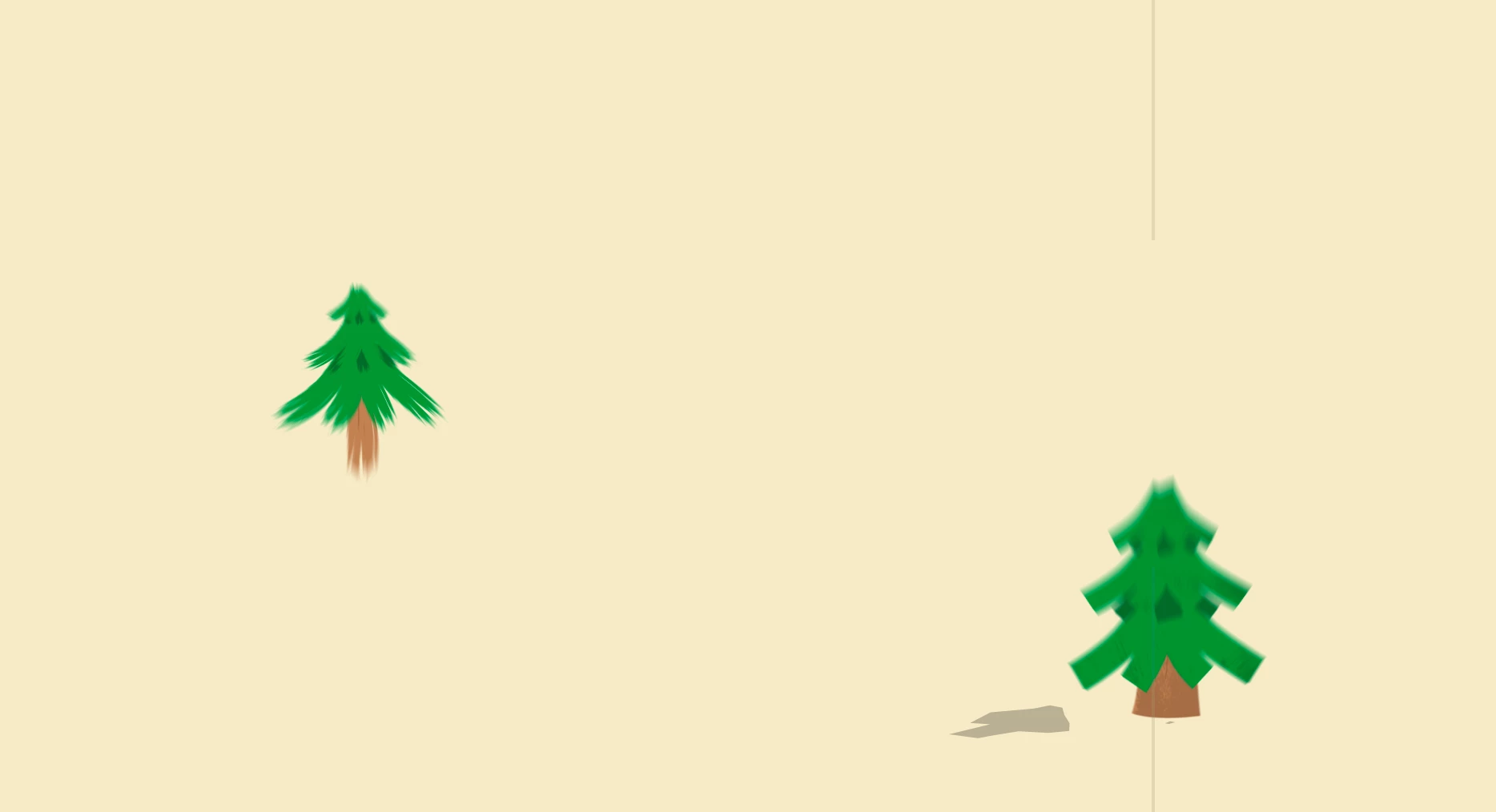
For some reason, the initial position moved to somewhere else, which is not what I want.

How to fix this? And what causes it?

Cheers,

Pan

This topic has been closed for replies.

2 replies

Roland Kahlenberg
Legend
May 10, 2018

I'm with Rick on this - ensure their Anchor Points are aligned to the same spot - use SHIFT+Parent to get this done BUTT you must first ensure that each layer's Anchor Point is strategically placed - in your scenario, this will be the center-bottom of the tree's trunk.

Here's a tutorial on the Shift+Parent feature -

Tip 014 - Shift + Parenting Behavior in After Effects - YouTube

Very Advanced After Effects Training | Adaptive & Responsive Toolkits | Intelligent Design Assets (IDAs) | MoGraph Design System DEV
Participant
May 11, 2018

Hi, Roland

Thanks for the video, something new for me.

But i don`t know how it to do with my case here. I am transforming the shape, and only create the second shape layer to get the shape I want, rather than linking a layer to another.

Could you explain a bit more?

Cheers,

Pan

Roland Kahlenberg
Legend
May 11, 2018

Your first step should be placing the Anchor Point strategically. In your use-case, the strategic location will be at the base of the tree trunk. You must know the Anchor Point is the center point of any Transform>Scale operation you apply to a layer. Since you are not familiar with Parenting, use AE's Search Help (top right of AE's UI) to search for Parent. Then, when you have a specific question pertaining to Parenting or Shift+Parenting, come back here to let us know.

Very Advanced After Effects Training | Adaptive & Responsive Toolkits | Intelligent Design Assets (IDAs) | MoGraph Design System DEV
Mylenium
Legend
May 10, 2018

You need to brush up on how shape layers work. Of course it may get offset if the shape group you are pasting it to has already different transform values. Nothing unusual here. Just make sure your values are identical and the group hierarchy is organised accordingly.

Mylenium

Community Expert
May 10, 2018

You've got to line up the anchor points. Simple 3D rules. If the anchor points for the tree and the shadow are in the same place then they will move together.

An easier way to keep them together is to use parenting. This is real basic AE stuff. Spend some time in the help files studying up on anchor point and parenting.

Participant
May 11, 2018

Hi, Rick

Thanks for the reply. I suspect the transform values weren`t the same, this morning I drew another shape on the position I want, then copy and paste the first shape layer`s transform value, it works fine now.

Even though, I am not quite sure about how to achieve it by parenting. I am copying the path onto another path, I don`t understand how it works with parenting.

Cheers,

Pan