Participant
January 7, 2023
Question

paused rendering

  • January 7, 2023
  • 3 replies
  • 528 views

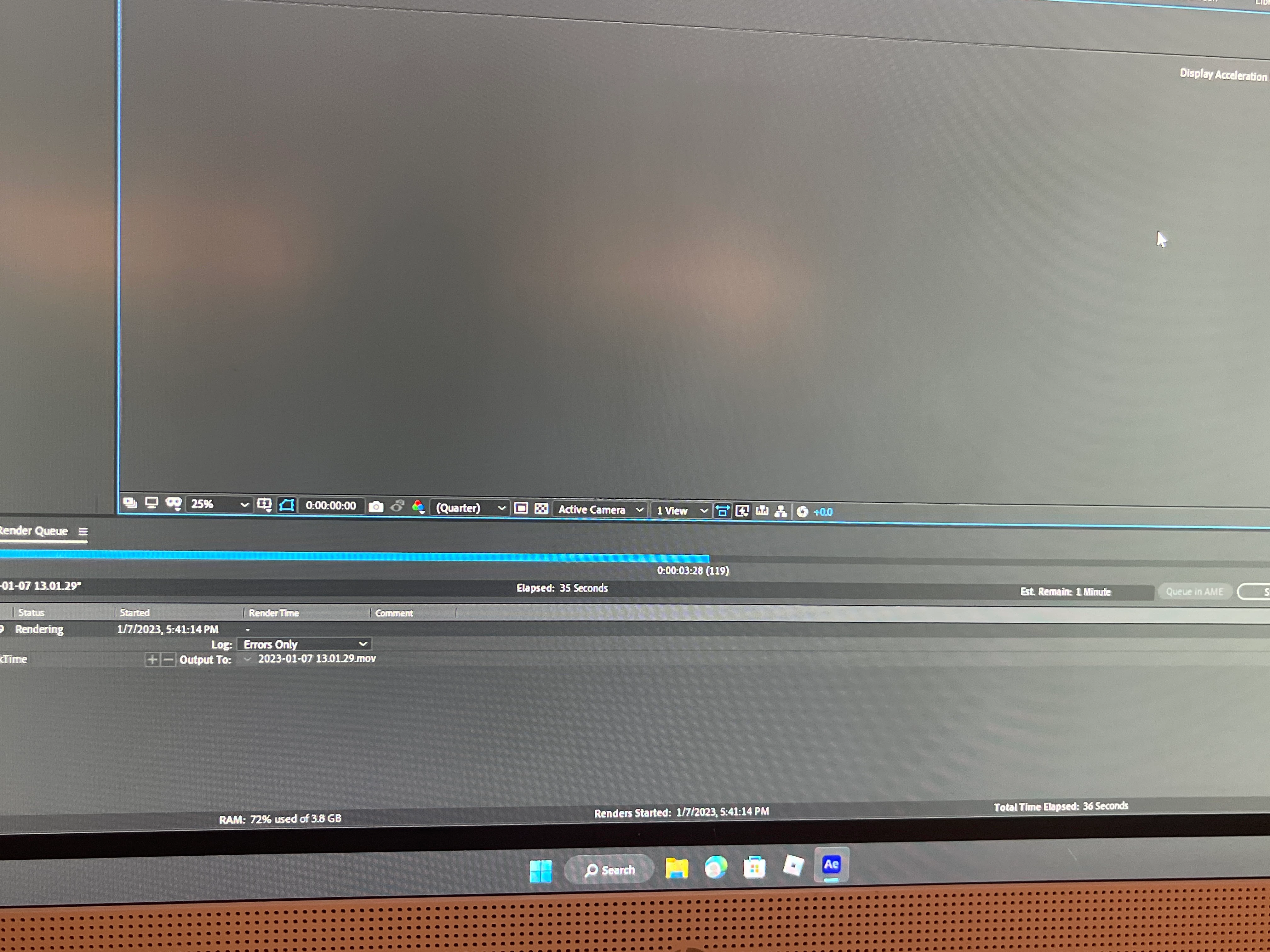
ive been trying to render in after effects 2020 and it always pauses somewhere in the middle and won't render. it's only a eight second video and i have enough storage for it?
This topic has been closed for replies.

3 replies

Mylenium
Legend
January 8, 2023

Without any info about your system, your project, your actual render settings and all that stuff we can't really tell you much. As advised by the others provide screenshots of the project and start by checking what actually happens around the 3:28 mark in your comp. perhaps a specific effect is kicking in, perhaps a specific asset is missing. Also render your clip with "Extra per Frame Info" to find out why and where it stops exactly and what's the cause of it.


Mylenium

OussK
Community Expert
Community Expert
January 8, 2023

Here are the steps for troubleshooting a render issue in Adobe After Effects:

  • Open the comp you are trying to render
  • Go to frame 119, the frame at which the issue occurs
  • Set the preview to full resolution
  • If AE freezes or an error occurs, try turning off layers one by one to identify the cause of the problem
  • Once you have identified the layer causing the issue, check all the effects applied to that layer to locate the source of the problem
Community Expert
January 8, 2023

Something is probably going on in the comp at or near the time the render fails. Select all the layers in the composition, press the 'u' key twice to reveal all modified properties, and take your best guess at which effect or property may be causing the problem. Reset that property or turn of that effect.


If you can't figure it out, embed (do not attach) a screenshot of the timeline with all the modified properties showing so maybe we can help you out. Something is going on in there that is running your system out of system resources.