
Perspective Corner Pin [Invert] - Tracking
Basically what you can do with Perspective Corner Pin mode in Tracking is, say, you're recording handheld, and you have a TV on your video, you want to replace the screen of the TV with a footage, like this video:
Adobe After Effects Tutorial: Perspective Corner Pin Motion Tracking - YouTube
But what I need is different, I've shot a video of a TV, again, the camera is moving around, I want to change the perspective so that the content of the TV is shown without an angle.
It's hard for me to explain so I'll show you with pictures.
I want to turn this:
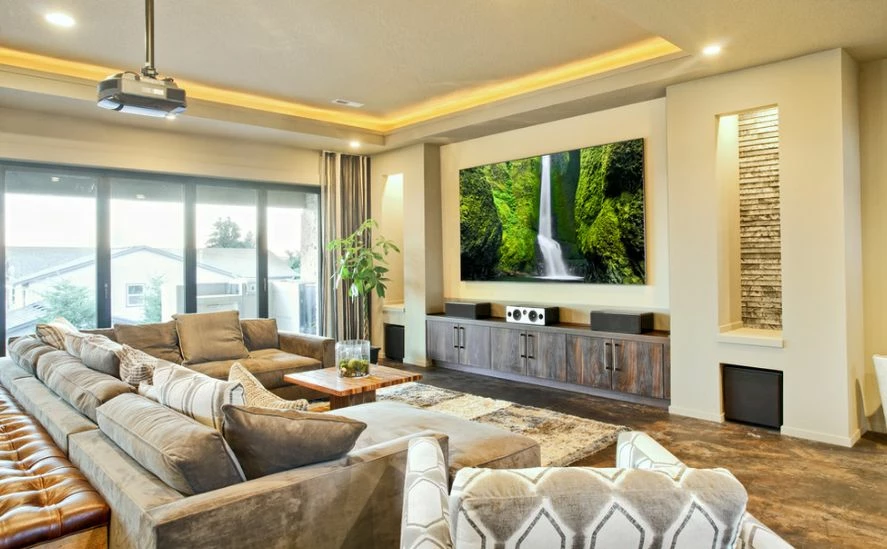
Into this:

And I did this easily with Photoshop using Select Tool -> draw a selection around the TV then using Move Tool -> Show Transform Controls -> hold Ctrl key and move around the corner points of the selection to the corners of the image. But how do I do this in After Effects?
Thank you.
 AdChoices