
Participant
Oct 4, 2023 7:23 PM UTC
Answered

Pick whipping multiple values at once

Hi there,


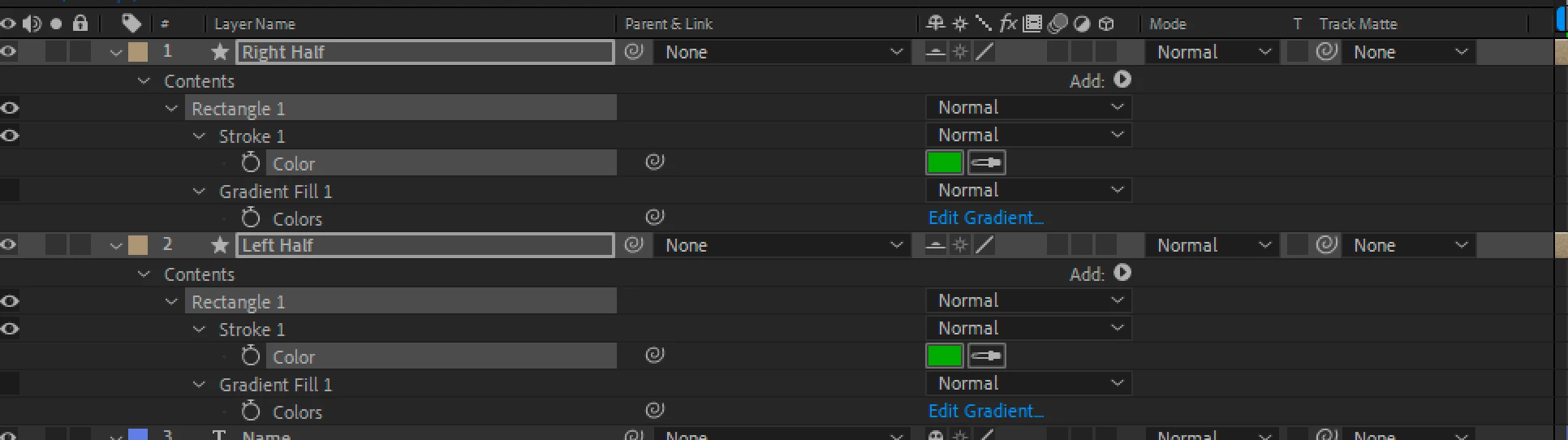
I'm wondering if anyone has a workaround to pick whipping multiple values (like color, below) at once. I know you can parent multiple layers all at the same time, but if I wanted to pick whip multiple color controls to a master controller, I have to pick whip them one by one.


Thanks!

Matt


This topic is closed to new replies. Start a new post to keep the conversation going.
Rick GerardCorrect answer
Community Expert
Oct 4, 2023 10:36 PM UTC

The easiest way to do what you want is to create the first expression using the pickwhip, select the property, go to Edit/Copy Expression only, then select all of the other layers and paste. I use that workflow all the time. 


If you use layer index instead of layer name for the controller layer, this will not work. 


The other option is to save a custom Animation preset, then apply the preset to all of the other layers

2 replies

Rick GerardCommunity ExpertCorrect answer
Community Expert
Oct 4, 2023 10:36 PM UTC

The easiest way to do what you want is to create the first expression using the pickwhip, select the property, go to Edit/Copy Expression only, then select all of the other layers and paste. I use that workflow all the time. 


If you use layer index instead of layer name for the controller layer, this will not work. 


The other option is to save a custom Animation preset, then apply the preset to all of the other layers

Translate
rossigoatAuthor
Participant
Oct 6, 2023 1:35 PM UTC

Thank you very much!

Translate