
Question
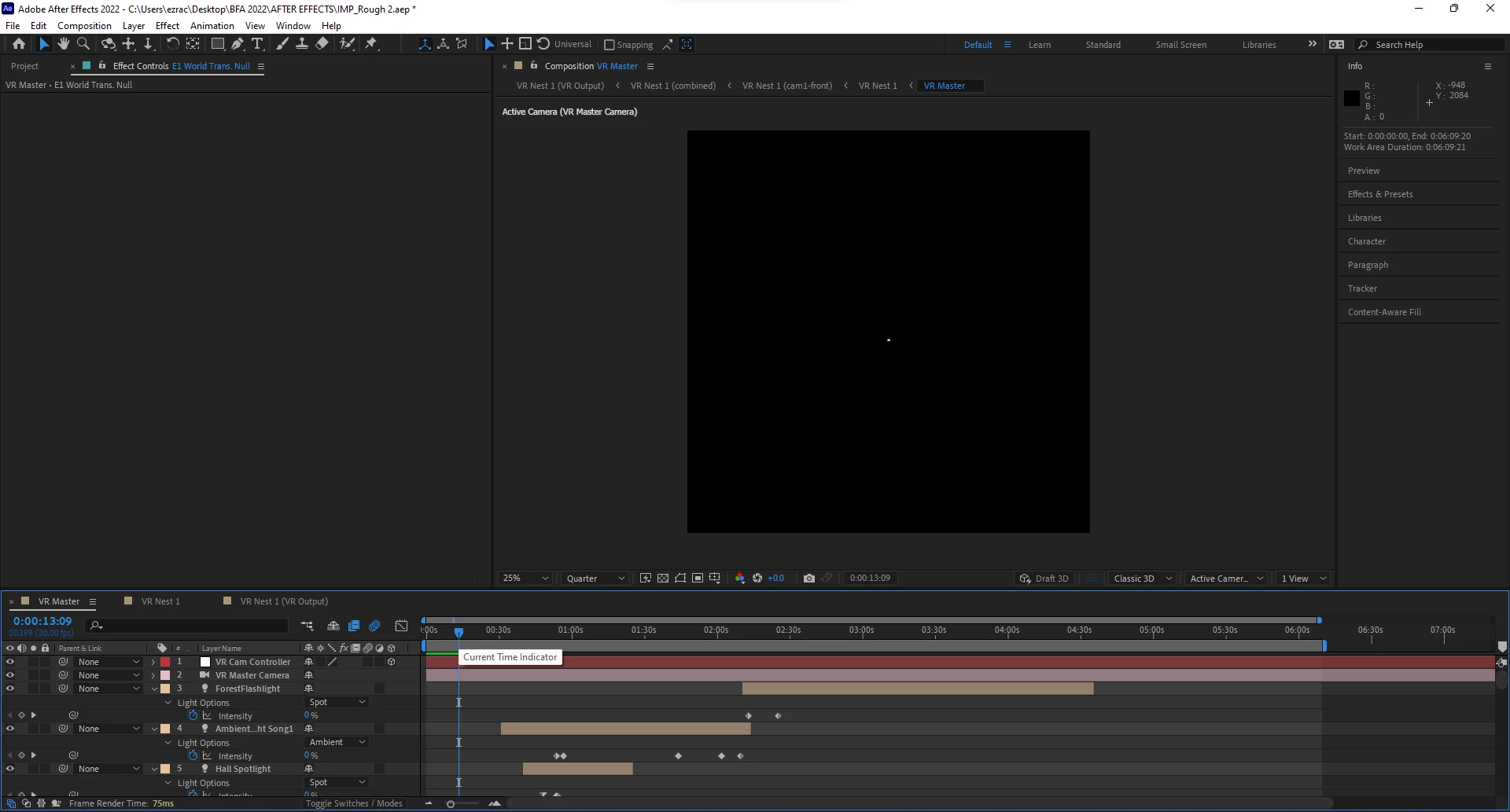
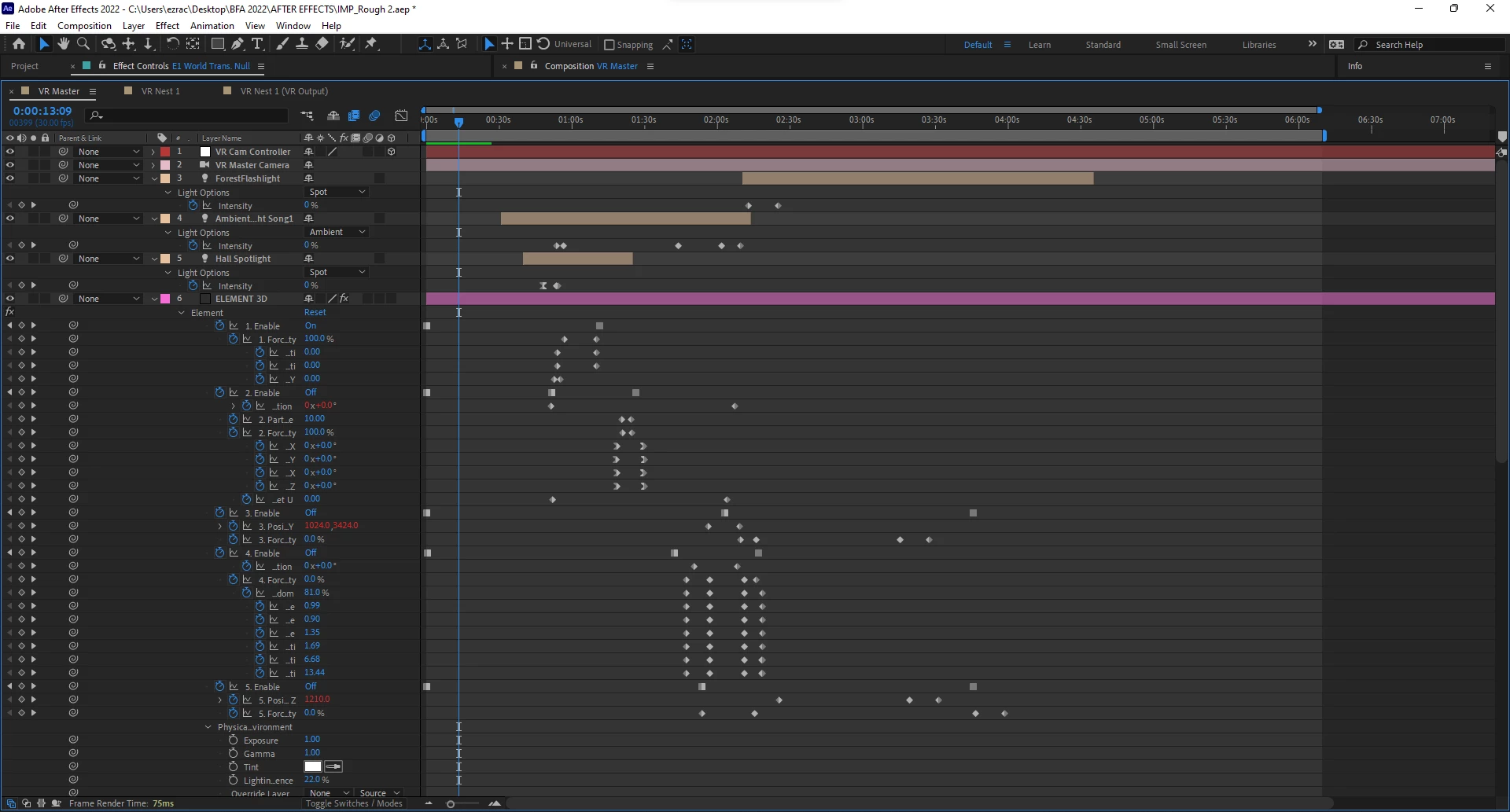
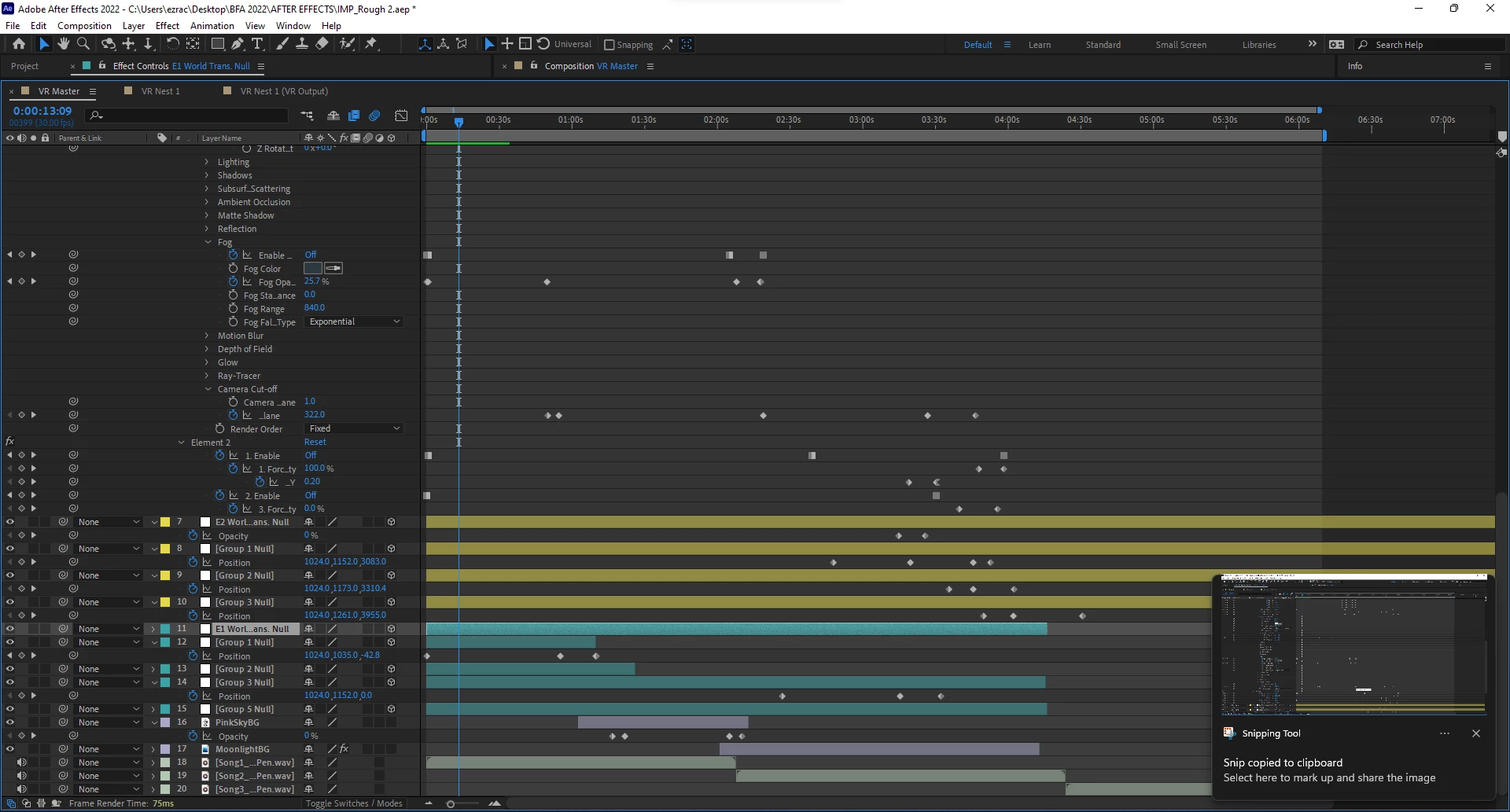
Pieces of Render missing (Element 3D)
I'm creating a VR music experience for my senior design thesis using AE and Element 3D. It was all going fine, but once I added a 2nd instance of Element, pieces of my render started to not show up in the render, or the preview. I I changed the rendering modes to unified in my project, but it hasn't helped. Any ideas?
Here are some things I've tried so far that didn't work:
Create a nest of the main comp, and export from the nest
Update drivers and all programs are up to date
Made backups, tried copying comp onto new project, checked to see if any models were missing
PC is restarted
500 GB free on my internal drive
Caches are cleared
HDD is defragged and optimized
My first minute still isn't showing even in render preview and the nest!
Here's my PC specs
AMD Ryzen 7 5800X
RTX3060Ti
16GB RAM, 1TB SSD
 AdChoices