Answered
Pixelated Ai vectoes
what I'm doing wrong!?
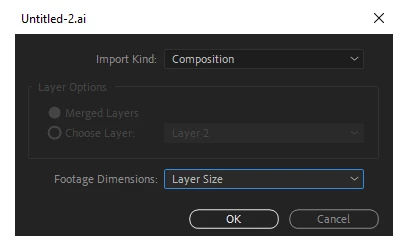
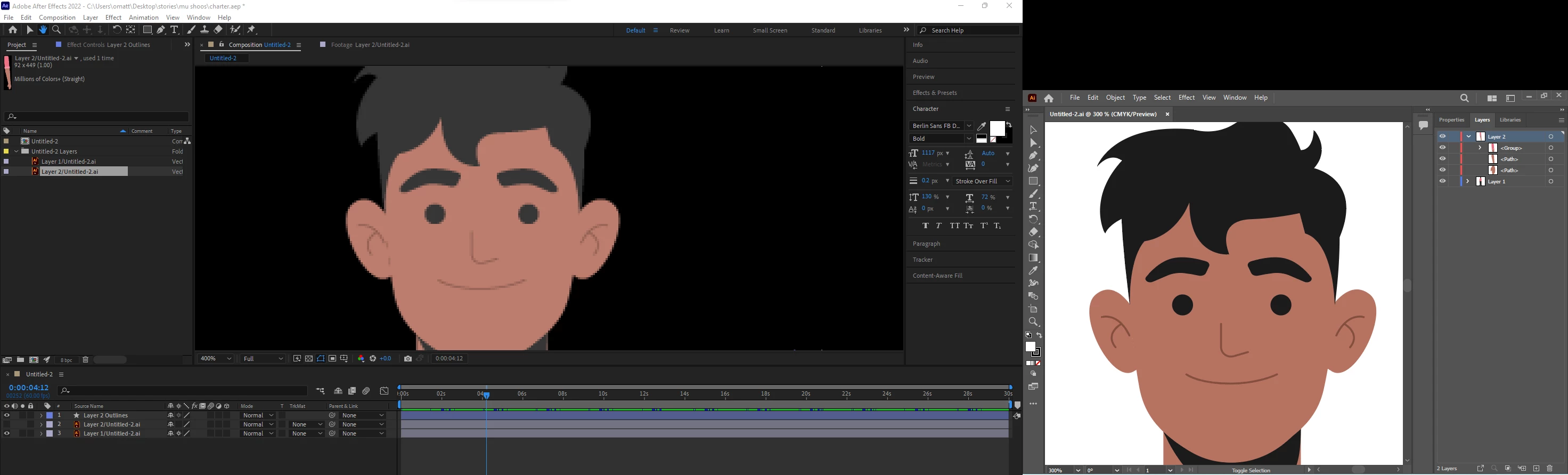

what I'm doing wrong!?
Your composition panel is magnified 400%, so you are looking at magnified pixels. Set the Composition Panel Magnification Ratio to 100%, and the pixels will not be visible. There is nothing wrong.
If you open the Illustrator file in Illustrator, turn on pixel preview, and set the magnification to 400%, it will look exactly like the image you see in After Effects.
Already have an account? Login
Enter your E-mail address. We'll send you an e-mail with instructions to reset your password.
 AdChoices