


Participant
Jul 7, 2020 7:29 AM UTC
Answered

Playback issues when using headphones

When im using AE for some reason randomly playback stops to work, after doing some research and testing things out myself, I have discovered that whenever i have headsets plugged in or bluetooth headphone on likemy airpods this issue occurs. I have been looking for fix around the internet and cannot seem to find one.


Video of issue: 


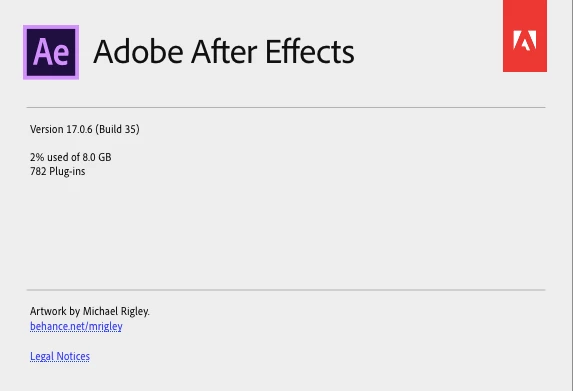
After Effects Version:
 

Mylenium
MyleniumCorrect answer
Legend
Jul 7, 2020 8:33 AM UTC

Check your device manager and system's audio manager. You may have options there to permanently keep the connections active so they don't switch around. Likewise, preventing them from entering power saving modes may help. If those options aren't avialable, then there's really not much you can do. That's beyond AE's control and a system thing.


Mylenium

4 replies

Known Participant
Jan 28, 2025 2:08 PM UTC

Did you try this ? Just set the audio output hardware to..."System Default".
This solve the issue for me.

Translate
Known Participant
Jan 28, 2025 12:04 PM UTC

Hi Syxty,
Have you found a solution to this After Effects problem? I am facing the same problem when using a simple wired headphone: as soon as I unplug it, the preview stops working...

Translate
Mylenium
MyleniumCorrect answer
Legend
Jul 7, 2020 8:33 AM UTC

Check your device manager and system's audio manager. You may have options there to permanently keep the connections active so they don't switch around. Likewise, preventing them from entering power saving modes may help. If those options aren't avialable, then there's really not much you can do. That's beyond AE's control and a system thing.


Mylenium

Translate
SyxtyAuthor
Participant
Jul 8, 2020 10:39 AM UTC

This issue also happens with my USB headsets which i dont think have a power saving mode.

Translate
