

PLEASE HELP!!! How do I resolve these crash errors related to opening projects and saving/applying animation presets?
Yesterday I was using After Effects with no problems. I don’t know what happened between then and now because I can’t open project files (I only can when I launch AE through an .aep) or save/apply animation presets through the ‘Animation’ tab. Every time I try to do either my AE gets a pop-up with the crash error and then gives me the chance to save my project file before it quits.
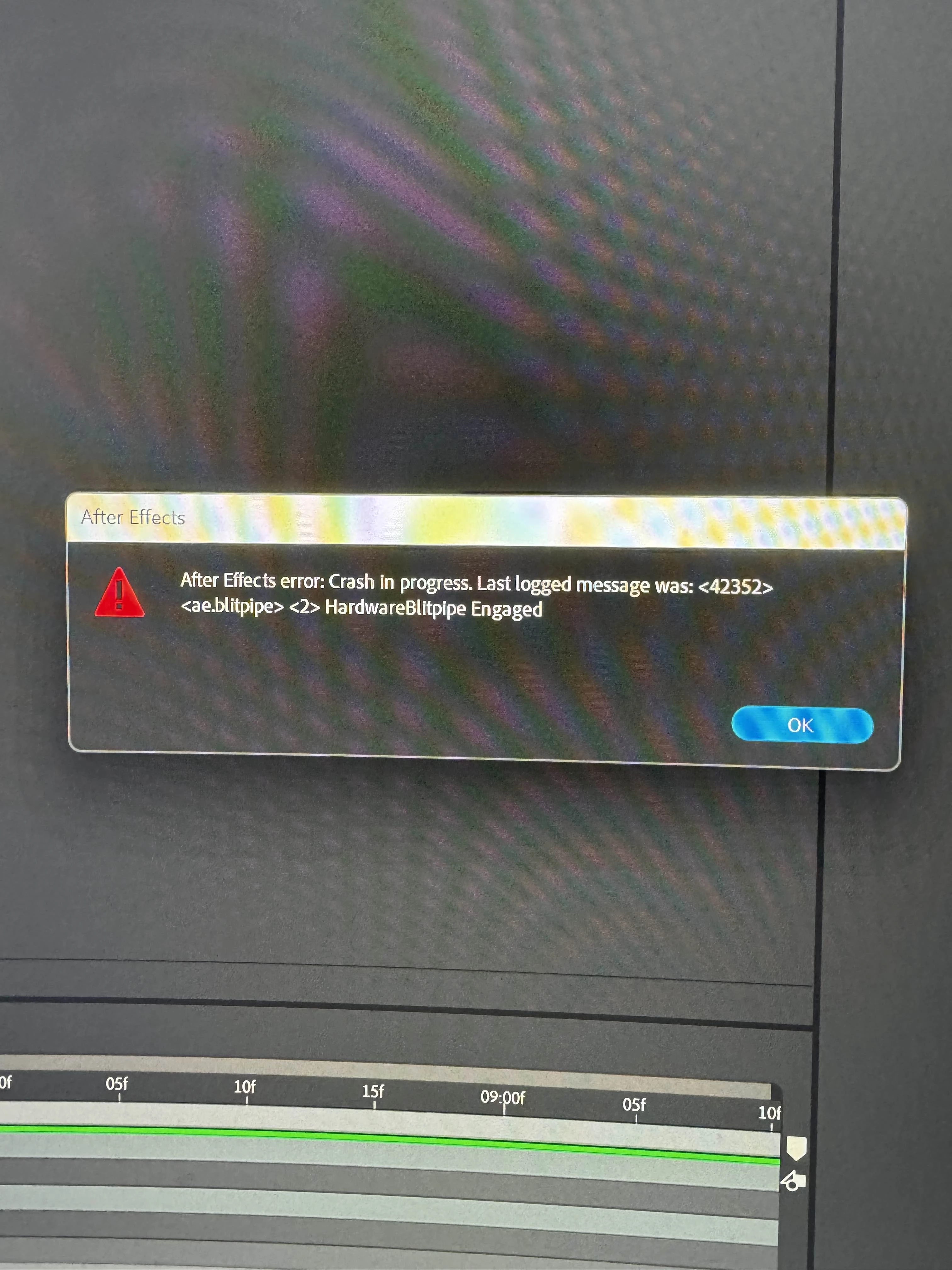
These are the pop-ups I get when I try to save/apply an animation preset:
When trying to save a preset
When trying to apply a preset
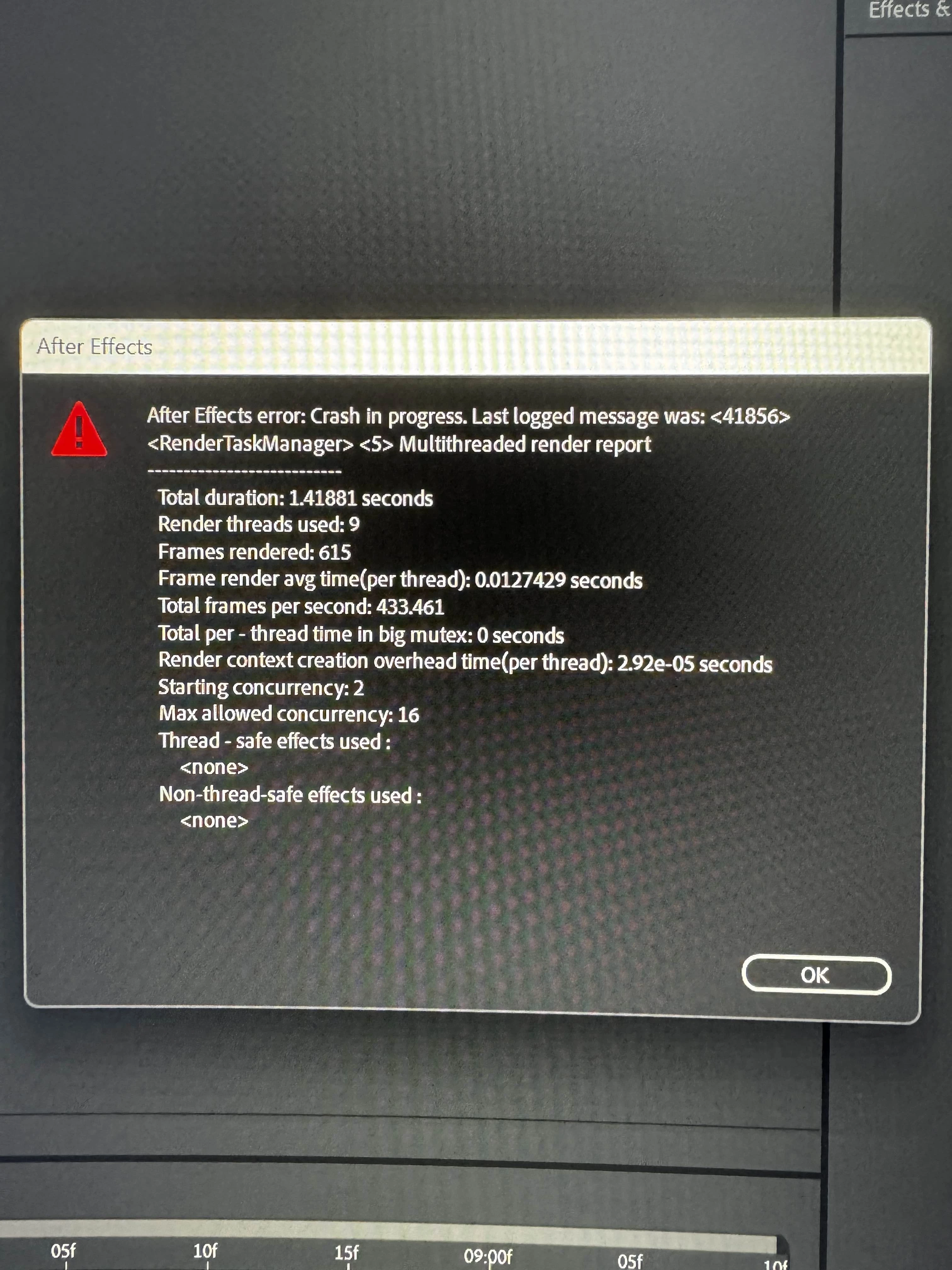
These are the pop-ups I get when I try to open a project through the After Effects home screen:
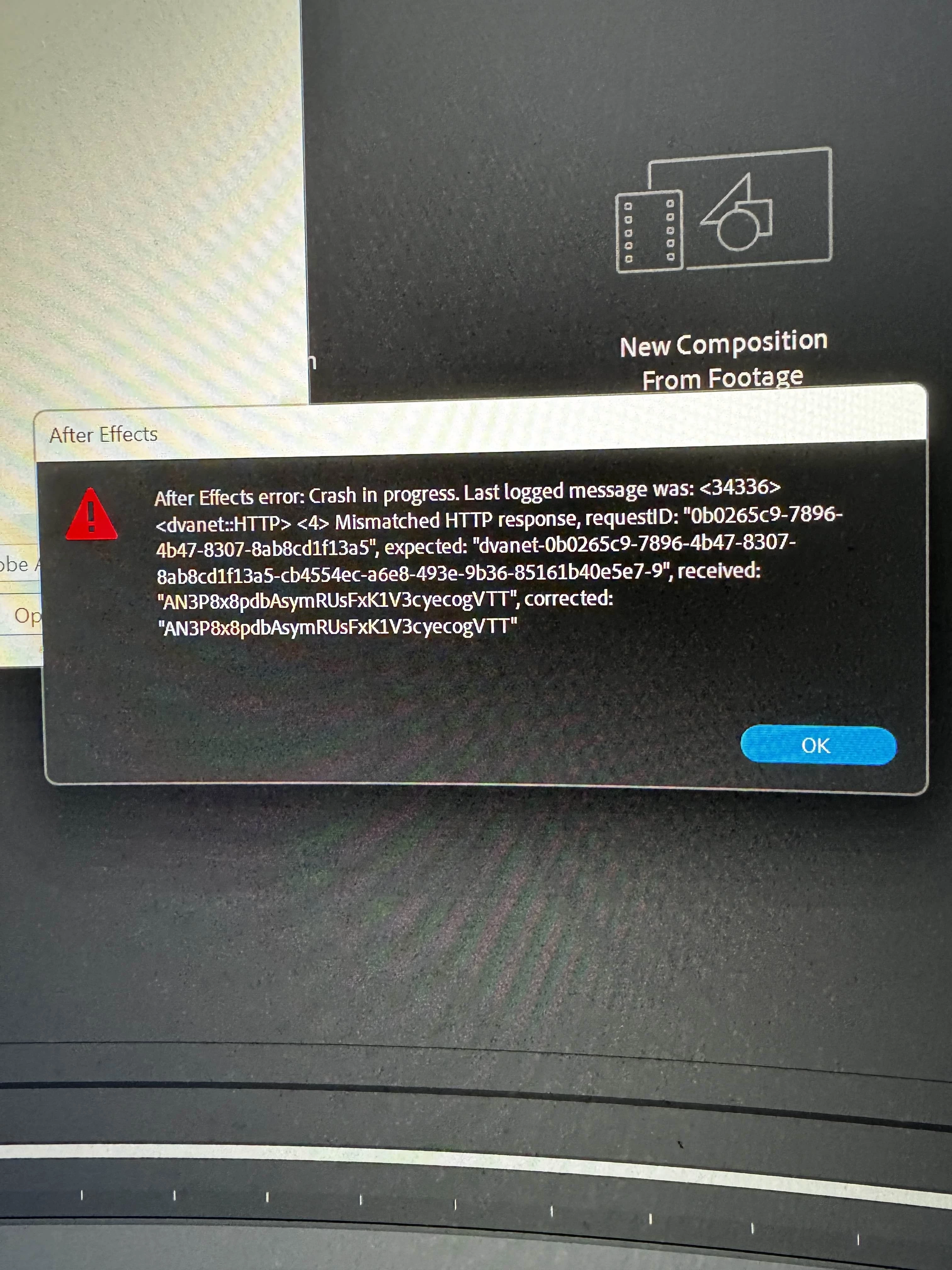
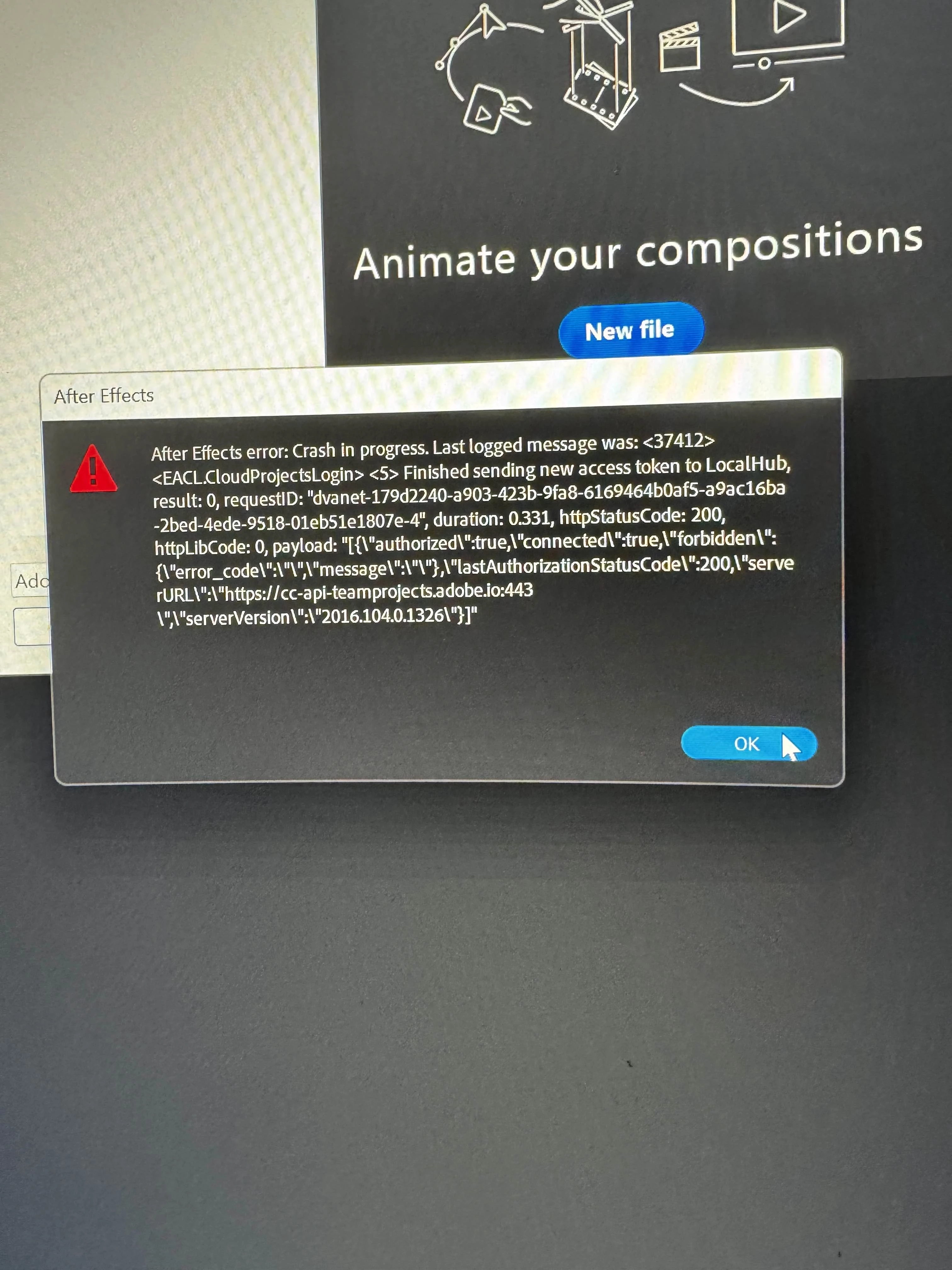
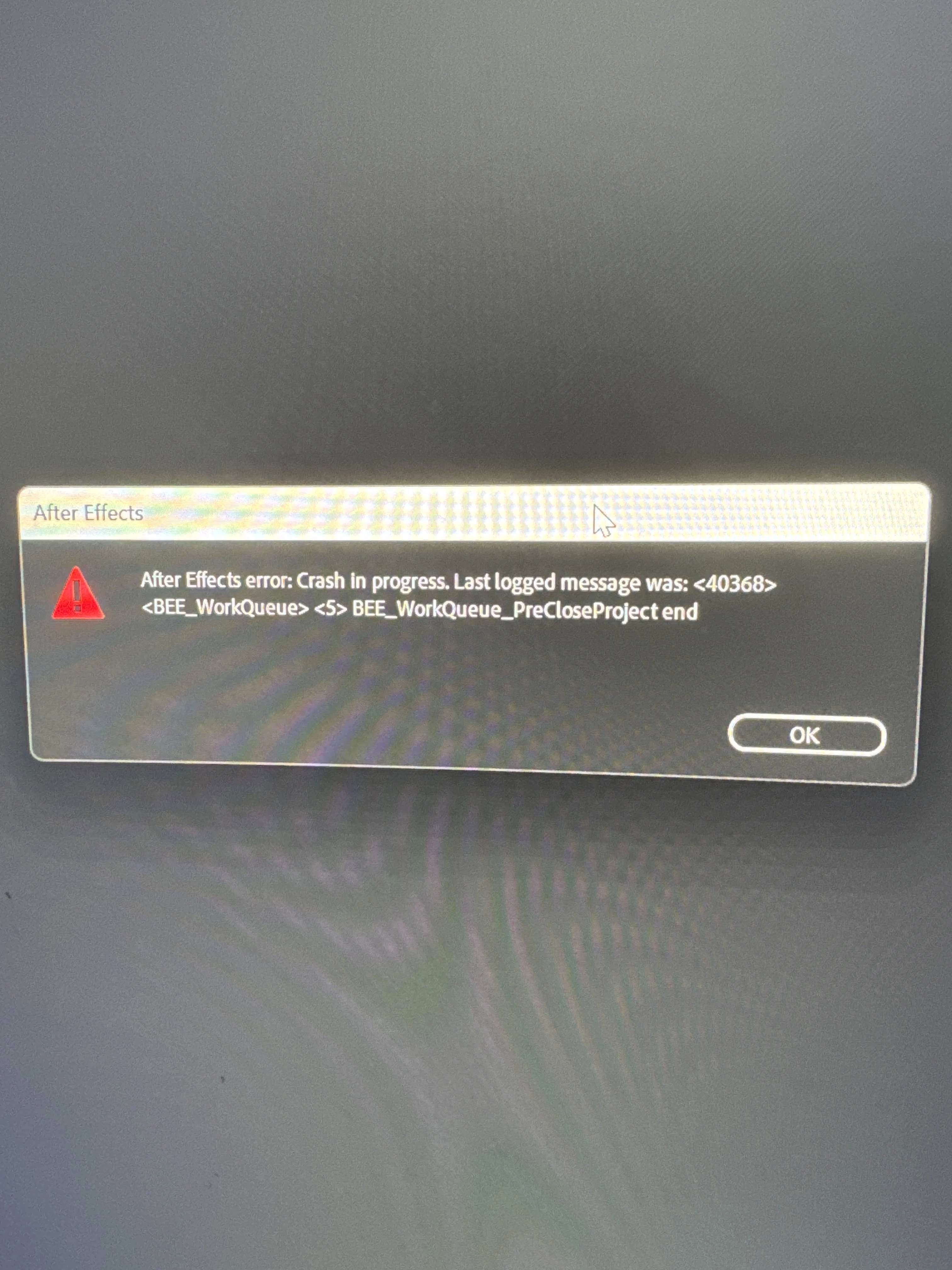
I’ve only been able to find a few threads about similar problems that I am experiencing. These are the solutions I’ve tried based off of suggestions: Reset preferences, disable plug-ins, sign out and back in Creative Cloud, allow AE to communicate through Windows Defender Firewall on both private and public, allow AE to override system settings in ‘Block untrusted fonts.’ None of these suggestions have worked for me. I’ve never faced a problem as frustrating as this on AE. Please help me!!
System Info:
Windows 11 Pro
AMD Ryzen 7 9800X3D 8-Core Processor
NVIDIA Geforce RTX 5080
ROG STRIX B850-A GAMING WIFI R2
64 GB of RAM


 AdChoices