This topic has been closed for replies.

3 replies

Warren Heaton
Community Expert
Community Expert
November 3, 2020

What is the width and height of the Comp that you are trying to export?  If it's larger than 4096, try nesting it into a Comp for export that is smaller than 4096-by-4096, scale it to fit, and then export.  A safe size is 3140-by-2160 if 16x9 or 2160-by-2160 if 1x1.

Guido Eijrond
Inspiring
November 3, 2020

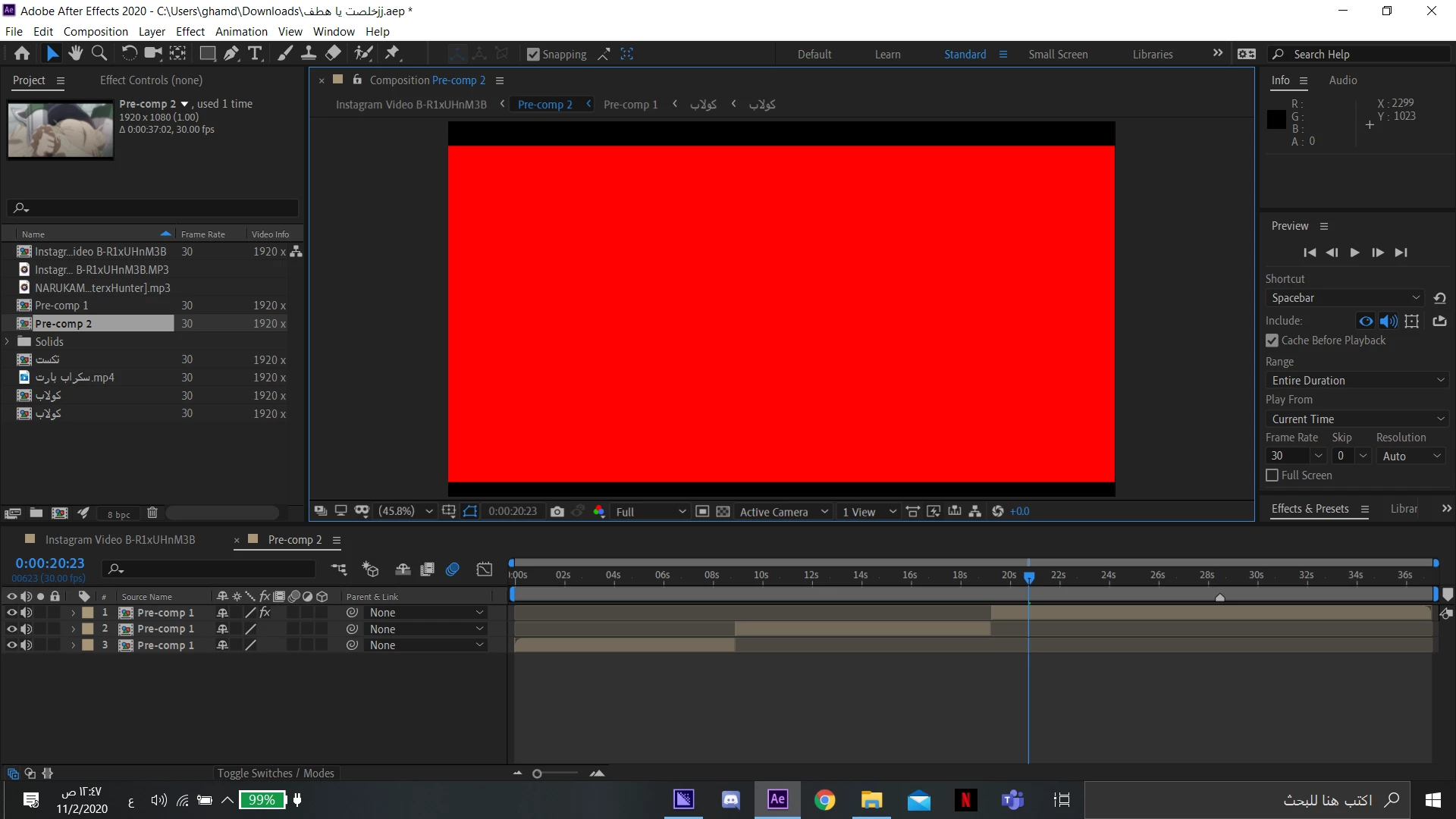
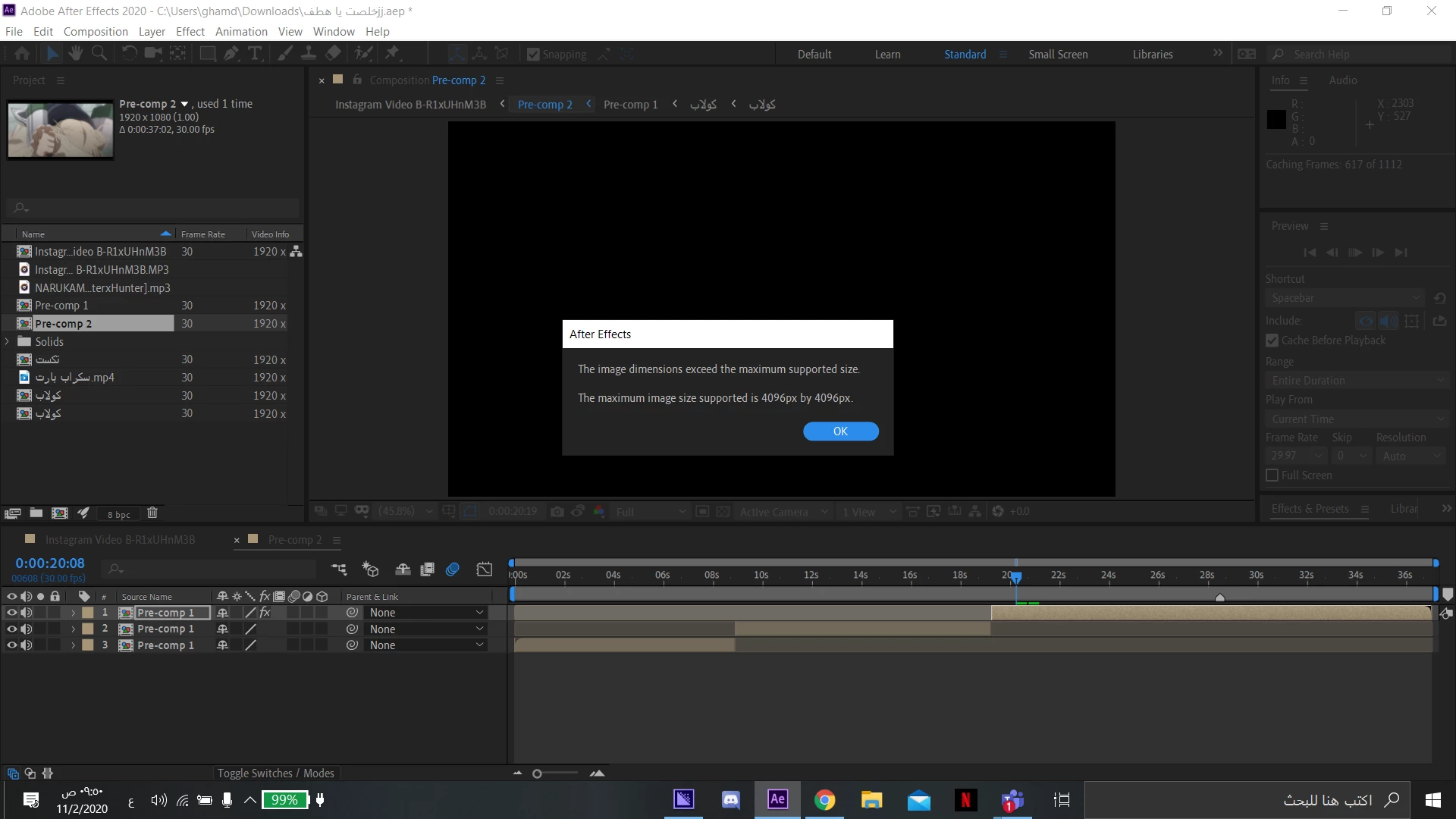
The Screenshot suggest that the active Comp producing the error is set to 1920x1080 (1.0)

As you can see there is an effect applied to the selected Layer.

An error like this can occur when using an effect like Motion Tile that is set to expand beyond the 4096x4096 limit.


ps. how are we going to work with 8K material whit such limits!?

Guido Eijrond
Inspiring
November 3, 2020

I checked, After Effects allows me to create comps up to 30.000 x 30.000 pixels (!!) 

=D

Guido Eijrond
Inspiring
November 3, 2020

You have an effect applied to that layer that will make it too big to calculate.

You can confirm this by disabling the effect and then try different settings or a different approach to see what does work.

Mylenium
Legend
November 2, 2020

Without any actual info about your project, your computer and at which point the error comes up we can't tell you anything. Just dumping some screenshots without further explanations is not useful to anyone.
 

Mylenium