
Question
PNG import error
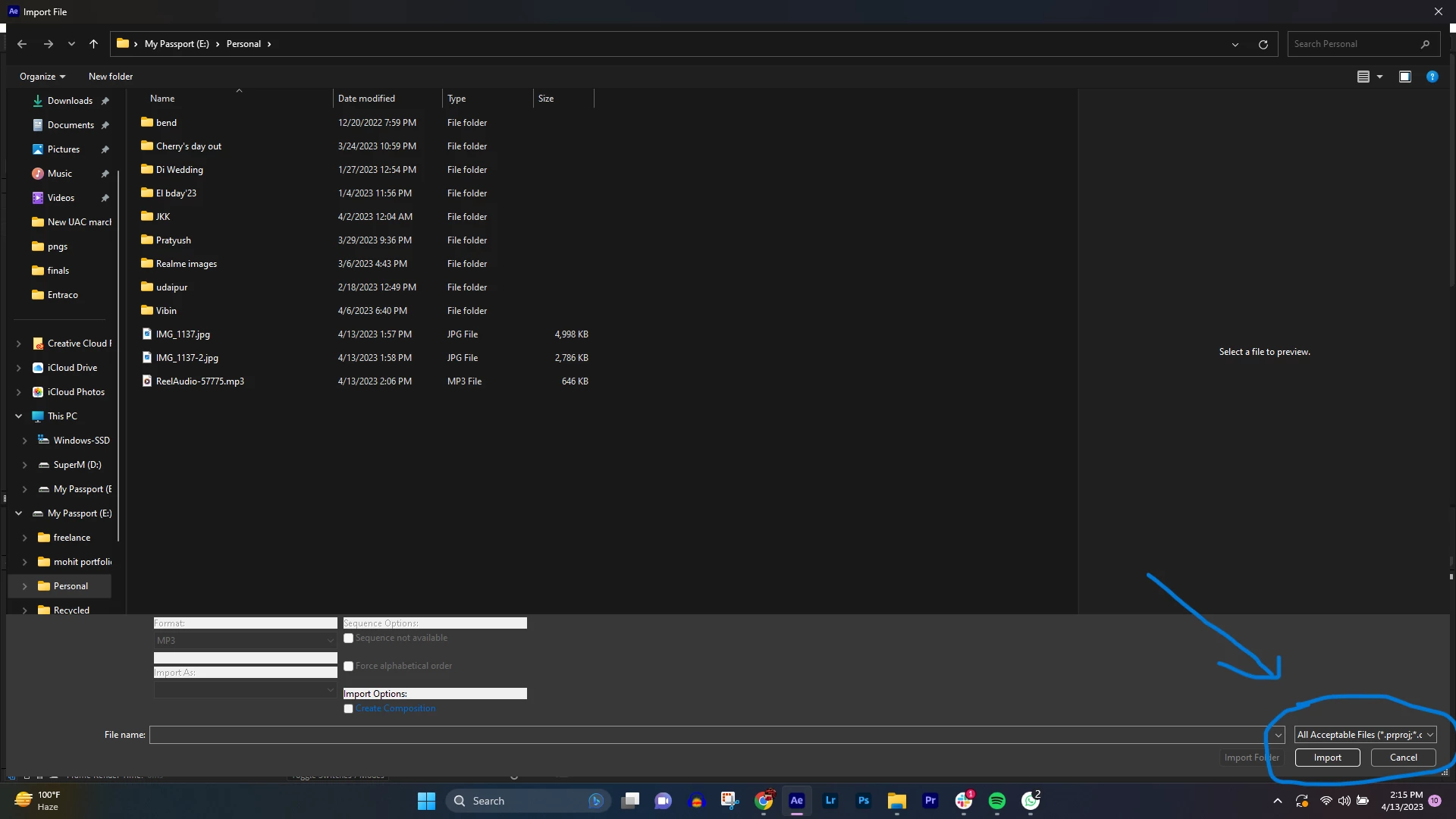 By default, while importing, the drop-down is set to "All Acceptable files" and not "all file types".
I'm trying to import multiple pngs, but with "All Acceptable files" set to default, I have to select "All file types" again and again.
Im working on AE 22.4. On windows. And I think I might have toggled some switches or it might be a preference issue.
Plz help!
 AdChoices