
Known Participant
February 12, 2025
Question

PointOnPath undefined?

  • February 12, 2025
  • 1 reply
  • 441 views

I keep getting the error that Point On Path in the variable is undefined, no matter how complex I make this script. Can anyone see where I am going wrong?
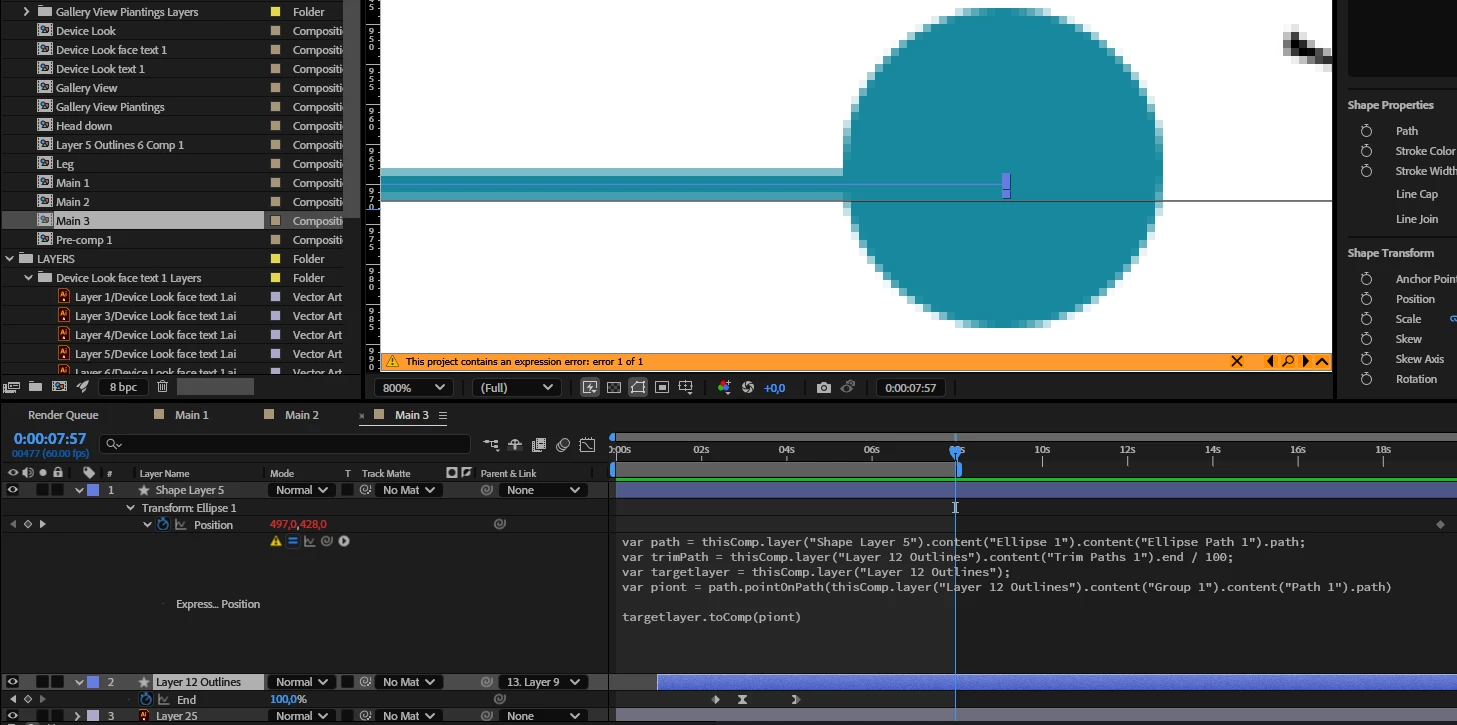


Code for reference:

var path = thisComp.layer("Shape Layer 5").content("Ellipse 1").content("Ellipse Path 1").path;
var trimPath = thisComp.layer("Layer 12 Outlines").content("Trim Paths 1").end / 100;
var targetlayer = thisComp.layer("Layer 12 Outlines");
var piont = path.pointOnPath(thisComp.layer("Layer 12 Outlines").content("Group 1").content("Path 1").path)


targetlayer.toComp(piont)


1 reply

Dan Ebberts
Community Expert
Community Expert
February 12, 2025

It would help to see the error message, but I see a couple of things. In the first line, if Shape Layer 5 is an Ellipse, it probably wouldn't have a .path property, so you couldn't do pointOnPath() for that. Also, pointOnPath() expects its parameter to have a value between 0 and 1, and it looks like you're providing a path instead. What is it that you're trying to do, exactly?

Known Participant
February 12, 2025

The error says as I have described. error for PointOnPath is undefined, reads as PiontOnPath
The point is to parent the end of the trim path to inform the position of the ellipse.
The division by 100 would account for the expecting between 1 and 0 doesn't it?
If you could provide a solution in code, that would be much obliged helpful.

Dan Ebberts
Community Expert
Community Expert
February 12, 2025

Your trimPath variable should indeed be between 0 and 1, but you don't use that anywhere. And, again, it's not clear to me that your ellipse actually has a .path property. Can you post a stripped down project file?