Inspiring
September 10, 2021
Answered

Position and scale in 3D not working well
  • September 10, 2021
  • 1 reply
  • 1423 views

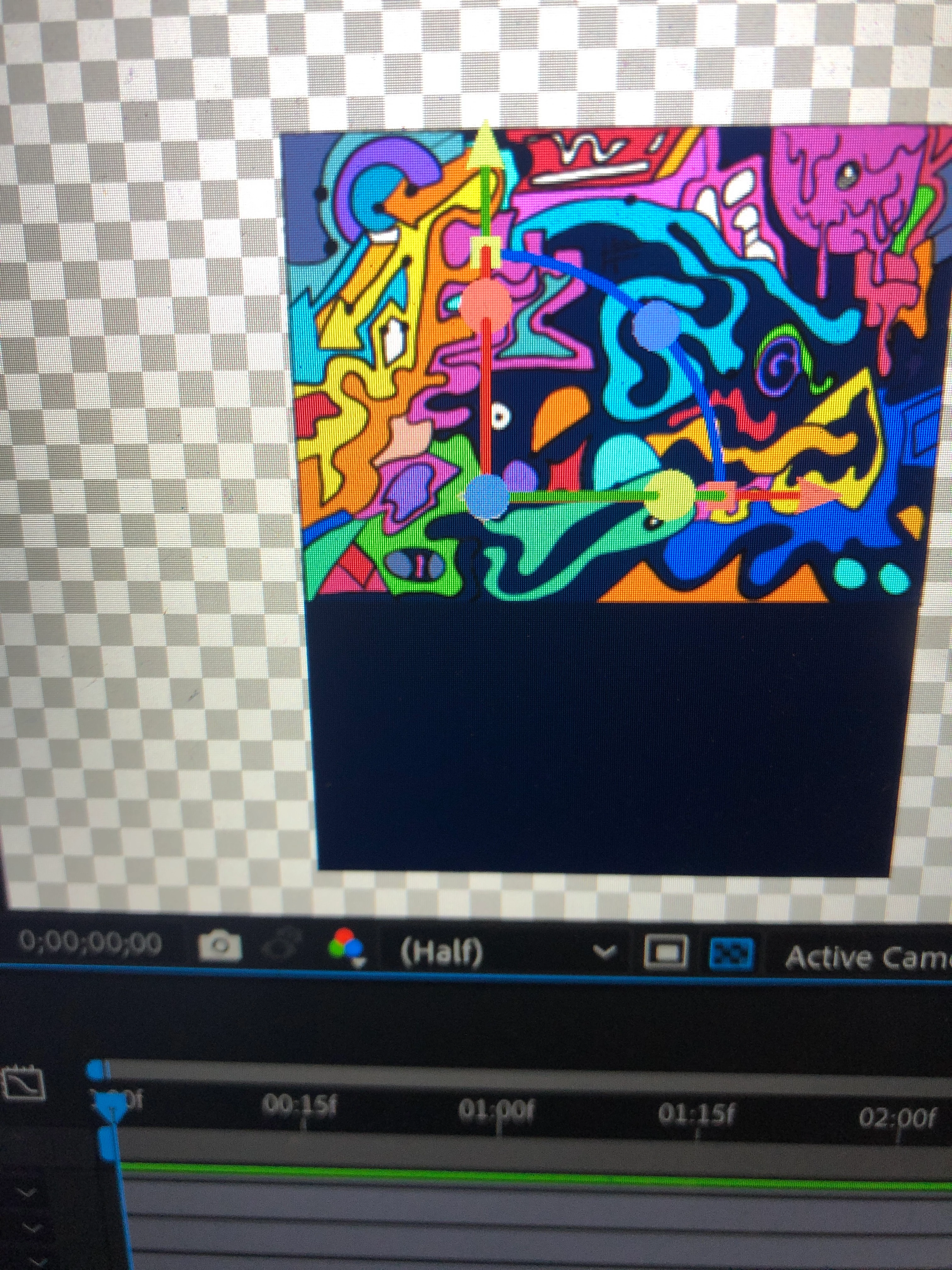
 Hi, so I created this illustration I wanted to animate as a 3D. I moved the position of the wall to 1000 but it does not allow me to scale back to the original position without looking like that. Picture above. Please help if you have a solution 
This topic has been closed for replies.
Correct answer Fk5C42

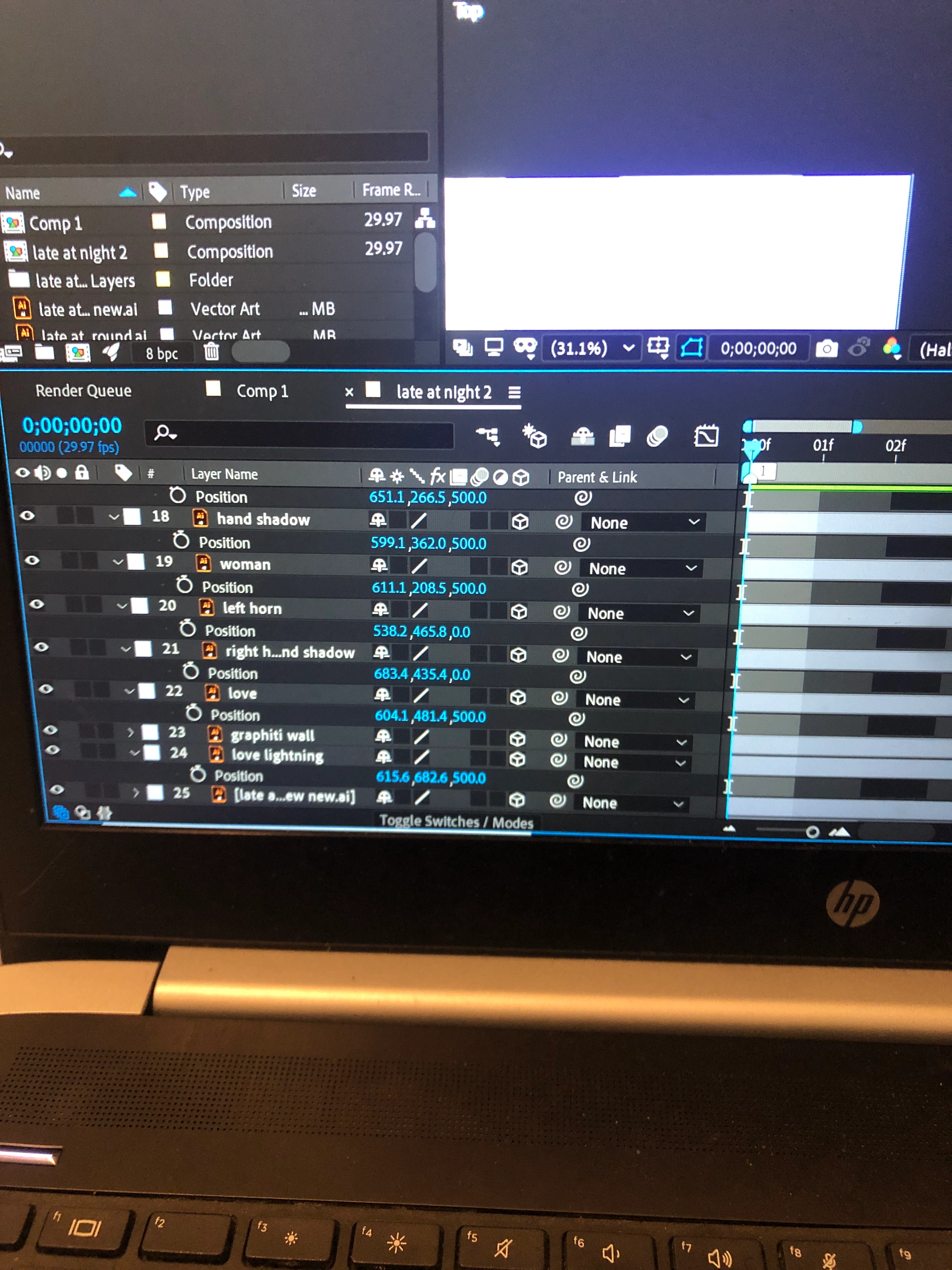
Thank you for your reply. Screenshot below 


So I found some kind of solution between the two ideas you guys suggested so thank you. When I move the anchor point to the middle it does the same thing as earlier, when to the joint it only scales from then. I just kept moving it an scaling it till it finally scaled back into the position I wanted. Image below. Thank you guys once again for the help

1 reply

Mylenium
Legend
September 11, 2021

I'm not clear what you are asking. It seems to me you expect the layer to stayy pristine once you scale it up again, which of course will not be the case for pixel-based artwork. There will always be resampling that degrades the quality. Unless you have a vector-based version of the illustration that can be used with continuous rasterization that won't change.


Mylenium

Fk5C42Author
Inspiring
September 11, 2021

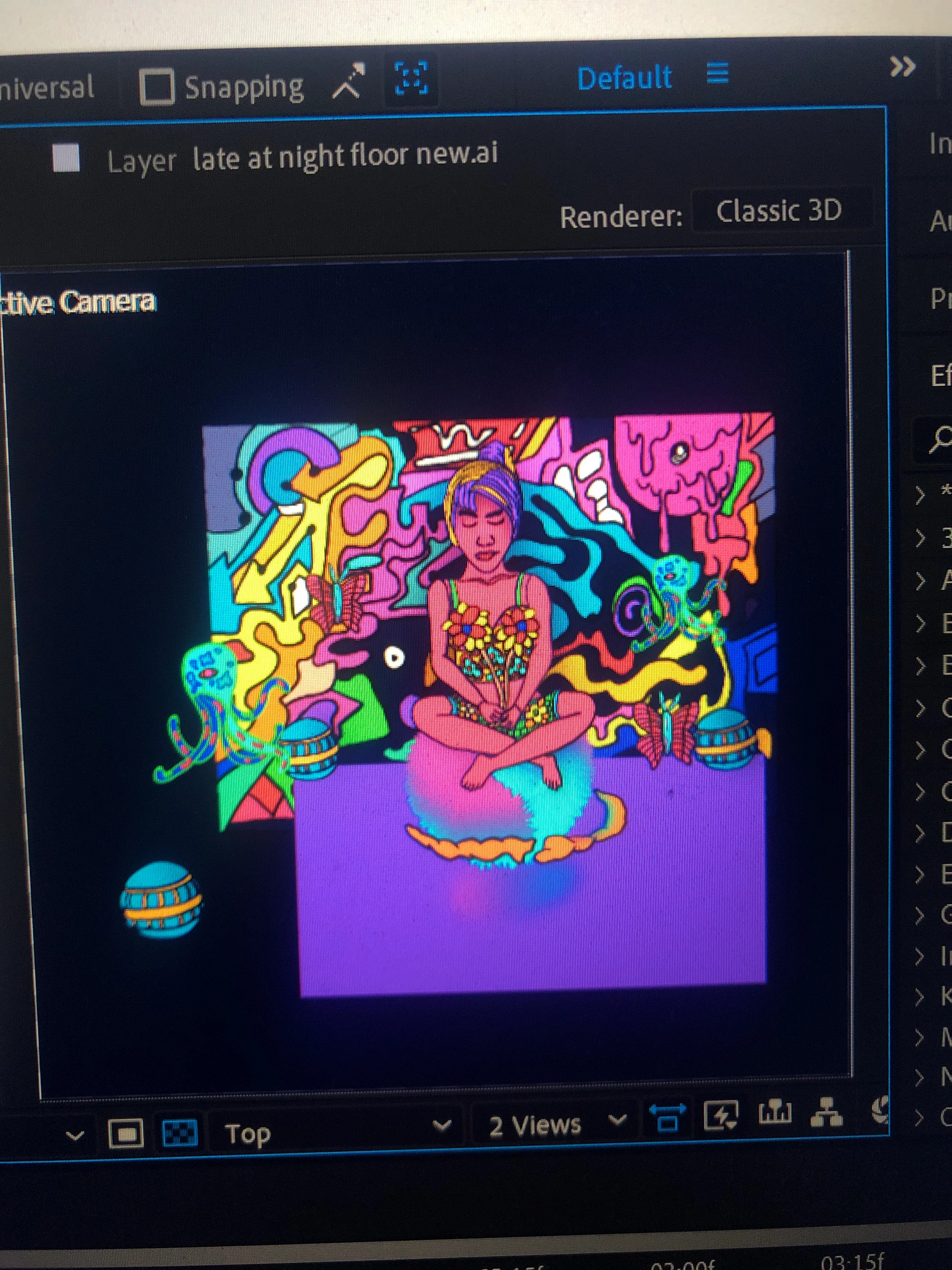
Hi, it's a vector file and I'm not worried about the the pixels like you said I can just turn on the continuous rasterisation. The issue is when I move the position in z axis to a 1000, when I scale it back it does not return to the original position in terms of the 2 joints (wall & floor) meeting like in the original. Pic below 

Jose Panadero
Community Expert
Community Expert
September 11, 2021

Where it is your anchor point for that layer? If you want to create a parallax effect it is a good option to maintain the anchor point for all the layers in the center of the illustrator document. Not sure if your anchor point is in the center of the layer. If you maintain the anchor point in the center of your AI document, the layer will maintain "its absolute" position when scaling. Probably you need to re-import the illustrator file with the options marked as the attached image.