brandonmar97
Participant
March 7, 2017
Question

Position Keyframe Bug?

  • March 7, 2017
  • 3 replies
  • 1041 views

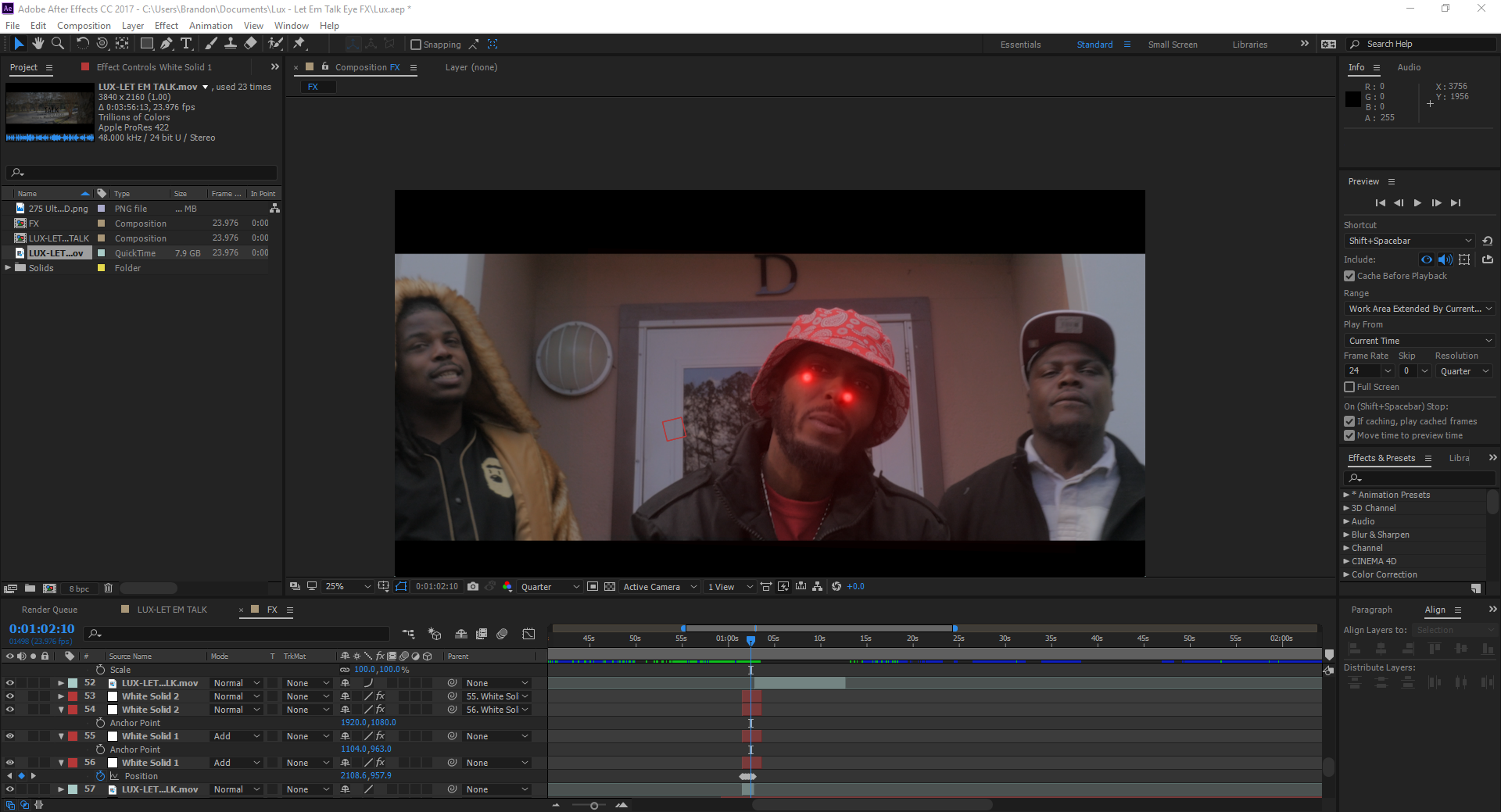
I made several key frames to make the red glowing circles stick to his pupils. After I made a pre-comp it made all of my key frames move off of his eyes. I already saved the project and cannot use the undo button. How can I fix this?
0e8430464427dce271383507b7b69f59.png

    This topic has been closed for replies.

    3 replies

    Kevin J. Monahan Jr.
    Legend
    May 16, 2017

    Hi BrandonMar97,

    Sorry for this issue. Did you ever find a solution? Please let us know if our experts’ advice helped you or if you still need help.

    Thanks,

    Kevin

    Kevin Monahan - Sr. Community and Engagement Strategist – Adobe Pro Video and Audio
    Mylenium
    Legend
    March 8, 2017

    Have to agree with rick. You're not giving us much to work with. A few things that could happen:

    • you may have accidentally chnaged the position of the pre-comped layer
    • the comp dimensions don't match
    • the comps have a framerate mismatch

    Everything beyond those guesses will require much more information on your part.

    Mylenium

    Community Expert
    March 7, 2017

    Your description does not give us enough detail to figure out what you did wrong. There is no bug when creating keyframes and then creating a pre-comp. Your screenshot doesn't explain what is what.

    If the keyframes giving you problems are on layer 53 then you can create a null, attach layer 53 to the null with parenting, then move the null to reposition the effects on the eyes.

    I don't know how long your comp is but it looks like you are trying to edit in AE. I'd break each effects shot down into it's own comp and only use AE for effects you can't do in Premiere Pro or your NLE of choice. AE is a lousy editing app.

    If that doesn't fix your problems please give us more details. I can't make much sense out of your screenshot because nothing is labeled and the modified properties of the layers giving you problems are not revealed (uu).