IAmChrishonda
Inspiring
October 29, 2021
Answered

Positioning Objects

  • October 29, 2021
  • 3 replies
  • 272 views

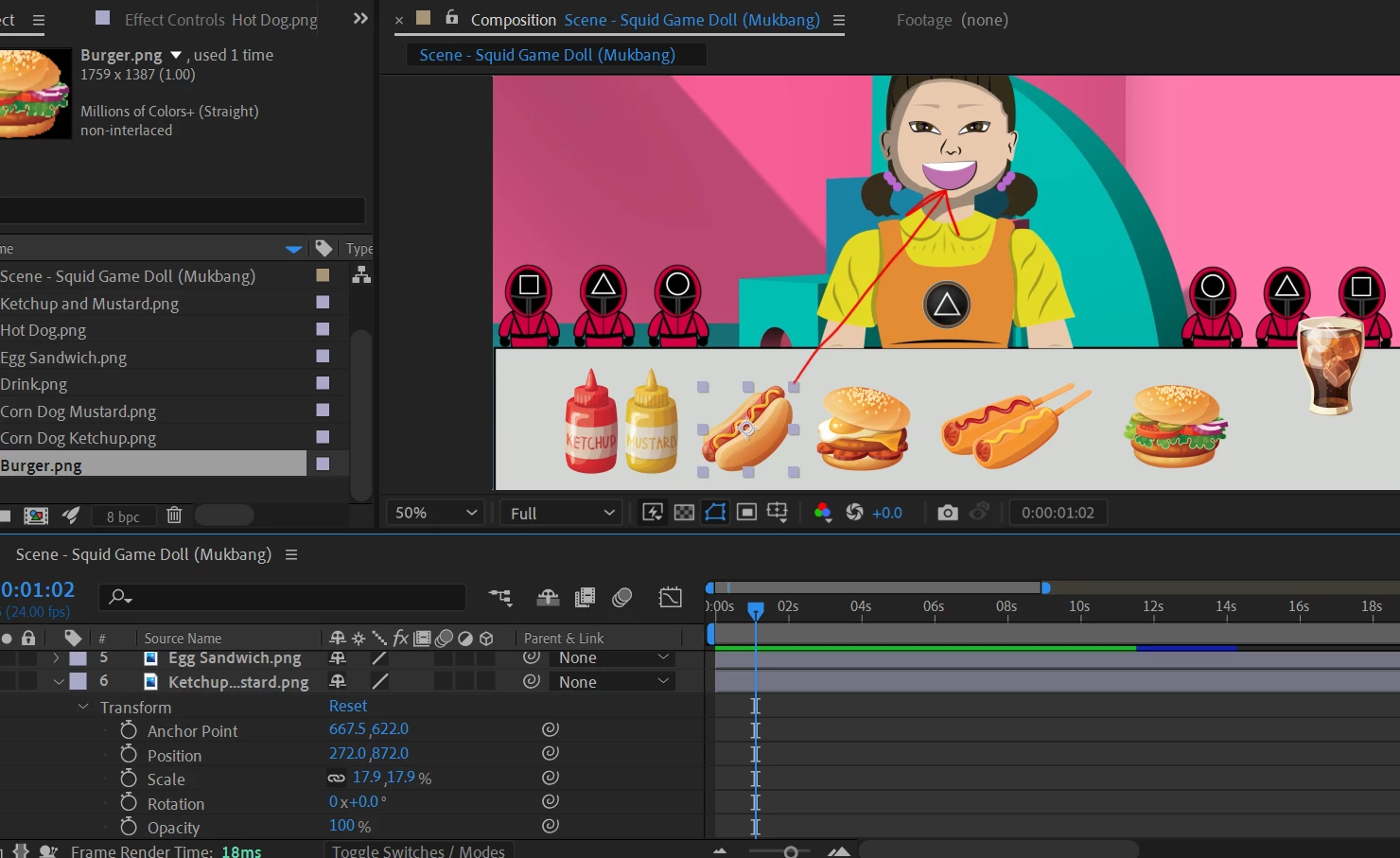
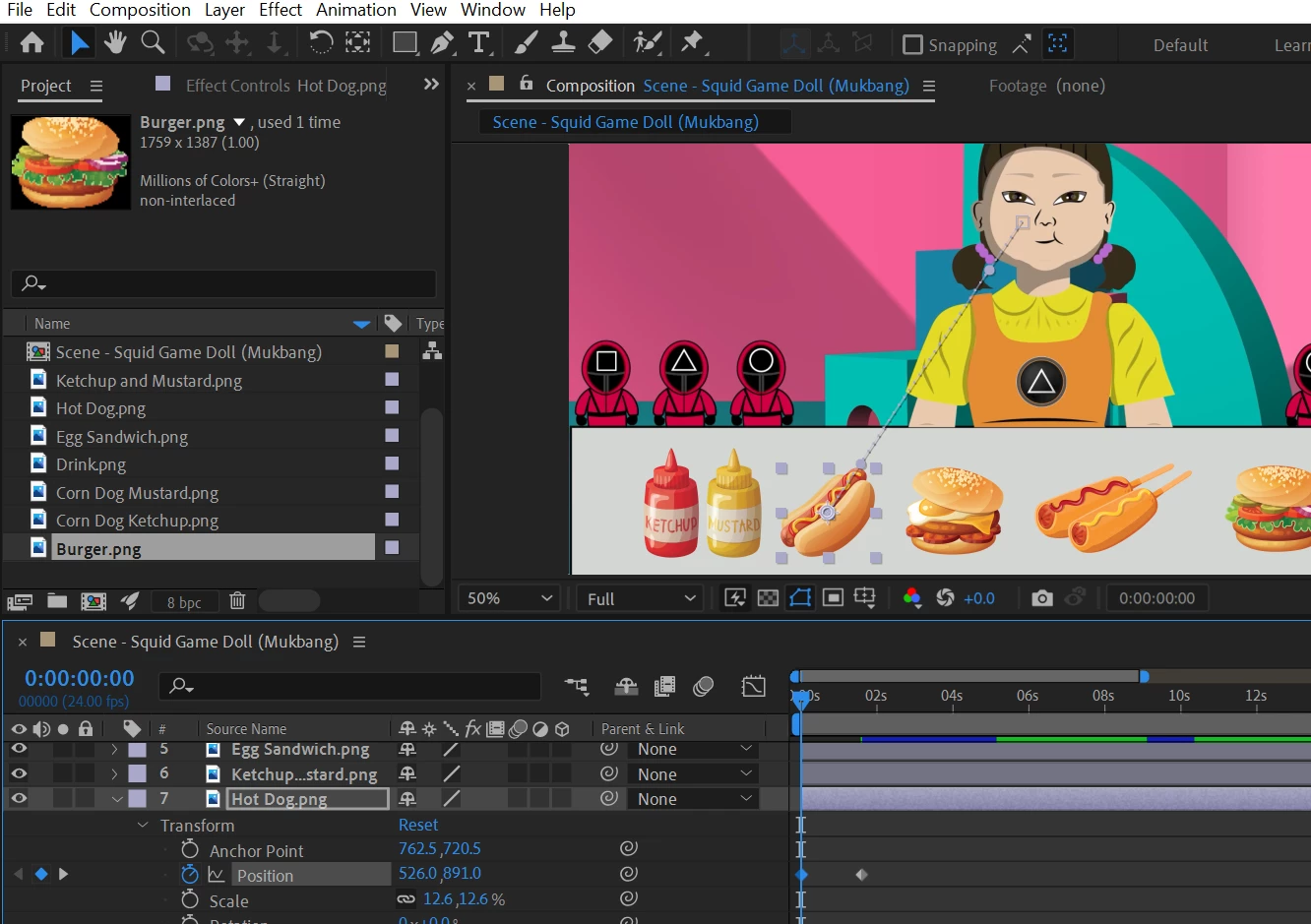
I'm trying to get the objects to move towards her mouth and once there I want the hot dog to disappear instantly or at the least opacity to go down. When I try with the opacity, the opacity goes down while the hot dog is moving towards her mouth. 
 

This topic has been closed for replies.
Correct answer Meng Zhiqun

You can use this expression in the opacity. You can change the 350, 300 value as I don't know what's the position value when it goes up, so 300, 350 is a rough figure.

var target = thisLayer.transform.position[1];
linear(target, 350, 300, 0, 100);


3 replies

Meng Zhiqun
Meng ZhiqunCorrect answer
Inspiring
October 29, 2021

You can use this expression in the opacity. You can change the 350, 300 value as I don't know what's the position value when it goes up, so 300, 350 is a rough figure.

var target = thisLayer.transform.position[1];
linear(target, 350, 300, 0, 100);


IAmChrishonda
Inspiring
October 29, 2021

I'm trying to get the hot dog to travel towards her mouth and once there I want the hot dog to disappear as if it's being eaten. An example is in the link at the 0:37 mark. https://m.youtube.com/watch?v=WEMz7ovIGOs

Mylenium
Legend
October 29, 2021

Not sure what you're asking. Your screenshots don't even show any opacity keyframes or anything else like a mask or matte around the mouth.


Mylenium