

Possible Bug: Exporting large motion graphics template leads to freeze / crash
I am currently developing a fully reactive pie chart with a variety of elements and dynamic animation triggering for use as a motion graphics template. The project has several subcomps and is chock full of expressions but works fine in AE and renders without any problems. However:
When trying to export the project as a motion graphic template via the essential graphics panel, AE freezes and eventually crashes.
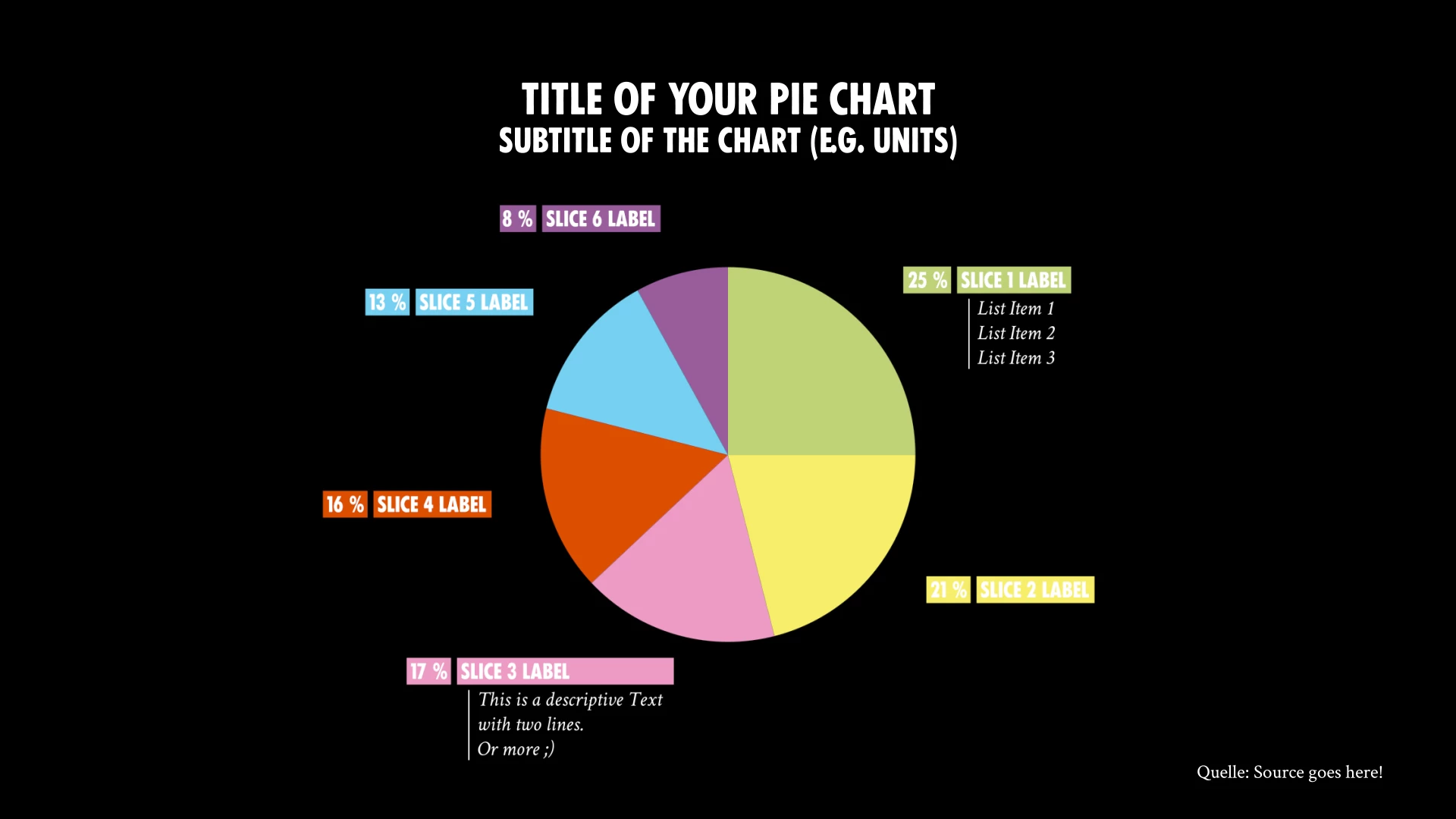
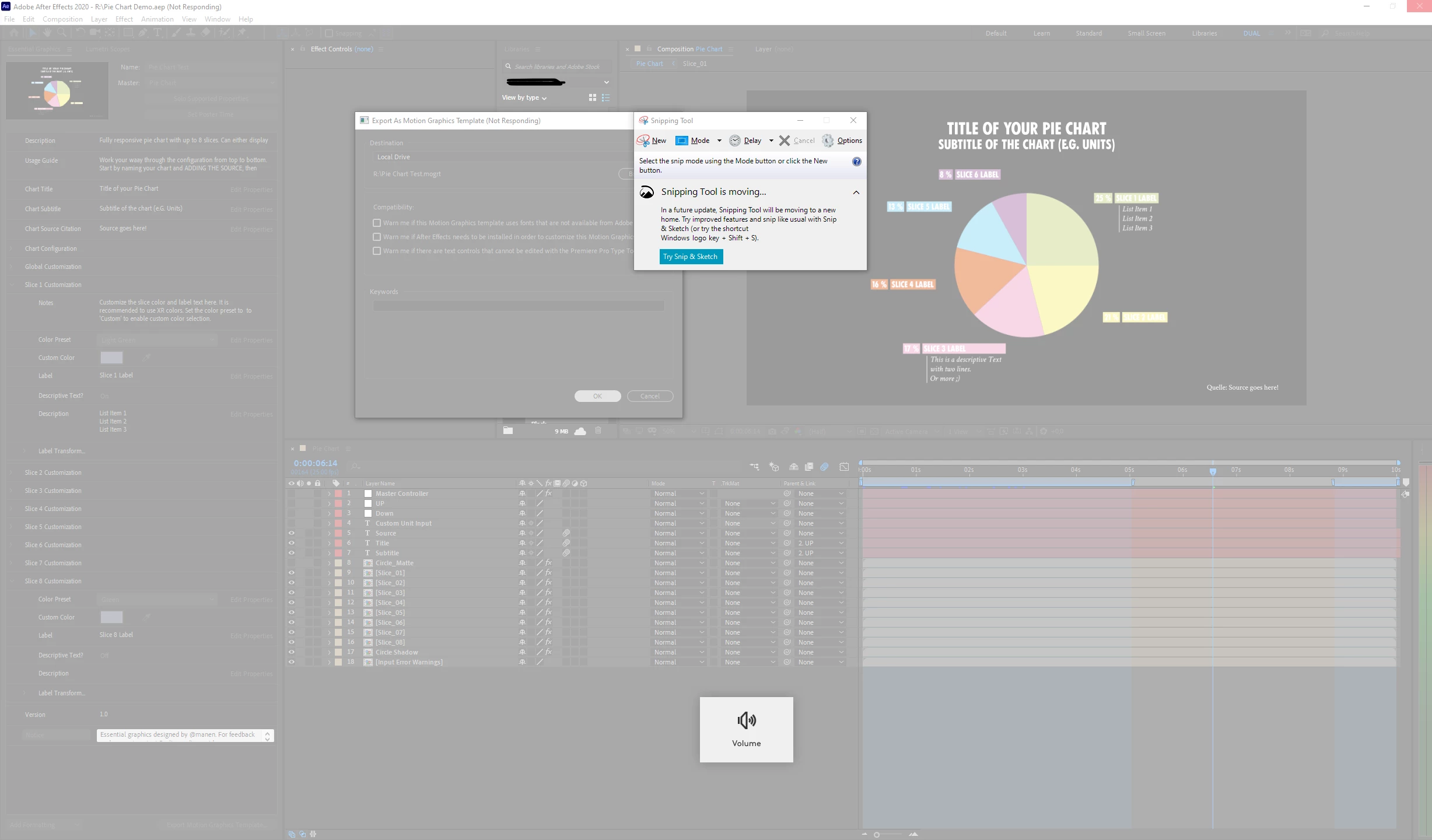
It does not matter what export method/destination I choose (tried them all). As soon as I confirm the export the window freezes up and nothing happens, even after an hour, sometimes the app crashes after a while.
Other, more simple projects export just fine, so I am fairly certain the problem is with my project.
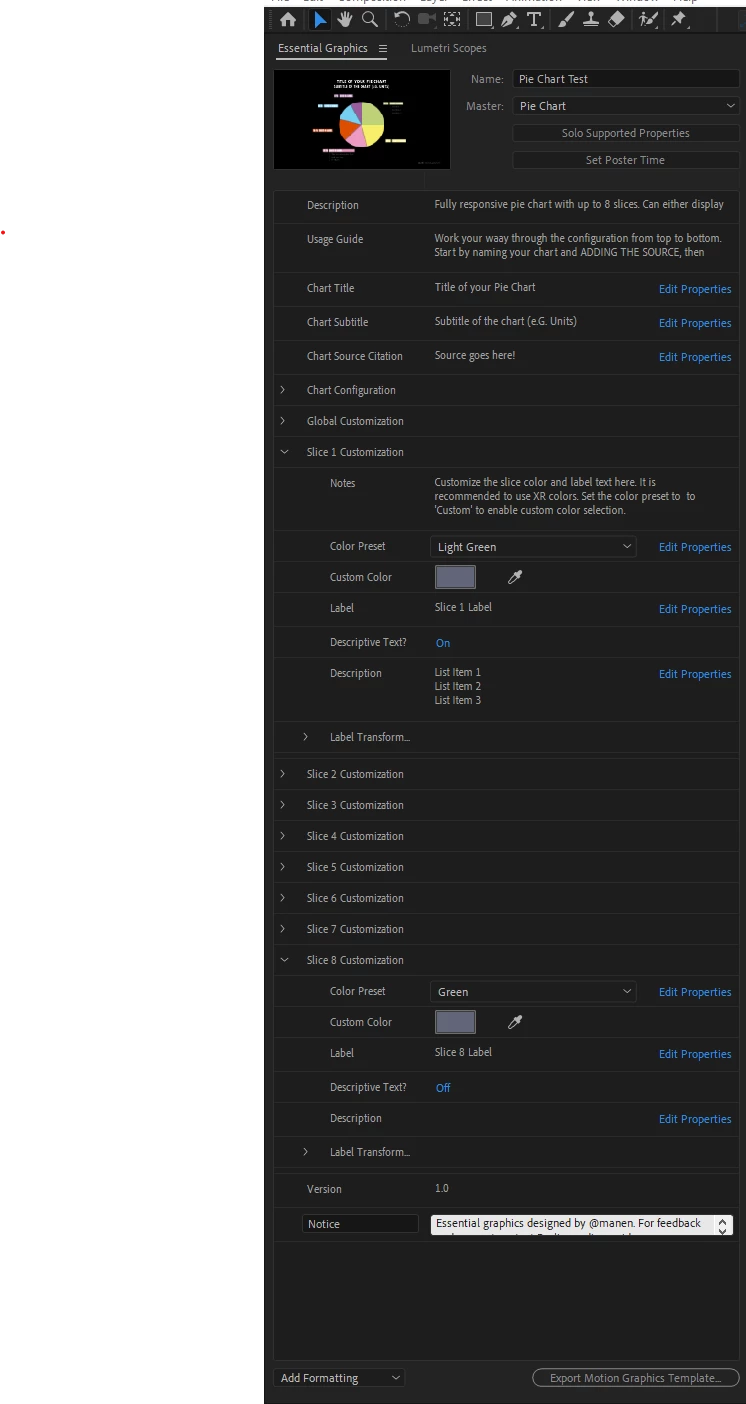
I have well over a hundred elements exposed to the user via the essential graphics panel (there are up to 8 slices with individual labels and other parameters, so it adds up quick). I have already had a bug while building the menu where AE crashed when adding more items, but that was fixed after a restart.
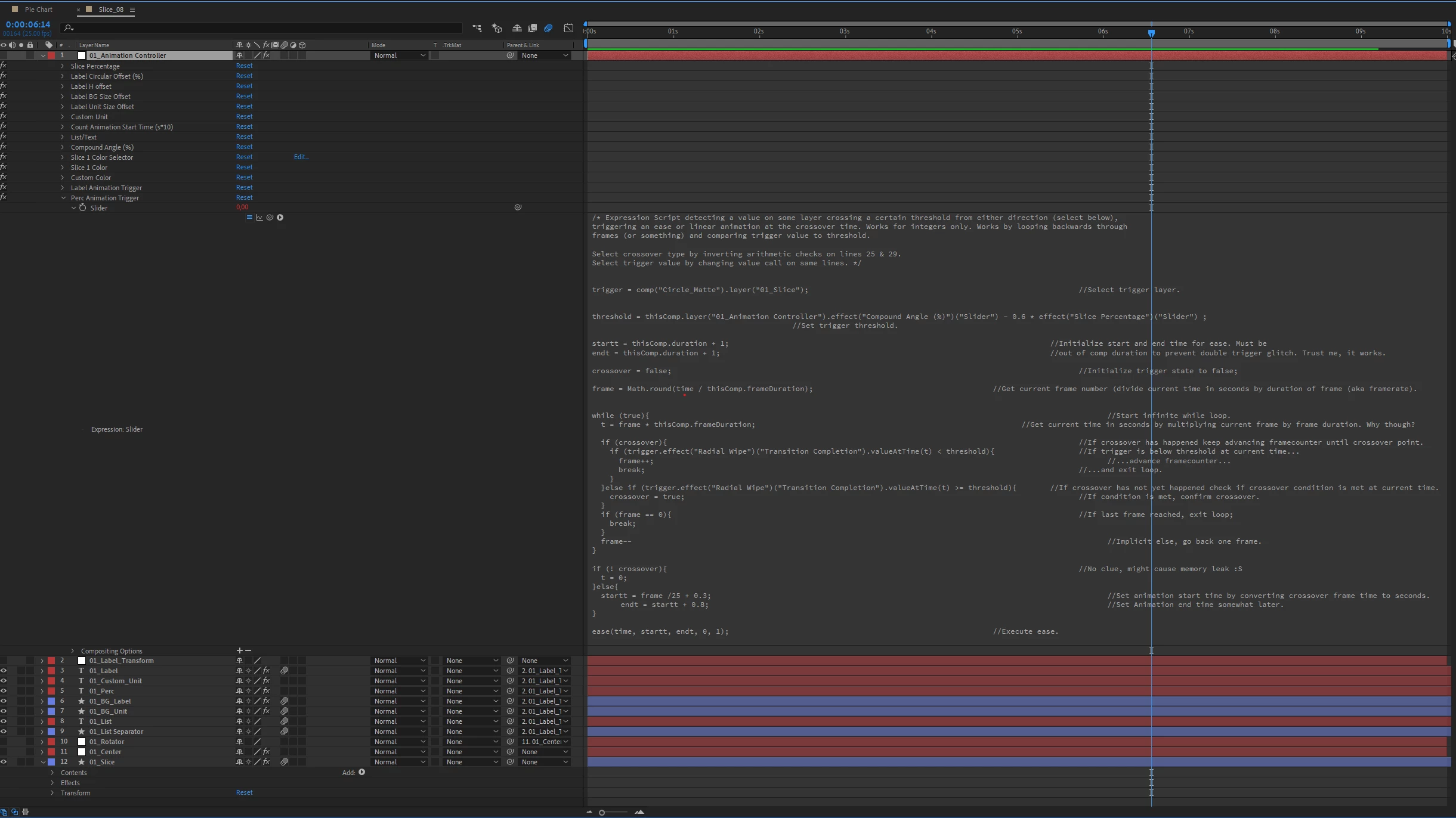
I have considered the project architecture/expression use as the culprit as well. The slices on the chart are all chained via expressionns to calculate their sizes and positions. I have never had problems with that before though.
The most outlandish expressions I use loop through the comp frames to detect when a threshold value is crossed to dsynamically trigger the individual labels to fade in. However, since there are no issues in AE itself and it renders fine I am not sure if this is the issue.
I create a variety of motion graphics templates for my organization and have succesfully deployed a range of relatively complex tempalte files so far, so I am not new to the workflow, but this has me stumped. I tried the usual troubleshooting methods (updating, checking drivers etc., trying to remove suspicious elements, move to a new project file etc.).RAM and CPU/GPU usage are nominal before and during export and remain constant after the program locks up.
System specs are below. Thanks in advance for any help!
System Specs:
AE Version: 17.1.3
OS: Win 10 Pro
GPU Drivers: Nvidia Studio drivers
CPU: Ryzen 3750X
GPU: RTX2070S
RAM: 32GB DDR4 @ 4000MHZ
Storage: HDD Raid 10 (internal)
Cache: 500GB M.2 SSD
 AdChoices