


Precomp Contents (Objects with Effects) Not Appearing in Main Composition
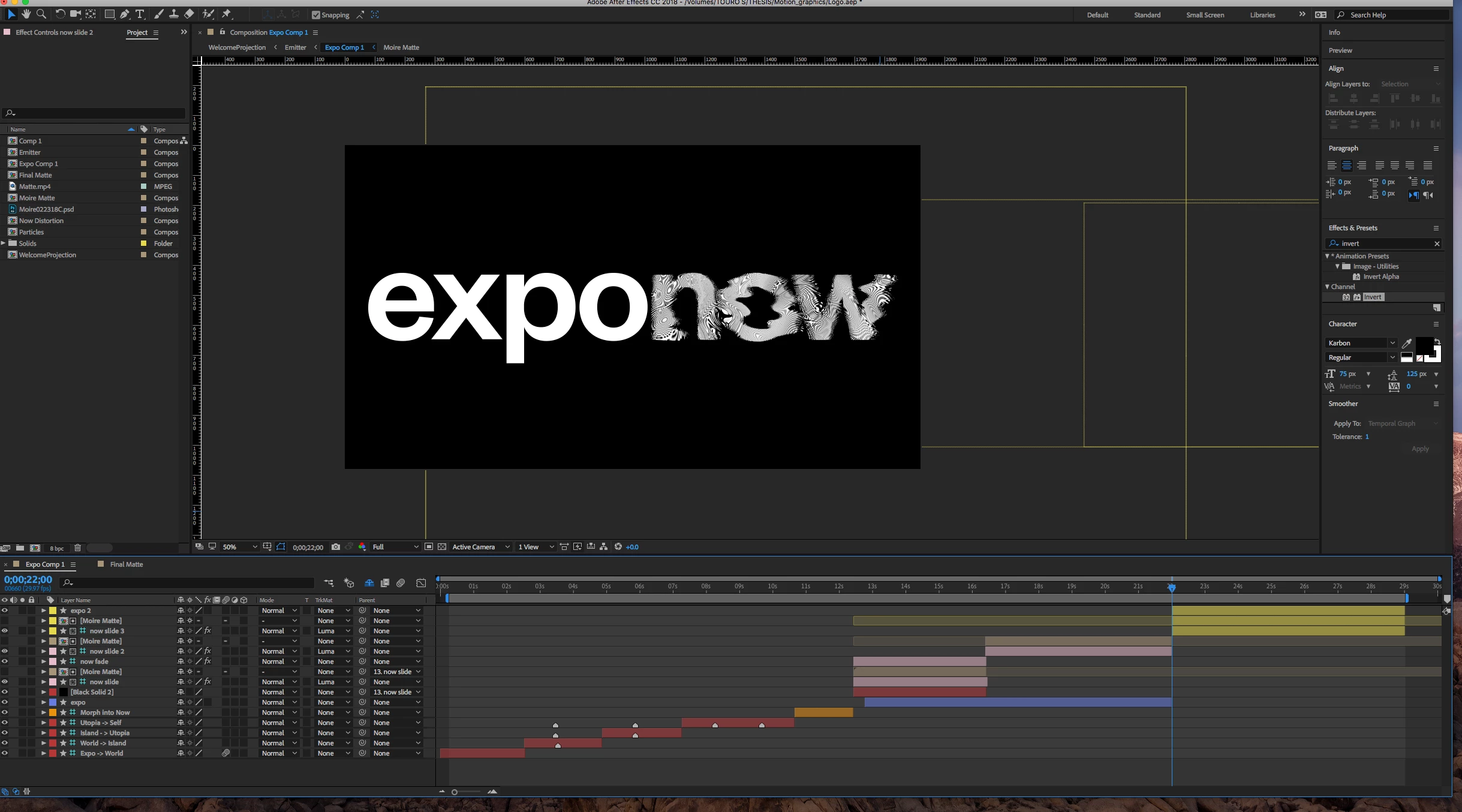
I am creating an animation that contains a shape layer with liquify and displacement map effects applied to it, and which is set to Luma Matte under a precomp layer that contains a PSD with a self-animating wave distort applied to it (it creates a rippling effect on the shape layer).
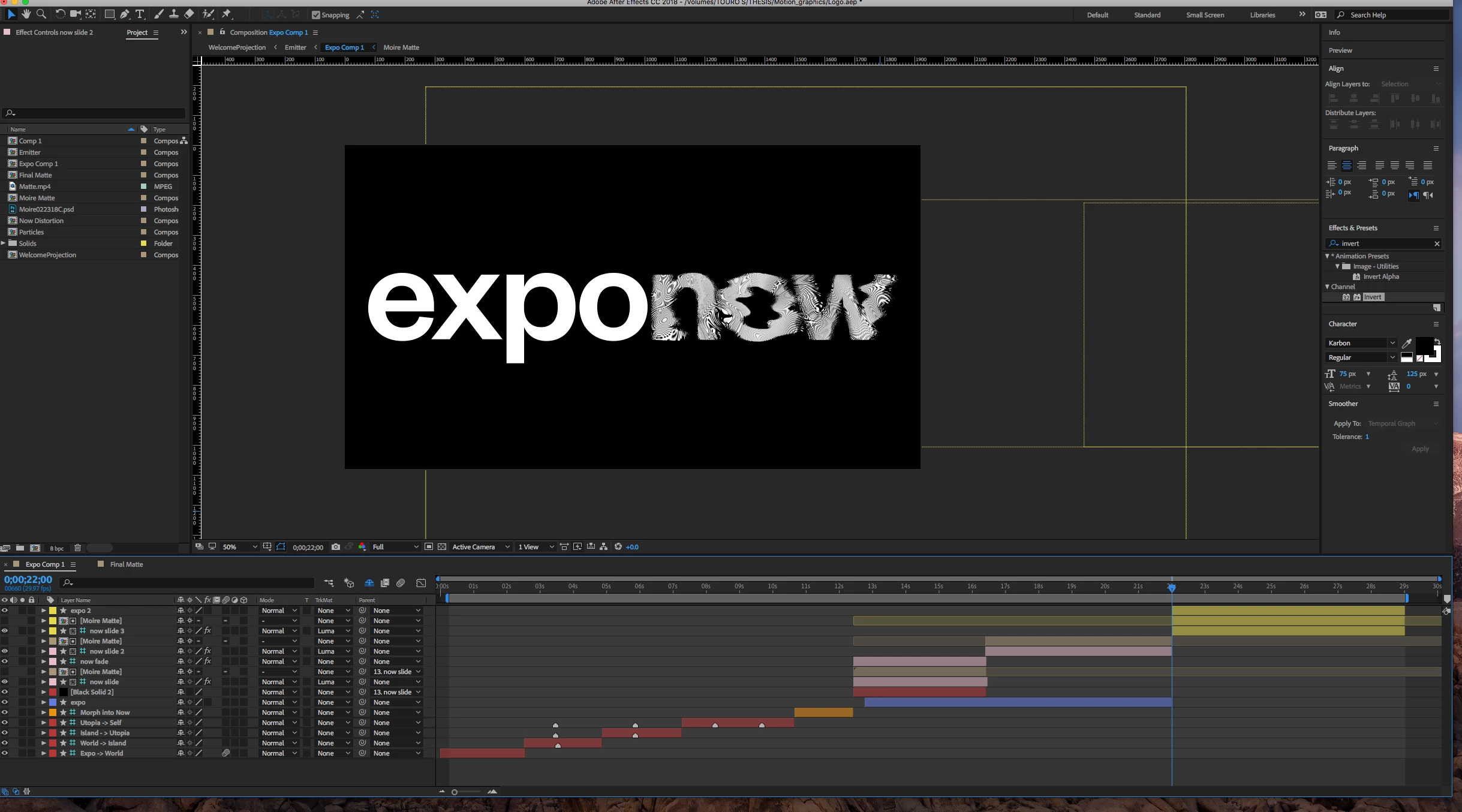
I want to take these layers (the shape, the precomp, and the shape layer that says "expo" and has no effects applied to it) and put them into a precomp, so I can animate them as one unit and add effects to them.
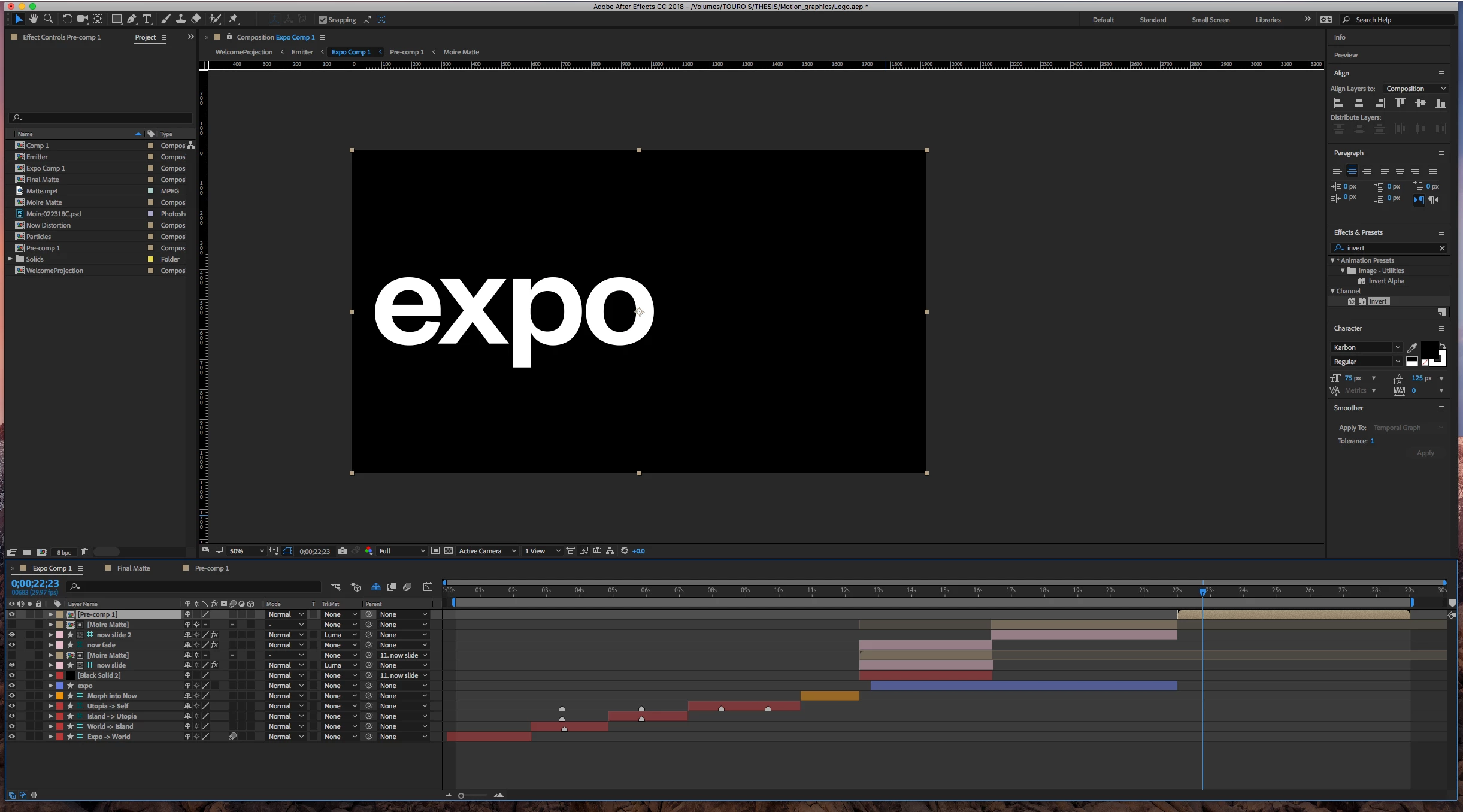
However, when I select all 3 and put them into a precomp, when I go back into this main comp, the expo is displaying, but not the NOW. I have collapse transformations and continuously rasterize switched on at all levels of the precompositions, but don't know if there's another switch or rendering method I should be using instead.
I've done a fair amount of googling, but since I don't know what is actually wrong, have only been able to dig up the collapse transformations tip.
If there's a fix, I'm sorely in need of it, my thesis show goes up quite soon and I need this animation for it!
Thanks so much

 AdChoices