


Premiere Pro - After effect dynamic links
Hi community,
To be honest, it has been a couple of years that I am not wrapping my mind around the following question. I amnot finding precise tutorial videos on this topic. The basic dynamic workflow between PP and AE is clear. Slect your clips in the timeline > right click > replace with AE composition.
Simple.
Easy.
The question is for the following scenario
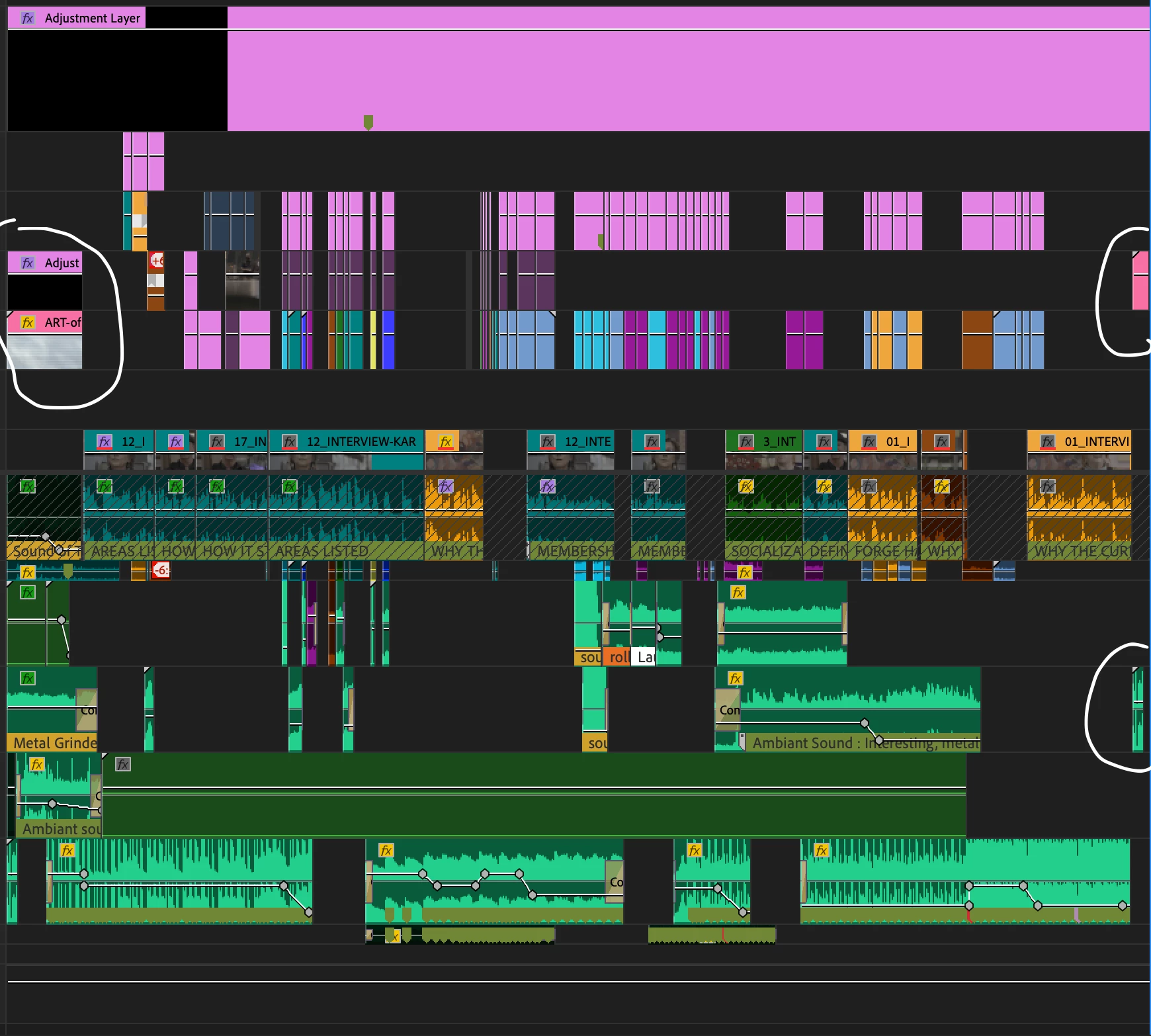
I work on PP and edit my video. Then comes to the moment where I want to add some motion GFX in different parts of the video. I select the clips and do "replace with AE composition". But here comes the wall I keep on bumping my head on. I refine my video work on PP and realize I want more motion GFX. And I don't know how to bring more elements to my existing AE project dynamic link where everythings fall into place in the timeline of PP.
Any thoughts?
The photo is an exemple. I have dynamic link at the beginning of my timeline. Then the second circle to the right is what came up afterwards. And teh circle at the bottom is teh audio I would like to have in the dynamic link workflow, but it doesn't seem to work.
Thanks
 AdChoices