Carlmad13
Participating Frequently
July 20, 2022
Question

Preserve only specific markers with automation blocks?

  • July 20, 2022
  • 1 reply
  • 191 views

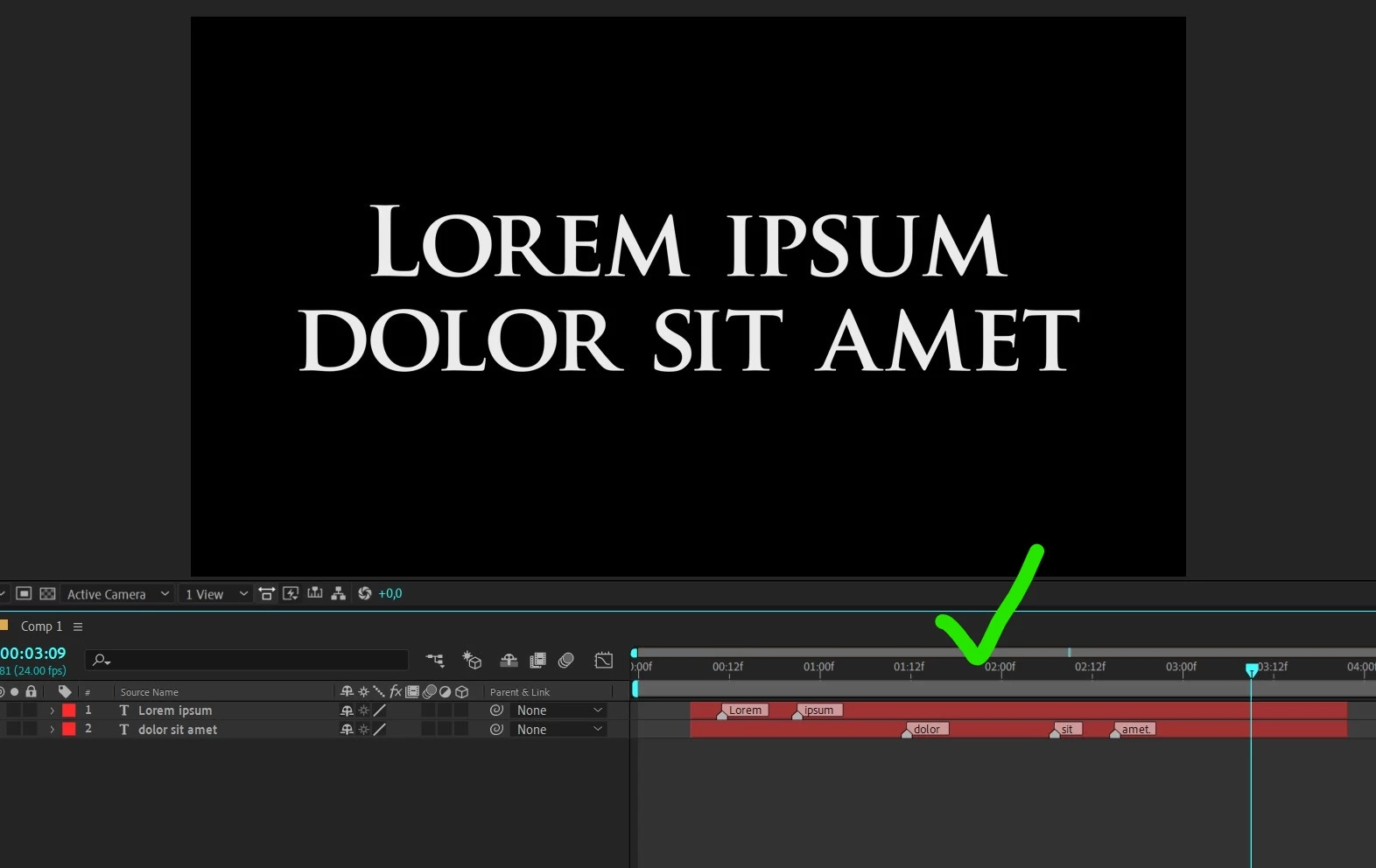
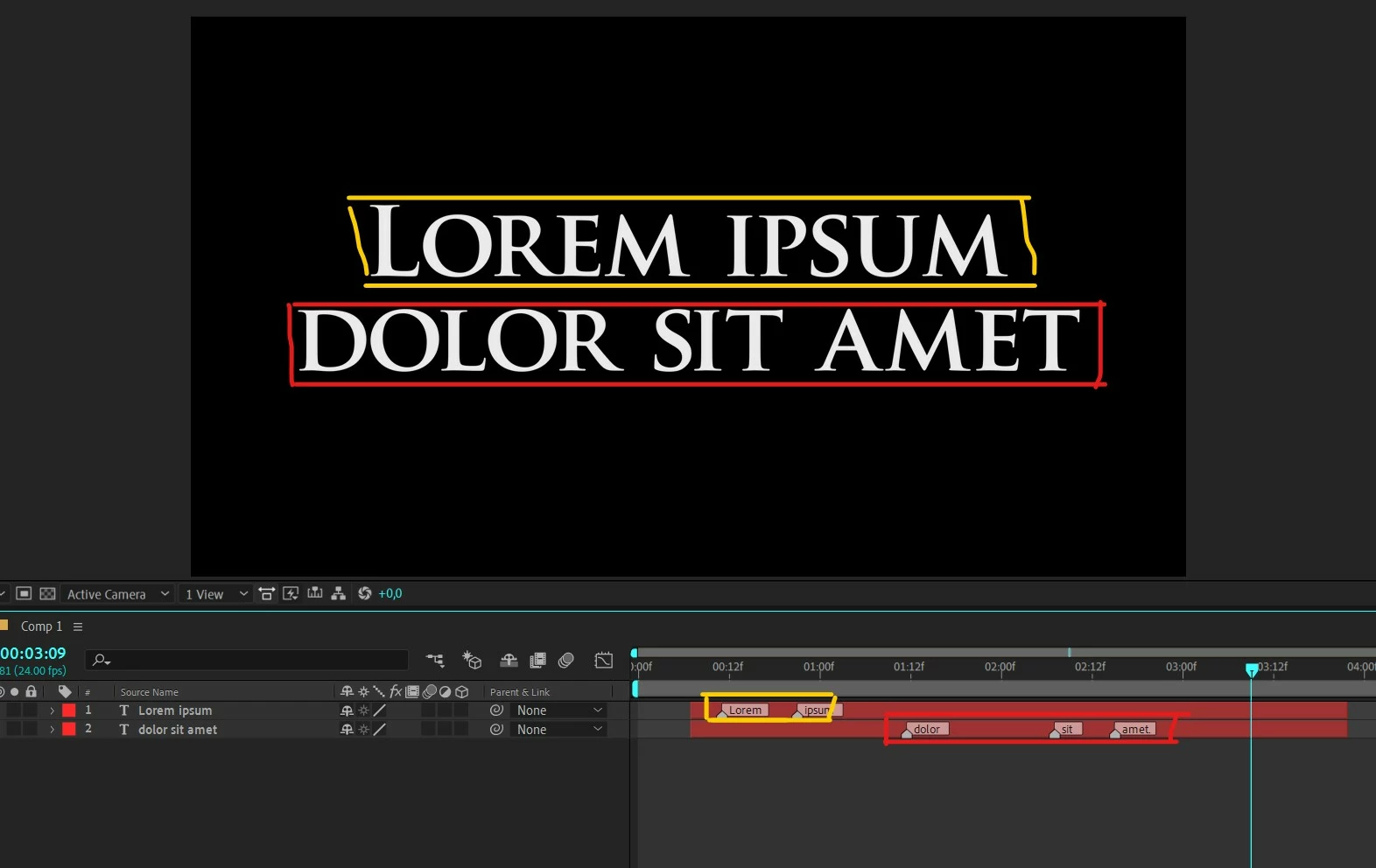
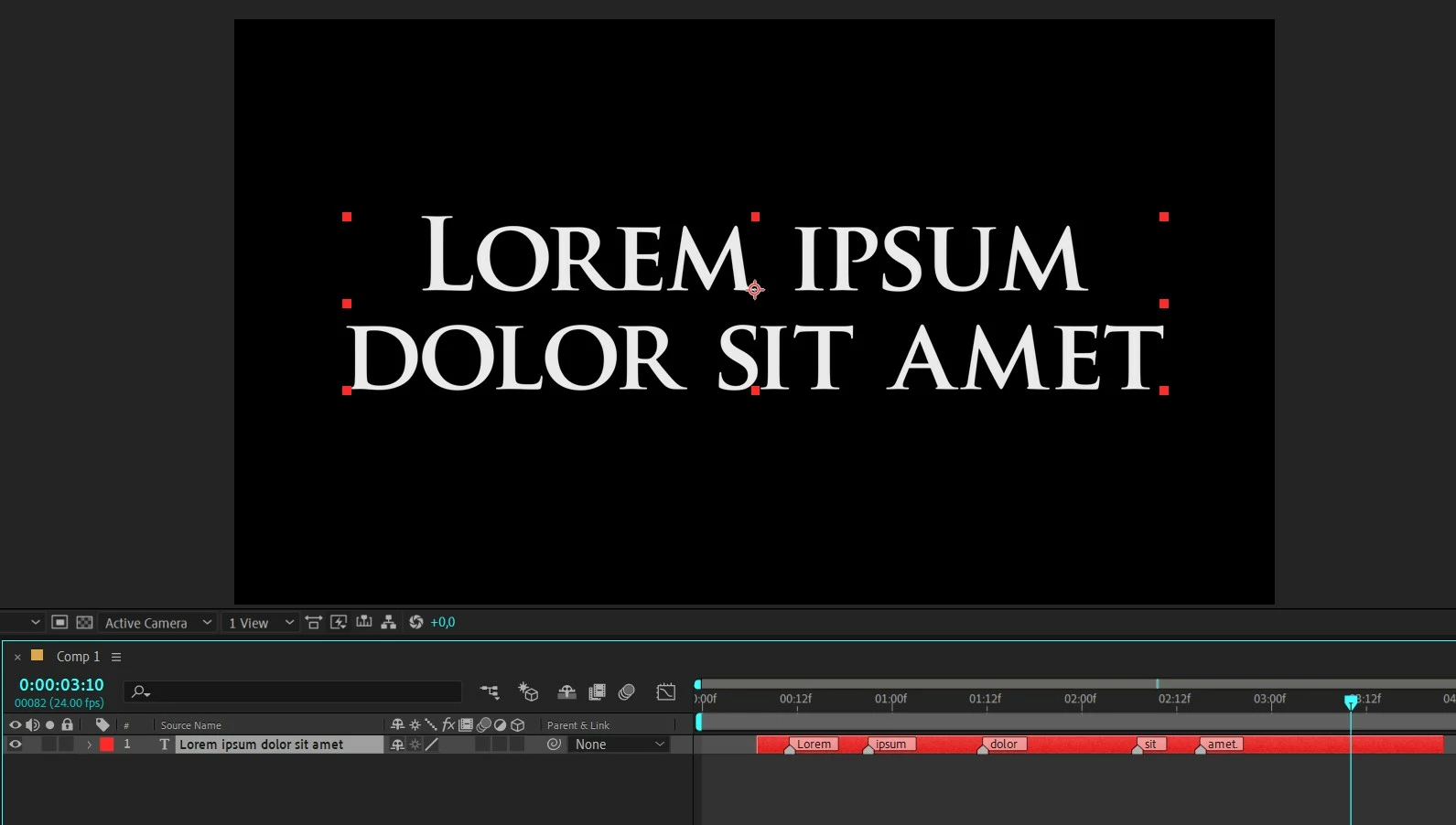
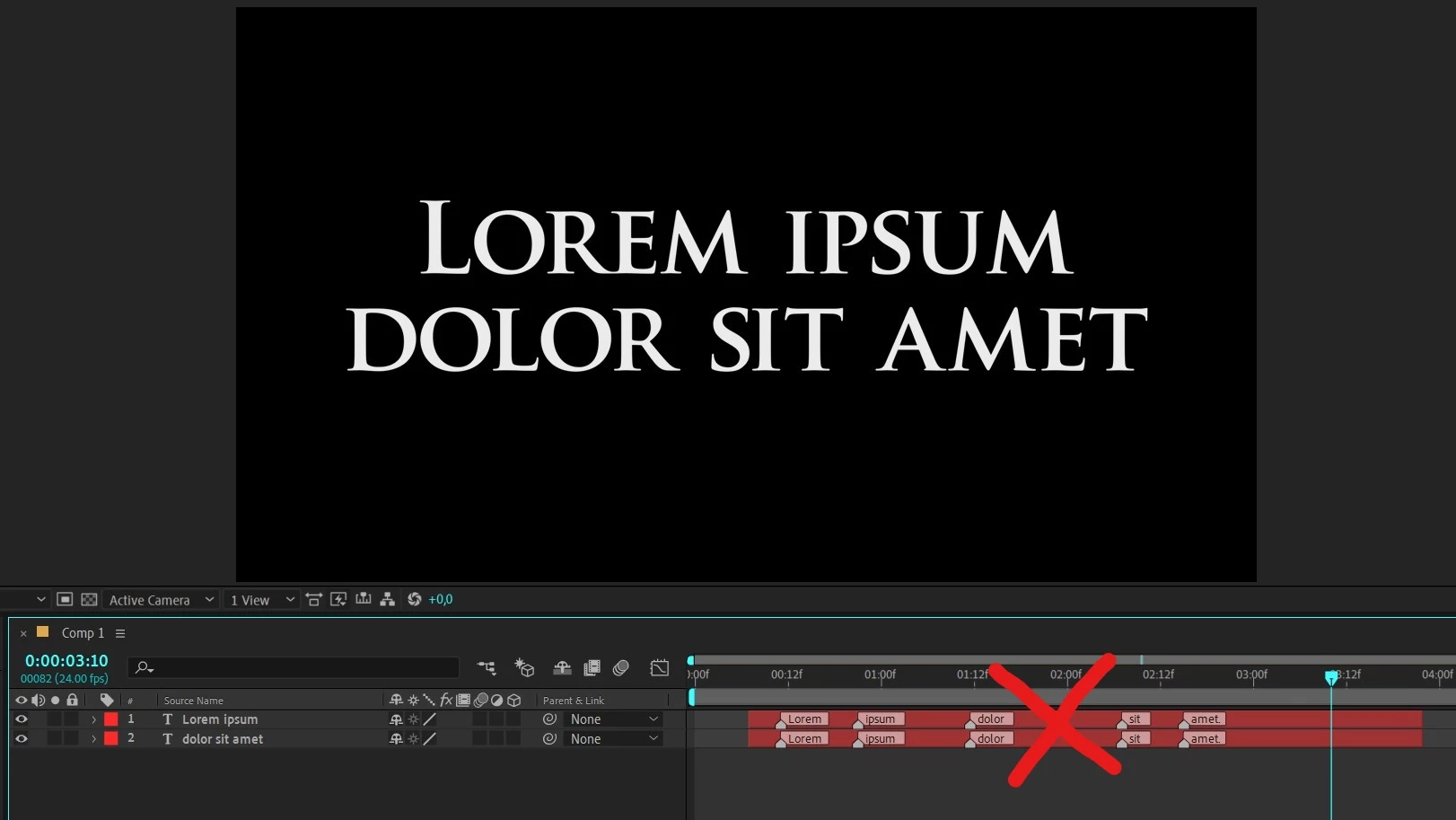
Hi Mathias, I have a query or maybe an idea: I have a text layer with markers already synchronized with audio, but I want to separate this text layer into lines and the idea is that the second line (or even a third line) only keeps the markers corresponding to the text that there is on that layer and in the same place. (see the attached images to understand better), is it possible with automation blocks?
It is something that can be done manually by removing unnecessary markers one by one, but when it comes to having multiple text layers, it would take a lot of time.
Another point to understand better: each marker triggers the animation of each word, something that I have already solved.

Thank you very much.
This topic has been closed for replies.

1 reply

Mathias Moehl
Community Expert
Community Expert
August 4, 2022

Hi,

ok, I just added a tool to the community library, which

- checks all markers of all selected layers and

- deletes a marker if the marker comment is not a substring of the layer's name


You find it in the Automation Blocks Community Library at

/Layer Properties/Markers/Delete Markers if Their Comment is Not Substring of Layer Name.xml


I think this is a tool that is very specific to your workflow, but since it is a good example how to loop over markers and retrieve layer comments, I decided to add it to the community library.


Mathias Möhl - Developer of tools like BeatEdit and Automation Blocks for Premiere Pro and After Effects