Participant
August 30, 2021
Question

Preview not working and program crashing constantly

  • August 30, 2021
  • 2 replies
  • 166 views

Hi, this is the first time I post on somehting like this so excuse me in beforehand if my descriptions are confusing.


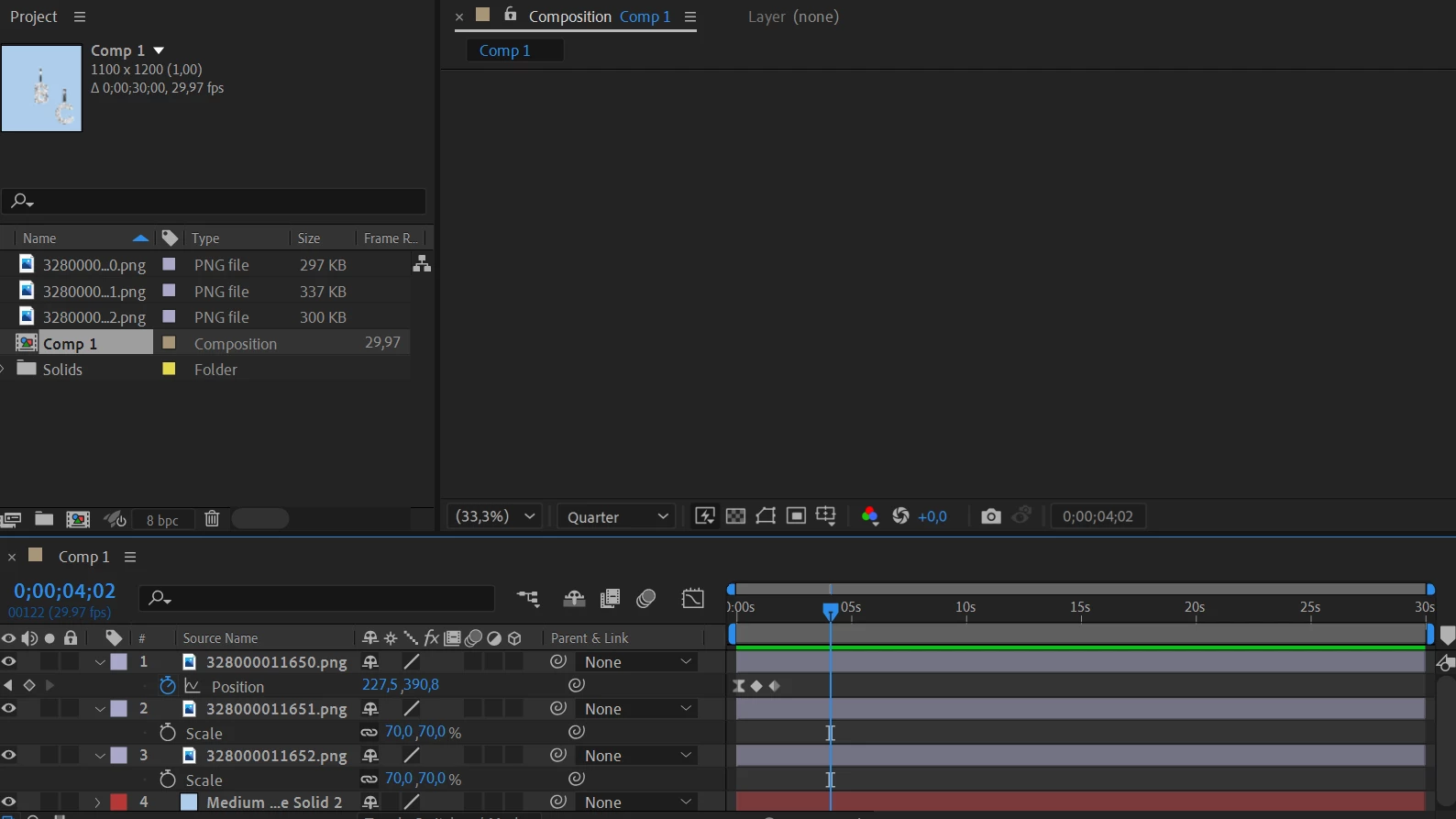
I'm currently having issues with after effects preview freezing on "create composition" and "new composition from footage" while opening a project. If I start a new project the same thing happens. If i try to play and watch my project, nothing happens. The track glitches too and when I try to press play it moves possibly a millisecond before stopping (without it showing anything on the preview). The program also freezes completely every time I try to open another project or do anything practically. 
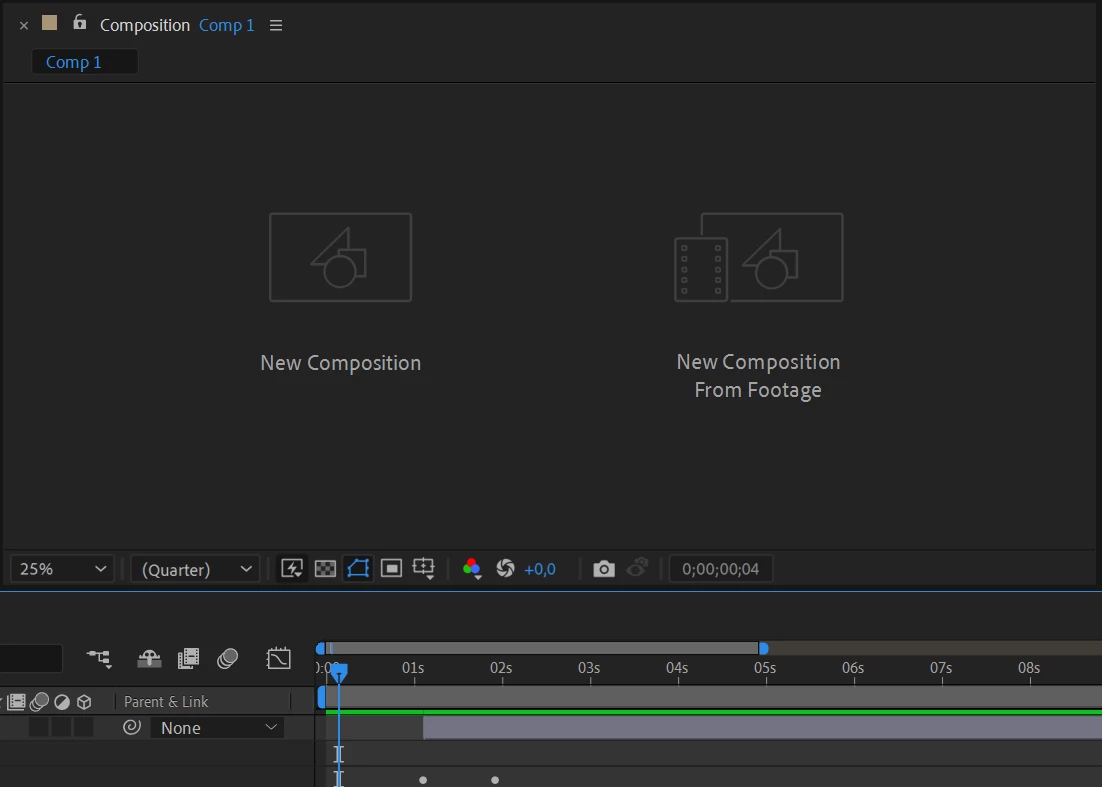
Worth mentioning is that this is on a brand new PC, from endless googling it might have to be something about cache as it sometimes (very seldom) works out regularly only to freeze the frame again after I have emptied all of the cache. (and it's not much, i haven't been able to work on any project on this computer)


I've also been told it might have to do something with my graphics card needing and updated driver but it's updated accordingly. This is my first time working on PC so I'm just generally a rookie how things work when it's not on a Mac. 


Thank you in beforehand!

This topic has been closed for replies.

2 replies

Roland Kahlenberg
Legend
August 30, 2021

What are your system specs? RAM, CPU, GPU, Harddisk type and capacity, Cache Settings, AE/Adobe RAM Settings?


From a clean launch of AE, have you tried importing different footage to see if the problem persists?

Very Advanced After Effects Training | Adaptive & Responsive Toolkits | Intelligent Design Assets (IDAs) | MoGraph Design System DEV
Nike5F99Author
Participant
August 30, 2021

Thank you for your reply, this is some of my info (sorry i'm totally new to PC)


Device name SE-LPT-104
Processor Intel(R) Core(TM) i5-10210U CPU @ 1.60GHz 2.11 GHz
Installed RAM 16,0 GB (15,8 GB usable)
System type 64-bit operating system, x64-based processor


maximum disk cache is 28 (tried settign it higher, nothing happened)

RAM available for AA is 11 gb

nishu_kush
Community Manager
Community Manager
August 30, 2021

Hi Nike5F99,


Sorry for your issue.

Thanks for sharing the details above. Do you have a dedicated GPU installed on your computer? Here's how you can find: https://www.howtogeek.com/414201/how-to-check-what-graphics-card-gpu-is-in-your-pc/

Please try the following: 

  1. Go to After Effects Preferences > Display > uncheck "Hardware Accelerated Composition, Layer, and Footage Panels"
  2. Reset After Effects preferences: https://community.adobe.com/t5/after-effects/faq-how-to-reset-trash-preferences-in-after-effects/td-p/10634342 

Let us know how it goes.


Thanks,

Nishu

Mylenium
Legend
August 30, 2021

Impossible to say much without exact system info, but yes, a misconfigured GPU causing hardware acceleration issues and cache corruption is the most likely cause. If you can't straighten out things yourself, this may be a case of finding your friendly neighborhood computer nerd.


Mylenium