Answered
preview with no sound ?
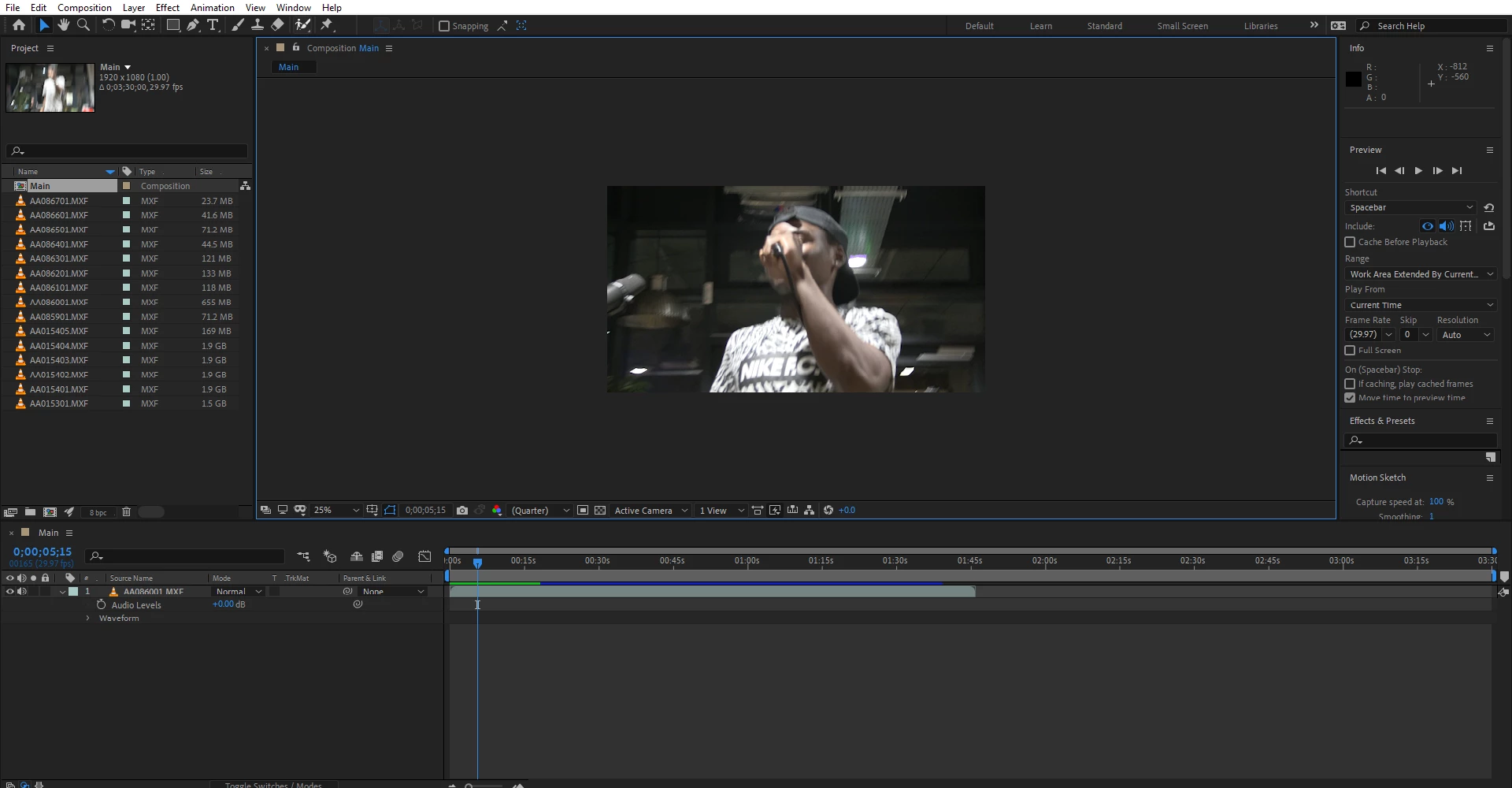
I got sound when i export it but none while doing either ram preview or preview.
sound output is checked
please help

I got sound when i export it but none while doing either ram preview or preview.
sound output is checked
please help
First make sure that the MXF files have sound embedded.
Second make sure, that AE can read the sound data (just click on the little arrow in front of "Waveform" to see if there is any).
Third make sure, that you get sound from some random WAV file.
You can also check the preferences and see, if audio get's muted whenever playback falls behind realtime (I think the checkbox is labeled as "Mute audio when ...").
Once you are there, check the audio hardware settings, too.
Last, or first - as you wish - check the box in preview panel "Cache Before Playback".
*Martin
Already have an account? Login
Enter your E-mail address. We'll send you an e-mail with instructions to reset your password.
 AdChoices