Known Participant
October 13, 2021
Answered

Problem importing a .psd file in After Effects - Messes up the content

  • October 13, 2021
  • 2 replies
  • 1208 views

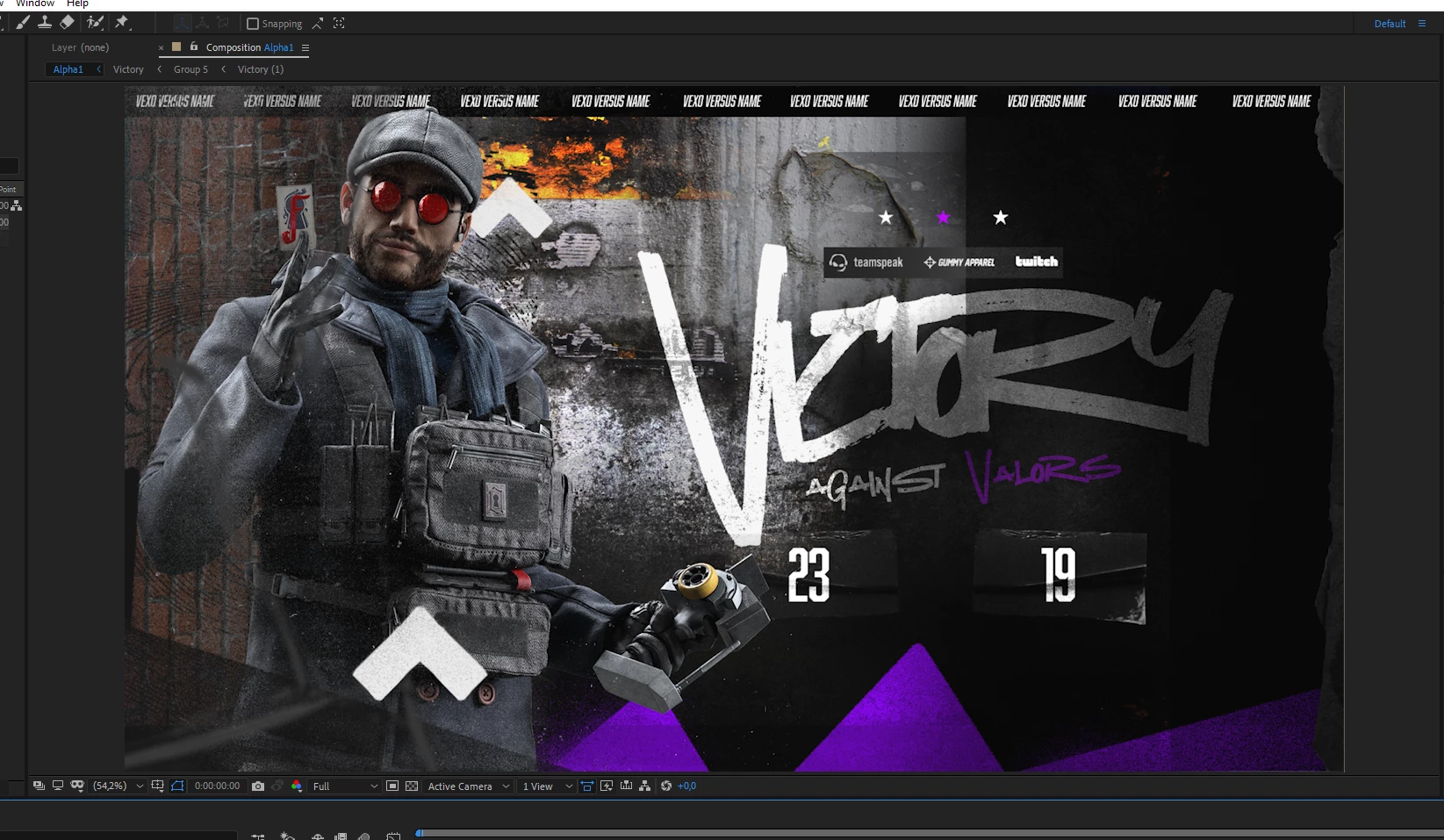
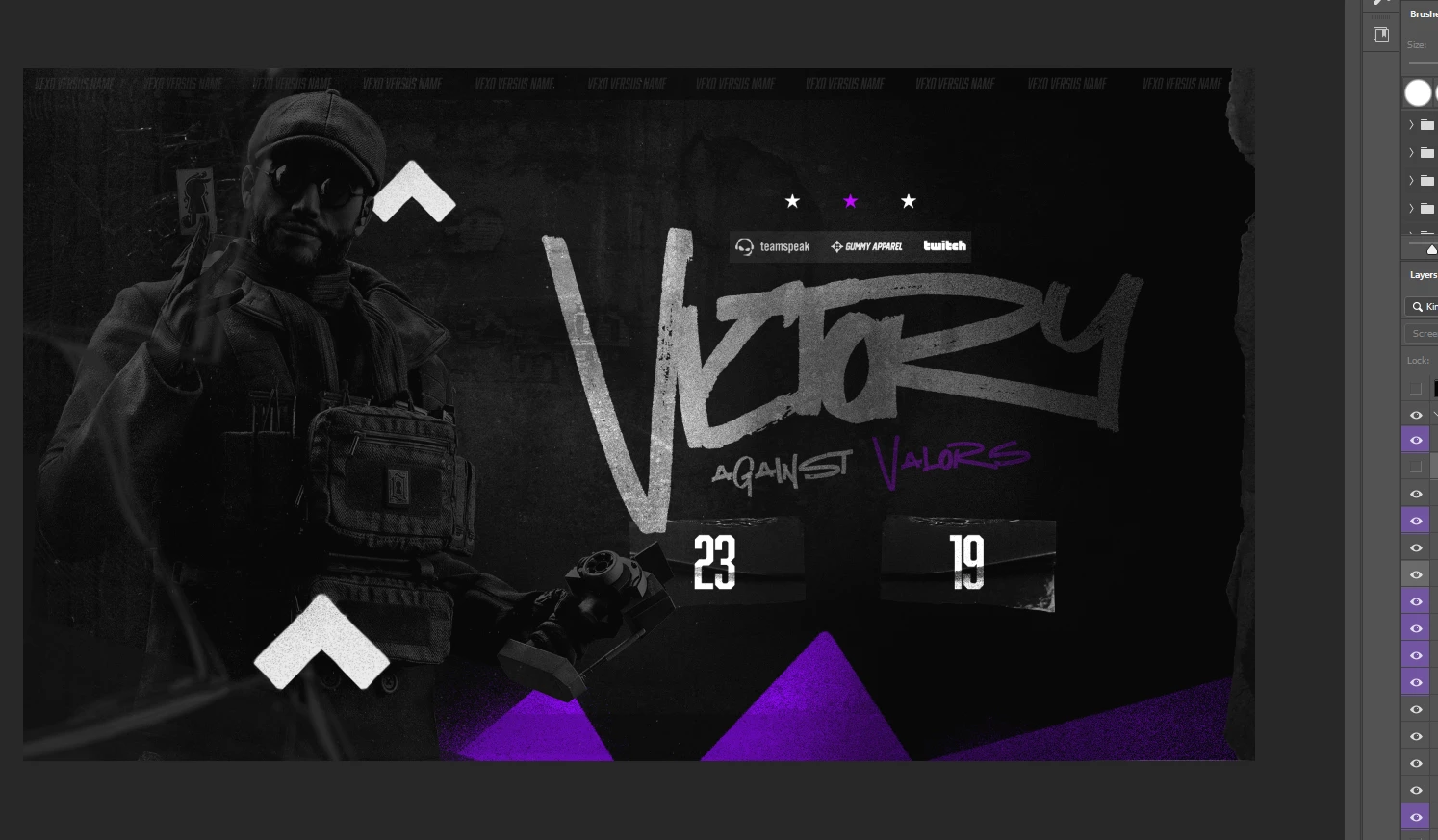
Hey! To keep it short, when I import my .psd file into ae it completly messes it up

I imported it with the option " composition - retain layer sizes "

Thanks!
This topic has been closed for replies.
Correct answer nishu_kush

Glad that you found a solution. Thanks for updating the thread.

Feel free to reach out if there are any other questions.


Thanks,

Nishu

2 replies

Known Participant
October 14, 2021

I found why!

Here's the link for the people who have the same problem:
https://attackmotiondesign.com/after-effects-tips-gradient-map-to-lut

nishu_kush
Community Manager
nishu_kushCommunity ManagerCorrect answer
Community Manager
October 14, 2021

Glad that you found a solution. Thanks for updating the thread.

Feel free to reach out if there are any other questions.


Thanks,

Nishu

Known Participant
October 16, 2021

I'll sure do!

Thanks.
RedyMotion

nishu_kush
Community Manager
Community Manager
October 13, 2021

Hi RedyMotion,


Thansk for reaching out.

Would you mind sharing more details? Does it happen with all the PSD files? Also, did you use any blending modes in Photoshop?

Let us know.


Thanks.

Nishu

Known Participant
October 14, 2021

Hey!

1. Nop, it's first time it does that
2. Yes I used blending modes

In case you need that, here are some screen shots of the layers in ae and ps:


Thanks.
RedyMotion