Known Participant
October 29, 2020
Question

Problem resizing composition with 3D layers.

  • October 29, 2020
  • 1 reply
  • 4509 views

Hi!


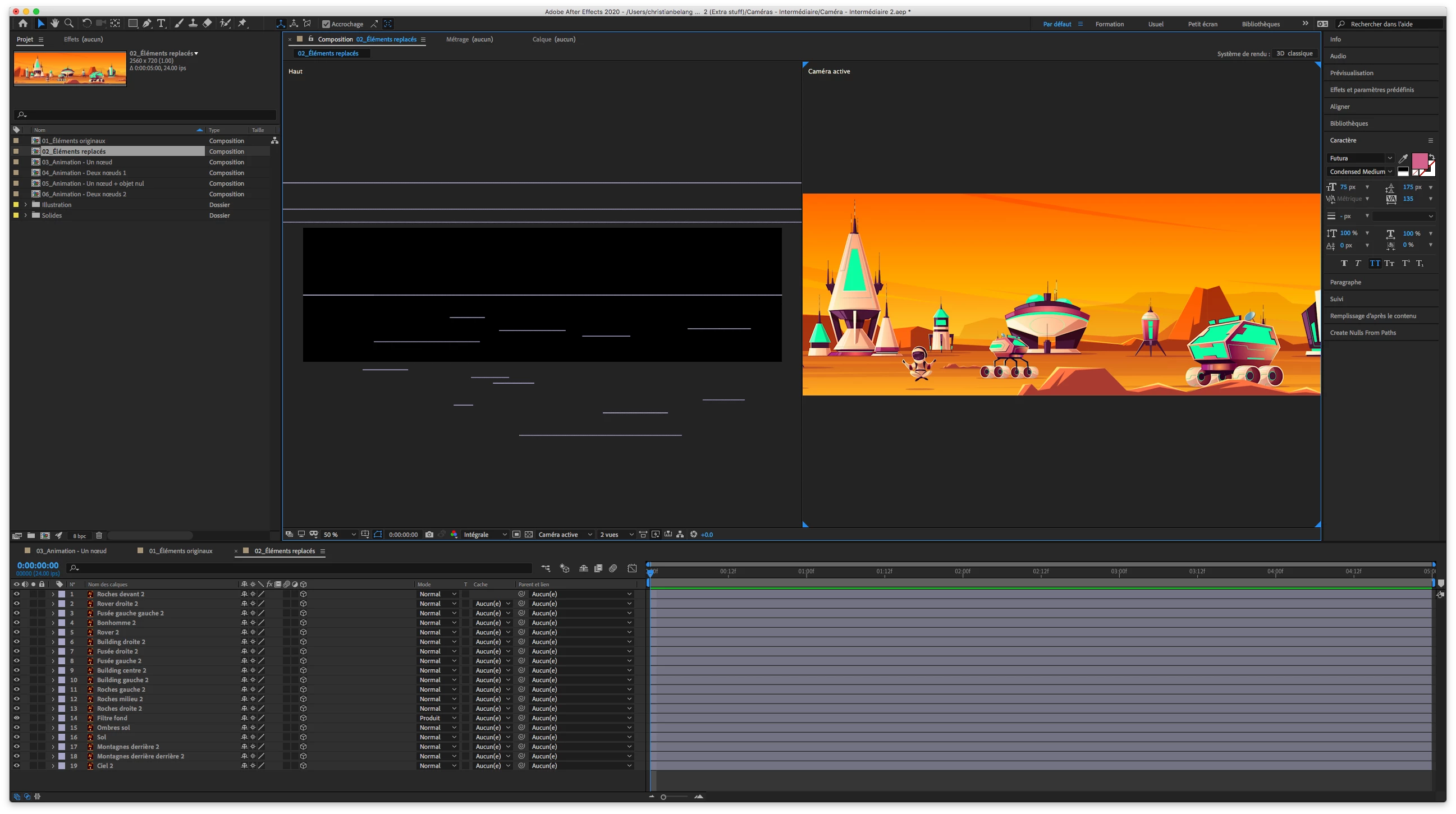
I have a 2560 x 720 composition in which all of my 3D layers are positioned to my liking:
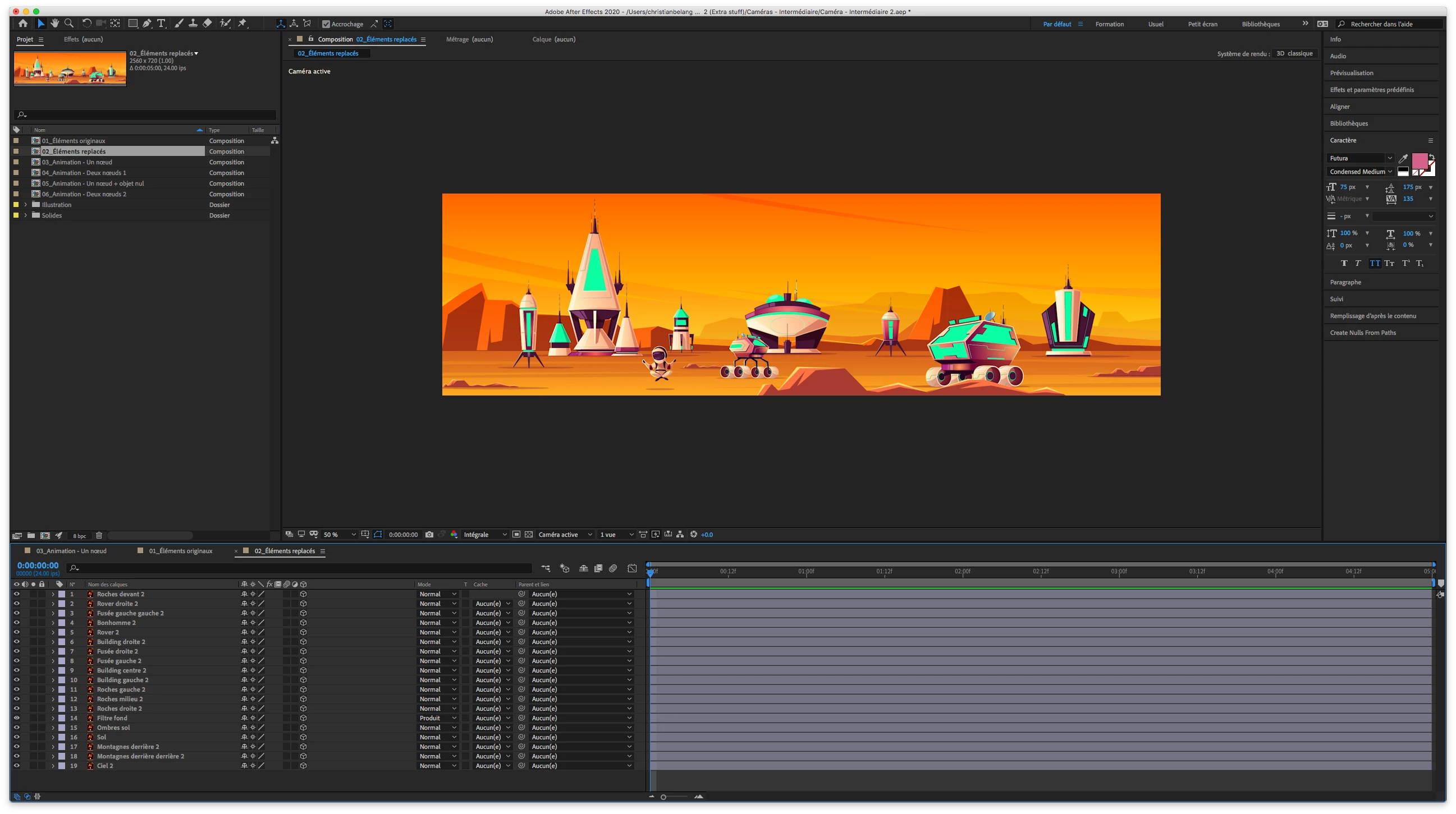


I need to resize this composition to 1280 x 720, but when I do so, my layers don't keep their assigned positions.


Here is what I do.


I create a new camera:
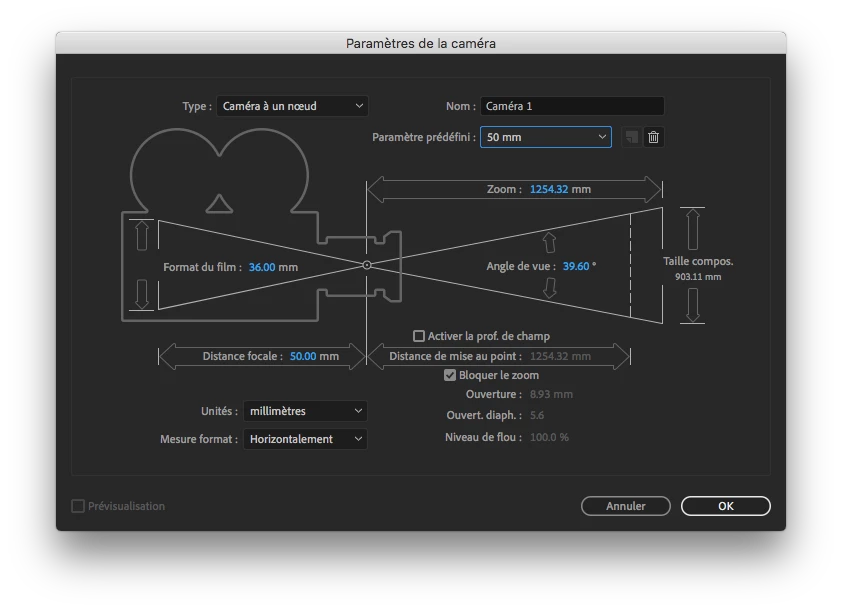


So far, so good:
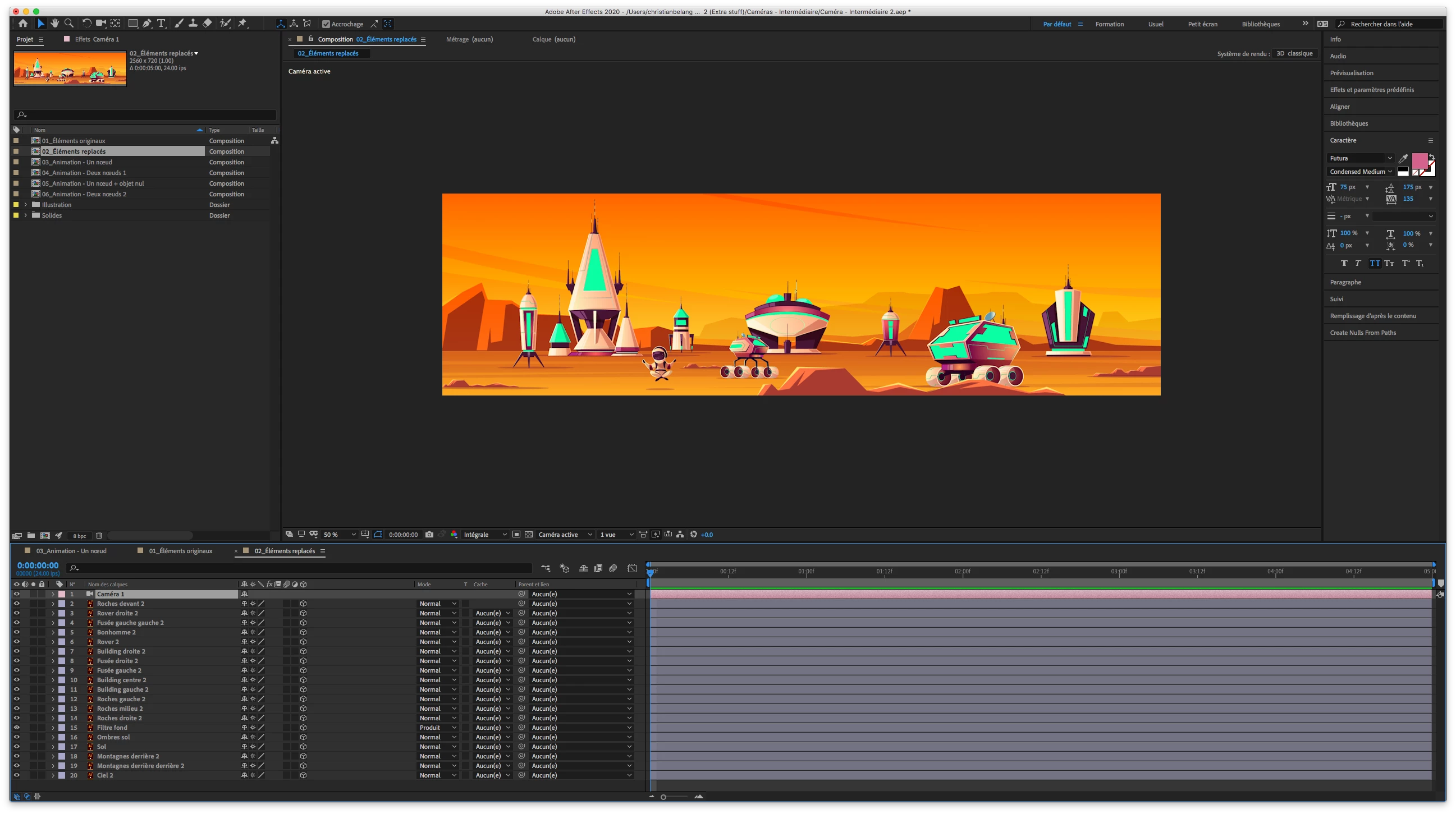


But when I resize the composition, THIS happens:
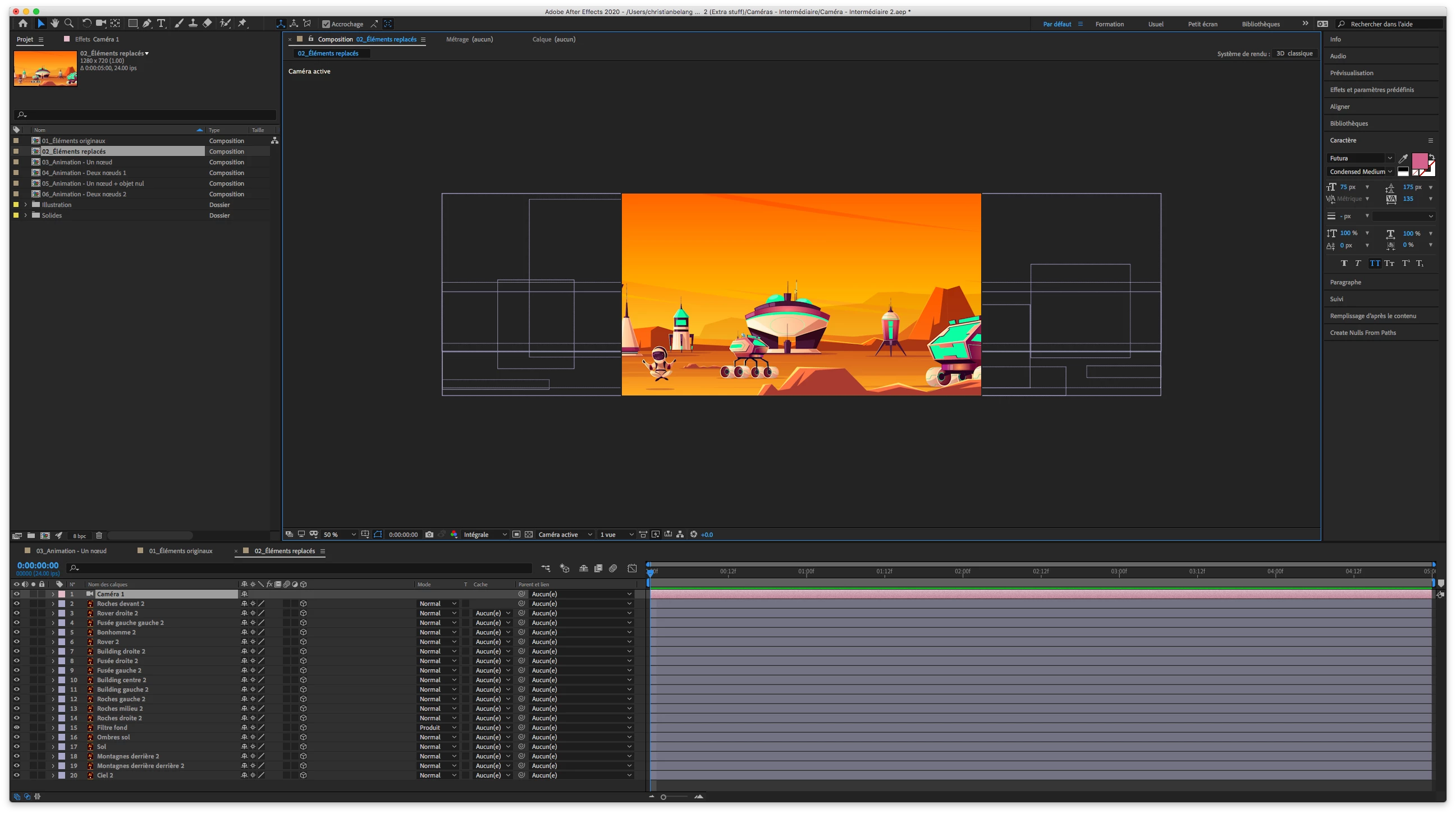


The problem is, I need the composition to crop from the left in order to get that result:
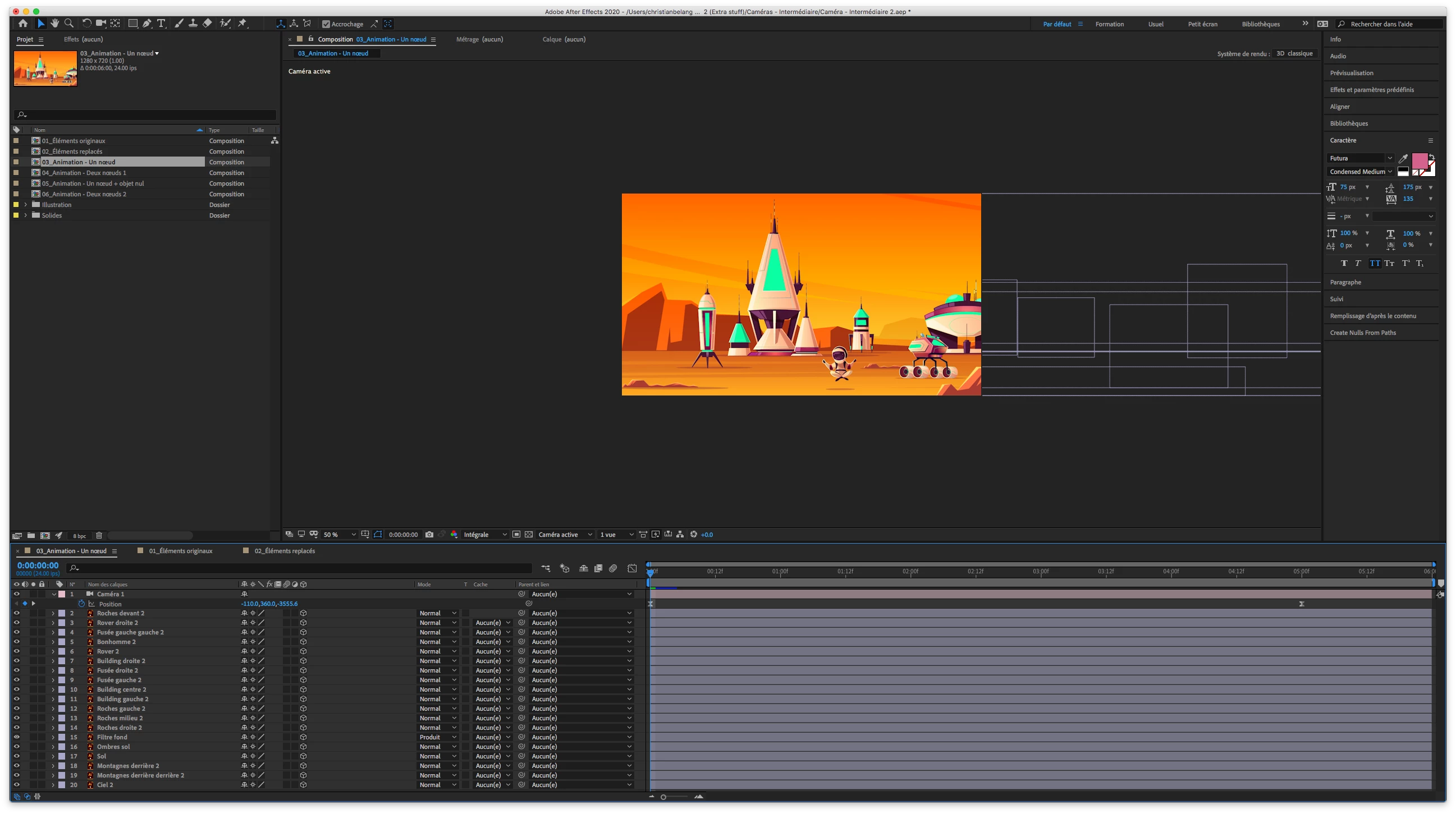


But obviously, when I reposition my elements or my camera, everything shifts!
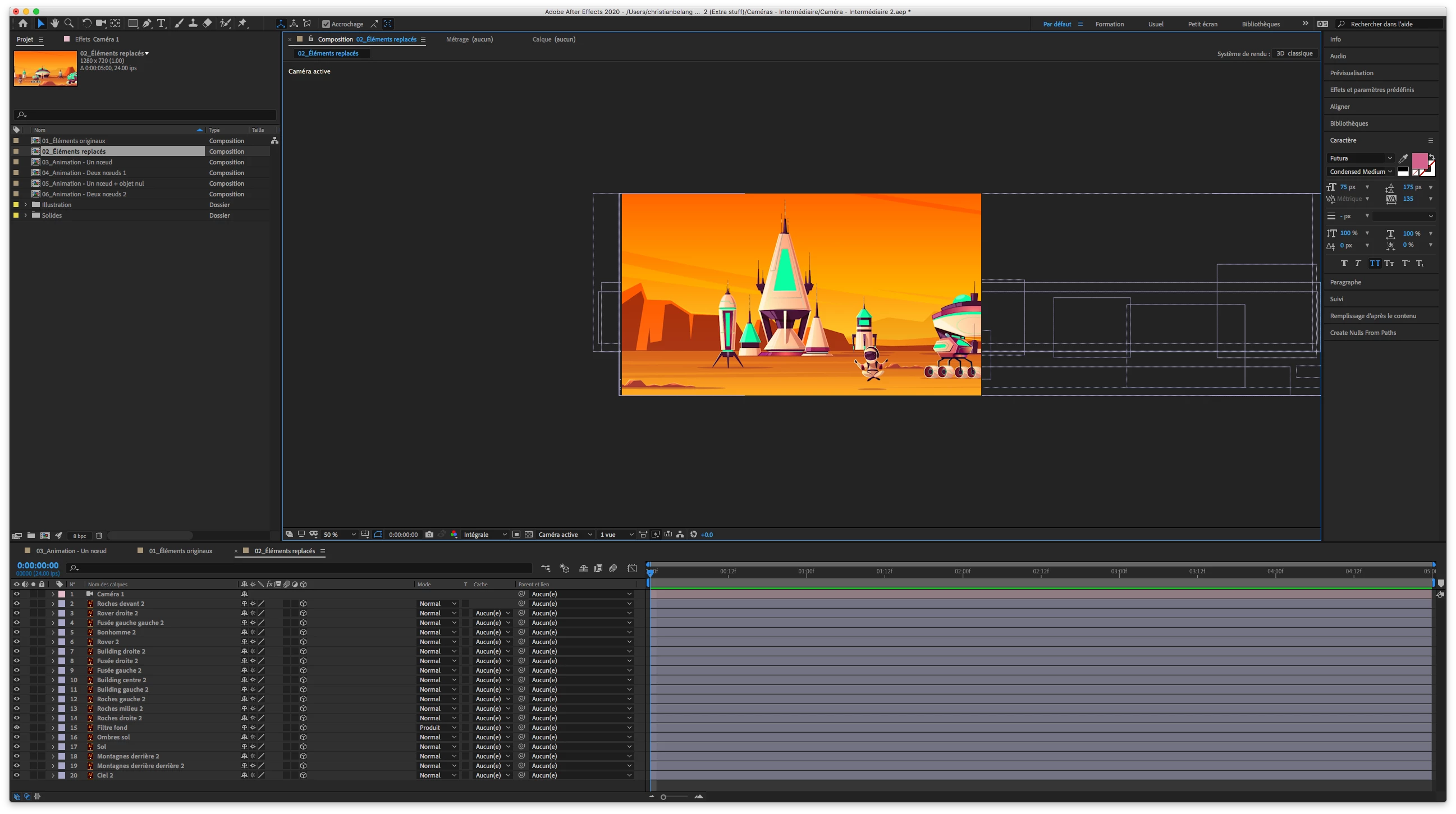


So how do I resize my composition from the left while keeping all of my elements in place?


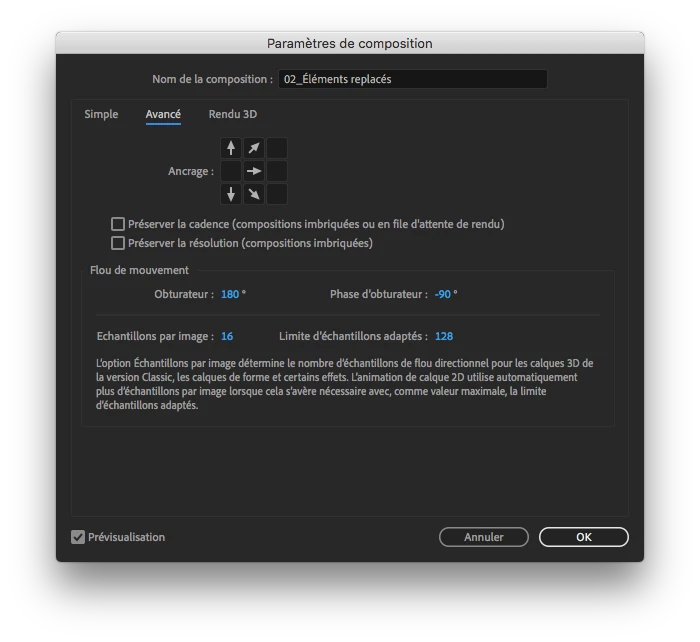
I tried this, but it doesn't work!


Thank you!

This topic has been closed for replies.

1 reply

Community Expert
October 29, 2020

You have 2 options. The first is to create a new comp the size you want, then drag the existing comp into the new comp, collapse transformations, then add the Camera and Lights to the new comp. I do that kind of workflow all the time and it is by far the most efficient.


The second option is to go to the File/Scripts/Demo Pallet menu and choose the Scale Composition option, then enter a new width for the composition. You'll then need to add a camera or reposition the camera to frame up the part of the scene you want to see. Personally, I'd just nest the comp. 

Known Participant
October 29, 2020

Thank you for your answer!


Here is what happens with the first option.


I do the precomposition:


I create a new composition:

I put the precomposition in the new composition and position it the way I want:


I hit the 3D icon and the collapse transformations icon, and everything shifts:


I tried to correct the situation with a camera, but nothing works.