Hi, Here the link of my project:
https://drive.google.com/open?id=1vgqxXQ7VR_zZ4dVCluC2wDMzYBw0rbNP
Now I'm using CC2018
Thanks
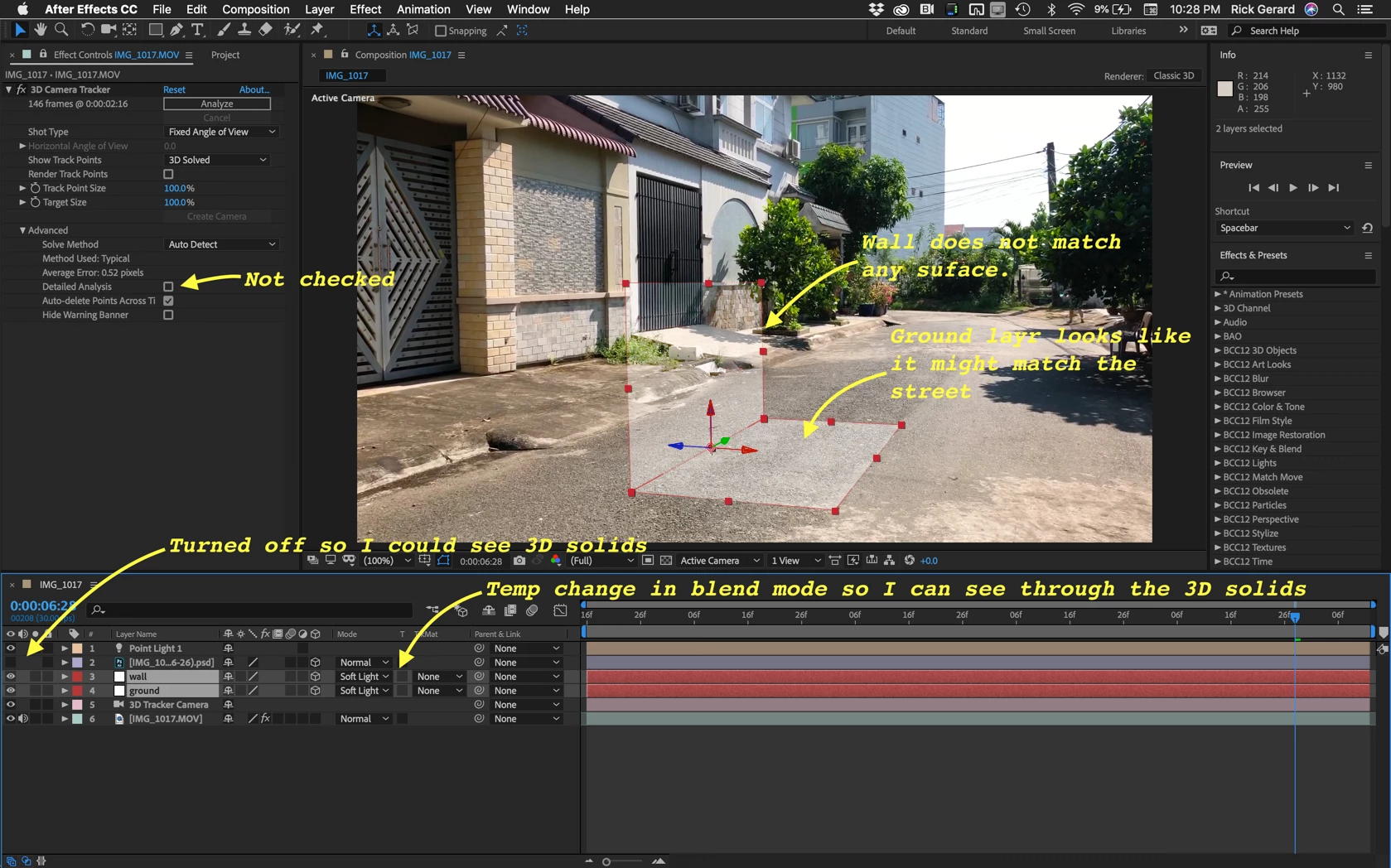
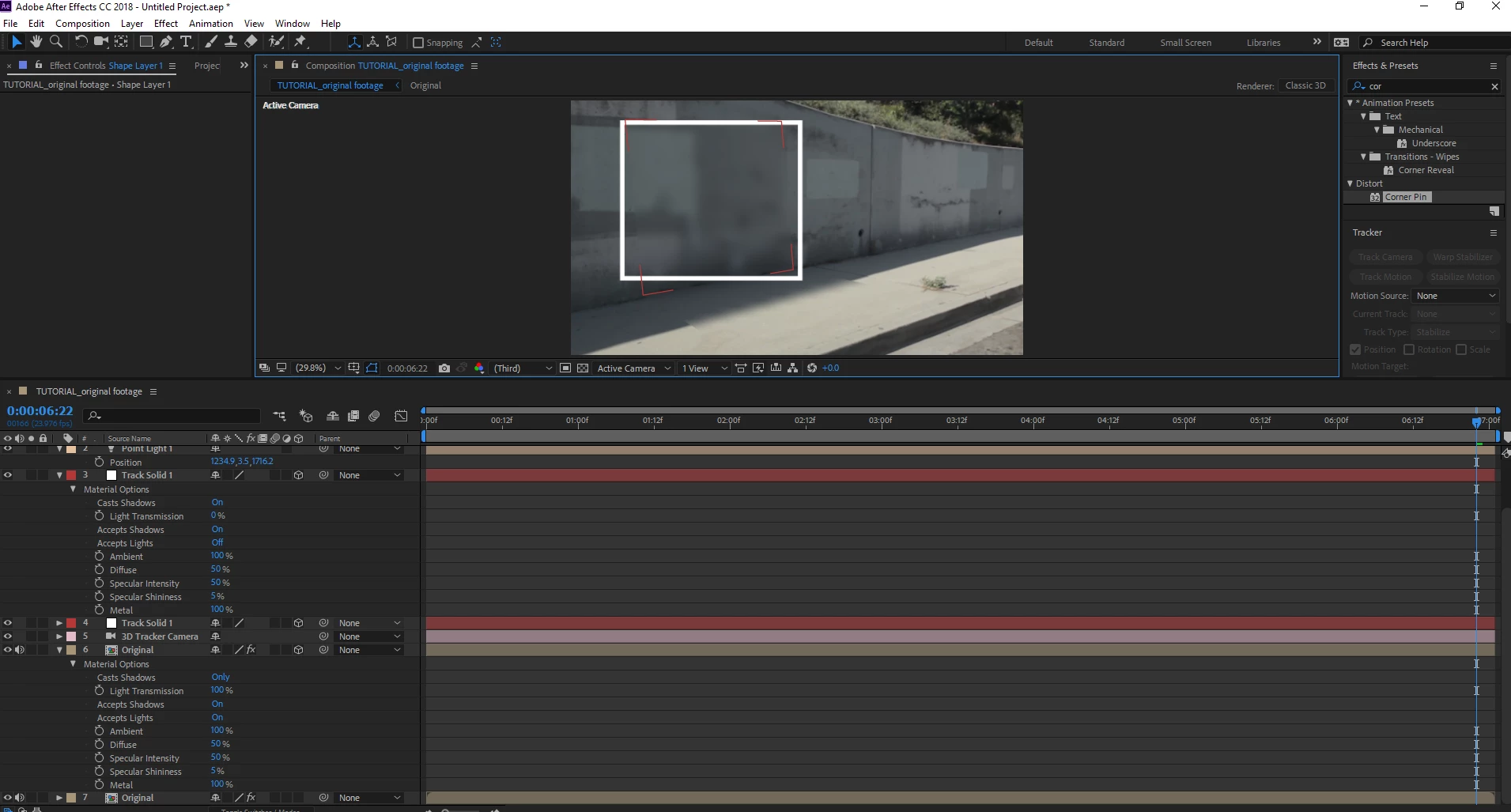
The biggest problem you are having is that you do not understand that the tracking solids you add to the comp must match the surfaces that you are trying to replace. Your 3D layers are not at all where they need to be.
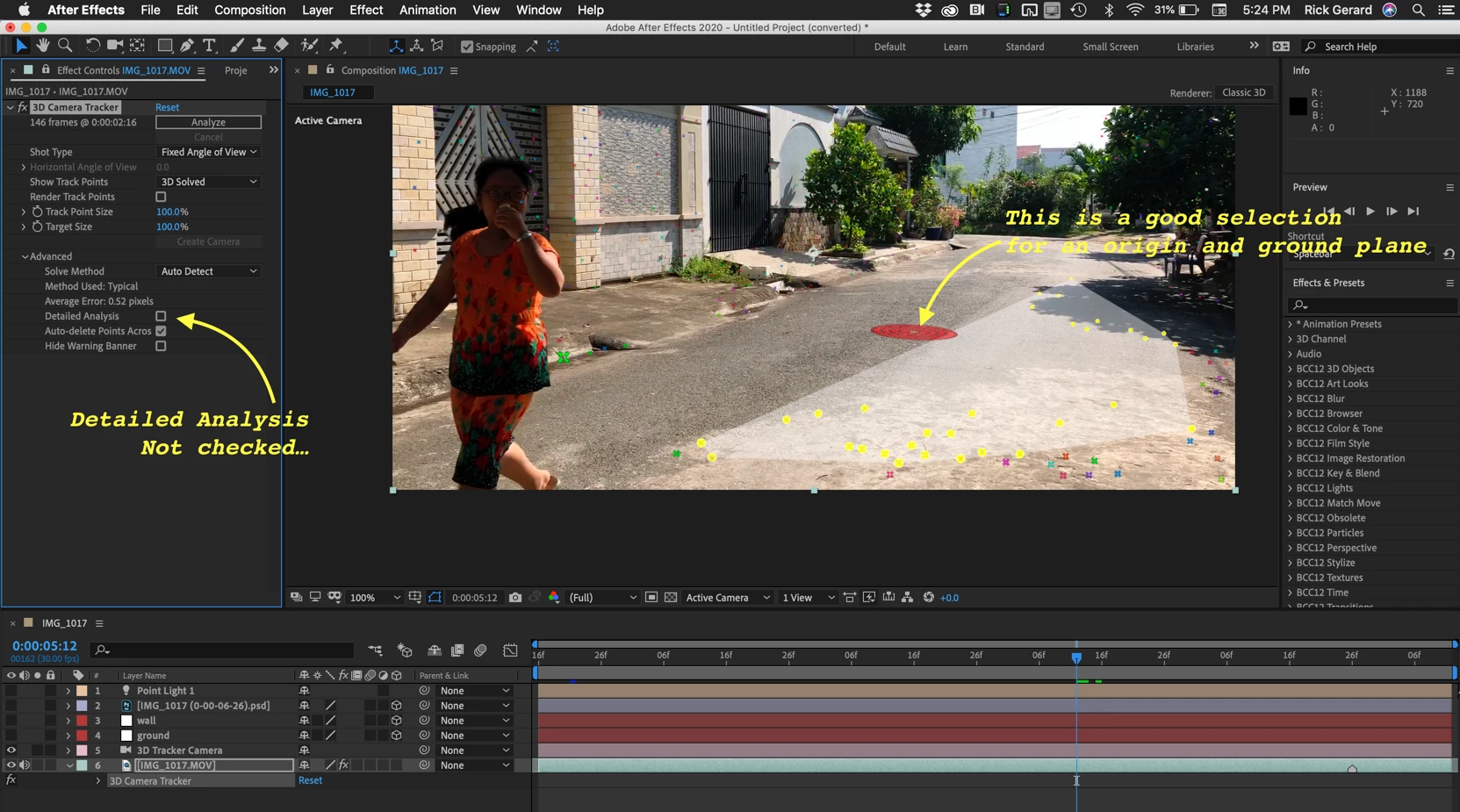
Start over choosing the following options and points:
Then you have to add a new solid for every surface that has to be covered and add masks to fix the overlaps.
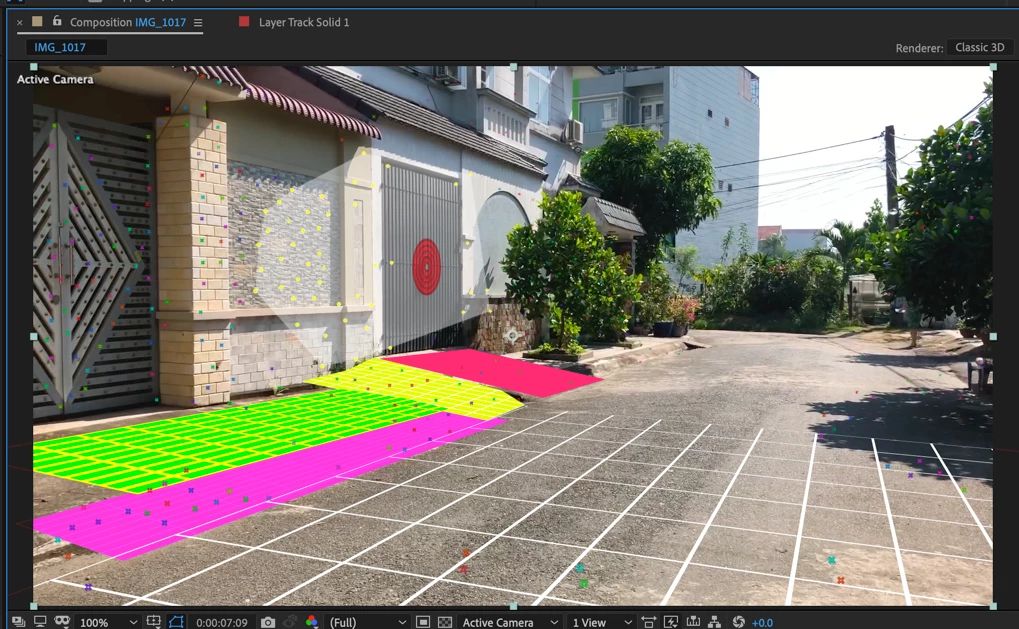
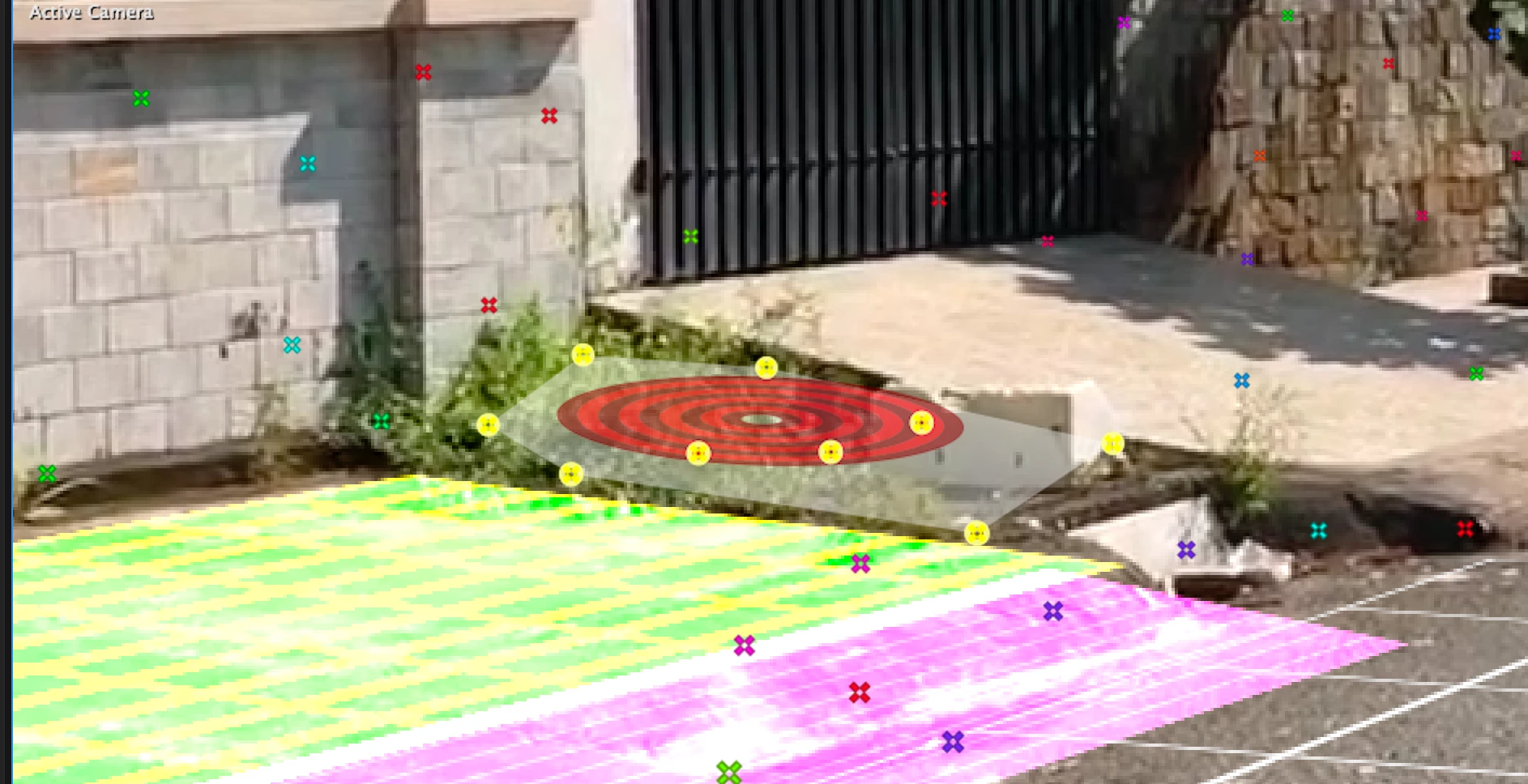
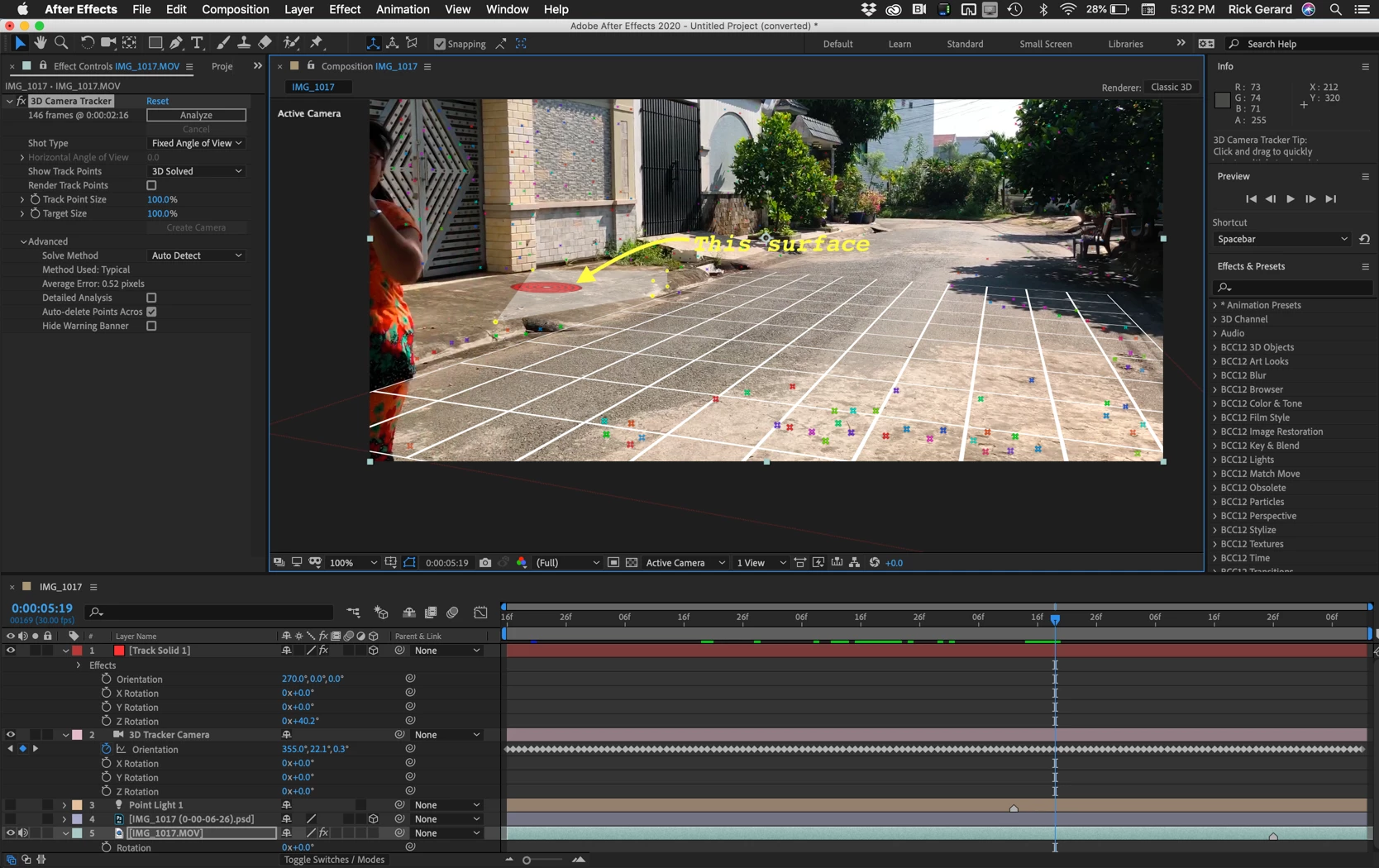
When you have all the layers in place you have to start on the masking:
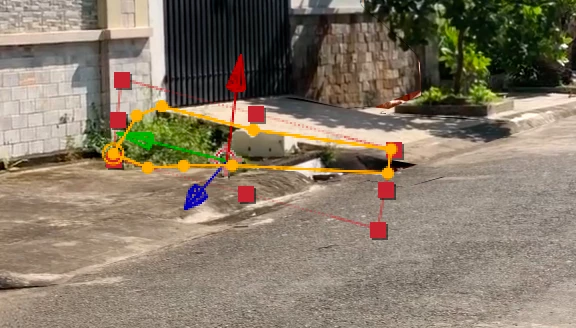
When all of the masks are good, add an expression to opacity for all of the 3D layers that points to the opacity of the top layer, animate the opacity to reveal the actor and then as the last step trim all of the 3D layers from the camera and light to the layers so you don't have to wait for rendering on any of the complex 3D layers when you don't need them anymore:
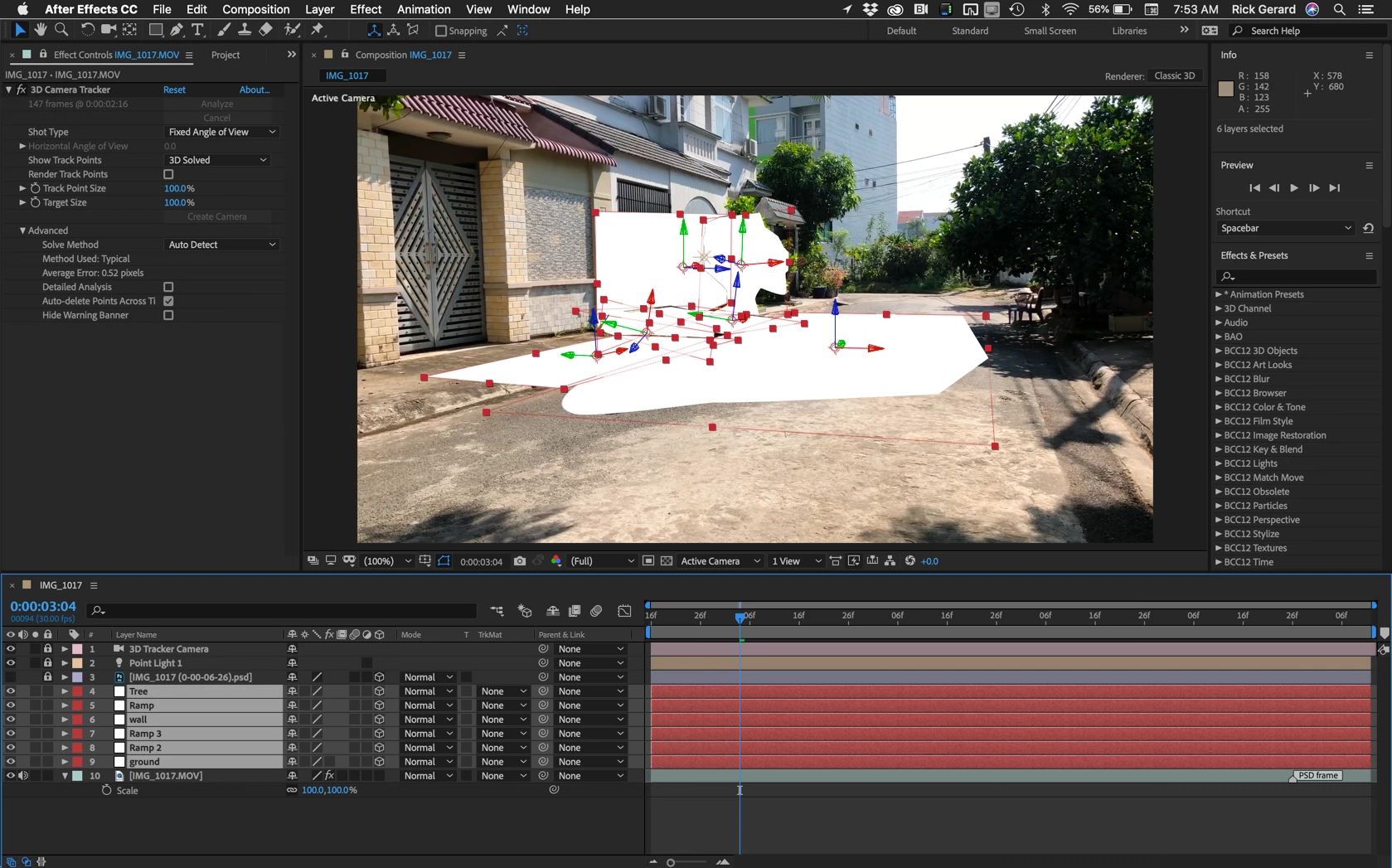
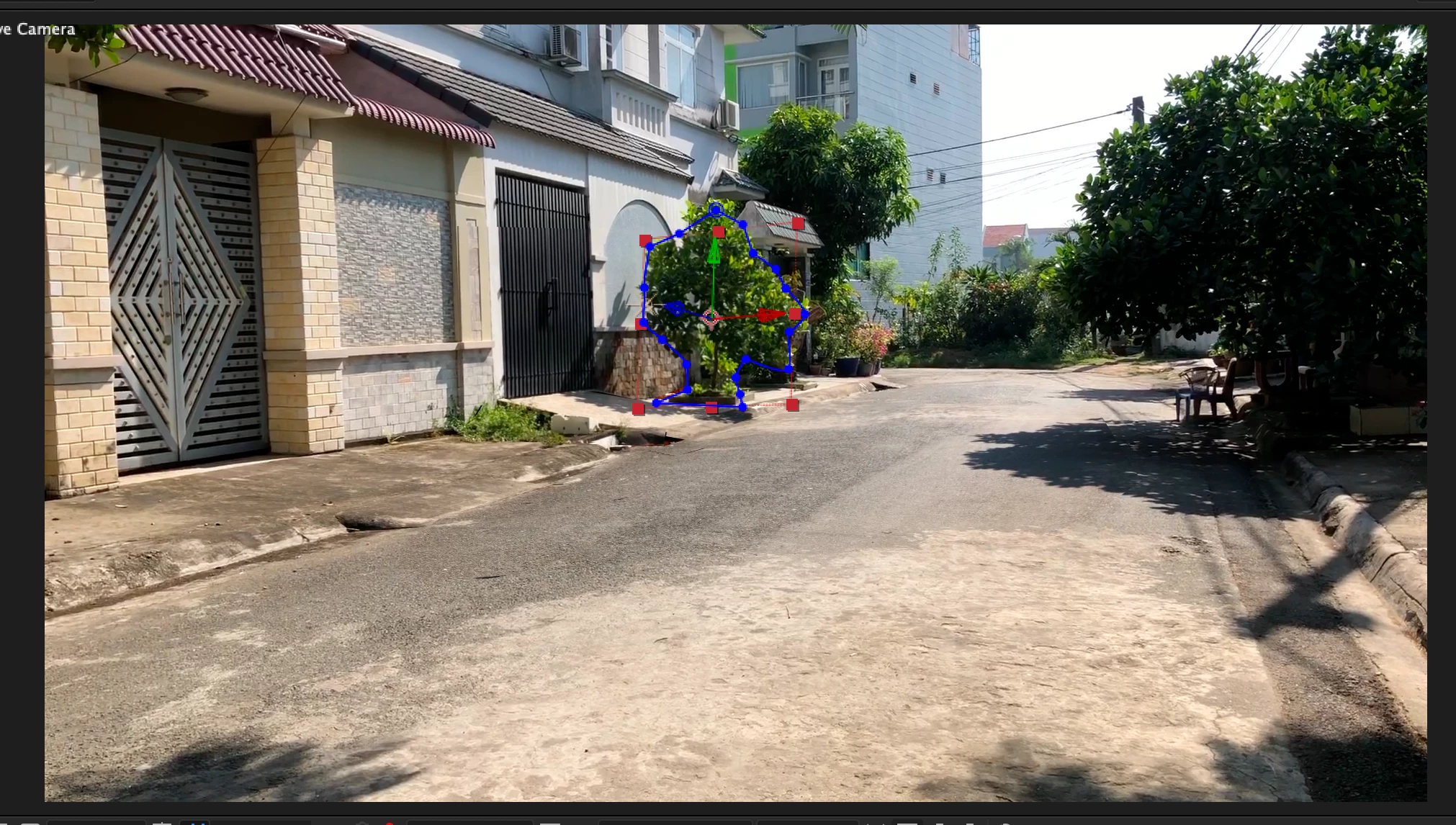
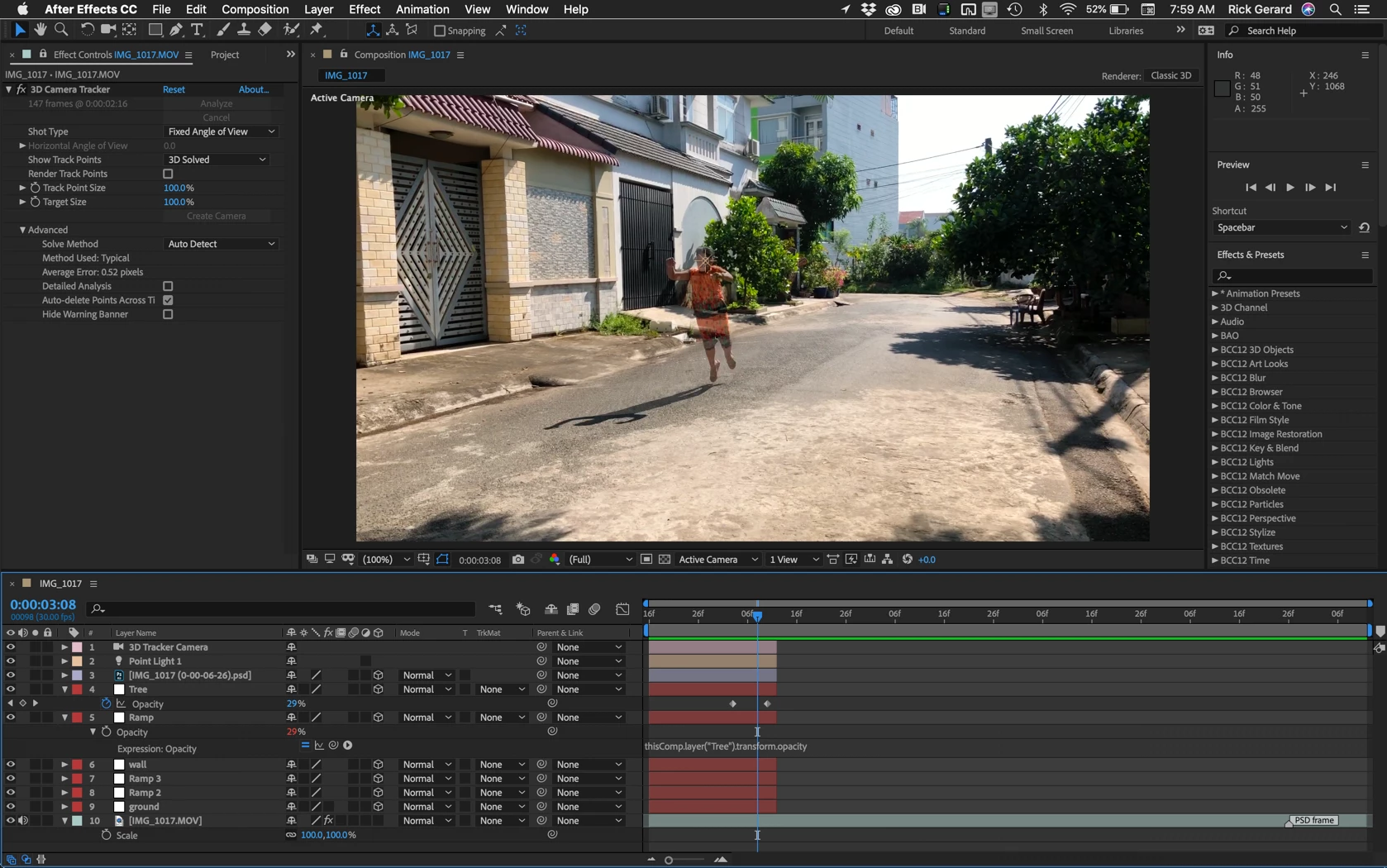
This location and camera angle caused all of the problems you have. When you understand what you have to do to pull off this kind of an effect you can make a better plan for your shot. All you had to do to make this a very simple project with one layer replacing the actor is to move your actor to the right far enough so that no part of the actor was in front of a complex surface.
I hope this helps. You can pull off this shot but you will need to do a lot of careful lining up and masking.



 AdChoices