Participating Frequently
November 26, 2018
Question

Problem when opening CC2018 files in CC2019

  • November 26, 2018
  • 3 replies
  • 1117 views

Hi

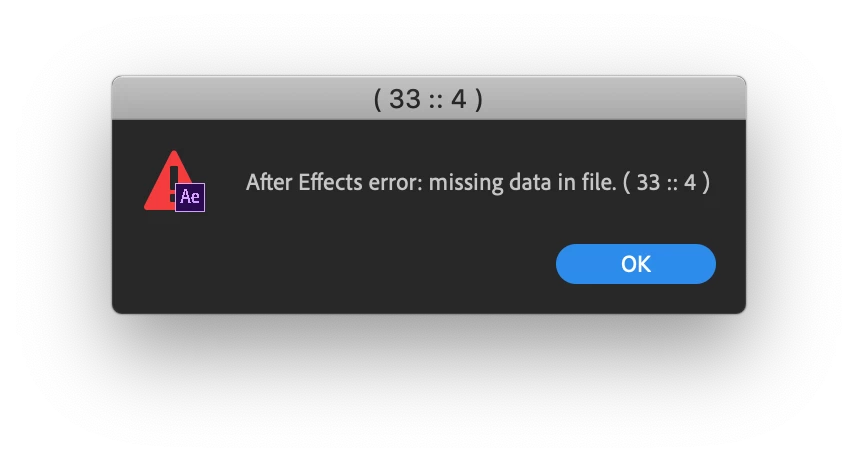
I have this problem and to me it's quite big of a deal. I am using After Effects CC2019 V16.0.0. on a Mac. When I try to open After Effects files that were created in After Effects CC2018, I get a message saying that my project is damaged. At first I actually thought that the project was indeed damaged so I had to recreate it (thank god it was not that big) But not this is happening multiple times with other projects that are too big to start from beginning. So I believe this is not a damage project, but a bug. I'm working for a television station and they won't accept that I simply say that I can't deliver this because the software doesn't work.

First I get this message. I have to click ok many times to open the project.
Then this massage:
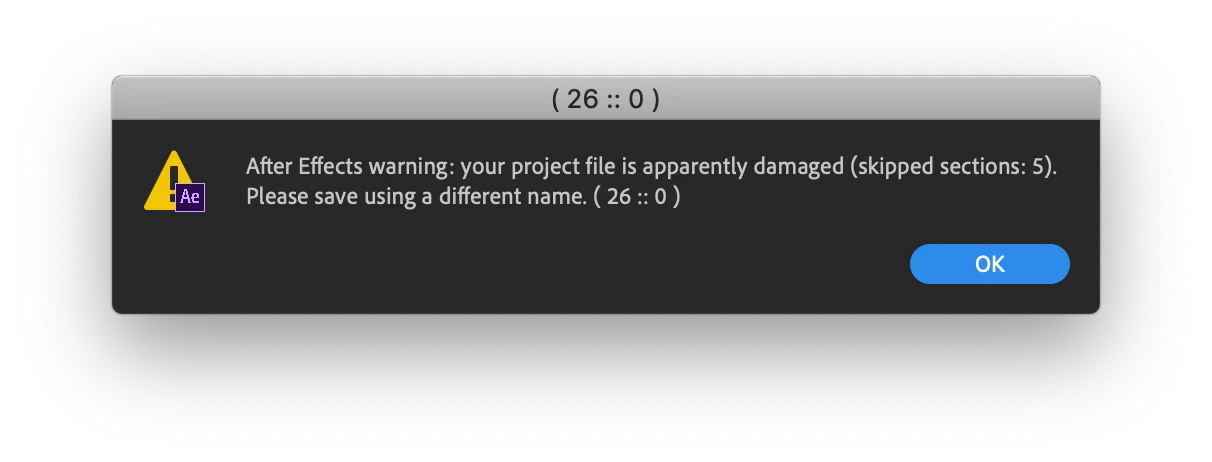
After I get all these messages and warnings, my project will open, but most of the layers in my compositions are gone, only null objects and adjustment layers are left.

Operating system: macOS Mojave Version 10.14.1

After Effects CC2019 Version 16.0.0

This topic has been closed for replies.

3 replies

Participating Frequently
November 27, 2018

Ok, this is not happening with all of my files. All of my files that won't work have all one thing in common. I used Red Giant plugins in all of them and I'm getting this message. I think this is Universe effect, possibly chromatic aberration. But what should I do? Maybe contact Red Giant?

Kyle Hamrick
Community Expert
Community Expert
November 27, 2018

Check to see if Universe needs an update?
Try uninstalling it and see if the projects open then? If so, try a clean install of it, and see if that helps.

Agree that contacting RG support may end up being the best route, if you've isolated it to Universe being the issue.

OussK
Community Expert
Community Expert
November 27, 2018

it look like it's a corrupted file

Participating Frequently
November 27, 2018

Yeah but why is that happening with all my other files?

Kyle Hamrick
Community Expert
Community Expert
November 26, 2018

Do these projects open correctly in v15 (2018)? You can have both versions installed simultaneously.

Instead of opening the projects, try importing them into a new empty project in v16 (2019). Any improvement?

Participating Frequently
November 27, 2018

Hmm.... now I'm a bit lost because the project won't open in V15. When I try to import the old project, I still get the same message and my project is damaged. Any idea on what I could do?