
Problem With 3D Models' UV Mapping Materials
Hello community!
I'm puzzling about a few things related to Element 3D and the use of 3D models. Since I'm kind of new to AE and compositing, I'm not familiar with all the technicalities of 3D modeling, like UV mapping for example.
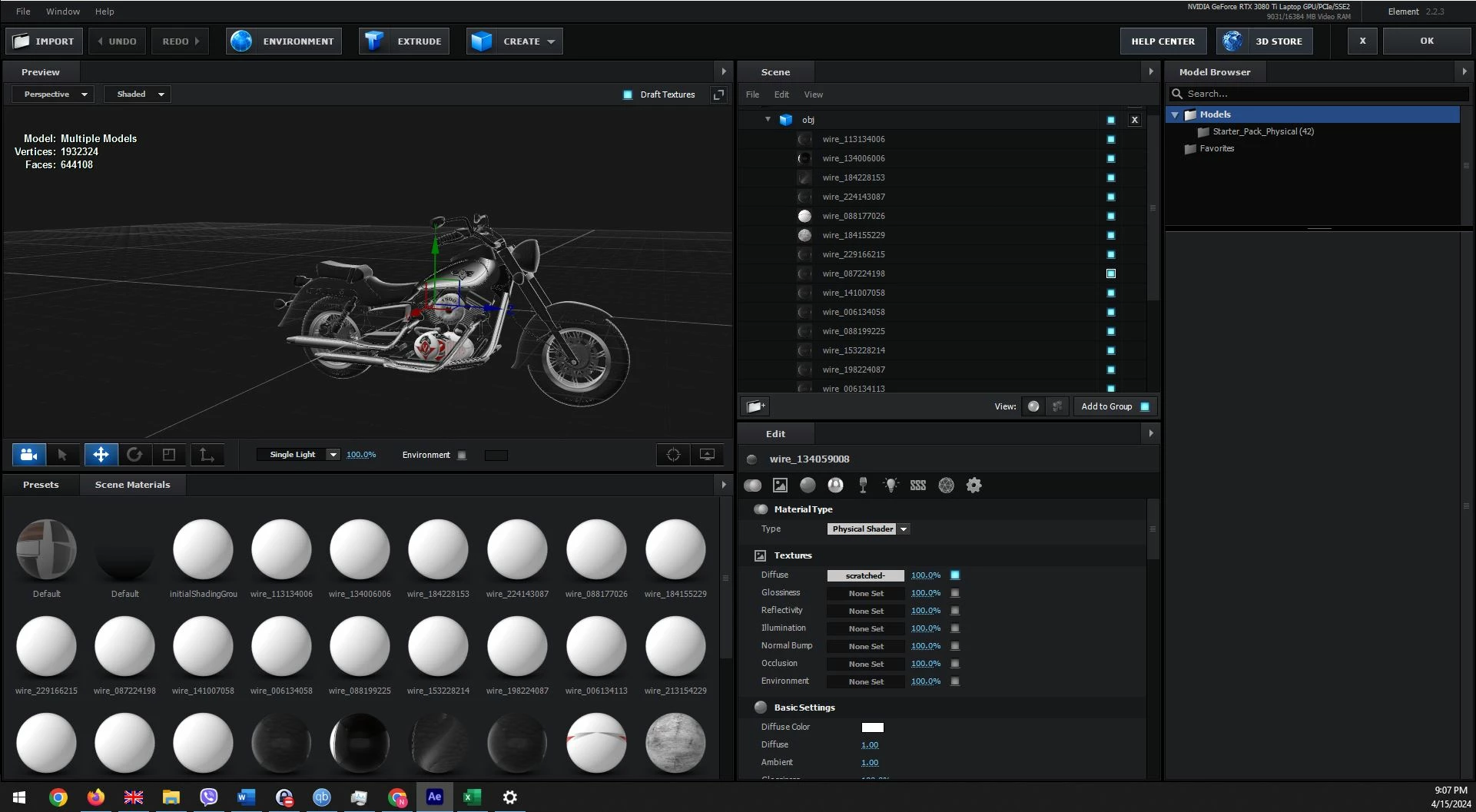
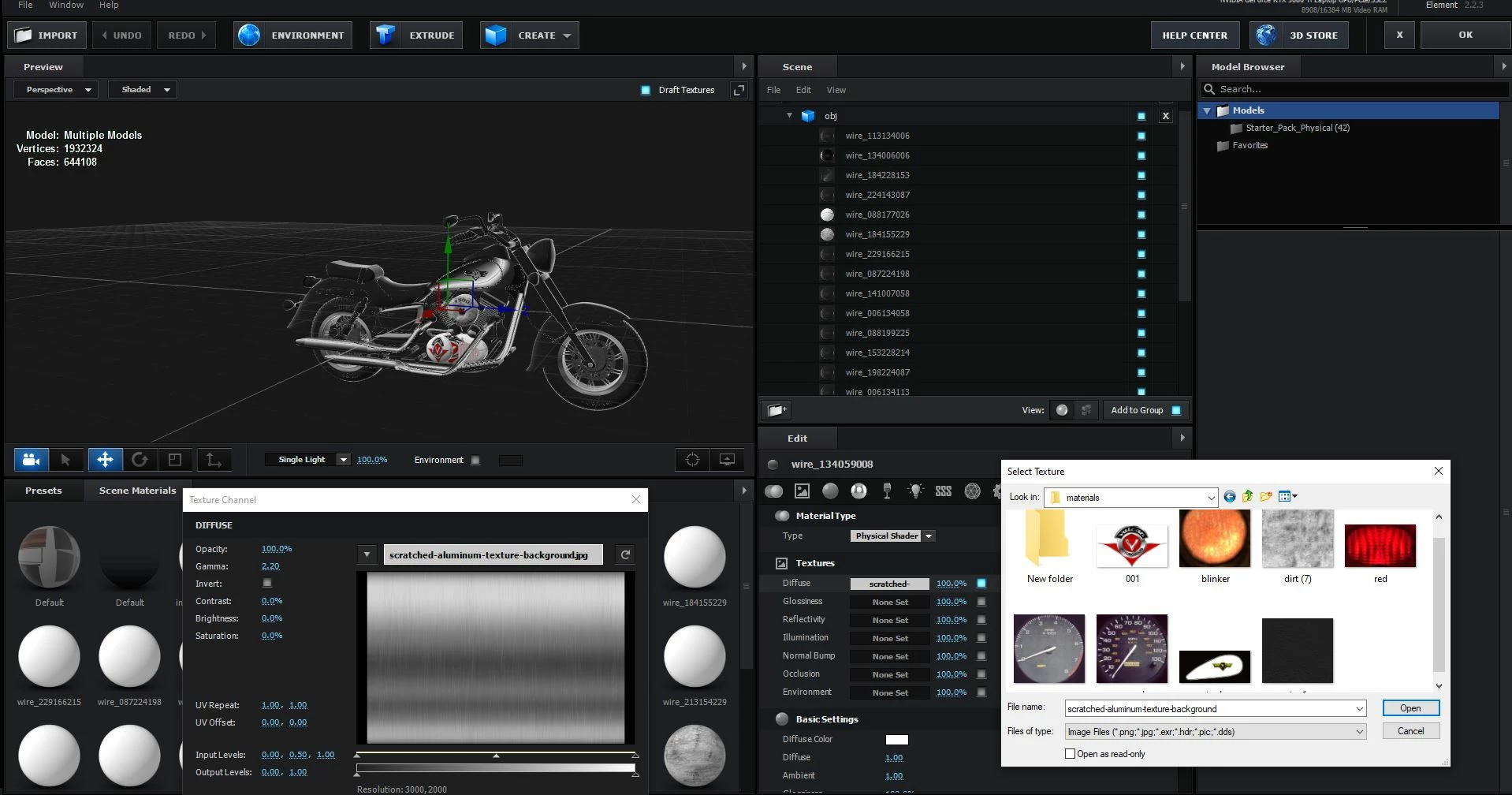
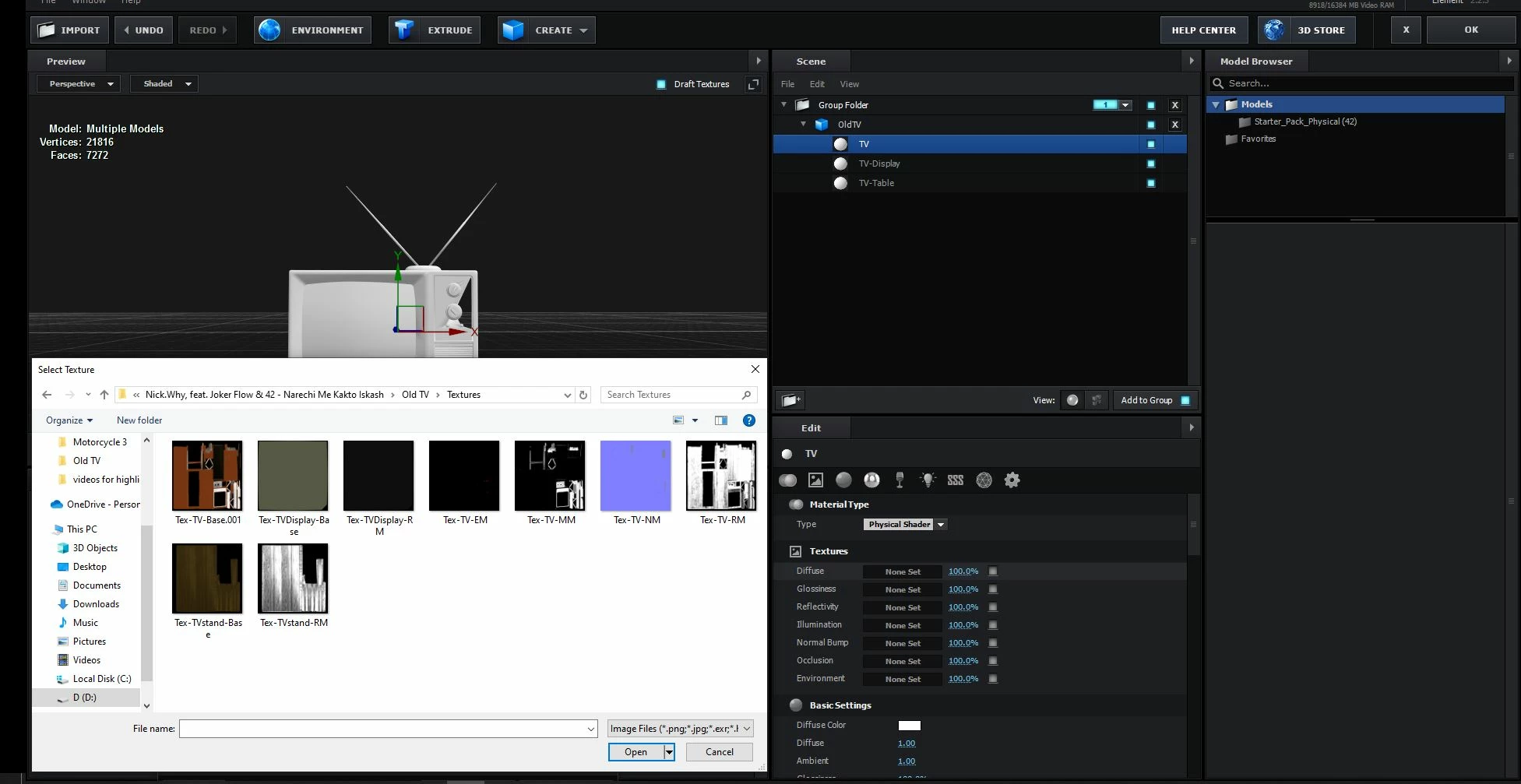
I'm doing a project where I want to add 3D models of a performing stage, TV, and a motorcycle. I found free 3D models for the purpose. I know I need to look for obj or c4d files to run into Element, and I also need texture files for the UV mapping, as I see models are imported white/blank initially. The problem is, there are quite some models that don't have their material photos labeled properly, plus they either have 1 material with 1 mapping file that i guess I need to place for Diffuse, Glossiness, Reflectivity, Illumination, Normal Bump, Occlusion, or they have a lot of materials created and not enough mapping texture files that aren't named properly and not only don't I know which one to use for which material, but I also don't know what to use for each material's Textures section. Sometimes, when I load a model, there seems to be even a piece missing from it (like a puzzle), which is also strange.
I'm attaching a few examples of the described query above and I'd be grateful for any insight as to how I should go around this in the future, what don't I understand, and what am I doing wrong:


 AdChoices