Participant
August 20, 2024
Answered

Problem with Parent pick whip

  • August 20, 2024
  • 2 replies
  • 586 views

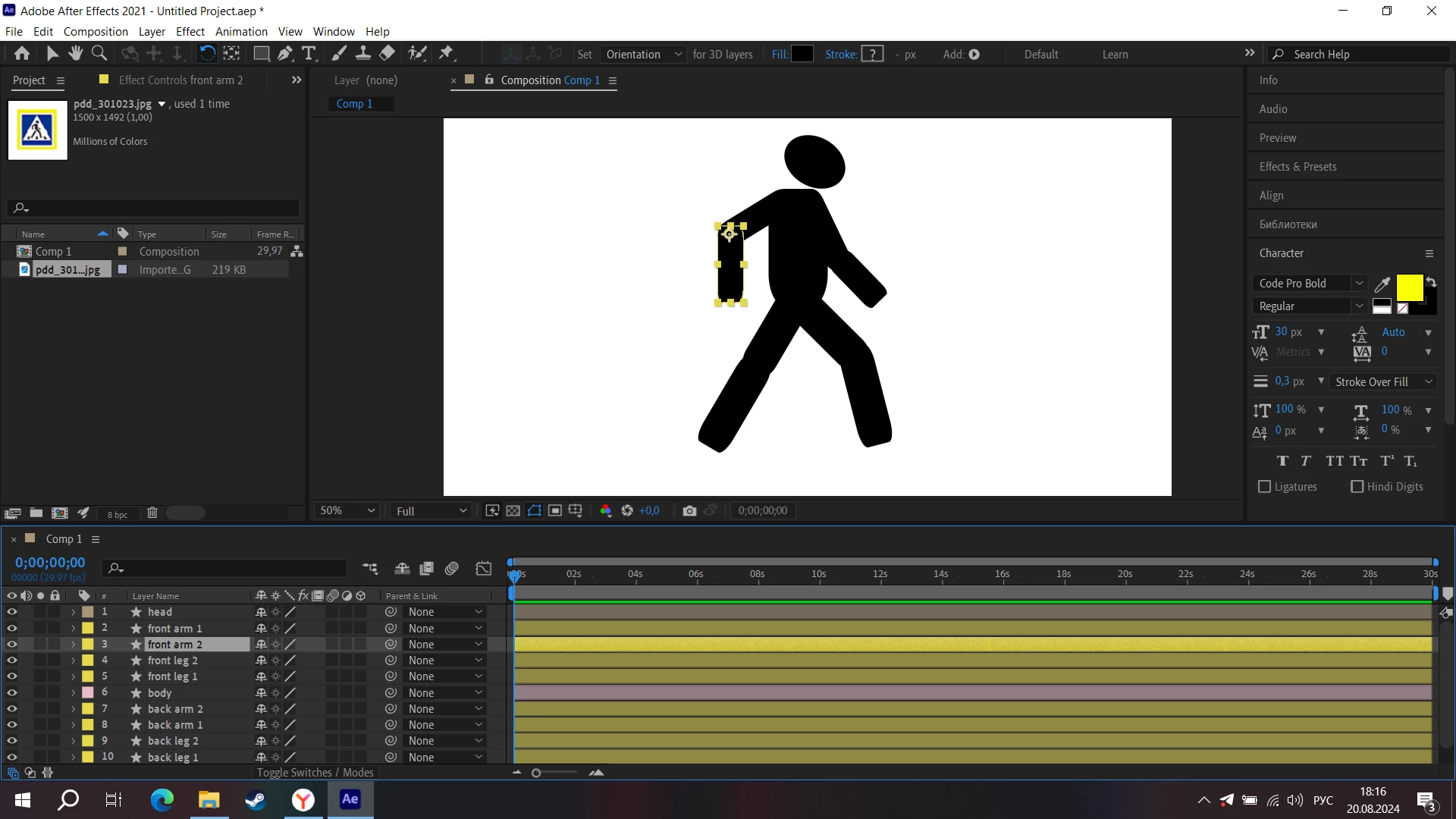
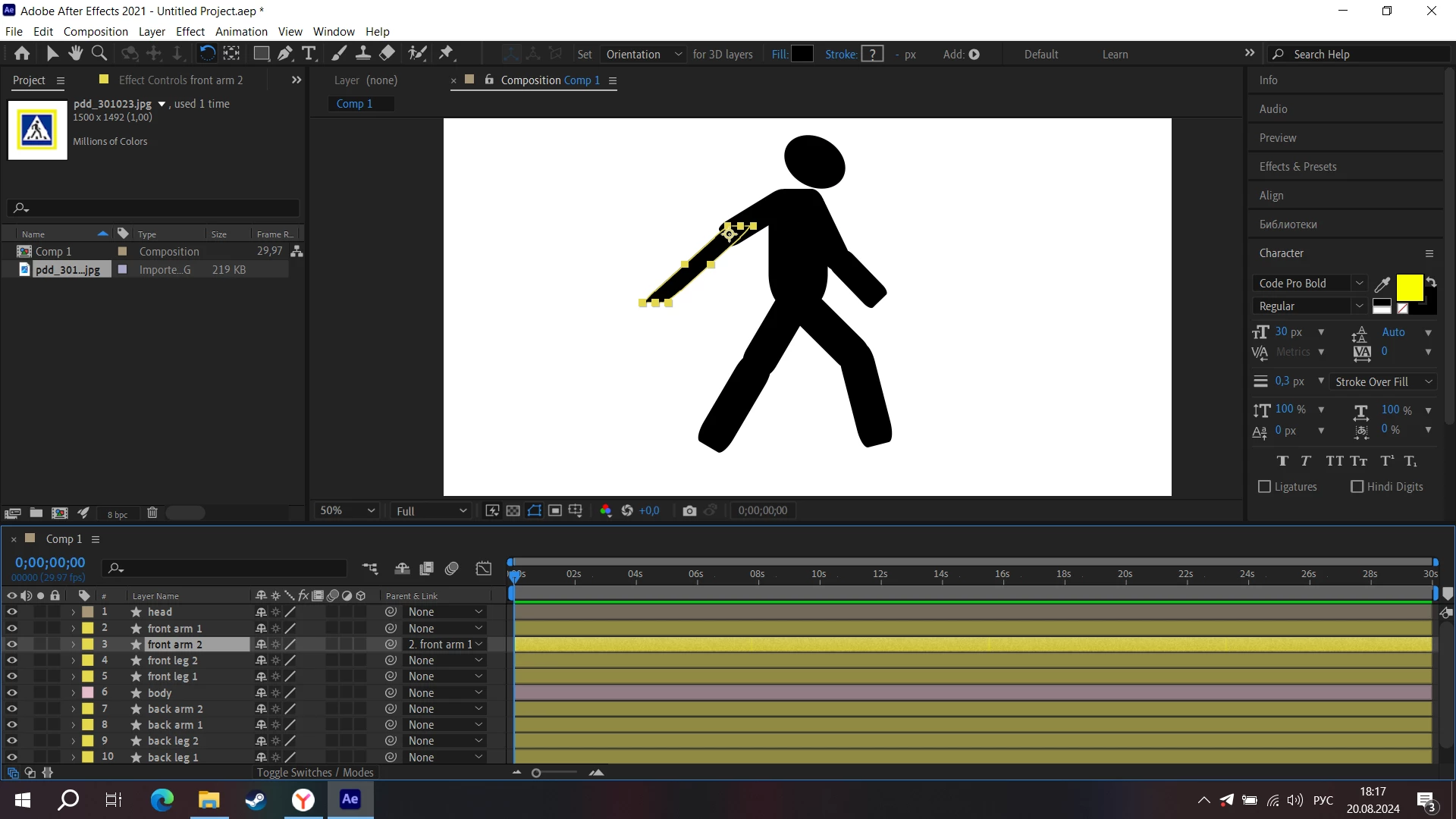
Hi, I'm new and I wanted to link 2 shape layers together. I wanted to make an animation of a little man. But when I connect one part of my arm with the second, this part of my arm deforms and rotates as if in a different projection. What to do?


This topic has been closed for replies.
Correct answer thepixelsmith

The basic answer is don't use the layer transform properties like scale to make your shapes match your reference image, use the shapes own properties. You want to draw the shapes to look like the character you are trying to create.

Shapes will have a path property, for rectangles like you have they will have a Rectangle Path (which has width and height) and also shape Transform (though for some reason your's seem to be missing that).

2 replies

thepixelsmith
Community Expert
thepixelsmithCommunity ExpertCorrect answer
Community Expert
August 22, 2024

The basic answer is don't use the layer transform properties like scale to make your shapes match your reference image, use the shapes own properties. You want to draw the shapes to look like the character you are trying to create.

Shapes will have a path property, for rectangles like you have they will have a Rectangle Path (which has width and height) and also shape Transform (though for some reason your's seem to be missing that).

MorkaTMAuthor
Participant
August 22, 2024

Thank you very much, everything worked out!

nishu_kush
Community Manager
Community Manager
August 20, 2024

It would be great if you could share the project file so that we can review it. Feel free to DM me the download link if you do not want to share it publicly.


Thanks,
Nishu

MorkaTMAuthor
Participant
August 21, 2024

Of course, here is the file of the project.

nishu_kush
Community Manager
Community Manager
August 21, 2024

Thanks for sharing the file. It should work as expected if you keep the height and width of the parent layer the same. In your file, the height and width of the front arm 1 layer are 68% and 202%. If you change it to keep both at 68% or 202%, it should work as you expect it to.

Hope it helps. 


Thanks,
Nishu