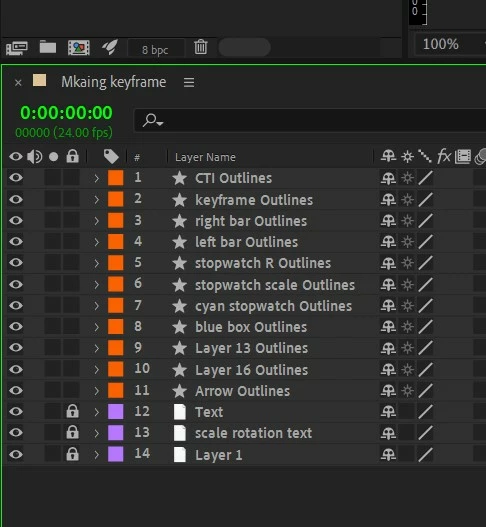
@S_ A The code that @Airweb_AE listed will remove the last work of each selected layer.
1. Copy the code from here into a code or text editer (like notepad, VS Code, etc.) and save the file with the extension .jsx
Make sure you put the file someplace you can find it for the next step.
2. In After Effects select the layers you want to script to affect.
3. Choose File > Scripts > Run Script File
4. Navigate to where you saved the file and double-click it to run.
This will remove the last word.
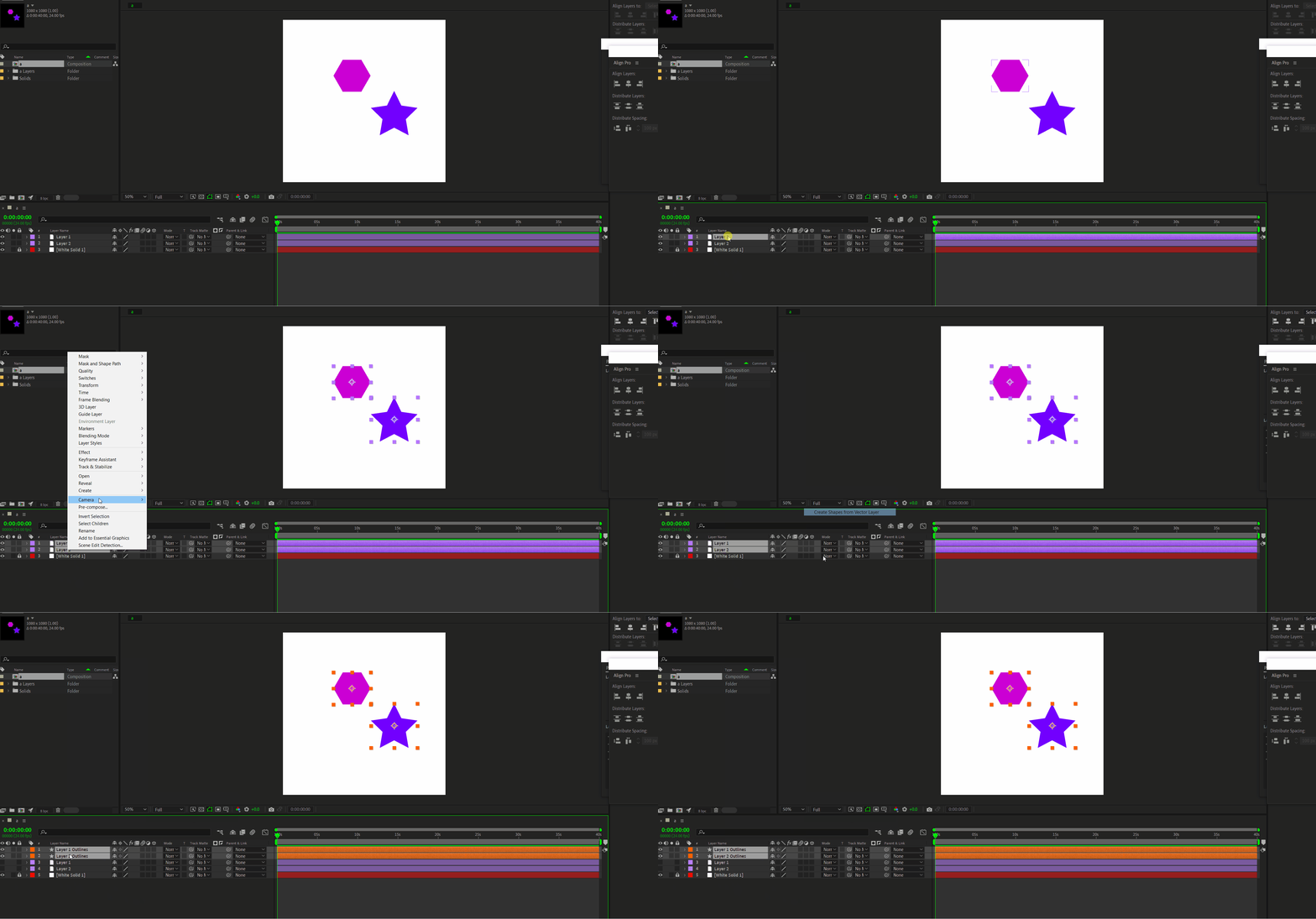
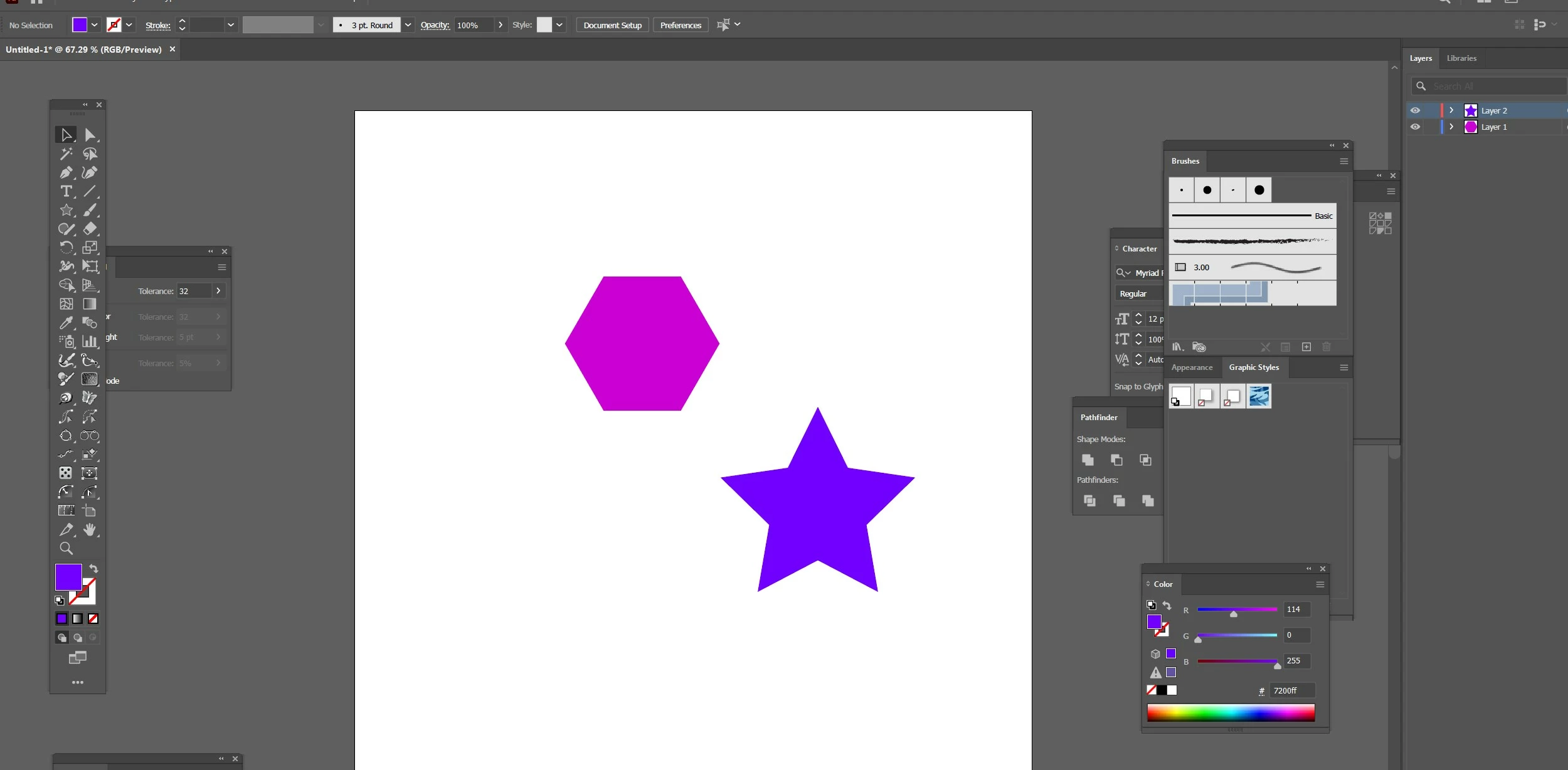
Though on a side note, unless you need one of the features only available to native AE shape layers converting from an imported vector graphic into a native one is rarely necessary.




 AdChoices