



Problems with Material Assignment to a 3D Object (.obj)
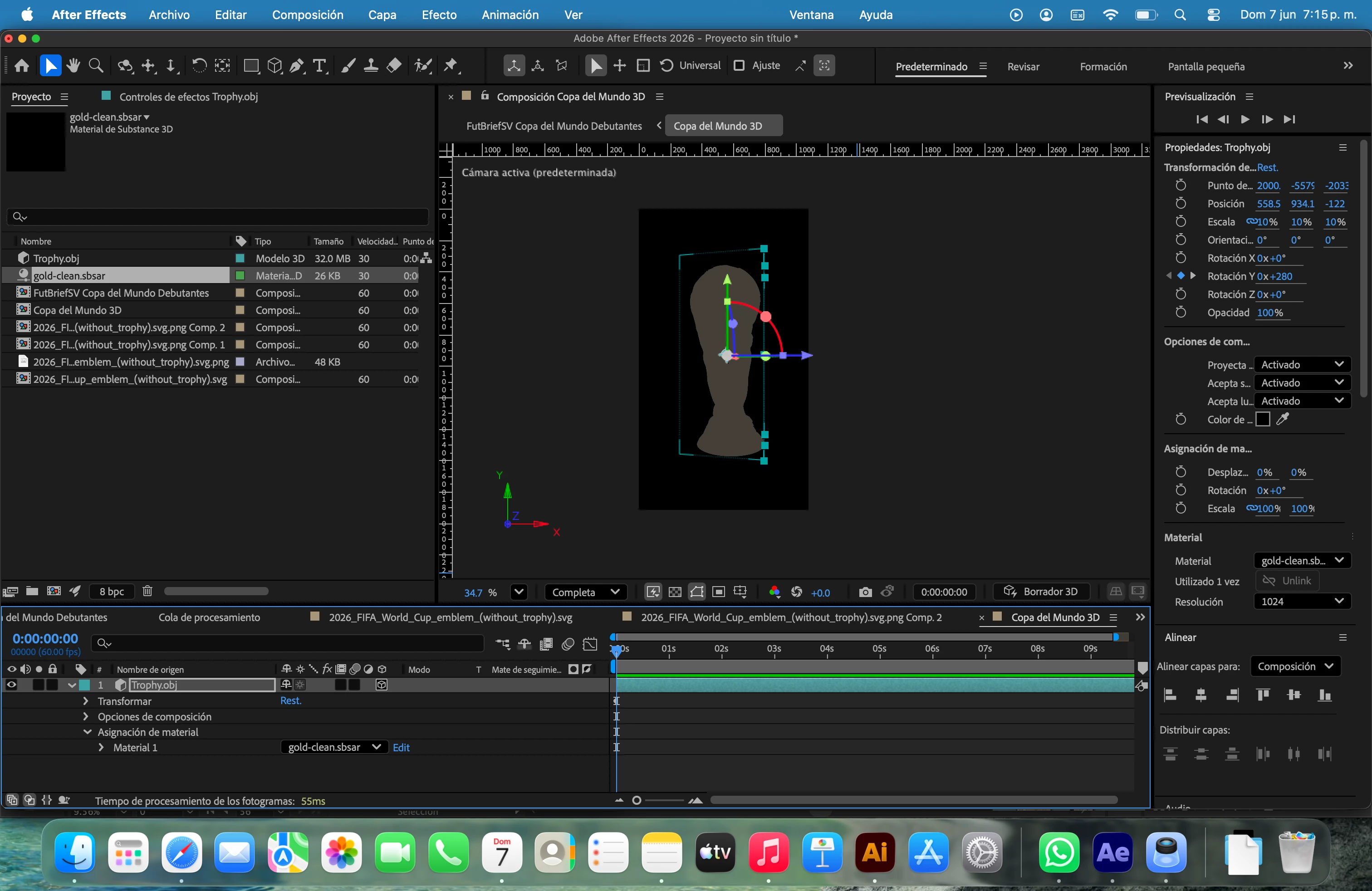
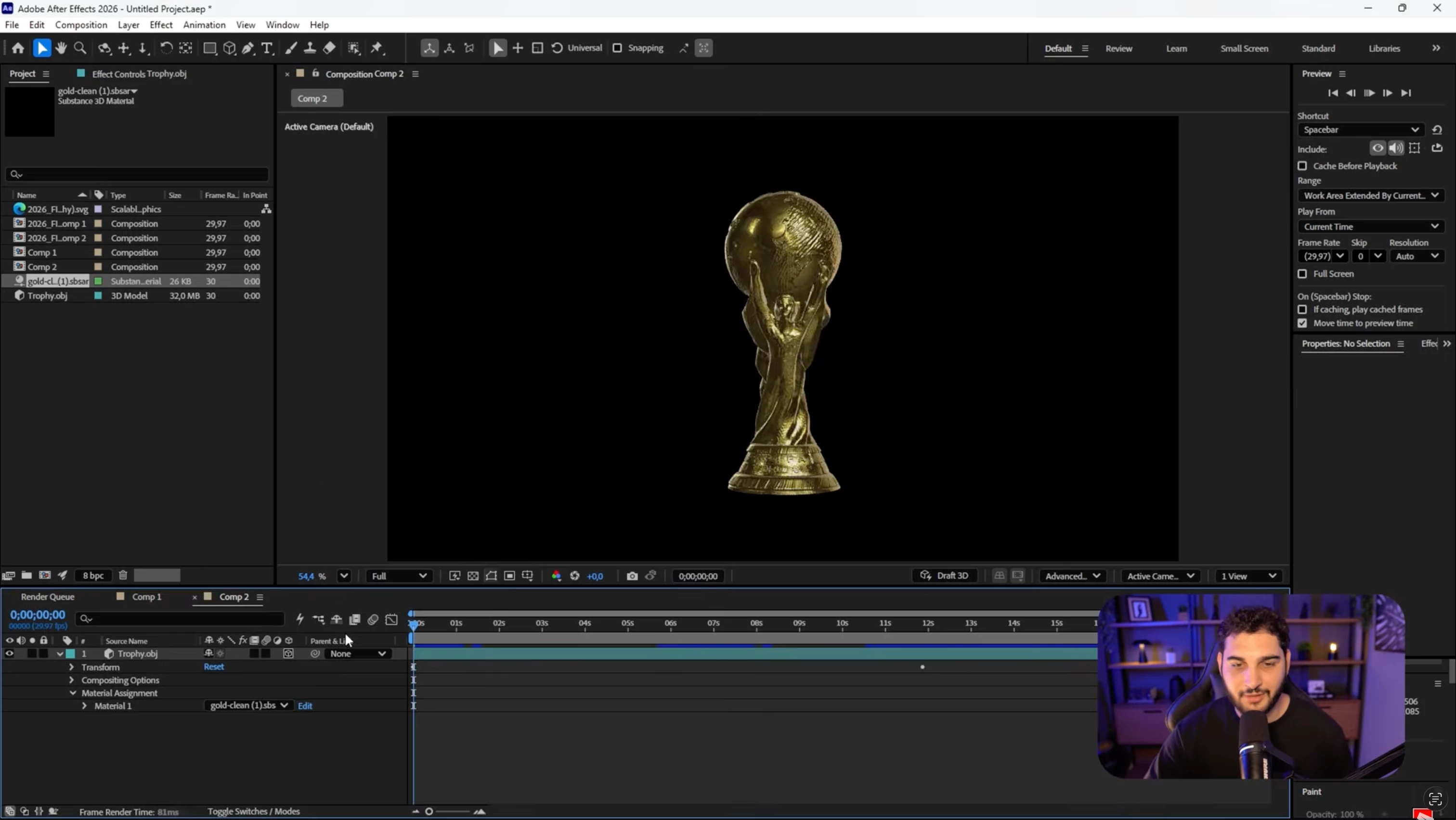
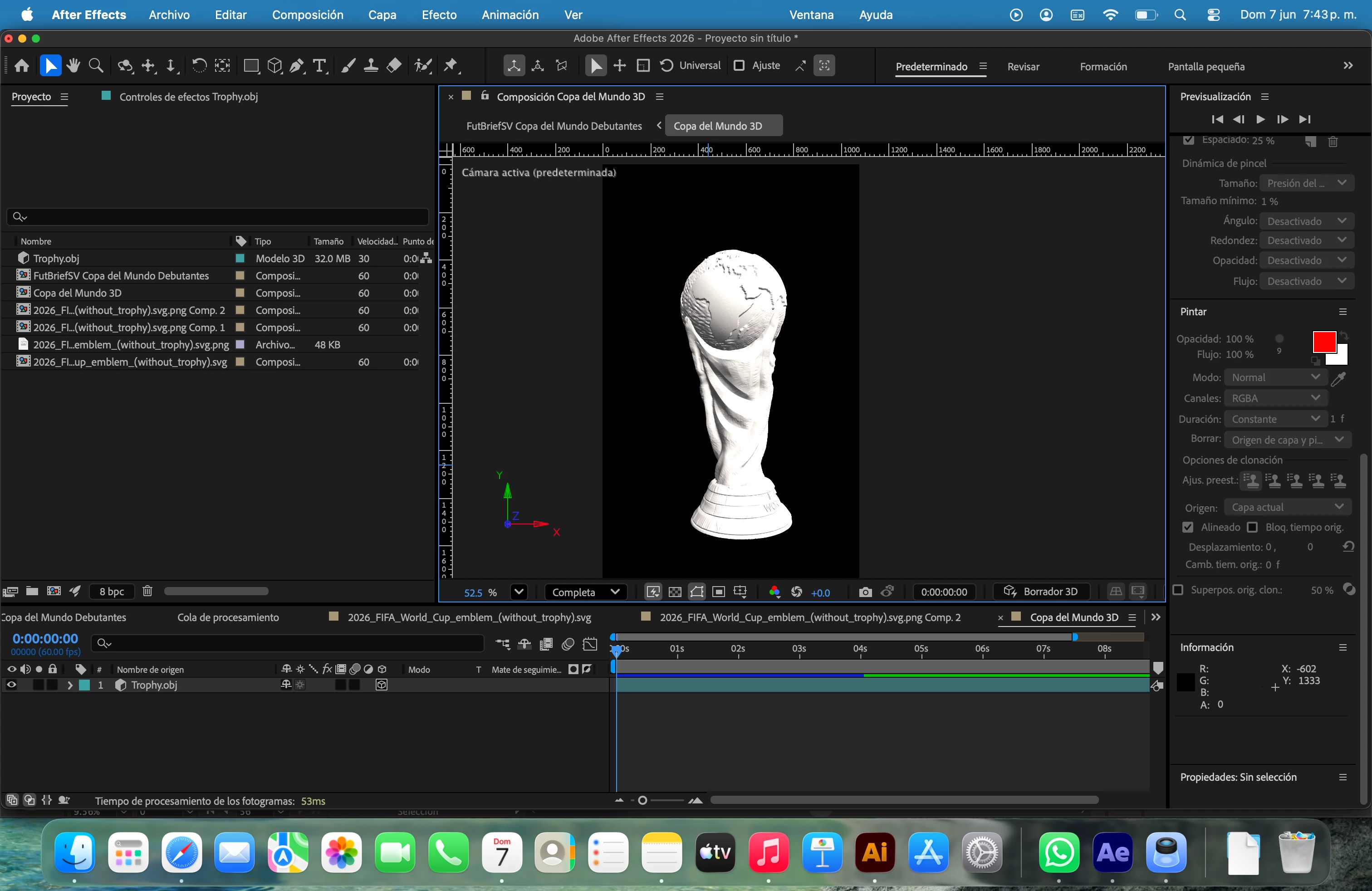
Hi! I don't have much experience with After Effects. I'm following a tutorial to animate graphics for the 2026 World Cup, and I've reached a point where, using the same trophy .obj file and the same .sbsar file (gold-clean.sbsar), the file turns gray instead of having that gold texture. I've already tried everything suggested: I've checked that the 3D renderer is set to "Advanced 3D," I've checked in video processing that "Mercury GPU Acceleration (Metal)" is enabled, I've checked with and without lights, I've checked that "Quick Preview" and "3D Draft" are disabled—basically, I've checked everything, and it still looks like this. If it's relevant, I have a MacBook Pro M5, and the version of After Effects is the latest (26.2.1).
Can you help me solve this, please?
 AdChoices