
Problems with Shadows in Element 3D
I'm looking for a way to get a 3D object from Element 3D in a tracked environment with good shadow and light (sunlight).
I had a number of problems ...
Problem 1:
(In this example, the shadow setting is Shadow Mapping and I'm using a parallel light.)
If I put a 3D object in a tracked environment, it is very small,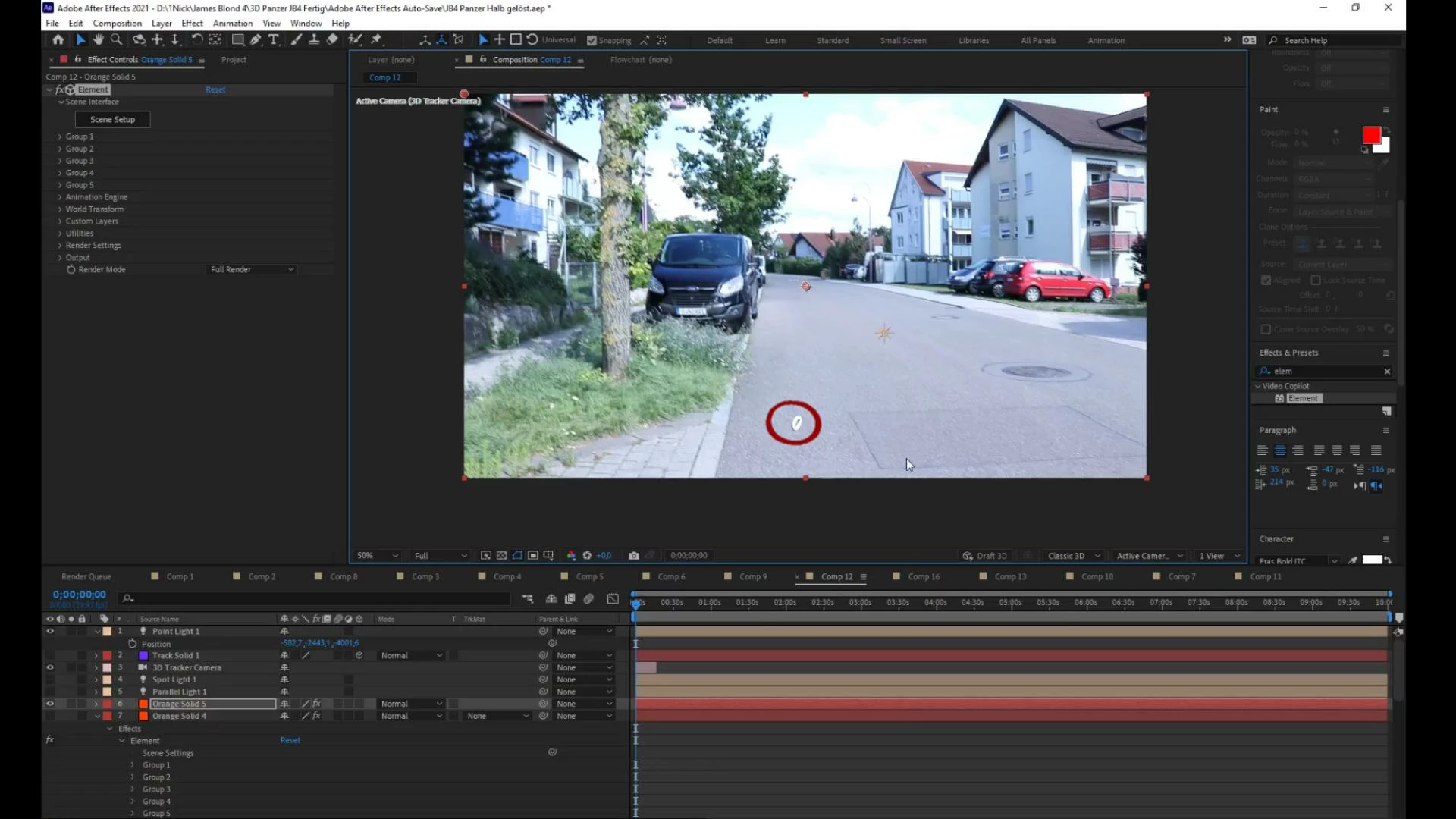 i.e. I have to enlarge it, but if I want to have a shadow now, I have to realize that the shadow only appears in a small box that is only partially differentiated by the Shadow Size Settings of the respective light can be enlarged. (The size of the "shadow spawn box" is independent of the size of the object)
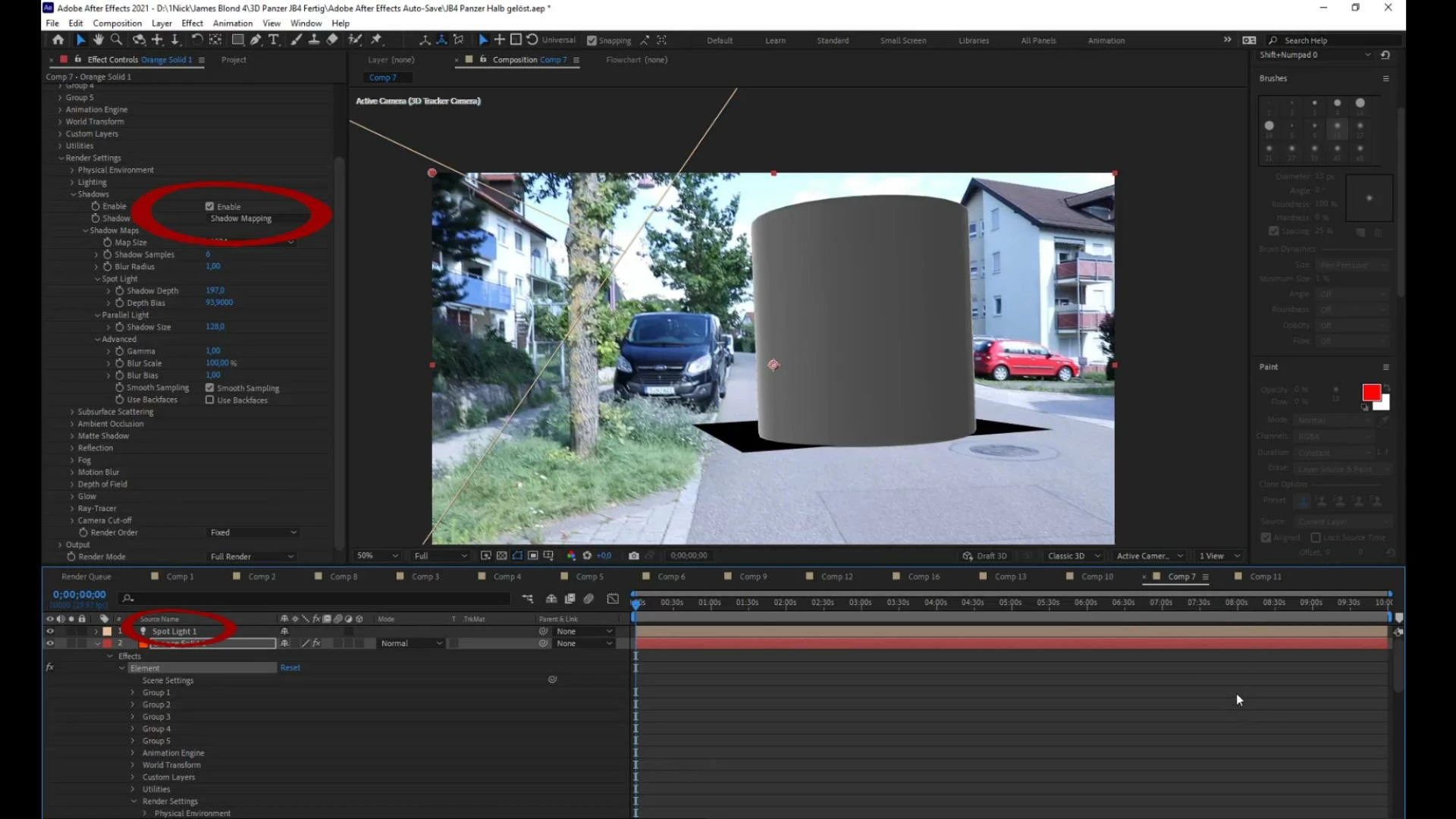
Even inside this box, at the right angle (of the light), the box is slowly filled out.
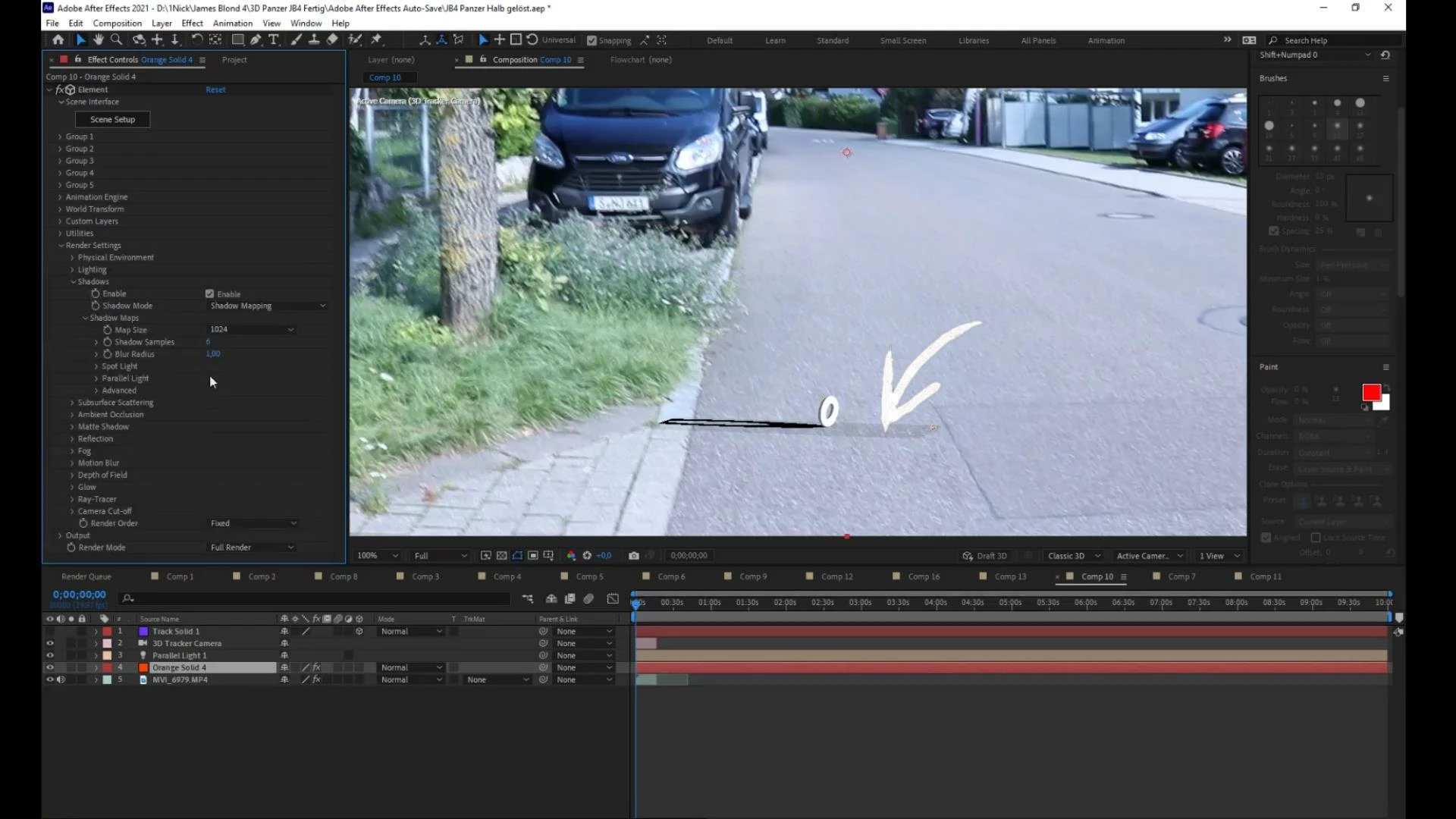
Problem 2:
If I try to use a spotlight and use the ray-traced setting instead of the shadow mapping setting, the sharpness of the shadow can be adjusted, but as soon as I want to make the light so far back to simulate sunlight, my PC will so slowly that I can no longer work properly. And even if you ignore that fact ... as soon as I move the object a little further away, it is no longer affected by the light.
The plate that is supposed to catch the shadow is big enough.
Problem 3:
There is some kind of barrier that makes the ground plate disappear from a certain distance
This can be reduced with the camera cut off option, but it cannot be completely eliminated.
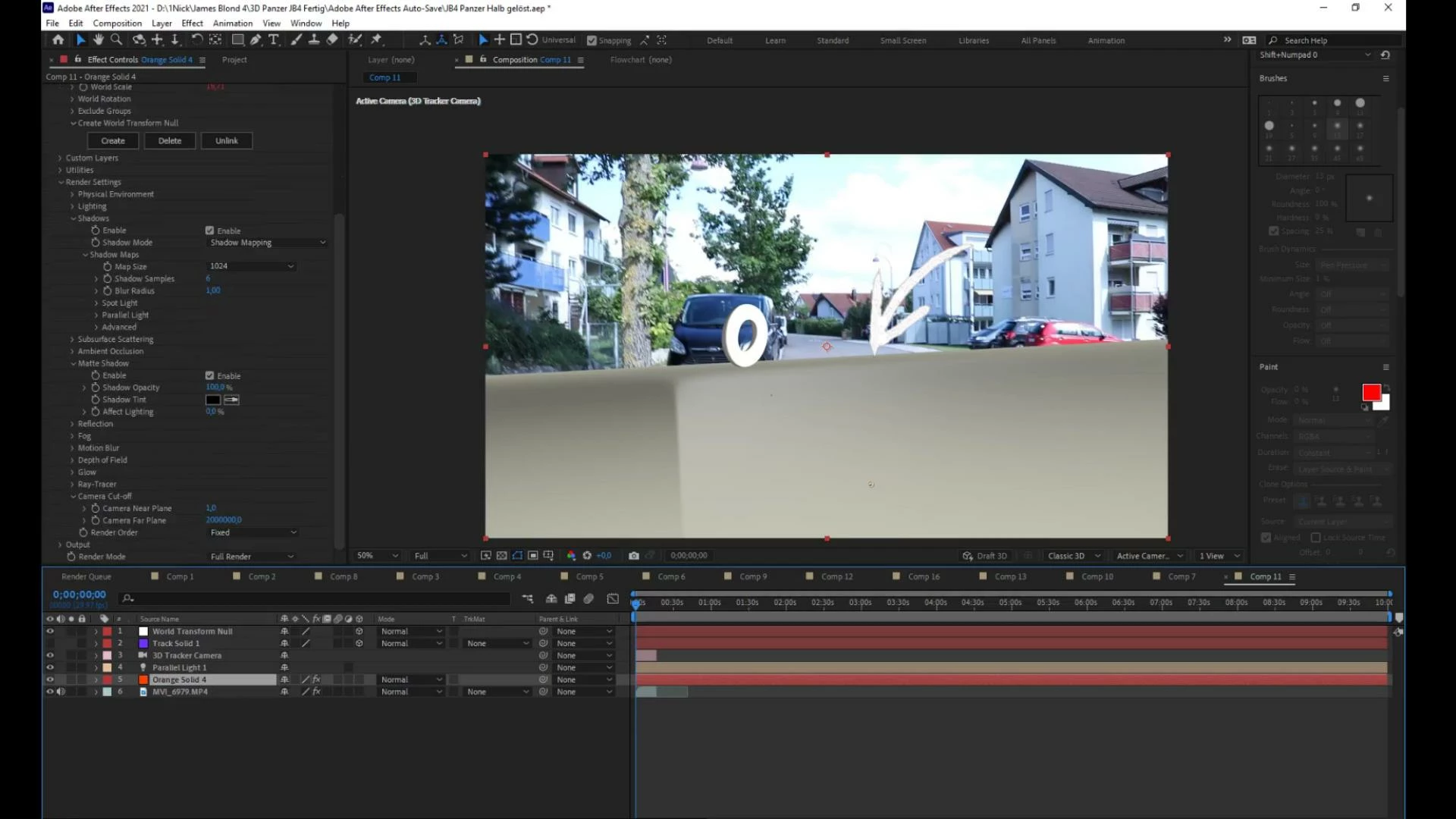
Problem 4:
With a spotlight, a huge area is sometimes created as a shadow and not even where it is important.
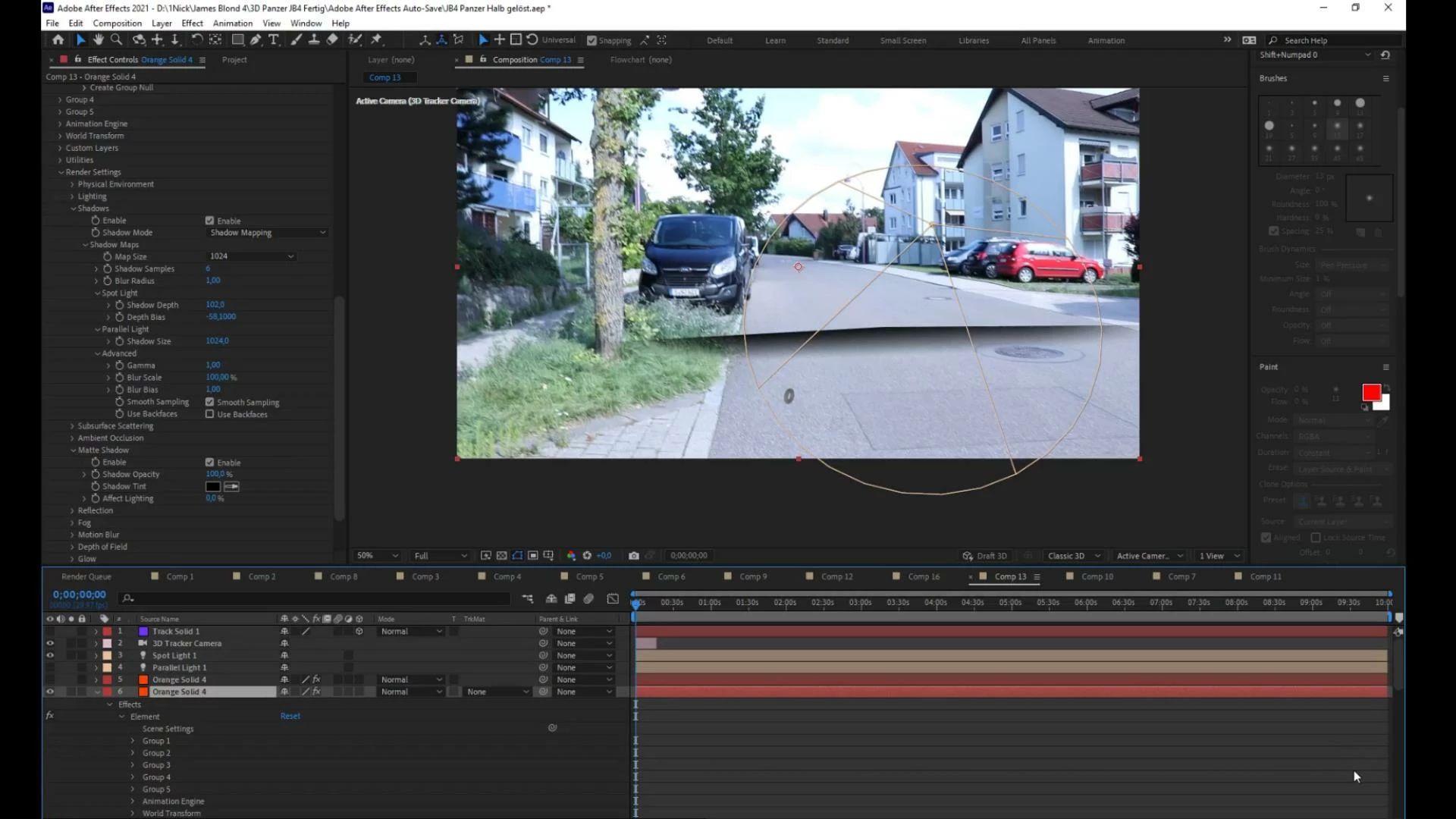
Most of the work works with the ray-traced setting and a parallel light, but in this example the sharpness of the shadow cannot be changed
I hope you can help me somehow.
Best regards Nick
 AdChoices