
Problems With Shape Layer Pixelation on Apple Silicon (AE 22.x, 23.x 23.1x Beta)
Hello.
I have been noticing a nasty bug that has been in every version of After Effects since the 2022 release, and it has been experienced on all the Apple Silicon computers I used, specifically:
- Mac Mini M1 (late 2020)
- Macbook Pro 16" M1 Max 64GB (late 2021)
- Mac Studio M1 Ultra 48-Core 128GB (mid 2022)
The problem seems to be with shape layers.
I'm encountering all sorts of problems when I work with shape layers, specifically the fact they look pixelated even when at 100% view, which is unacceptable.
I have been using After Effects for 12 years, therefore I know how shape layers work and the rasterisation.
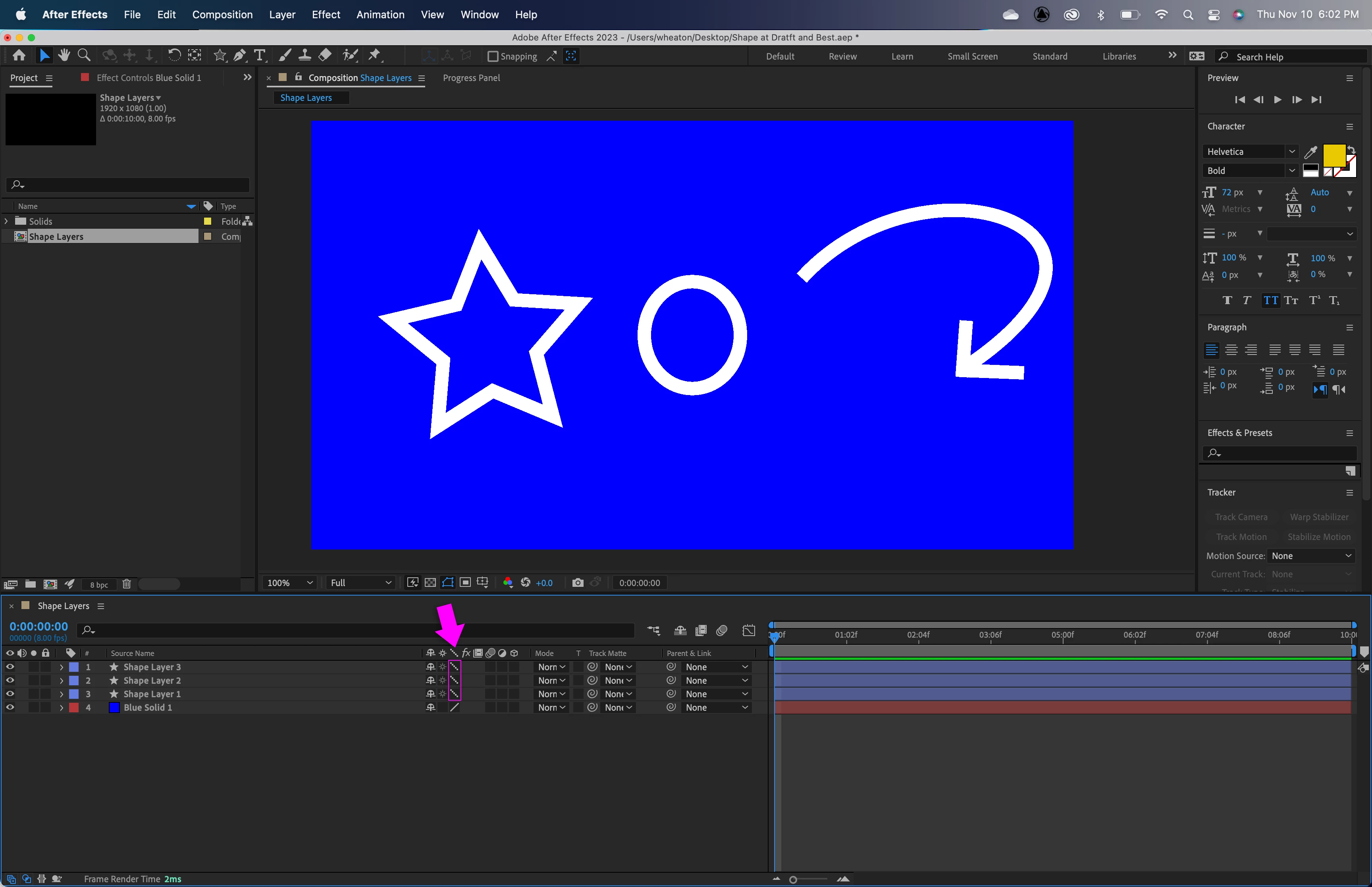
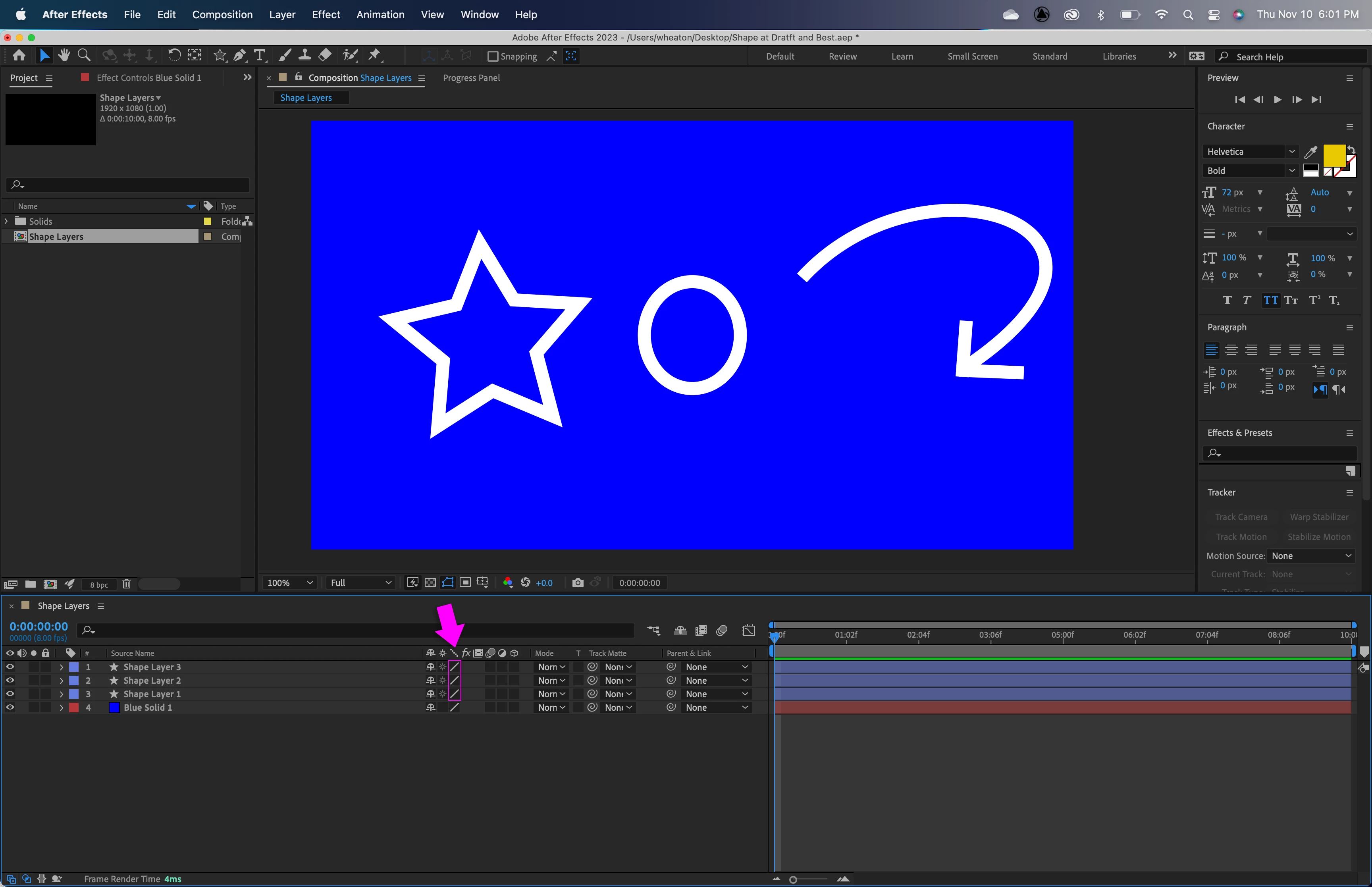
For example these are some shape layers in a 1080p comp (non precomped), and even at 100% view they look horribly pixelated: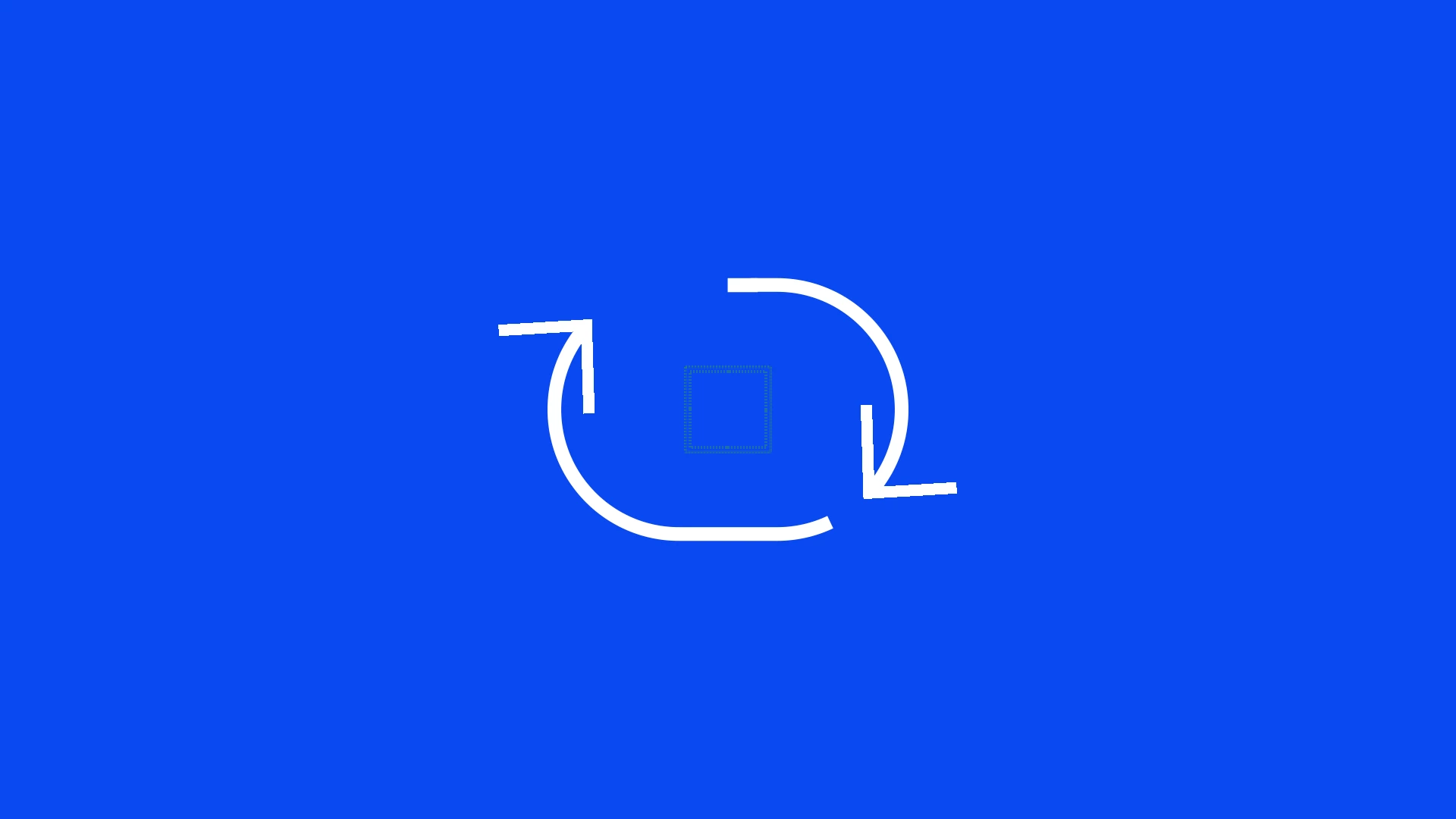
If this only showed up in the viewport, it would be bad, but not tragic...however I get this horrible pixelation even in renders.
There's just something wrong with shape layers.
If I work with 4K comps (I'm usign a 4K screen) they rasterisation looks ok, but I don't always work at 4K.
Do you have any idea what I could check inside AE?
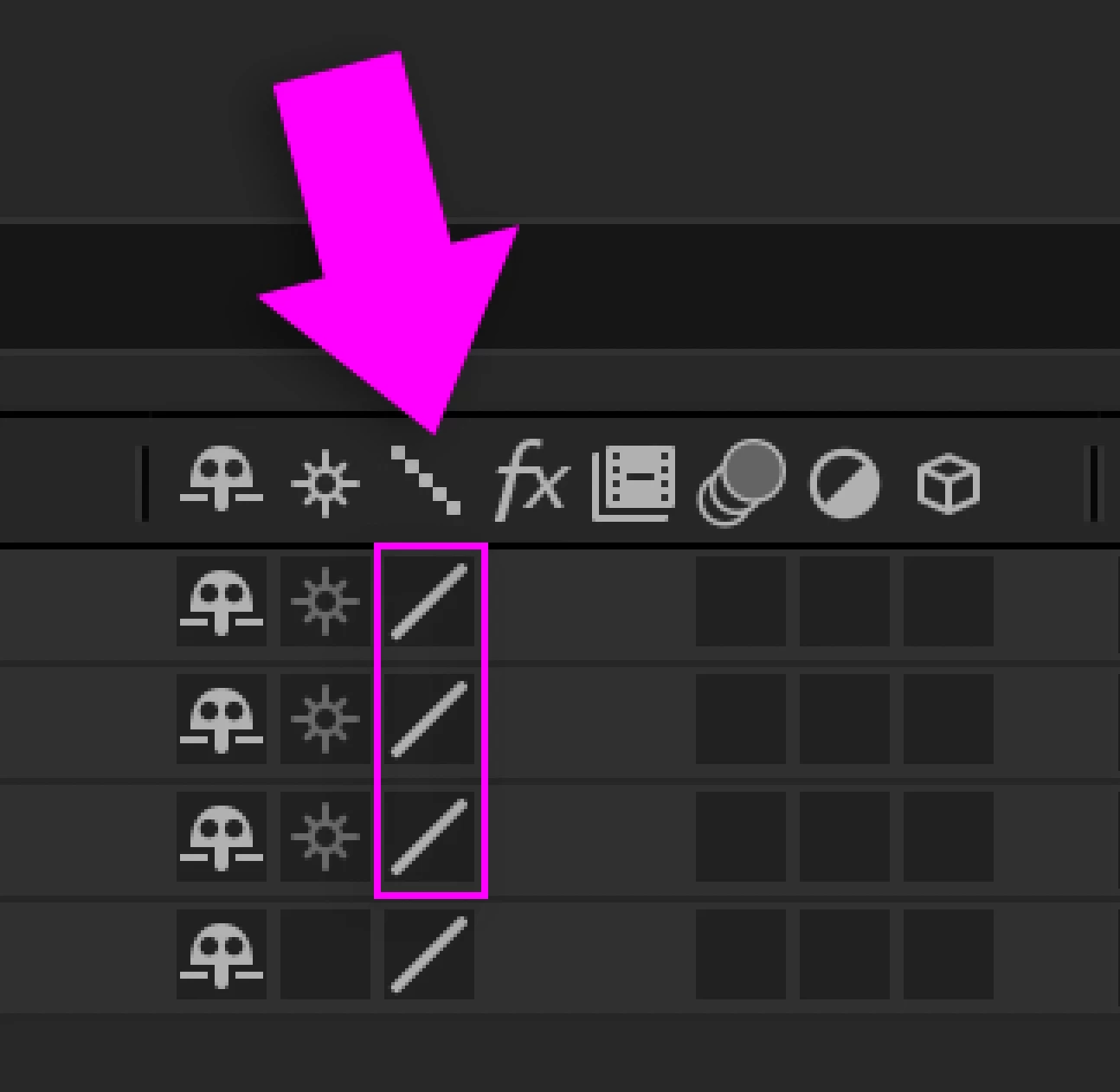
Preview is on full, quality is on full (not draft), and I tested it both with and without hardware accelerated comps.
I really don't know what to do.
Thank you very much.


 AdChoices