
Project with many adjustment layers taking an EXTREMELY long time to render. Any alternatives?
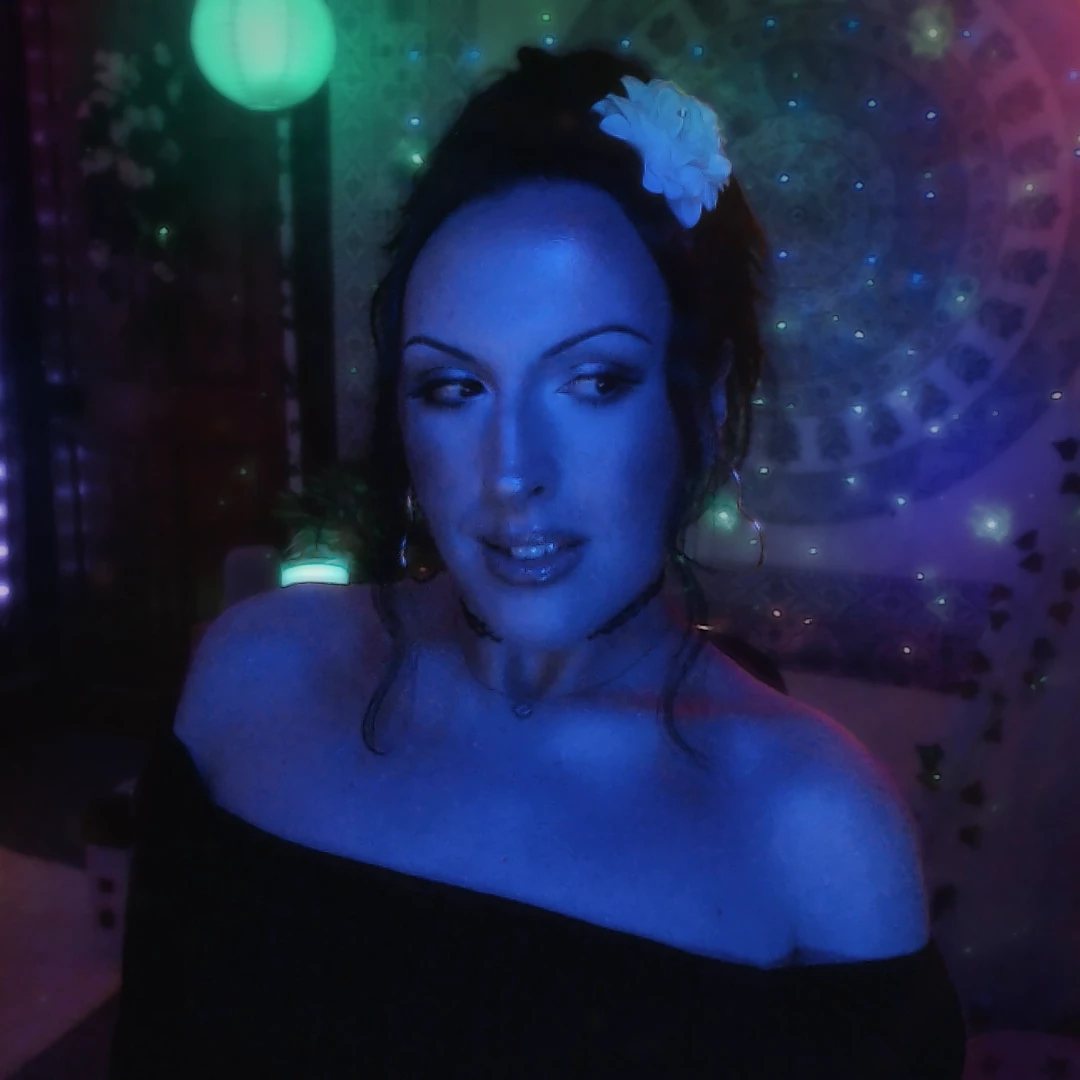
I am making a basic 1080p video of me, talking, in my bedroom. I have many colorful lights in the background, and have probably around 40 adjustment layers masked to each light I want to alter. Things like the color change, lumetri color, hue/saturation, etc.
It is taking literally 3 hours to render a 7 minute video. And it's definitely the adjustment layers, because when I delete them, it renders quickly.
Are there ways to either speed up the render time, or are there alternatives to achieving what I want to achieve?
So, for example, I have various lights and lanterns in my background, and I have an adjustment layer for every one of them. I wish to be able to alter their brightness/hue/saturation, etc.
Just for reference, it is a static video. The camera doesn't move during the entire video, since it's just a conversational vlog.
Thanks!
 AdChoices