
Projection 3D Comp Always Crash with Shadow Map 4000
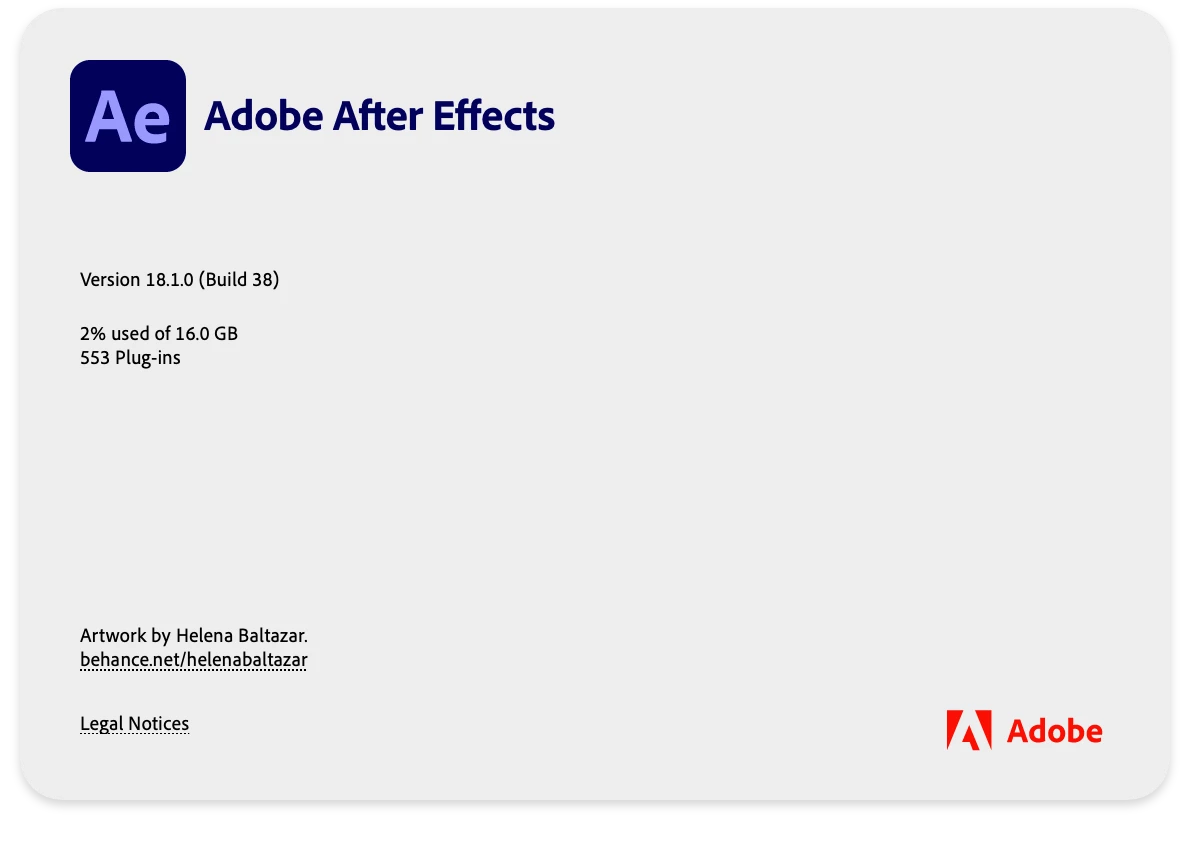
hi I'm still on AE 18.1.0 under our enterprise account, working on Projection 3D comp always making AE not responding when i tried to move any of the 3D solid layer (as a plane) to reposition.
Tried to reduced the Shadow Map to Comp size, using Third res, etc, no luck.
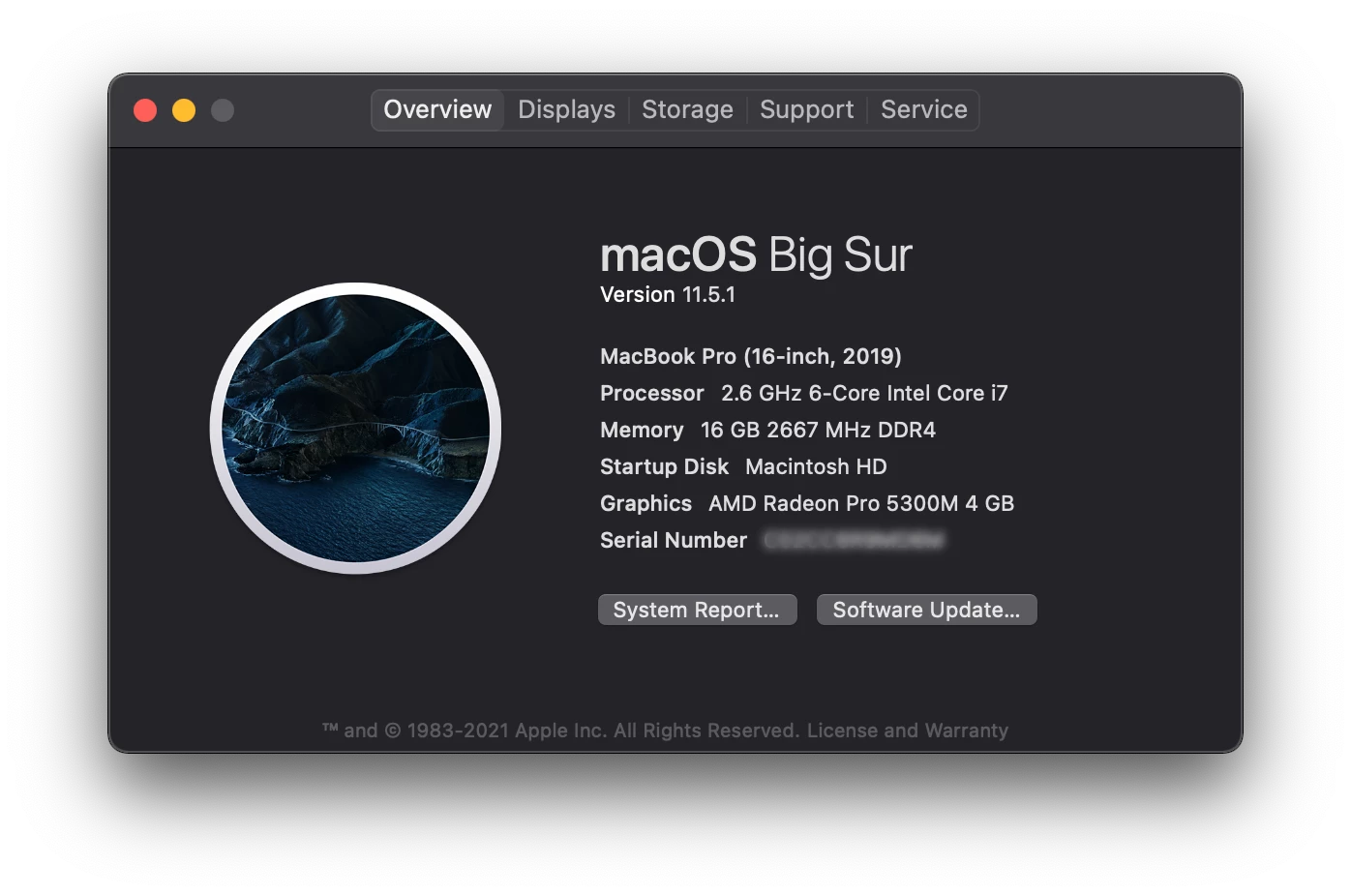
Not a huge comp, and i'm on powerful macbook pro 2019.
At this moment, version update still not possible, we have 6 machines still running on projects, we must stay in the same version for all. (others are on iMac 2020 27-inch)
But if this issue has been solved in the next updates, i'll be gladly to inform our Corporate IT. So please let me know if anyone has encouter this issue before.
Many thanks!
Details:
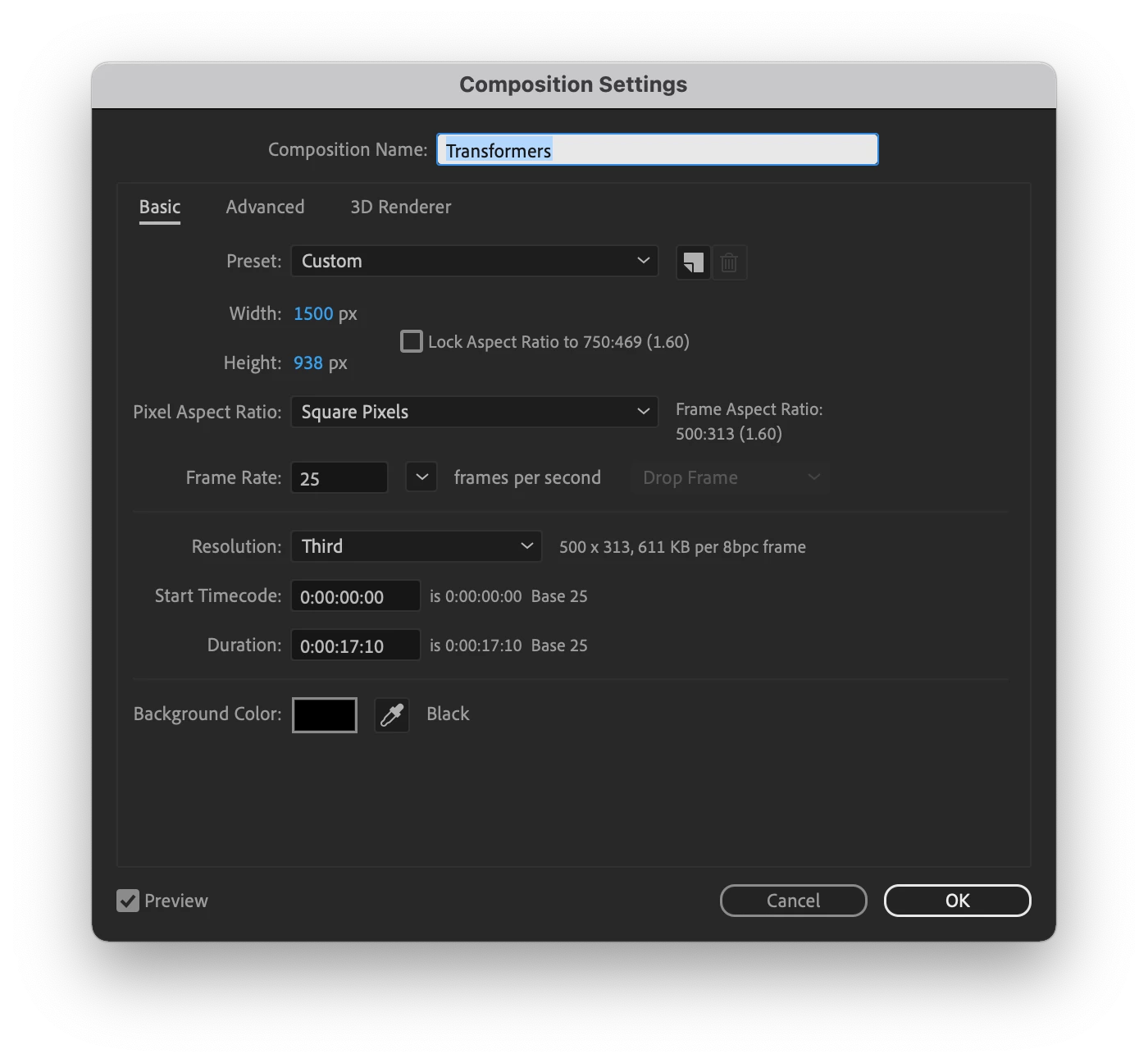
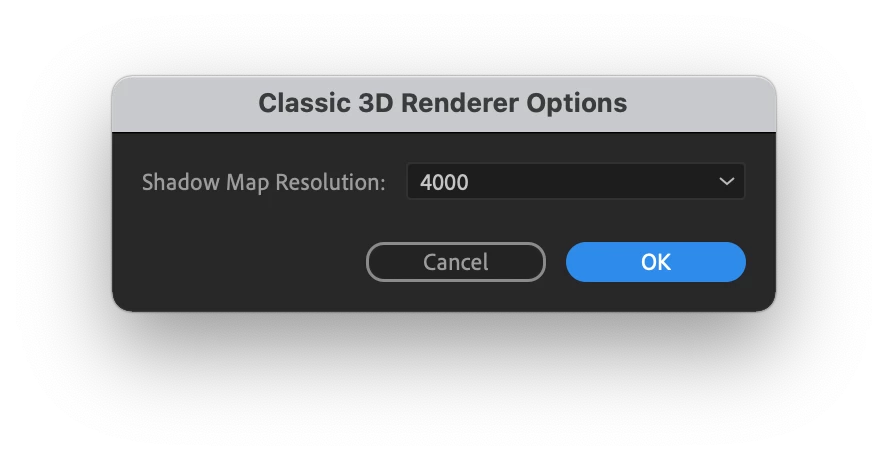
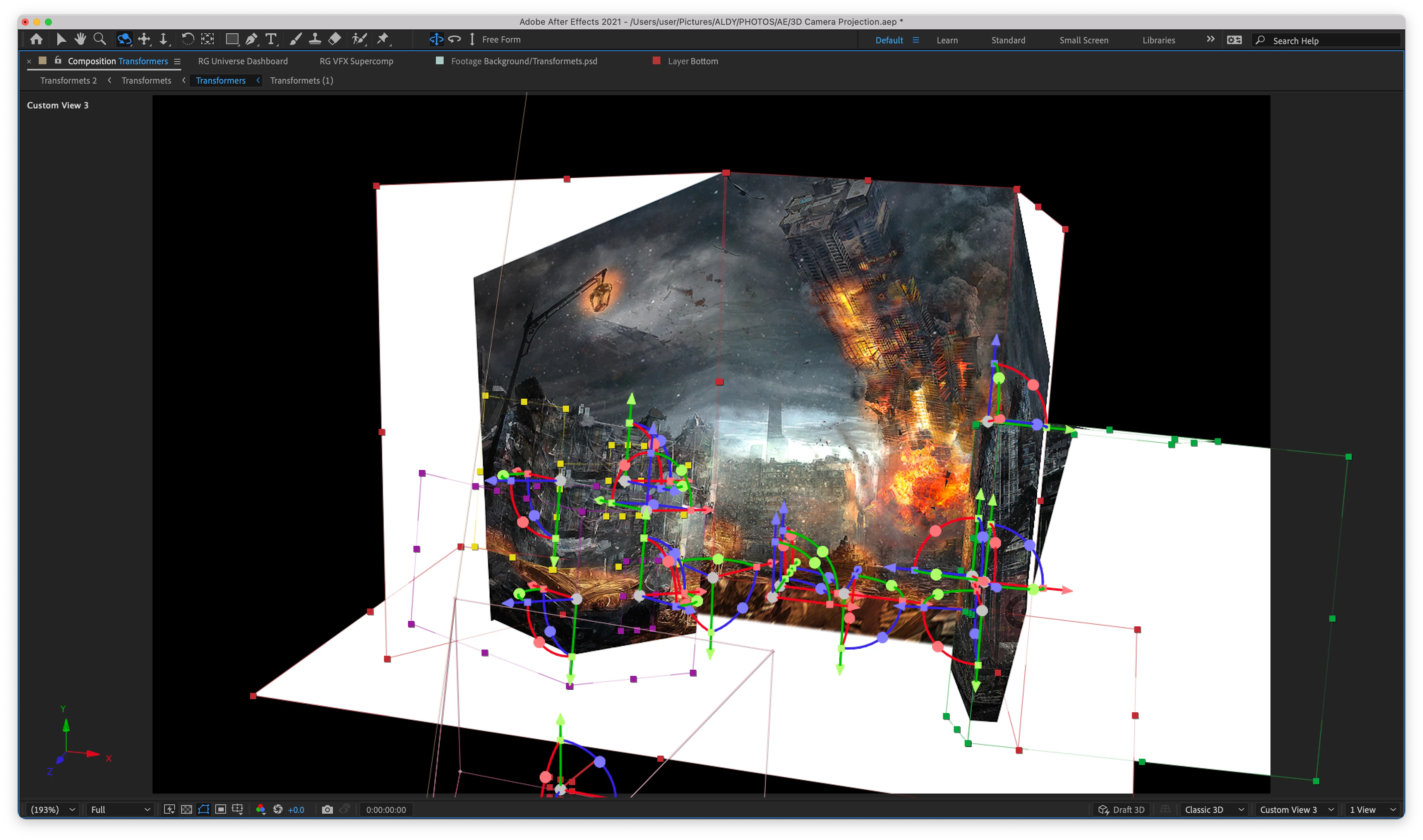
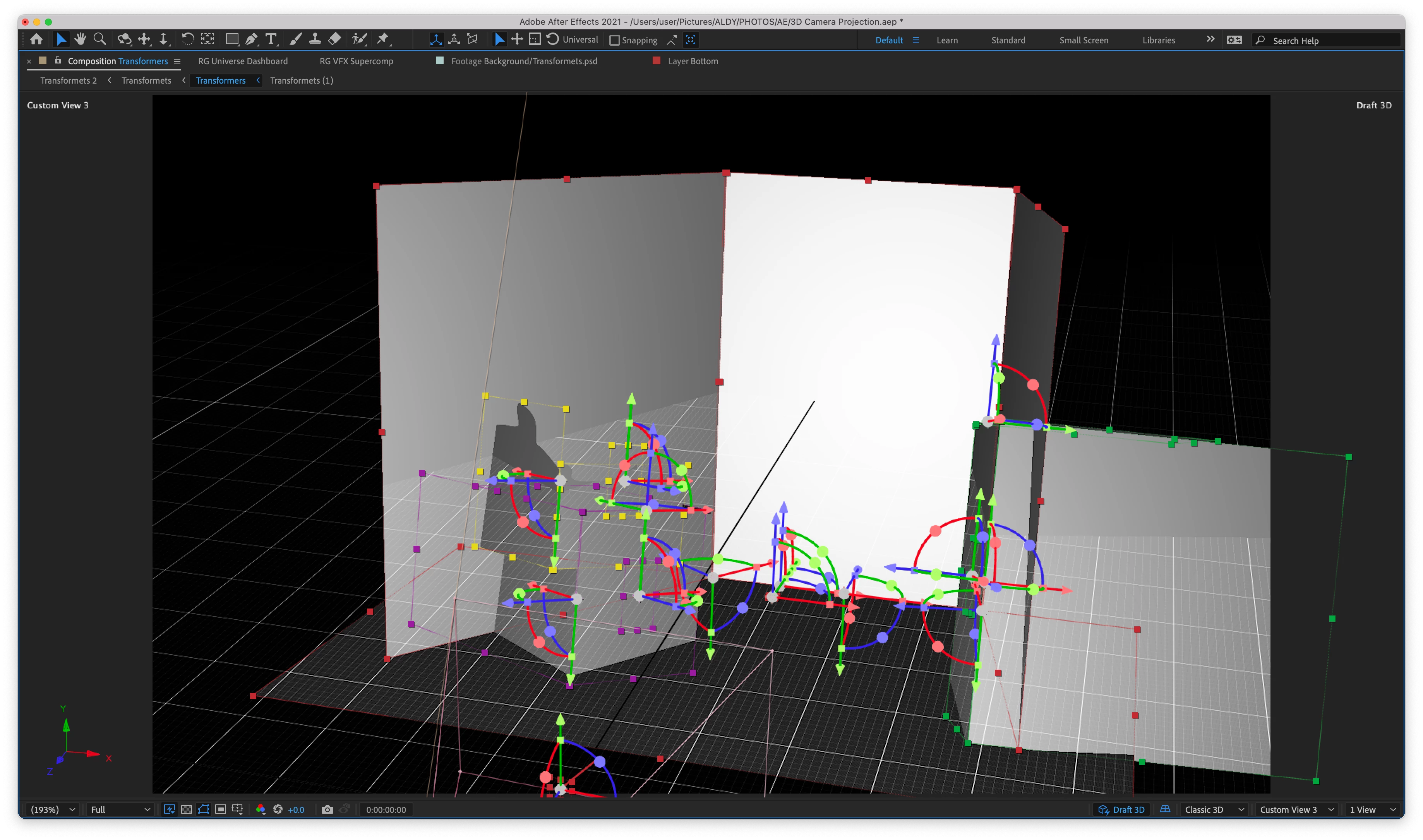
Each respective plane sets has their own parent axis (Nulls), Total of 4 Plane Sets, dragging this Null or even click on any of these plane layer will make AE Not Responding.
 AdChoices