
Proxy for 3D Content with Collapse Transformations
TL;DR: when I use a proxy with 3D content and collapse transformations, the proxy is placed at the wrong transformation/coordinates and the colors are wrong.
I'm creating an explanatory video for a technical topic. A WIP render is shown here (I've skipped to the part I'm starting to struggle with): https://youtu.be/fIhR3sXW0nA?t=248
The video involves lots of panning and zooming into the content, so I chose to use a 3D camera for the motion, and thus all my layers are 3D. Also, because I'm zooming into content and I need to maintain clarity, I've used "collapse transformations" on all my precomps. However, all the content is actually on the same plane.
The issue I'm encountering is that the performance of the After Effects UI is incredibly slow, and more so the further I go in the project, as new subject matter enters the scene. I've reached the point where it's almost unworkable, and as a result, my progress has slowed dramatically. I'm looking for ways to speed things up.
I'm already previewing at third or quarter resolution. Applying a "region of interest" doesn't make a significant difference to the performance.
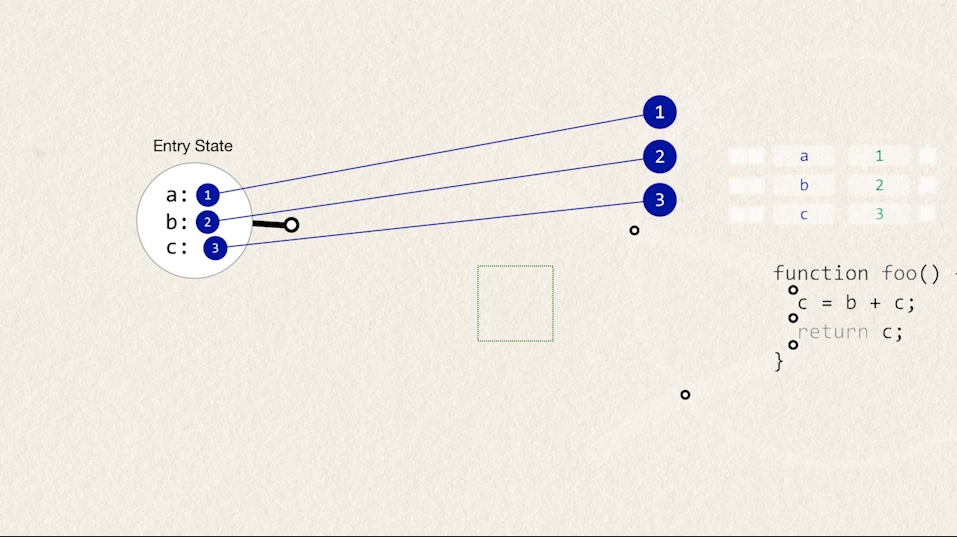
I wanted to try to use a proxy to accelerate things. After all, most of my content is stationary most of the time. However, when I create a proxy, it places it as the wrong spatial coordinates, and somehow the proxy image is lighter and harder to see (this happens with both video and image proxies).
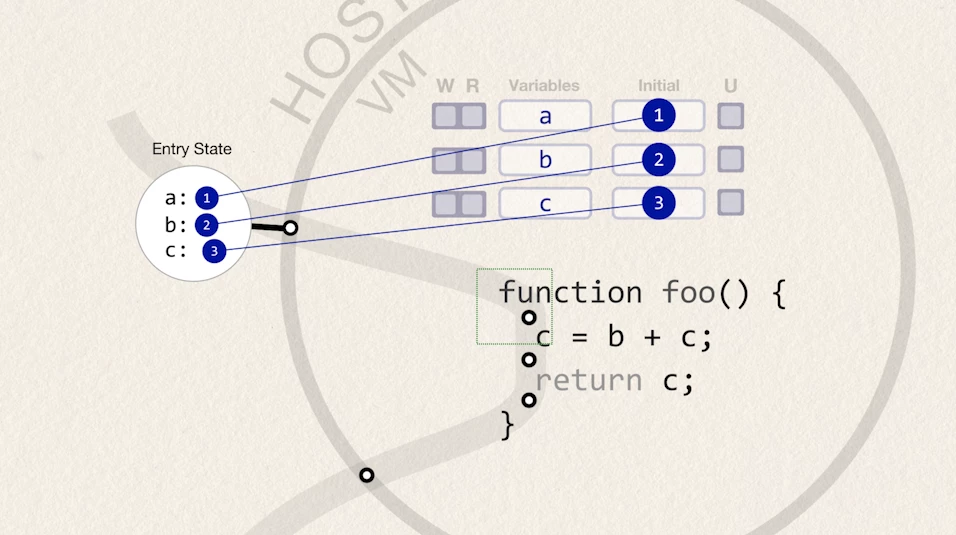
Here's what the original looks like:
Here's what it looks like with the proxy for some of the content:
Can anyone advise on how to fix these, or if there's a better way for me to achieve what I'm trying to achieve?
 AdChoices