


Participant
Dec 28, 2022 9:48 AM UTC
Answered

puppet tool

Hello! I have a very strange issue trying to use the puppet tool. I need to pin the top of the tail, but it's not possible, cause the only region I can make pins is this yellow area:
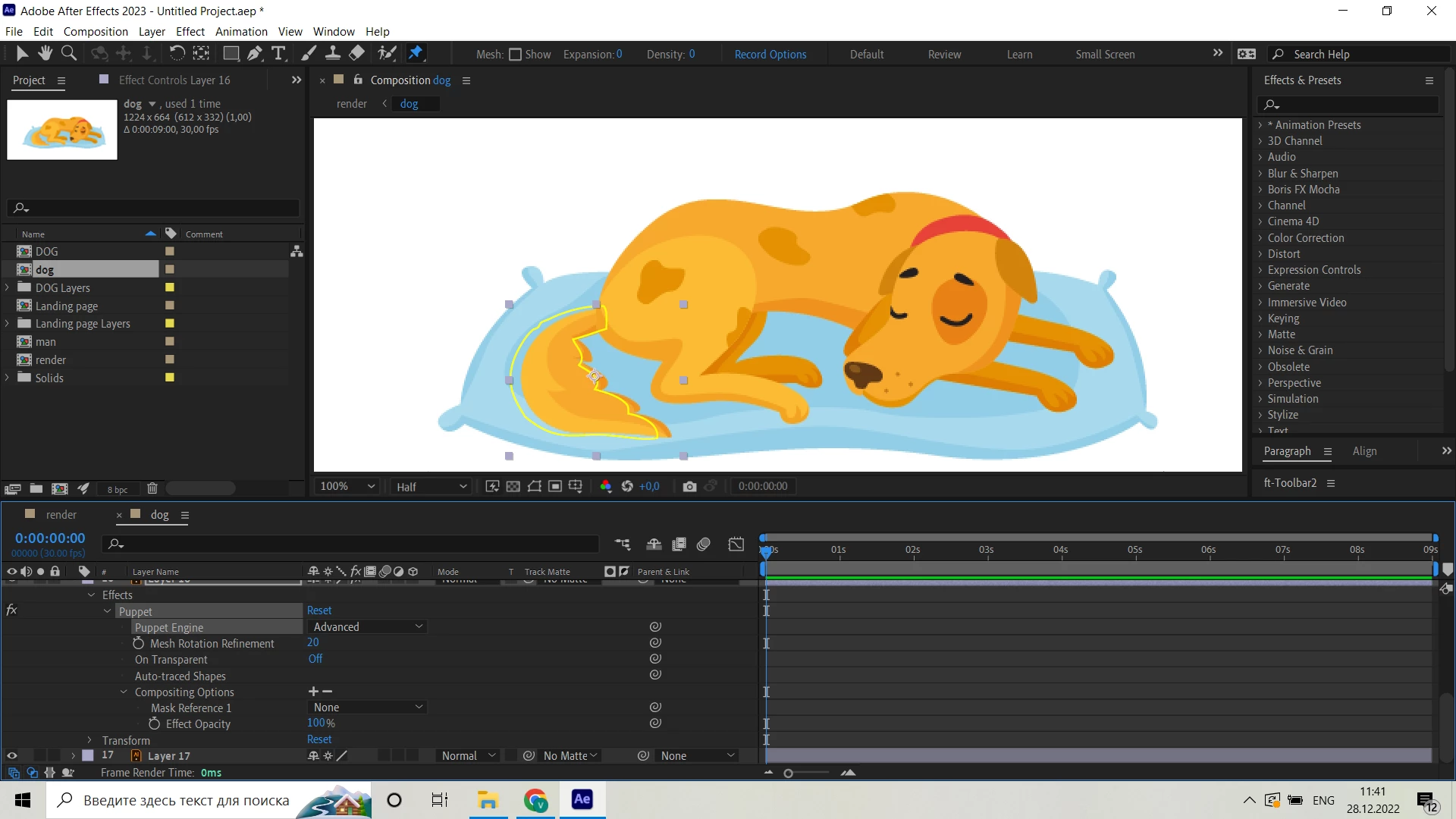
So the shape would be broken if I drag the pin:
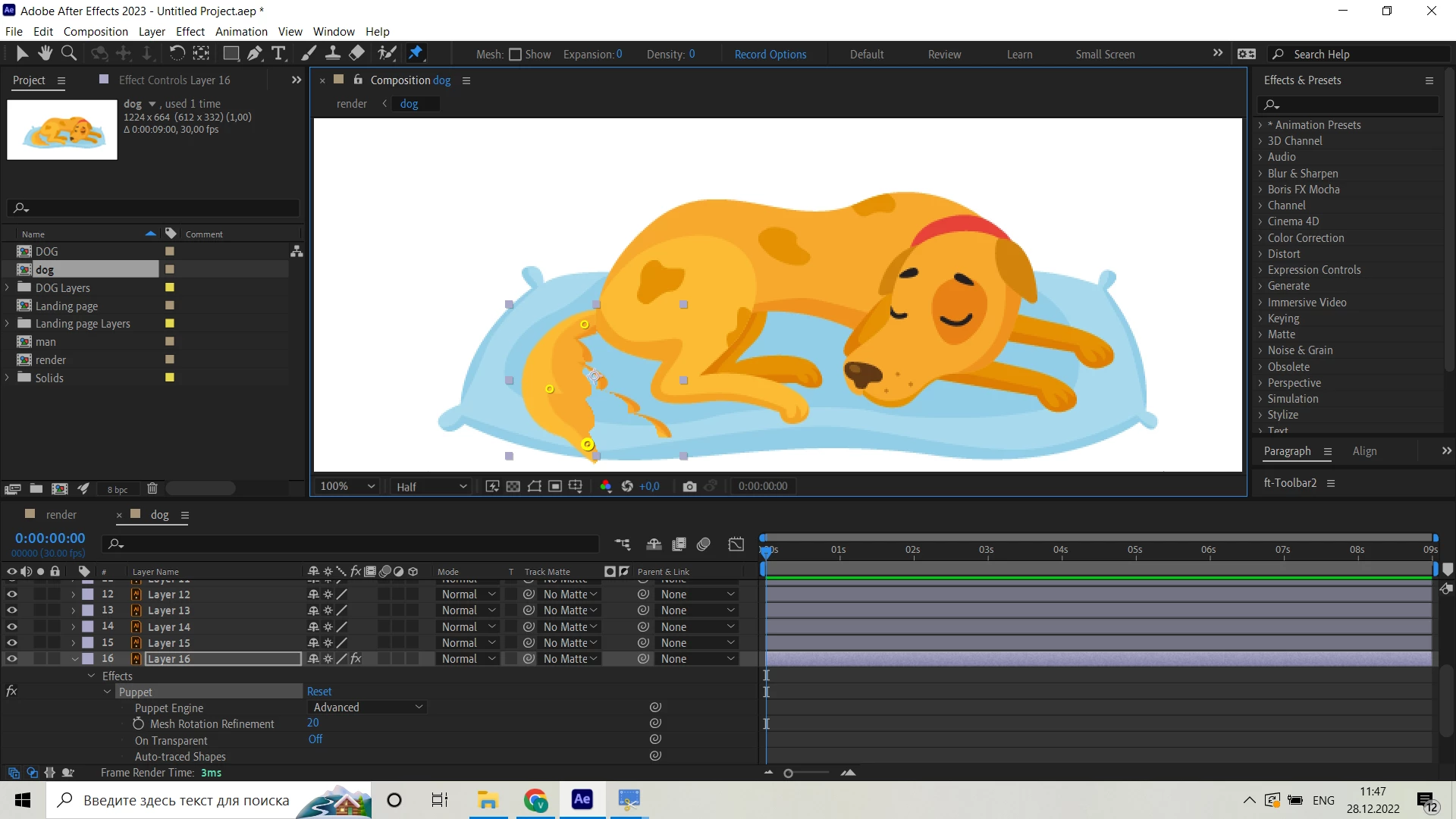
Please help, I'm desperate)

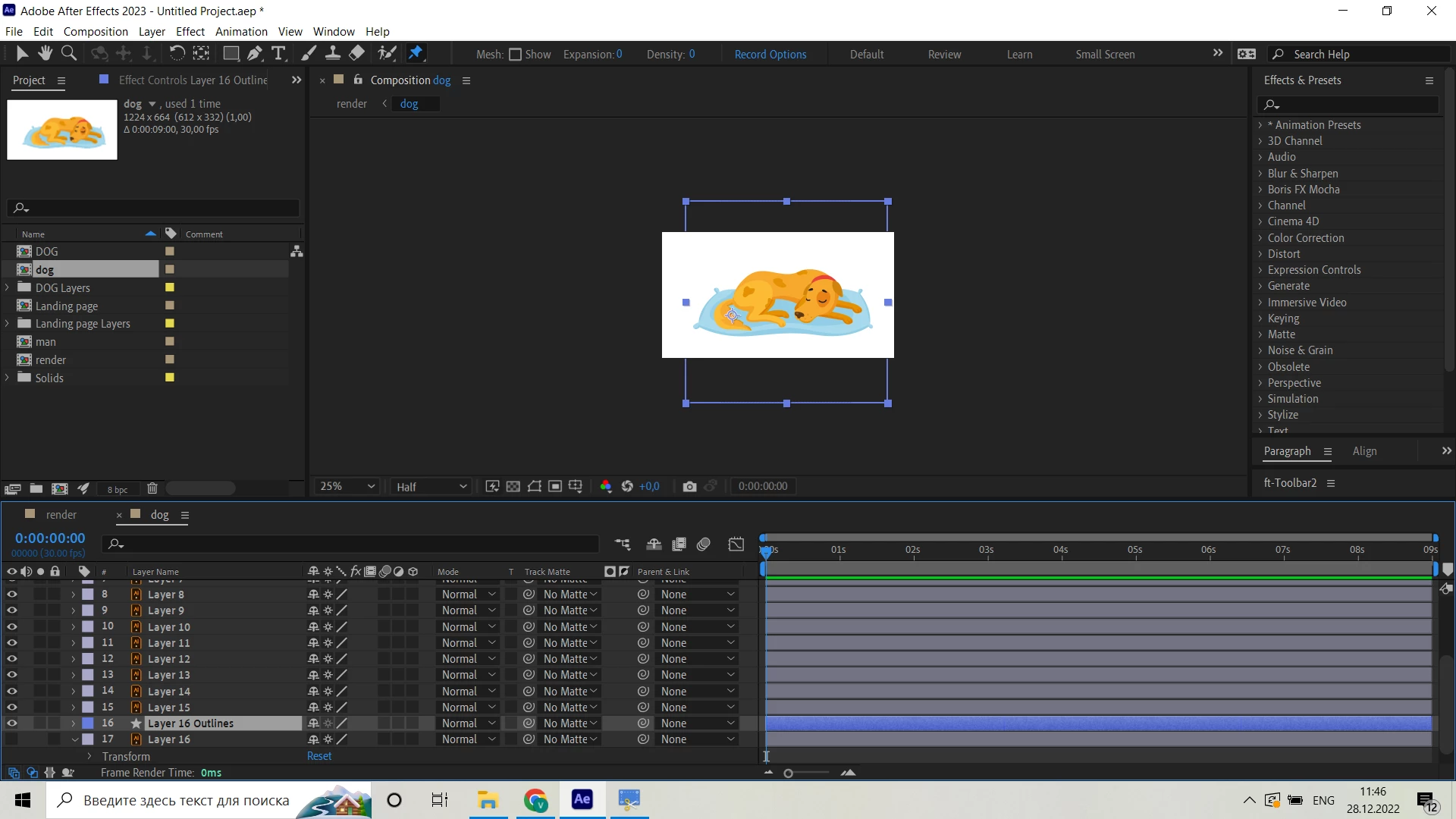
It happens with all the layers. I tried to create a shapes from vector files, but it's size is very unconvinient to work with:


This topic is closed to new replies. Start a new post to keep the conversation going.
vadim27726252pm2vCorrect answer
Participant
Dec 28, 2022 12:48 PM UTC

I used both Advansed and Legasy engines, doesn't matter

Thing was, that Expantion parameter in Mash was set on 0, I adjusted it to 20 and all went well

5 replies

unmesh.pansare
Participating Frequently
Nov 24, 2024 10:21 PM UTC

I recommend watching the following video: https://youtu.be/T4mjkVXfG80?si=sGcmmQigPZ-xWHFx
It clearly explains all the steps to create 2D character animations using the Puppet tool in After Effects.

Translate
Mylenium
Legend
Dec 28, 2022 10:32 AM UTC

He's using the Advanced engine, but the workflow is still wrong. This is not how it should be done.


Mylenium

Translate
vadim27726252pm2vAuthorCorrect answer
Participant
Dec 28, 2022 12:48 PM UTC

I used both Advansed and Legasy engines, doesn't matter

Thing was, that Expantion parameter in Mash was set on 0, I adjusted it to 20 and all went well

Translate
Mylenium
Legend
Dec 28, 2022 9:56 AM UTC

You cannot use continuous rasterization with the Puppet Tool. There is nothing wrong. It's how this stuff works. Turn off CR and/ or pre-compose your layers to the correct size before applying Puppet.


Mylenium

Translate
Participant
Dec 28, 2022 10:13 AM UTC

Dont think thats the case, cause I'm watching someone doing it very easily:


I tried to turn off CR and/or precompose it and I still have an issue


Translate