The_Kitty
Inspiring
December 4, 2022
Answered

Puppet tool not work with 3D layers

  • December 4, 2022
  • 2 replies
  • 748 views

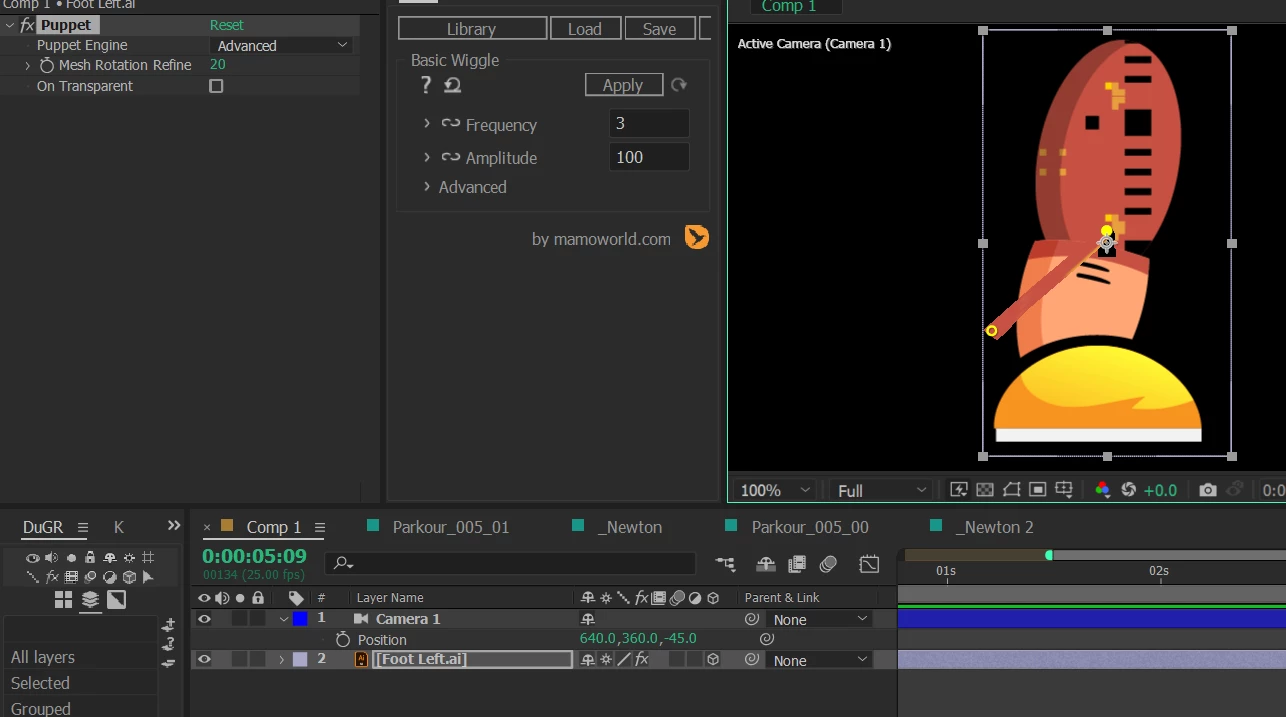
Hi, why does the puppet tool not work with 3D layers, does it only support 2D layers? thank
 

This topic has been closed for replies.
Correct answer ShiveringCactus

You could try the toComp expression with 3D null driving the 2d puppet pins. 

  • Create a 3D Null 
  • Hold ALT and click on one of you puppet pins.
  • Use the pickwhip to link to the null layer, then edit the expression to add toComp([0,0,0])

    thisComp.layer("Null 1").toComp([0,0,0])​
    This converts the 3D coordinates into 2D values.  It will allow you to deform a puppet, although it still won't make it 3D

2 replies

ShiveringCactus
Community Expert
ShiveringCactusCommunity ExpertCorrect answer
Community Expert
December 4, 2022

You could try the toComp expression with 3D null driving the 2d puppet pins. 

  • Create a 3D Null 
  • Hold ALT and click on one of you puppet pins.
  • Use the pickwhip to link to the null layer, then edit the expression to add toComp([0,0,0])

    thisComp.layer("Null 1").toComp([0,0,0])​
    This converts the 3D coordinates into 2D values.  It will allow you to deform a puppet, although it still won't make it 3D
Mylenium
Legend
December 4, 2022

Yes, this is just how it works. If you need to modify your stuff, you need to pre-compose it and treat it in 2D.


Mylenium