


Known Participant
Mar 5, 2025 8:29 PM UTC
Question

Push/Pull Objects Around Null

Hello all,


I'm trying to create a target reticule effect where four separate objects converge on a central point. To do this, I've parented them to a null object and set up a script to work off the null's scale property.
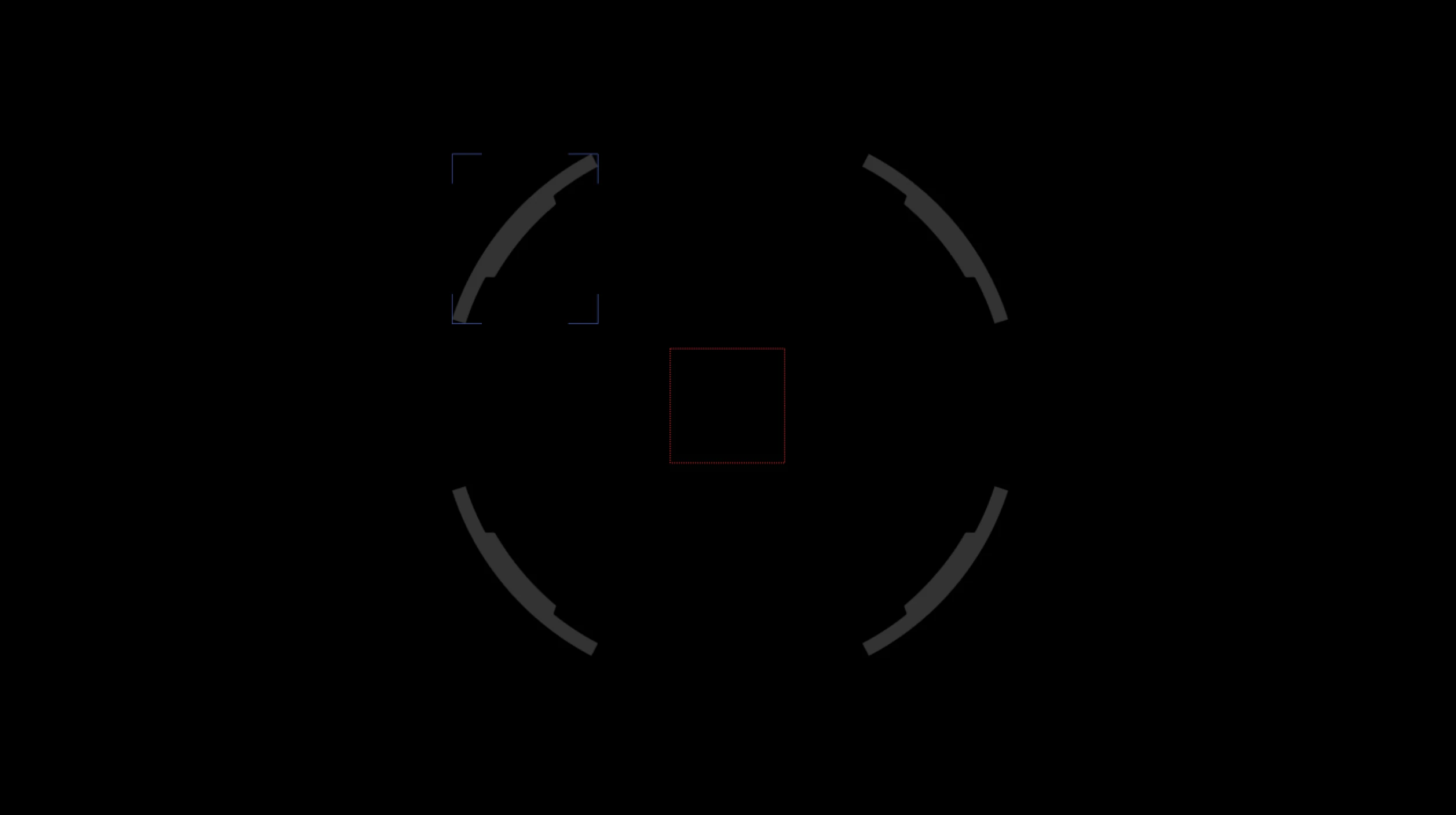


The script I use is:


pSc = parent.scale;
x = value[1]*100/pSc[1];
y = value[0]*100/pSc[0];
[x,y];


I also use a separate script to maintain the child layers' scale, but that doesn't seem relevant to my struggle.


The problem occures when I change the parent scale and the entire array moves in a uniform direction. Instead of converging on the center, I wind up displacing the array.
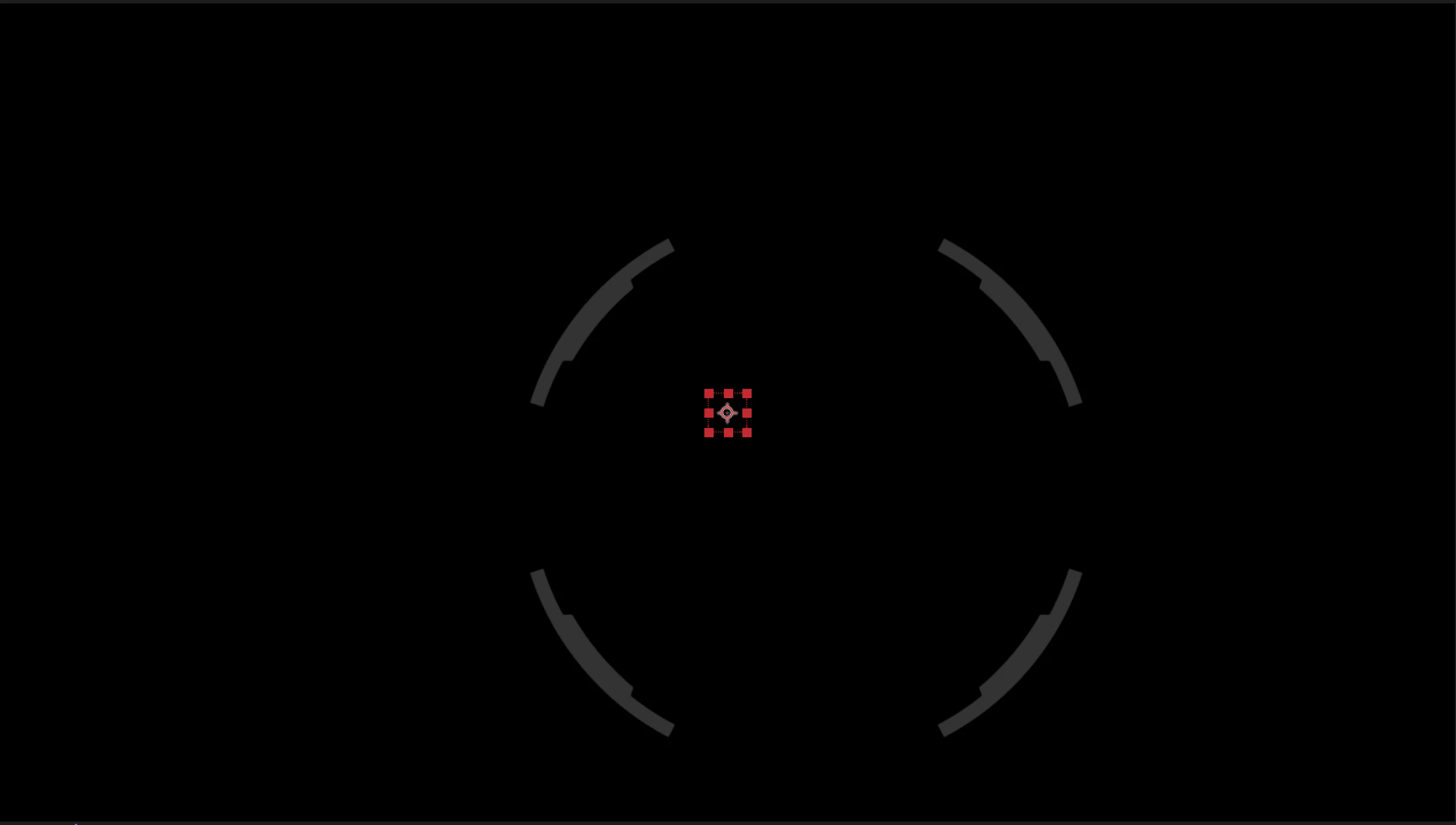


As far as I can tell, the object in the upper left is moving as I wish. It's the other three that need some kind of inversion, but I'm not sure how to modify the script to accomplish this.


Any suggestions?

5 replies

Community Expert
Mar 5, 2025 9:50 PM UTC

What have you done about the anchor points? Do you want to maintain the layers' size while changing the position? If you need to keep size but have the scale of the parent affect the position, then you need calculations on both scale and position/anchor point. The other option is to avoid parenting and use the scale value of a null to offset the anchor point of the objects you want to move or set up a slider to control position offset from the center.


It would help us help you if we saw a screenshot of your timeline showing the modified properties of the problem layers. Just press the 'u' key twice and share a screenshot.

Translate
Known Participant
Mar 5, 2025 10:04 PM UTC

I do want to keep each layer a consistent size while changing the position. I experimented with the anchor point location and found that setting all the points to be at the composition's center was the least-bad outcome.


I searched online a great deal before asking here and what I currently have is the best option I found. I would like to do this simply and if setting up a slider is a better option then I'd rather use that. Problem is I'm not very strong at scripting so I'm not sure how to start.


Here is a screenshot of my expressions and the layout of one object.

Translate
Known Participant
Mar 5, 2025 11:15 PM UTC

Ah, success! Your suggestion about linking the anchor point ot the scale worked for one of the objects. Then I tried using the mirror effect twice to create duplicates that now move the way I wanted.


Thanks for the idea!

Translate
Dan Ebberts
Community Expert
Community Expert
Mar 5, 2025 9:47 PM UTC

Have you tried positioning the parent at the center of the 4 child objects?

Translate
Known Participant
Mar 5, 2025 10:01 PM UTC

Yes, it's located dead-center. I've also set the anchor points of all four objects to match.

Translate