
Question
Question: Motion tile - like effect with autoresizing/scaling?
Hello all,
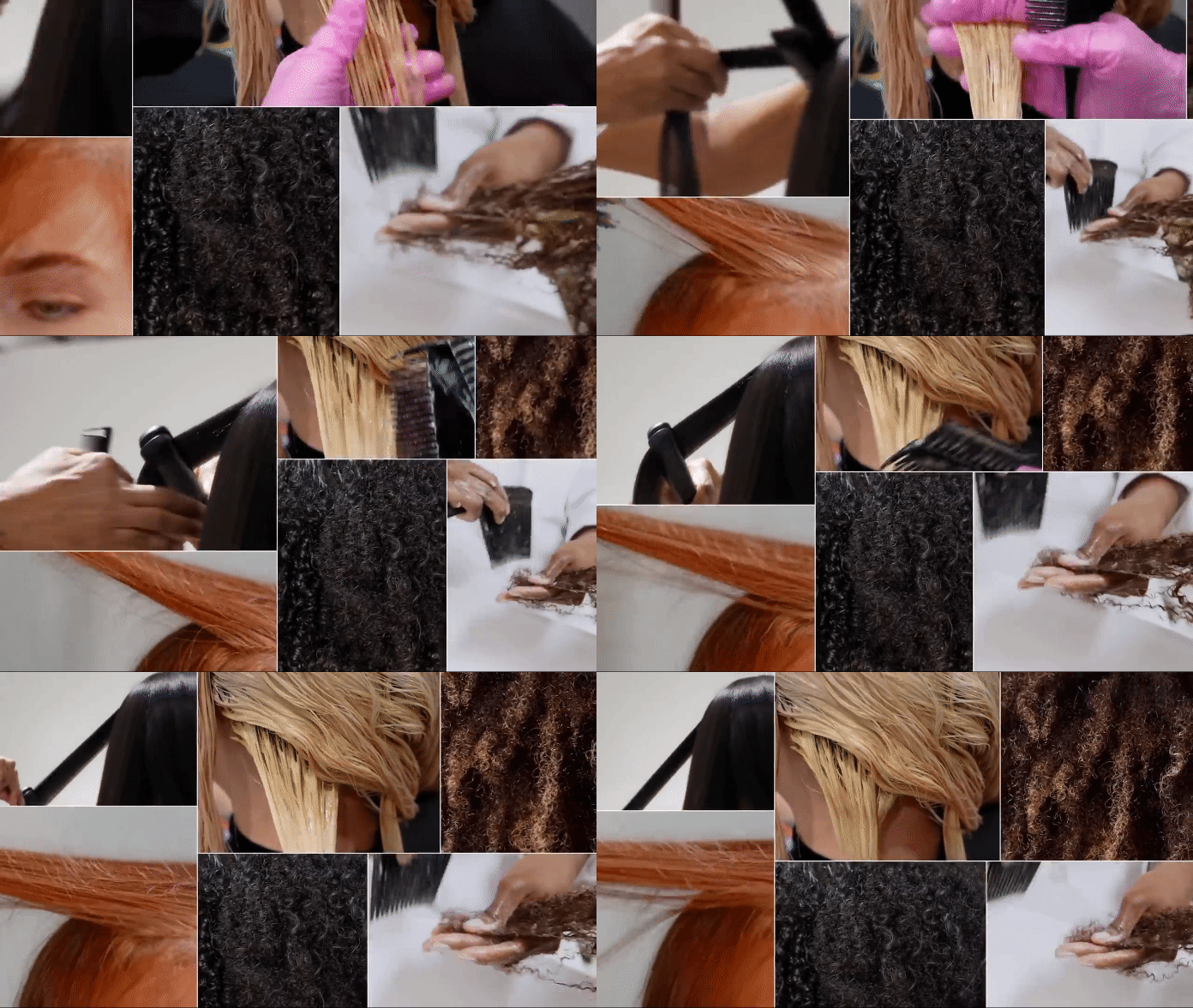
I saw this clip a while back and really loved this motion-tile type of collage, where the individual frames sort of scale and as one scales, the others interactively scale smaller or larger - it gives it a very organic feel. I have been trying to recreate this in AE, what I thought originally was just super simple but am completely dumbfounded and unable to achieve the same look. I have tried finding tutorials but nothing helpful except for just typical boring motion tile type of tutorials that are quite basic.
I have become quite familiar with AE but am not as well-versed yet so I am learning but a pretty quick learner so this may end up being just a super simple thing to do and I am overthinking it completely. I have tried all sorts of stuff already but nothing very effective or efficient. I don't want just basic motion tile, again i really want that interactive-ness that the individual frames have with each other.
Any tips or advice would be greatly appreciated!
Thank you


 AdChoices