Participant
April 9, 2025
Answered

Race Condition in After Effects UI Panel

  • April 9, 2025
  • 3 replies
  • 504 views

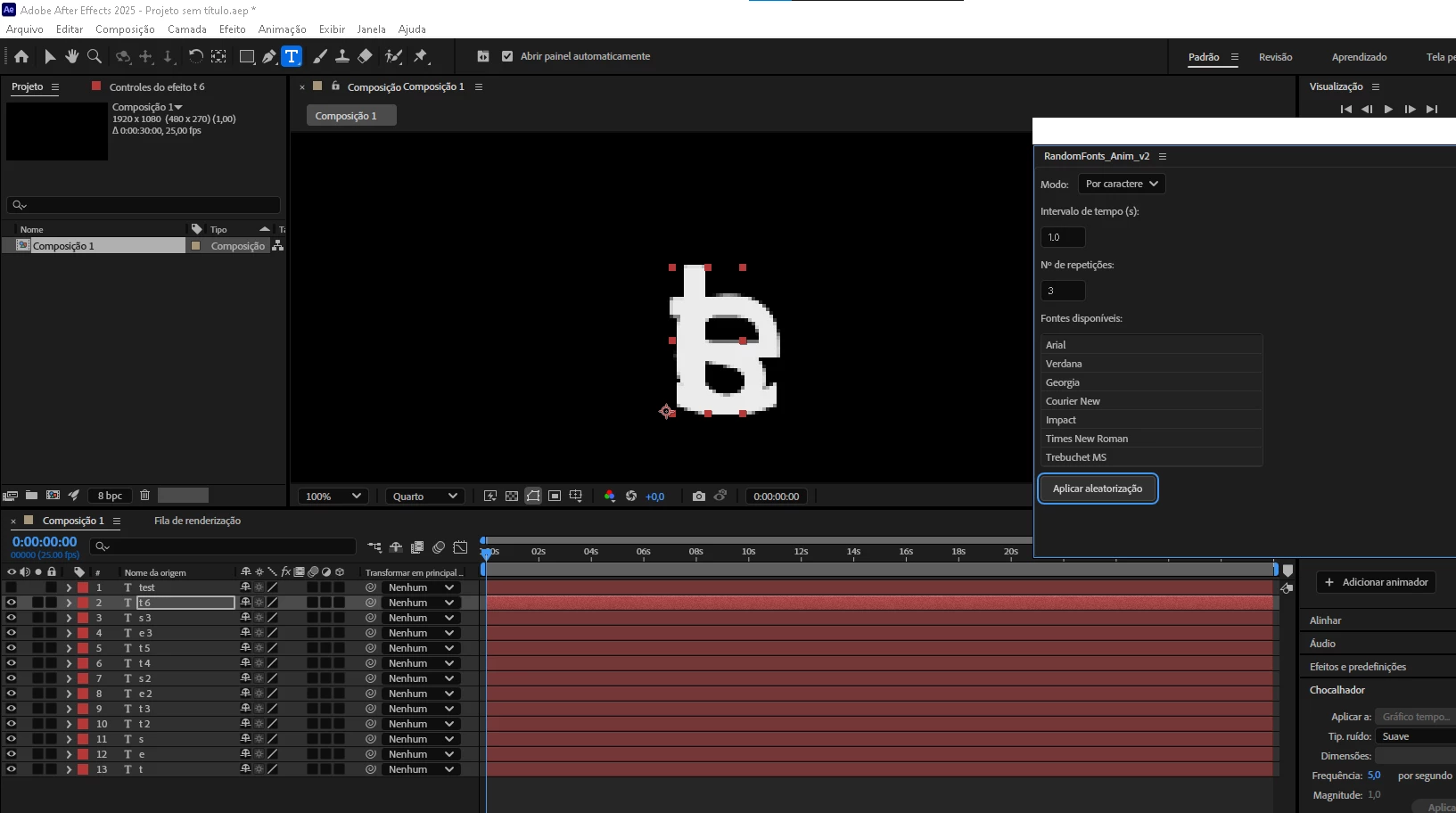
I'm trying to make an After Effects script for the first time. The idea is to basically randomize the fonts of the text layer by character or by word.

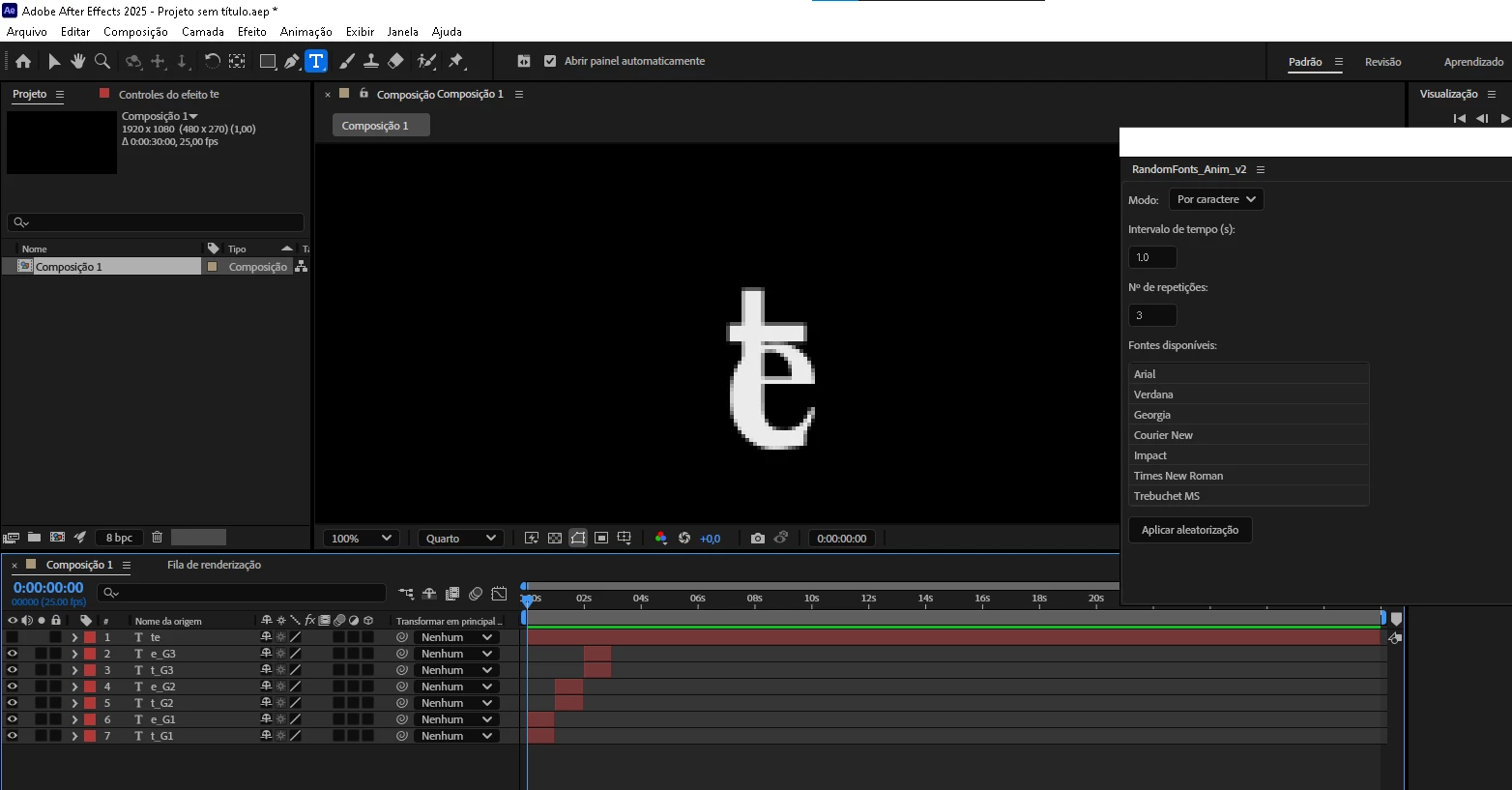
I'm using Deepseek and ChatGPT to try to make it work cause i have few to none coding abillities and it almost works. The thing is that After Effects can't change the font os characters individually so the script needs to take the text from the text layer and create a new text layer for each character and then randomize the font of the new text layers. So I did that part and it works, but for it to work the way I want to it needs to change the font multiple times, then I would need a unique layer for each character and font type. Also did that part and it works, but when running everything together with a simple cut to simulate the font changing it stops working. ChatGPT said it should work with long sentences but it barely works with 2 character words. Can anyone help me?https://github.com/gariigolt/RandomFonts/blob/main/RandomFonts_v2.jsx 
Correct answer Dan Ebberts

It looks like you're using AE 2025, and per-character styling access was added in AE 24.3, I think. So you should be able to do something like this to get random per-character fonts:

var fonts = ["ArialMT", "Verdana", "Georgia", "CourierNewPSMT", "Impact", "TimesNewRomanPSMT", "TrebuchetMS"];

var textLayer = app.project.activeItem.layer(1);
var textDoc = textLayer.sourceText.value;
var myRange;
var myFont;

for (var i = 0; i < textDoc.toString().length; i++){
	myRange = textDoc.characterRange(i);
	myFont = fonts[Math.floor(Math.random()*fonts.length)];
	myRange.font = myFont;
}
textLayer.sourceText.setValue(textDoc);

3 replies

Participant
June 9, 2025

You’re on the right track with splitting each character into its own text layer and then randomizing fonts. The reason it “barely works” with short strings is likely a race condition – the script is trying to create and style dozens of layers at once, which After Effects can’t always keep up with.

Two quick ways to stabilize it:

1. Batch the work with small delays
Rather than processing all characters at once, group them in batches (say 5–10 letters), then pause ($.sleep(50)) between batches. This gives AE time to update and prevents overload.

2. Use AE’s new per‑character styling (2025 version onwards)
In the latest After Effects, Apple has added real per-character style controls. If you’re using AE 2025+, you can skip creating separate layers entirely. Just loop through text.animator.group(1).selector("ADBE Text Selector") and apply different fonts directly to each character. No layer explosion needed.

Roland Kahlenberg
Legend
June 10, 2025

This - 
text.animator.group(1).selector("ADBE Text Selector")

works as a Text Animator?


Very Advanced After Effects Training | Adaptive &amp; Responsive Toolkits | Intelligent Design Assets (IDAs) | MoGraph Design System DEV
Sébastien Périer17107209
Community Manager
After Effects Sr. Quality Engineer
April 10, 2025

Hi @joao28636630ylkc ,


If you want to experiment with an already built script, we released a demo script when per character styling was announced in beta. You can grab it here: https://community.adobe.com/t5/after-effects-beta-discussions/per-character-scripting-public-beta-announcement/td-p/14247138

You will be able to see how we built the panel and the functionality. Since you're new to scripting, I'd recommand starting with @Dan Ebberts example, and then move to the demo panel. 

Hope this helps,


Sébastien Périer

After Effects Quality Engineering

Dan Ebberts
Community Expert
Dan EbbertsCommunity ExpertCorrect answer
Community Expert
April 10, 2025

It looks like you're using AE 2025, and per-character styling access was added in AE 24.3, I think. So you should be able to do something like this to get random per-character fonts:

var fonts = ["ArialMT", "Verdana", "Georgia", "CourierNewPSMT", "Impact", "TimesNewRomanPSMT", "TrebuchetMS"];

var textLayer = app.project.activeItem.layer(1);
var textDoc = textLayer.sourceText.value;
var myRange;
var myFont;

for (var i = 0; i < textDoc.toString().length; i++){
	myRange = textDoc.characterRange(i);
	myFont = fonts[Math.floor(Math.random()*fonts.length)];
	myRange.font = myFont;
}
textLayer.sourceText.setValue(textDoc);
Participant
April 10, 2025

this works great!! Thanks! I'm having trouble creating a UI Panel with the installed fonts to select wich ones I want to randomize from. Every version of the script I try seems to work but no fonts are shown, the scrypt apeer to not be able acces the fonts. Would you happen to know how to fix this?