juliam28505064
Participant
February 6, 2017
Answered

Rasterize button is greyed out in Adobe After Effects

  • February 6, 2017
  • 1 reply
  • 13087 views

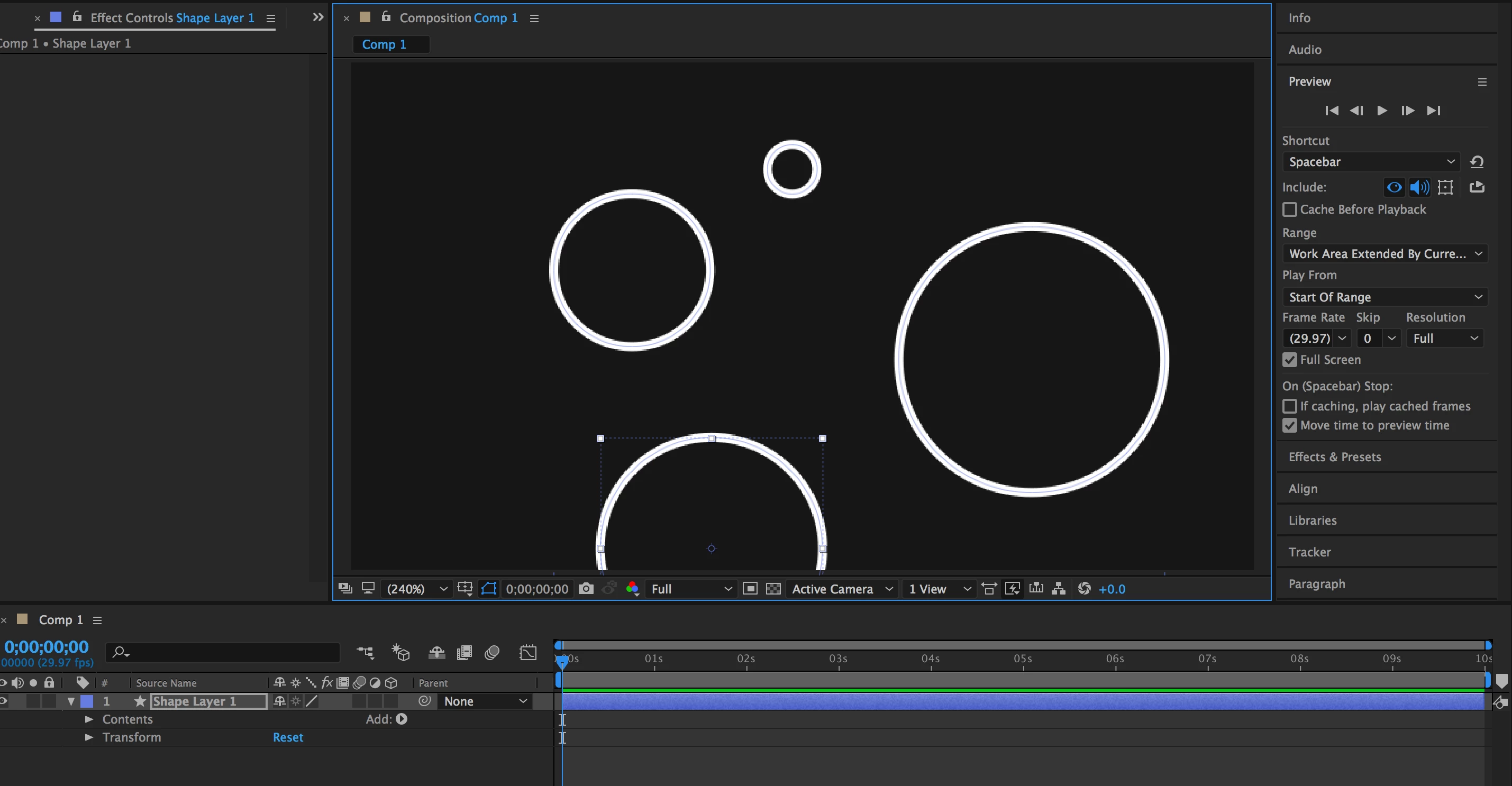
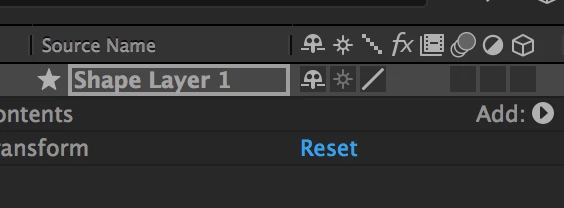
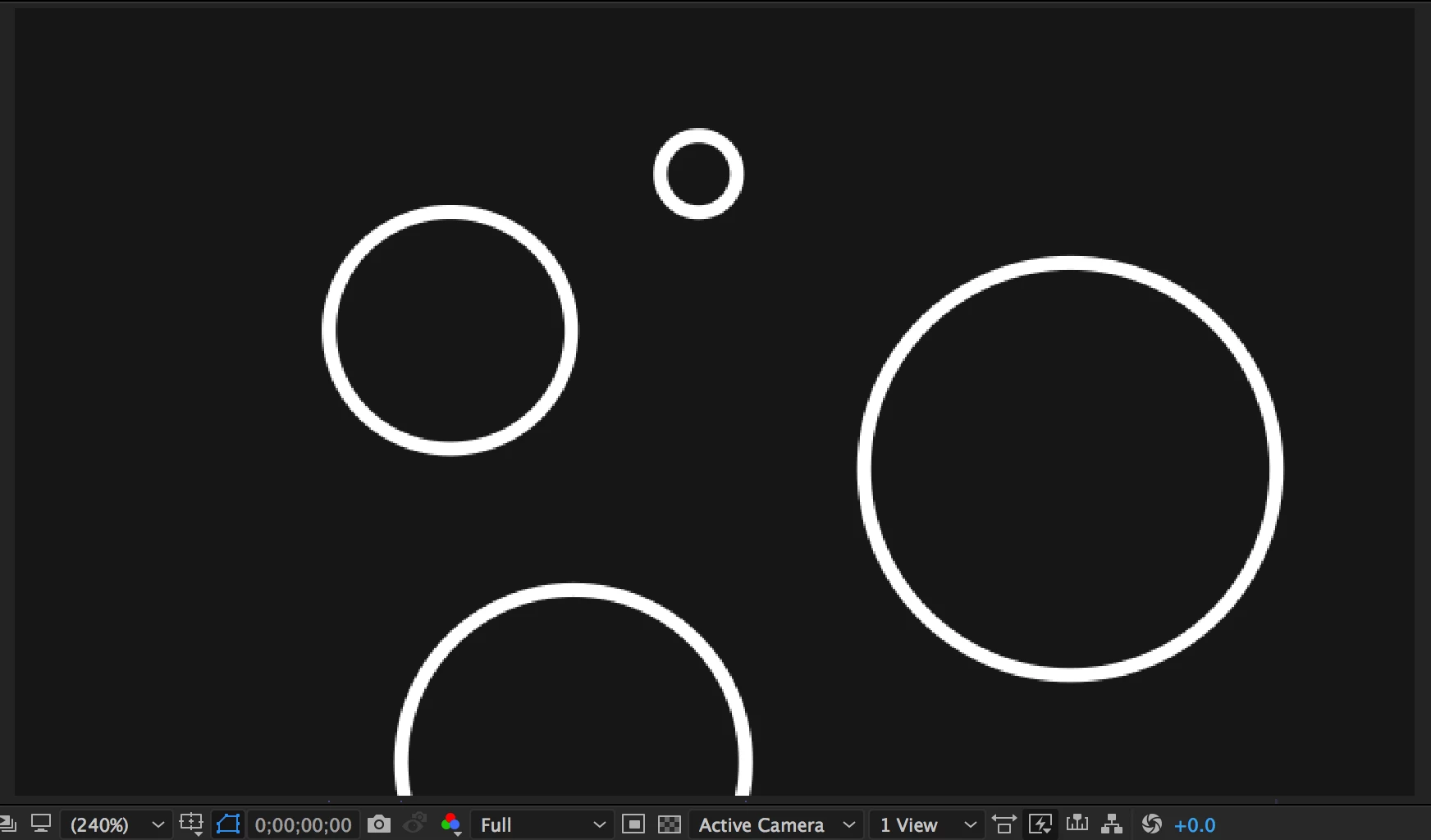
I am having an issue with my continuous rasterize mode in AE CC (2017). My continuous rasterizing has never had problems until now and I'm very confused as to why it's acting up. It says it is switched on but it is also greyed out and won't let me switch it off. My shapes look pixelated even at 200%.
This topic has been closed for replies.
Correct answer Roei Tzoref

shape and text layers are always continuously rasterized. it is not disabled, it's always on.

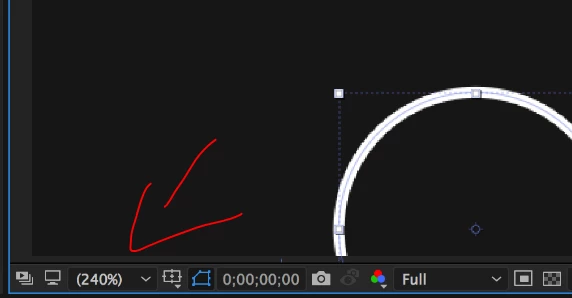
you are viewing your composition in a magnification of above 100% and that's why you are seeing pixels

1 reply

Roei Tzoref
Roei TzorefCorrect answer
Legend
February 6, 2017

shape and text layers are always continuously rasterized. it is not disabled, it's always on.

you are viewing your composition in a magnification of above 100% and that's why you are seeing pixels

juliam28505064
Participant
February 6, 2017

Got it! Thanks!