
Electric_Marvel5FEC
Known Participant
September 26, 2020
Question

Rasterizing Ai Layers in After Effects Issue

  • September 26, 2020
  • 1 reply
  • 264 views

Hi,
I have an issue about rasterizing Ai layers in Pre-Comps. when I rasterize all Ai layers in a Pre-Comp everything works and looks just fine, but in the main composition I have this issue:

1. If I don't rasterize the Pre-Comp, the resolution looks bad.
2. If I do rasterize the Pre-Comp, it makes some layers disappear.

Here are some screenshots from my project:

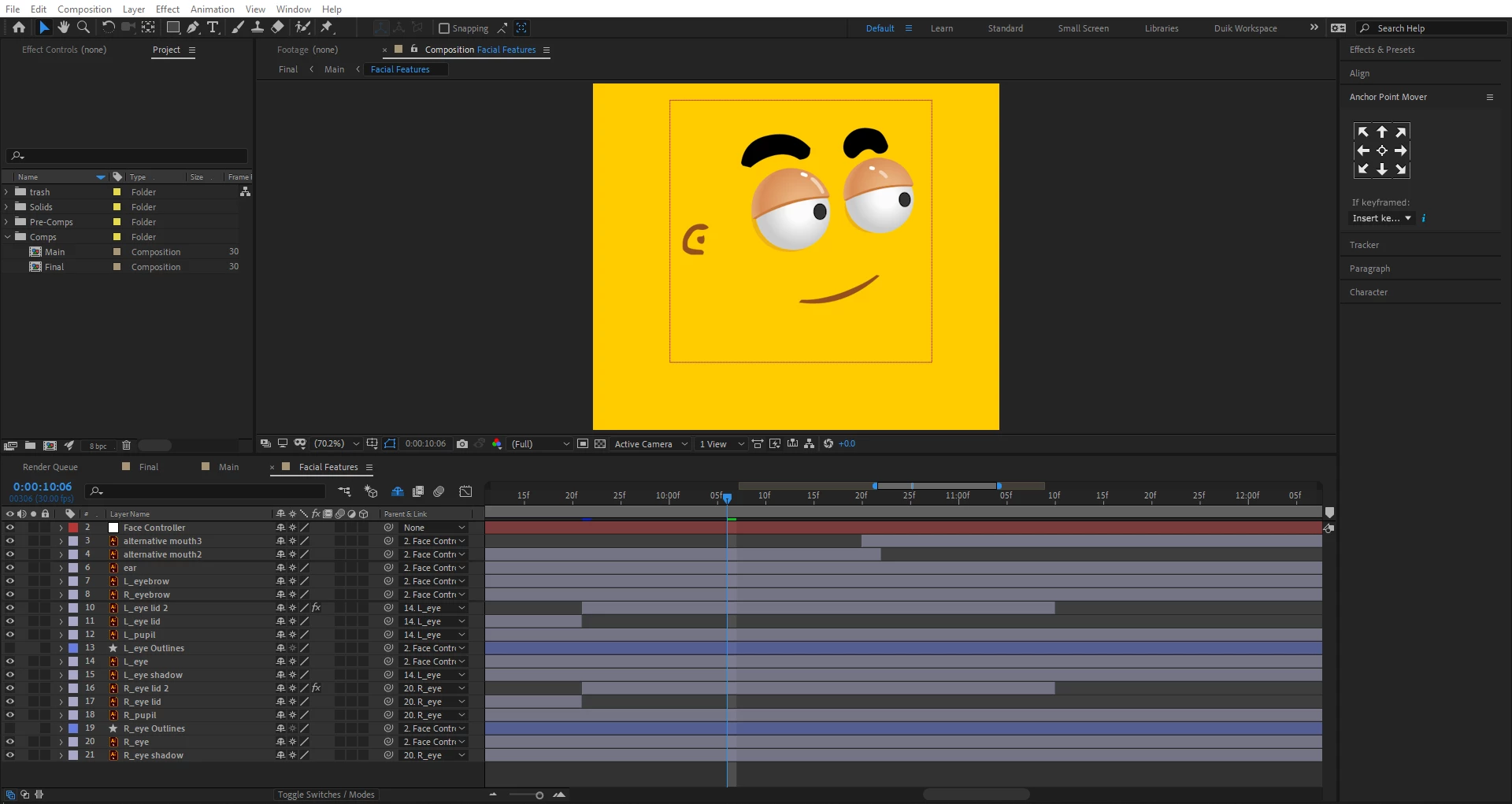
1. The Pre-Comp I'm referring to is "Facial Features", and that's how it looks (everything is rasterized).
 

2. The Pre-Comp is not rasterized, and the quality of it drops down.
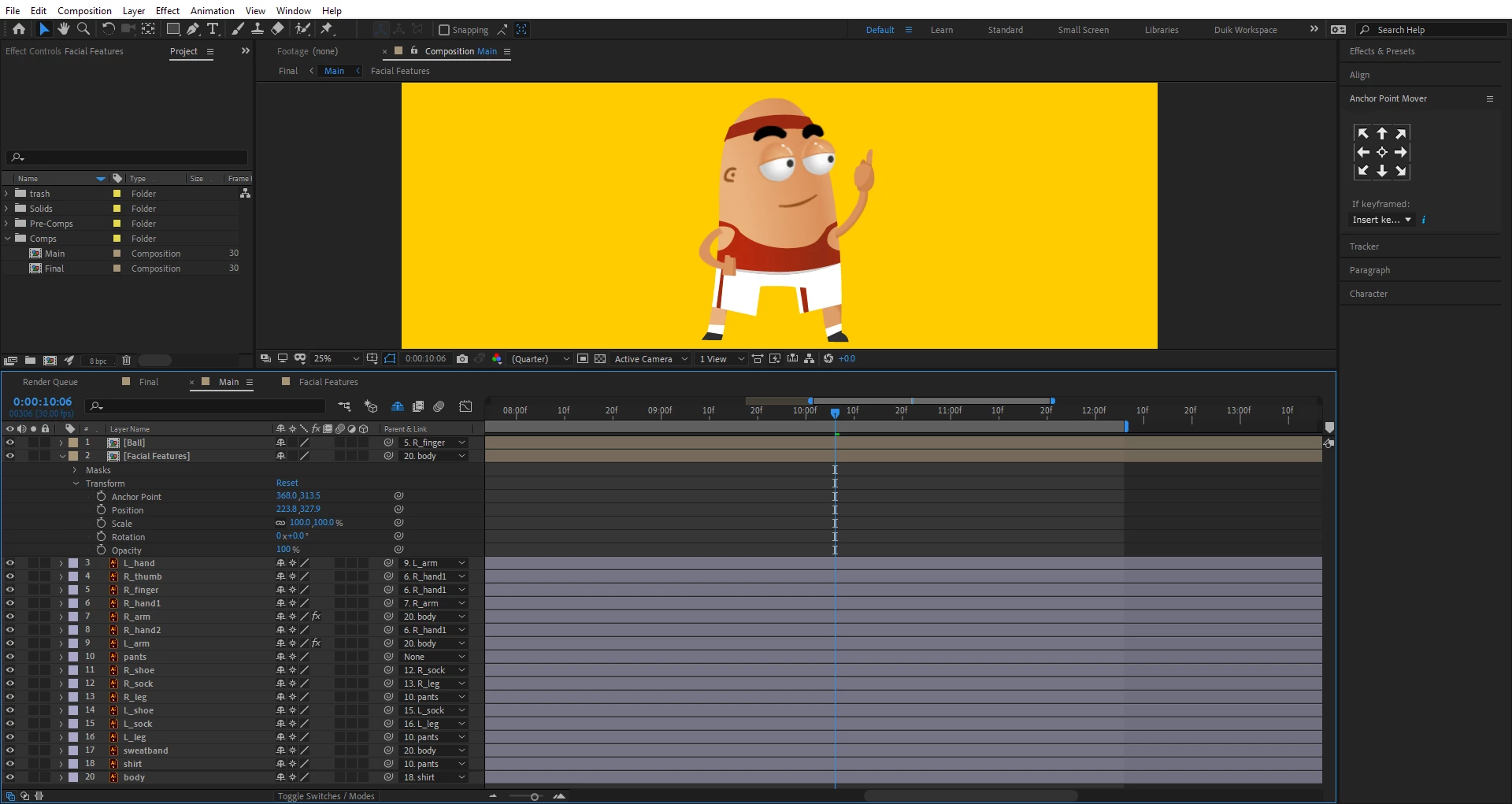
3. The Pre-Comp is rasterized, and 2 layers disappear ("R_eye lid 2" and "L_eye lid 2").

4. When I try un-rasterizing everything inside Pre-Comp, it makes the 2 eye lids layers and kind of masking them into a circle. It also drops the resolution down.
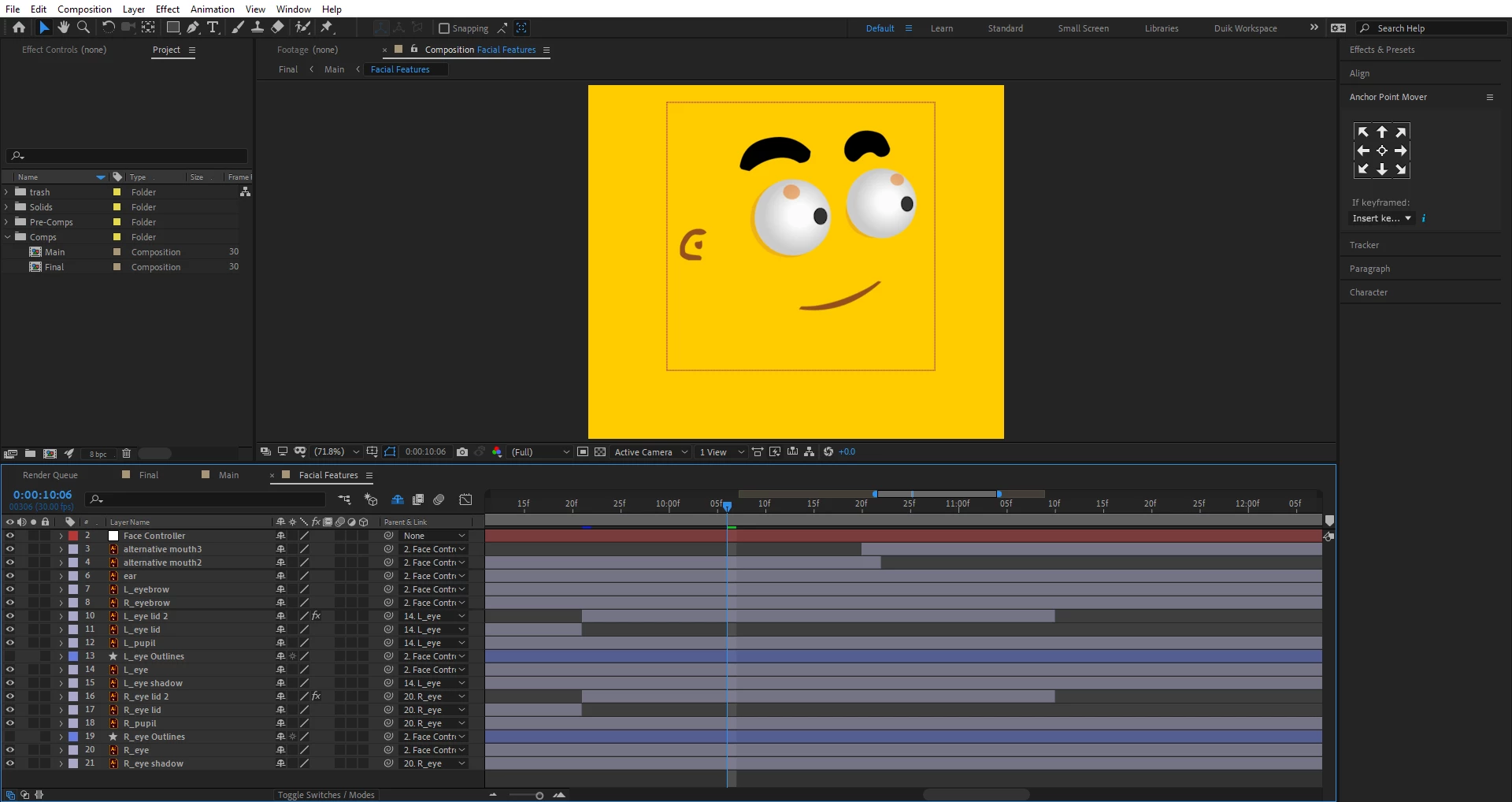
 

Note: In the main composition the eye lids disappear at 0:00:09:21, exactly where I split the eye lids layers and "R_eye lid 2" and "L_eye lid 2" start.


Thanks for the help!

This topic has been closed for replies.

1 reply

Mylenium
Legend
September 26, 2020

This is pretty much expected and normal behavior. Enabling CT/ CR changes the transform order as explained in the online help and a million tutorials. You are only making your life complicated by insisting on not designing your artwork to the actual resolution and trying to "fix" it by using CR. Also you are not structuring/ grouping your work by using pre-comps. Your extensive use of parenting all over the place clearly doesn't make things easier, either. All that being the case, I would suggest you go back to Illustrator and axctually start by scaling your artwork to the correct artboard size at 72 DPI and in AE make up your mind which items actually need to be CR'ed, only enabling this option in the parent comp once you have structured your work and the anchor points are really where you need them to be, so the parenting produces consistent coordinates.


Mylenium